1. 서론
This manual provides instructions for the setup, operation, and maintenance of your ViewSonic VX2770SMH-LED 27-inch IPS 1080p Frameless LED Monitor. This monitor features a sleek design, Full HD 1920x1080 resolution, and an IPS panel for wide viewing angles and accurate color reproduction. It includes HDMI, DVI, and VGA inputs, along with integrated speakers.
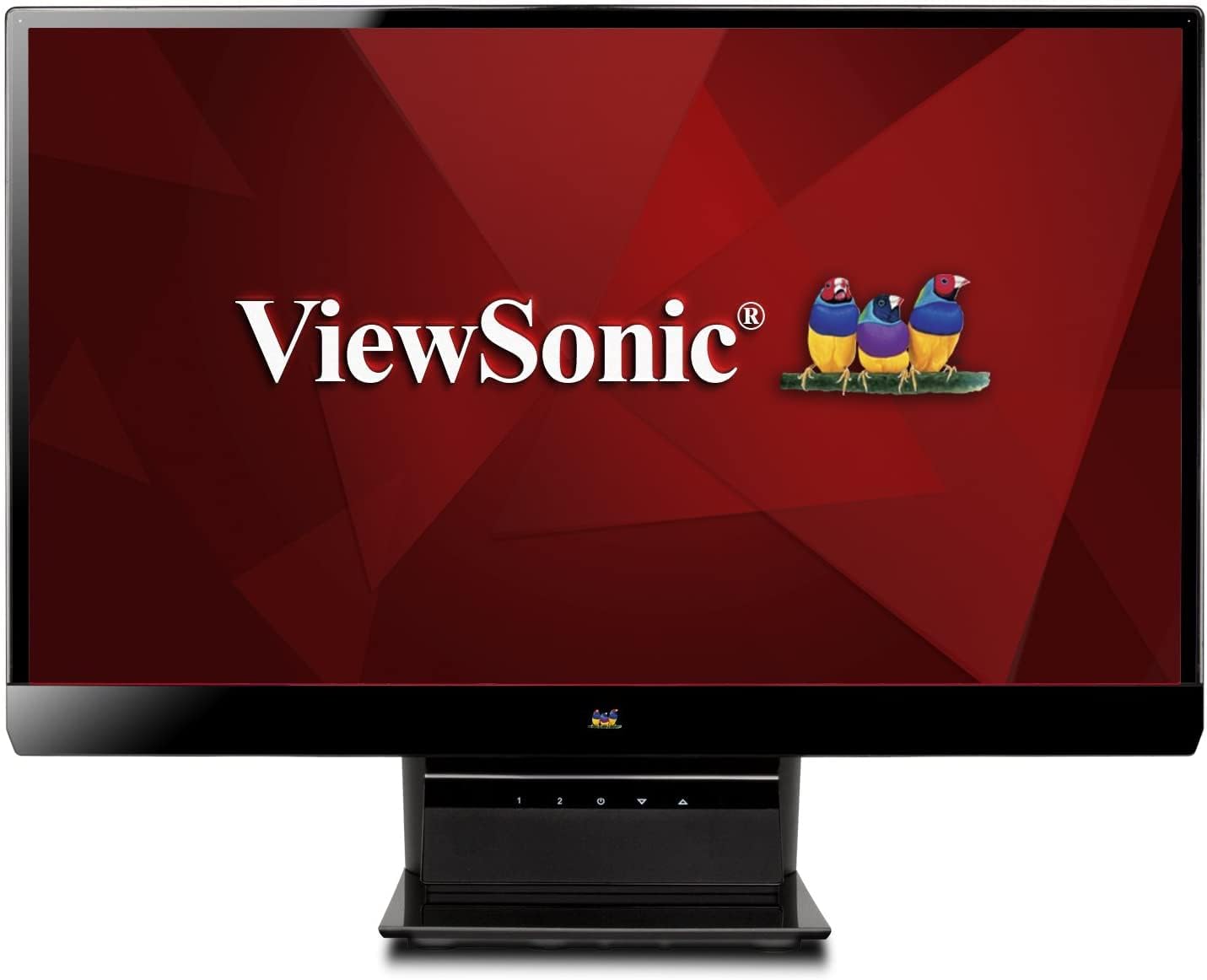
그림 1: ViewSonic VX2770SMH-LED 27-inch monitor displaying a tropical beach scene.
2. 패키지 내용
제품 패키지에 모든 품목이 들어 있는지 확인하세요.
- VX2770Smh-LED display
- 전원 케이블
- AC/DC 어댑터
- VGA 케이블
- HDMI 케이블
- 빠른 시작 가이드
- View소닉 마법사 CD
3. 설정
모니터를 설정하려면 다음 단계를 따르세요.
- 스탠드 조립: Carefully attach the monitor panel to the stand base according to the Quick Start Guide. Ensure it is securely fastened.
- 전원 연결: Connect the AC/DC adapter to the monitor's power input, then plug the power cable into the adapter and a power outlet.
- 비디오 케이블 연결: Connect one end of the appropriate video cable (HDMI, DVI, or VGA) to the corresponding port on the back of the monitor and the other end to your computer's video output port.
- 전원 켜기: 모니터의 전원 버튼을 눌러 켭니다.

그림 2: 후면 view of the monitor, illustrating the stand attachment area and overall design.
4. 모니터 작동하기
The monitor features capacitive control buttons located on the stand for easy access to settings and power functions.

그림 3: 전면 view of the monitor, showing the control buttons on the stand.
전원 켜기/끄기
Press the power button (usually indicated by a power symbol) to turn the monitor on or off.
온스크린 디스플레이(OSD) 메뉴
Use the control buttons to navigate the OSD menu. This menu allows you to adjust various display settings such as brightness, contrast, color temperature, input source, and more. Refer to the digital manual on the ViewSonic Wizard CD for detailed OSD navigation.
5. 연결성
그만큼 ViewSonic VX2770SMH-LED monitor offers multiple input options for versatile connectivity:
- HDMI : 고화질 디지털 비디오 및 오디오용.
- DVI-D: 디지털 비디오 입력용입니다.
- VGA : 아날로그 비디오 입력용입니다.
The monitor also features integrated speakers with SRS Premium Sound for audio output.

그림 4: 클로즈업 view of the HDMI, DVI, and VGA input ports on the monitor's rear panel.
Video 1: Official product video demonstrating the features and design of the ViewSonic VX2770SMH-LED monitor, including its frameless design, IPS panel technology, connectivity options, and energy efficiency.
6. 디스플레이 기능
- IPS 패널 기술: Provides consistent and accurate colors with wide 178/178-degree viewing angles, ensuring clear images from nearly any perspective.
- 풀 HD 1080p 해상도: Delivers sharp and detailed images (1920x1080) for an enhanced view경험.
- 프레임리스 디자인: The ultra-thin bezel creates a seamless visual experience, ideal for multi-monitor setups.
- MEGA Dynamic Contrast Ratio: A 30,000,000:1 dynamic contrast ratio enhances image depth and detail.
- LED 백라이트: Energy-efficient LED backlighting contributes to lower power consumption.
- 에코 모드: Further reduces power consumption and extends the monitor's lifespan.
- sRGB Color Correction: Ensures accurate color reproduction for various applications.
7. 유지관리
모니터의 수명과 최적의 성능을 보장하려면 다음 유지 관리 지침을 따르세요.
- 화면 청소: 부드럽고 보풀이 없는 천으로 화면을 부드럽게 닦으세요. 잘 지워지지 않는 얼룩은 가볍게 닦아주세요.amp물이나 순하고 마모성이 없는 화면 세척제를 천에 적셔 사용하세요. 화면에 직접 액체를 분사하지 마세요.
- C 청소asing: 부드럽고 마른 천을 사용하여 모니터의 c를 청소하십시오.asing.
- 통풍: 과열을 방지하려면 모니터의 통풍구가 막히지 않았는지 확인하세요.
- 사용하지 않을 때 전원 끄기: Turn off the monitor when not in use to save energy and prolong its life.
8. 문제 해결
모니터에 문제가 발생하면 다음의 일반적인 문제 해결 단계를 참조하세요.
- 전원 없음: Check if the power cable and AC/DC adapter are securely connected to the monitor and a working power outlet.
- 신호 없음: Verify that the video cable is correctly connected to both the monitor and your computer. Ensure the correct input source is selected via the OSD menu.
- 이미지 문제(흐릿함, 왜곡, 색상 오류): Adjust the display settings through the OSD menu. Ensure your computer's display resolution is set to the monitor's native resolution (1920x1080).
- 소리 없음: Check the audio cable connection (if using VGA) or ensure HDMI audio is selected. Adjust the volume settings on both the monitor and your computer.
For more detailed troubleshooting, consult the digital manual on the View소닉 마법사 CD.
9. 사양
| 특징 | 사양 |
|---|---|
| 스탠딩 스크린 디스플레이 크기 | 27 인치 |
| 화면 해상도 | 1920x1080 |
| 최대 화면 해상도 | 1920 x 1080 |
| 시리즈 | Viewsonic VX2770SMH-LED |
| 품목 모델 번호 | VX2770SMH-LED |
| 품목 무게 | 11파운드 |
| 제품 치수 | 7.6 x 24.5 x 18.1 인치 |
| 색상 | 검은색 |
| 화면 크기 | 27 인치 |
| 해결 | FHD 1080p |
| 종횡비 | 1.78시 1분 |
| 화면 표면 설명 | 광택있는 |

그림 5: 작업 공간 계획을 위한 모니터 크기.
10. 보증 및 지원
이것 ViewSonic monitor is covered by a 3년 한정 보증. For warranty claims or technical support, please refer to the contact information provided in your Quick Start Guide or visit the official View소닉 서포트 web대지.


