소개
This manual provides essential information for the setup, operation, maintenance, and troubleshooting of your HP Compaq LA2206x 21.5-inch LED LCD Monitor. The monitor features a super-thin, soft black design with a 21.5-inch diagonal widescreen display, offering Full HD images. Its WLED backlight technology contributes to improved recyclability, and advanced adjustability enhances user productivity.
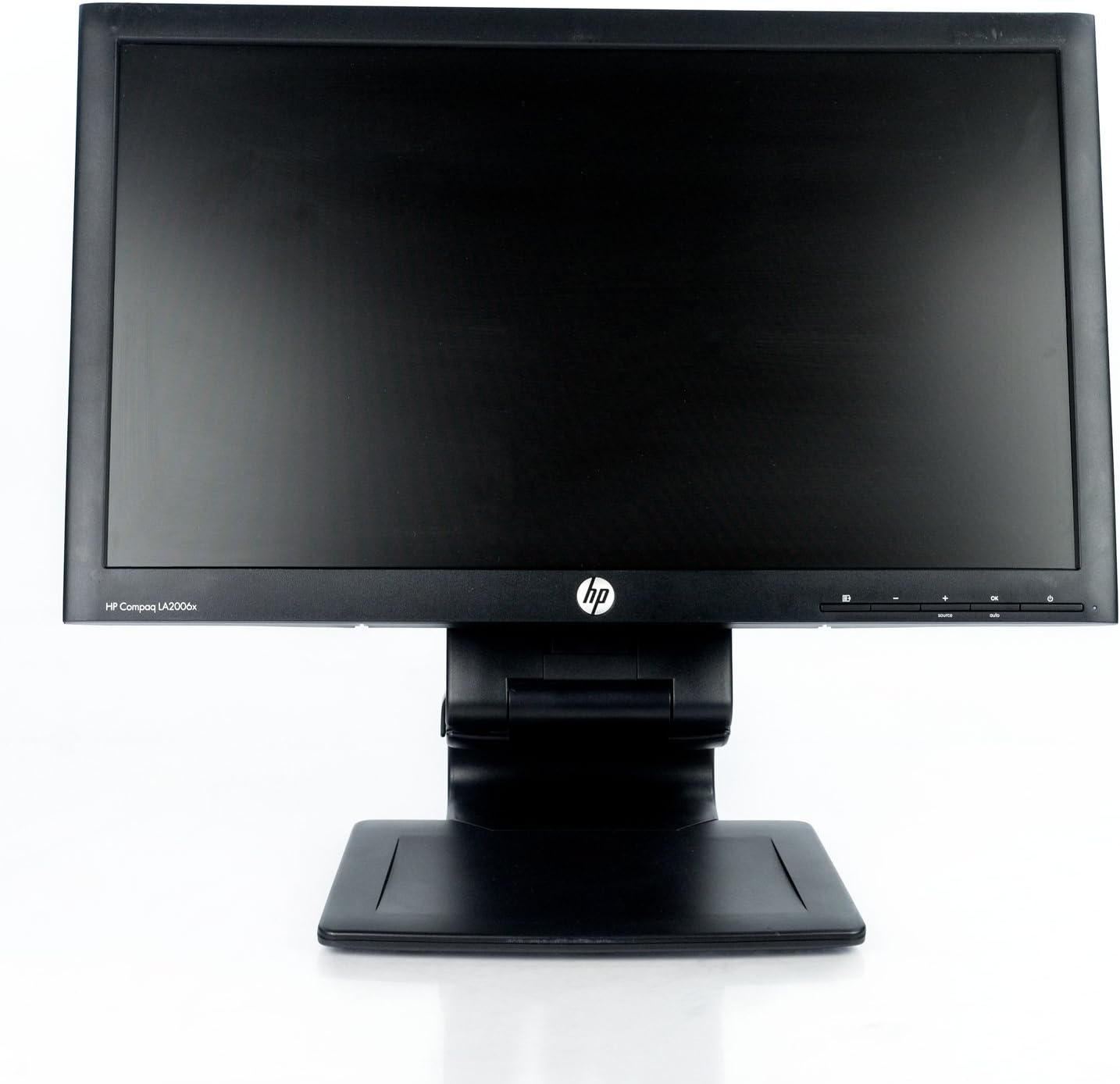
그림 1: 앞쪽 view of the HP Compaq LA2206x monitor, showcasing its slim bezel and adjustable stand.
설정
1. 모니터 포장 풀기
Carefully remove all components from the packaging. Ensure all parts are present before proceeding with assembly. Retain packaging for future transport or service.
2. 스탠드 조립
- 긁힘을 방지하려면 모니터를 부드럽고 깨끗한 표면에 뒤집어서 놓으세요.
- Align the stand base with the stand column. Secure the base to the column using the provided screw, if applicable.
- Attach the assembled stand to the back of the monitor. Ensure it clicks securely into place or is fastened with screws as per the included quick setup guide.
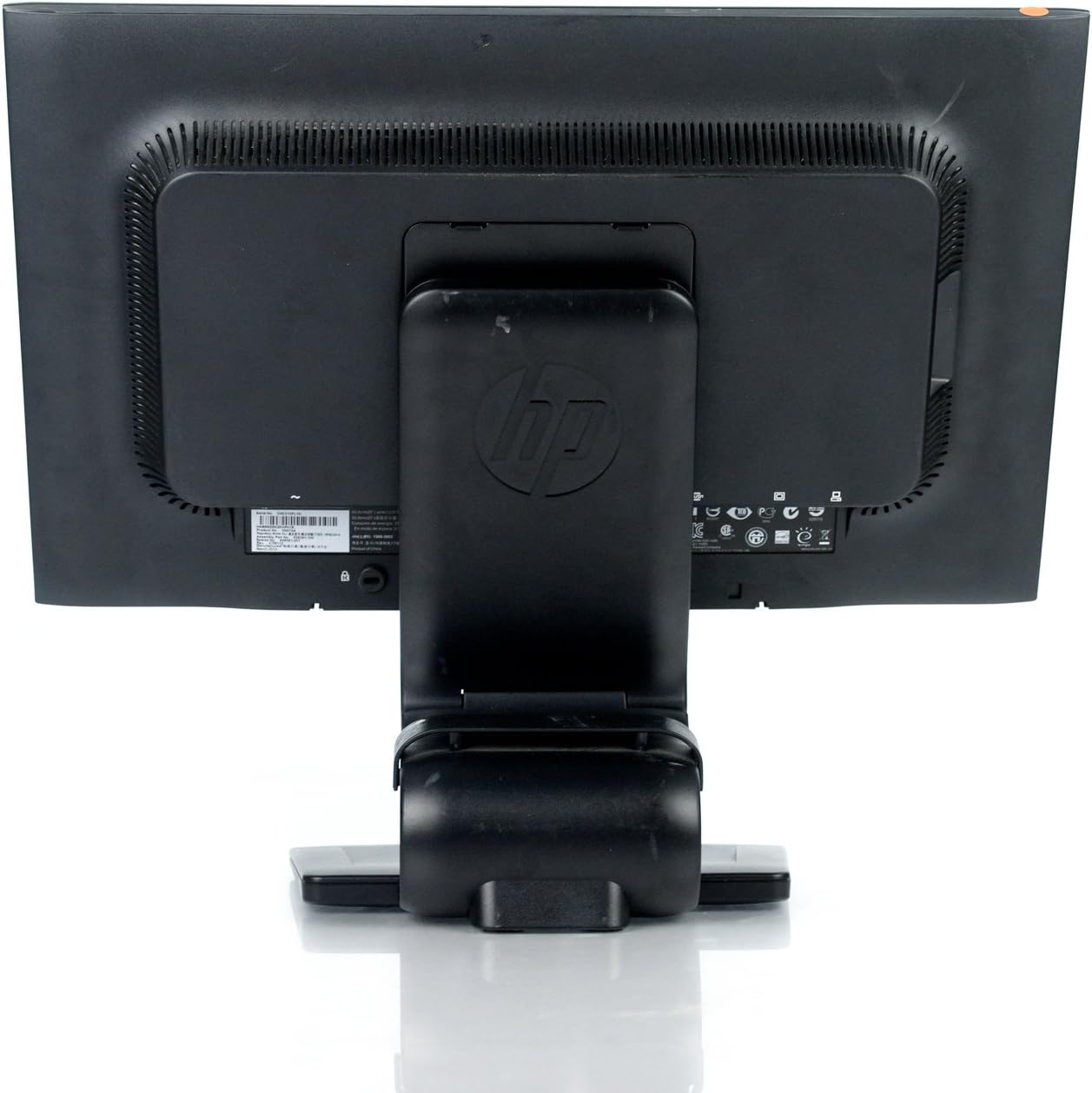
그림 2: 뒤쪽 view of the monitor showing the attached stand, ready for cable connections.
3. 케이블 연결하기
Connect the necessary cables to the monitor and your computer. Ensure all connections are firm.
- 전원 케이블 : 한쪽 끝은 모니터의 전원 입력 단자에 연결하고 다른 쪽 끝은 접지된 콘센트에 연결하십시오.
- 비디오 케이블: Connect a DVI, DisplayPort, or VGA cable from your computer's video output to the corresponding input on the monitor. The monitor supports 1920x1080 resolution.
- USB Cable (Optional): Connect a USB upstream cable from your computer to the monitor's USB upstream port to enable the monitor's integrated USB 2.0 ports.

그림 3: 상세한 view of the monitor's rear panel, highlighting the power input, DisplayPort, DVI, VGA, and USB ports.
모니터 작동
1. 전원 켜기/끄기
Press the power button located on the front right side of the monitor to turn it on or off. The power indicator light will illuminate when the monitor is active.
2. OSD(화면 디스플레이) 메뉴 탐색
The monitor features an On-Screen Display (OSD) menu for adjusting various settings. Use the control buttons located on the front bezel to navigate and select options.

그림 4: Close-up of the monitor's control buttons, including power, menu navigation, and input selection.
- 메뉴 버튼: OSD 메뉴를 엽니다.
- '+' / '-' 버튼: 메뉴 옵션을 탐색하거나 값을 조정합니다.
- 확인 버튼: 선택을 확인하거나 하위 메뉴로 들어갑니다.
- 소스 버튼 : Quickly switches between available video inputs (DVI, DisplayPort, VGA).
- 자동 버튼: Automatically adjusts the screen image for optimal display, particularly useful for analog (VGA) connections.
3. Adjusting Monitor Settings
OSD 메뉴를 통해 다음과 같은 설정을 조정할 수 있습니다.
- 밝기 및 대비 : 전반적인 밝기와 밝은 부분과 어두운 부분의 차이를 조정합니다.
- 색상 제어: Select color temperature or customize RGB values.
- 이미지 제어: Fine-tune sharpness, clock, and phase for optimal image clarity.
- 입력 제어 : Manually select the video input source.
- 전원 관리 : Configure sleep timers and power-saving modes.
유지
1. 모니터 청소
- Always power off the monitor and unplug it from the electrical outlet before cleaning.
- 부드럽고 보풀이 없는 천을 살짝 사용하십시오. damp물이나 비연마성 화면 세척제로 세척하세요.
- Do not spray cleaners directly onto the screen or casing.
- Avoid using benzene, thinners, or any volatile solvents, as these may damage the monitor's surface.
2. 안전수칙
- 모니터의 통풍구를 막지 마십시오.
- 모니터를 직사광선, 열원, 과도한 습기로부터 멀리 두세요.
- 모니터나 케이블 위에 무거운 물건을 올려놓지 마세요.
- If the monitor is damaged or malfunctions, do not attempt to repair it yourself. Contact qualified service personnel.
문제 해결
This section addresses common issues you might encounter with your HP Compaq LA2206x monitor.
전원이 없습니다
- 전원 케이블이 모니터와 작동하는 전기 콘센트에 모두 단단히 연결되어 있는지 확인하세요.
- 다른 장치를 연결하여 전원 콘센트가 작동하는지 확인하세요.
- 모니터의 전원 버튼이 눌러져 있는지 확인하십시오.
신호 없음 / 빈 화면
- Confirm that the video cable is securely connected to both the monitor and the computer's video output port.
- Ensure the correct input source is selected on the monitor using the 'Source' button.
- 컴퓨터를 다시 시작하세요.
- 가능하다면 다른 컴퓨터나 다른 비디오 케이블을 사용하여 모니터를 테스트해 보세요.
Distorted or Unclear Image
- For analog (VGA) connections, press the 'Auto' button on the monitor to automatically adjust the image.
- Adjust the brightness, contrast, sharpness, clock, and phase settings through the OSD menu.
- Ensure your computer's display resolution is set to the monitor's native resolution of 1920x1080.
명세서
Below are the key technical specifications for the HP Compaq LA2206x monitor (Model: XN376AA):
| 특징 | 사양 |
|---|---|
| 화면 크기 | 21.5 인치 |
| 최대 화면 해상도 | 1920 x 1080(FHD 1080p) |
| 종횡비 | 16시 9분 |
| 응답 시간 | 5밀리초 |
| 디스플레이 기술 | LED-LCD |
| 연결성 | DisplayPort, DVI, VGA, 2x USB 2.0 Ports |
| 색상 | 검은색 |
| 품목 무게 | 13.45파운드 |
| 제품 크기(LxWxH) | 8.95 x 20.39 x 13.12 인치 |
| 모델 번호 | XN376AA |
보증 정보
This HP Compaq LA2206x monitor is covered by a standard manufacturer's warranty. Please refer to the warranty card included with your product or visit the official HP support website for detailed terms and conditions, including warranty duration and service procedures. Keep your proof of purchase for warranty claims.
지원하다
For technical assistance, driver downloads, or further information regarding your HP Compaq LA2206x monitor, please visit the official HP support website. You may need your monitor's serial number for support inquiries.

그림 5: Location of the serial number label on the back of the monitor. The serial number for this unit is CNC210PLYN.
When contacting support, please have your model number (XN376AA) and serial number ready to expedite service.


