1. 소개 및 이상view
The Cable Matters UL Listed 10Gbps Cat6 RJ45 Keystone Jacks provide a reliable and high-performance solution for your networking needs. These modular jacks are designed for seamless integration into standard keystone blank openings found in patch panels, wall plates, and surface mount boxes. Supporting 10 Gigabit Ethernet speeds, they are backward compatible with 10/100 Mbps Ethernet and meet or exceed Category 6 performance standards (ANSI/TIA/EIA 568-C.2).
Each keystone jack is UL Listed (E486099) and features clear labeling for both T568A and T568B wiring schemes, ensuring correct installation. The robust construction includes a heavy-duty, fire-retardant housing, gold-plated contacts, and dual IDC covers for secure and long-lasting connections. A punch-down stand is included to facilitate easier and safer cable termination.
2. 제품 특징
- Heavy-Duty Cat6 Keystone Jacks: Designed to fit standard keystone blank openings in patch panels, wall plates, and surface mount boxes. Supports 23 and 24 AWG unshielded twisted pair (UTP) Ethernet cable.
- 고성능: Delivers up to 10 Gigabit Ethernet speeds, fully backward compatible with 10/100 Mbps Ethernet. Meets or exceeds Category 6 performance standards (ANSI/TIA/EIA 568-C.2).
- Standards-Compliant & UL Listed: UL Listed (E486099) with clear T568A and T568B wiring labels. Features 110-style punch down blocks and dual IDC terminals for impact tools or tool-free 90-degree termination.
- 비용 효율적인 25팩: Includes a punch-down stand for easier, safer cable termination.
- Durable and Secure Construction: Built with a heavy-duty, fire-retardant housing, gold-plated contacts, dual IDC covers, and a snap-in retaining clip for stable connections.


3. 패키지 내용
패키지에는 다음이 포함됩니다.
- 25 x RJ45 Cat6 Keystone Jacks (White)
- 1 x Punch-Down Stand
4. 설정 및 설치
Follow these steps for proper installation of your Cat6 RJ45 Keystone Jacks:
4.1 Preparing the Ethernet Cable
- Carefully strip approximately 1 inch of the outer jacket from the Ethernet cable using a cable stripper.
- Untwist and separate the individual wire pairs. Straighten each wire.
- Arrange the wires according to either the T568A or T568B wiring scheme, as indicated on the keystone jack. Ensure consistency if connecting to another jack or patch panel.
4.2 Terminating the Keystone Jack
- Place the keystone jack into the included punch-down stand for stability.
- Insert each colored wire into its corresponding slot on the IDC (Insulation Displacement Connector) terminals, following your chosen T568A or T568B scheme.
- Use a 110-style impact tool to punch down each wire firmly into its slot. The tool will simultaneously seat the wire and trim any excess. Ensure the wires are fully seated at the bottom of the slots.
- Once all wires are terminated, securely snap the dual IDC covers over the terminals to provide strain relief and protect the connections.


4.3 Integrating into Wall Plate or Patch Panel
- Once terminated, snap the keystone jack into any standard keystone wall plate, patch panel, or surface mount box.
- Ensure the jack is securely seated and flush with the opening.

4.4 교육용 비디오
Video 1: Detailed guide on how to install an RJ45 90-degree Ethernet keystone jack, covering cable preparation and termination steps.
비디오 2: 끝view of Cable Matters Network Jacks, showcasin그 특징과 응용 분야를 살펴보겠습니다.
5. 사용 설명서
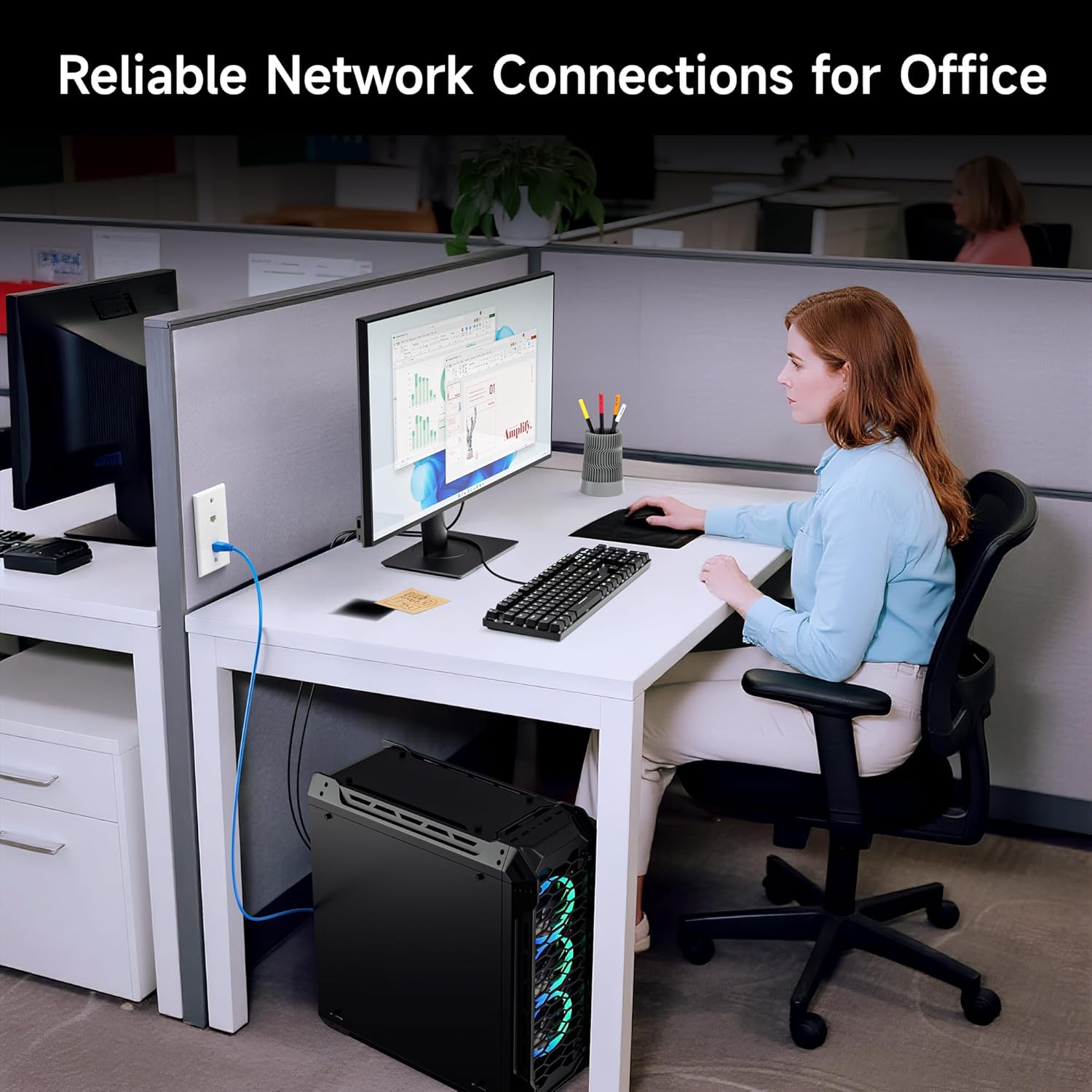
Once installed, the Cat6 RJ45 Keystone Jack functions as a standard Ethernet port. Simply plug a compatible Ethernet cable (Cat5e, Cat6, or higher) into the front of the keystone jack to establish a network connection. Ensure the Ethernet cable is securely connected to both the keystone jack and your network device (e.g., computer, router, switch).
6. 유지관리
These keystone jacks are designed for durability and require minimal maintenance. Periodically check connections to ensure cables are securely seated. If dust accumulates, gently clean the port with compressed air or a soft, dry cloth. Avoid using liquid cleaners directly on the contacts.
7. 문제 해결
- 네트워크 연결 없음:
- Verify that the Ethernet cable is properly terminated into the keystone jack, ensuring all wires are fully seated and trimmed.
- Check the integrity of the Ethernet cable connecting to the keystone jack and the network device.
- Ensure the network device (router, switch, computer) is powered on and functioning correctly.
- 네트워크 속도가 느립니다:
- Confirm that all components in your network chain (cables, switches, routers) are rated for 10 Gigabit Ethernet if you expect maximum speeds.
- Inspect cable runs for damage or excessive bends.
- Keystone Jack Not Fitting:
- Ensure the wall plate or patch panel has standard keystone openings. Refer to the dimensions provided in the specifications.
8. 사양
| 기인하다 | 값 |
|---|---|
| 상표 | 케이블 문제 |
| 모델명 | 180005-25개 |
| 커넥터 유형 | RJ45 |
| 케이블 유형 | 이더넷 |
| 이더넷 케이블 카테고리 | 고양이 6 |
| 데이터 전송 속도 | 초당 10기가비트 |
| 빈도 | 10GHz |
| 핀의 수 | 8 |
| 커넥터 성별 | 여성 대 여성 |
| 색상 | 하얀색 |
| 단위 수 | 25.0 카운트 |
| 품목 무게 | 8 온스 |
| 제품 치수 | 1.2 x 0.9 x 0.7 인치 |
| 실내/실외 사용 | 실내, 실외 |
| 최대 볼륨tage | 5 볼트 |
| 사양 충족 | UL |

9. 보증 및 지원
Cable Matters products are designed for reliability and performance. For warranty information and technical support, please refer to the official Cable Matters web사이트를 방문하거나 고객 서비스에 직접 문의하세요. 보증 청구를 위해 구매 영수증을 보관하세요.


