
TEKLEAD T3030 무선 바코드 스캐너 사용자 가이드
TEKLEAD T3030 무선 바코드 스캐너 제품 사양 준수 사항: FCC 규정 제15부 조건: 유해한 간섭을 일으키지 않아야 하며, 수신된 모든 간섭을 수용해야 함 승인: 변경 또는 수정은 승인되지 않음…


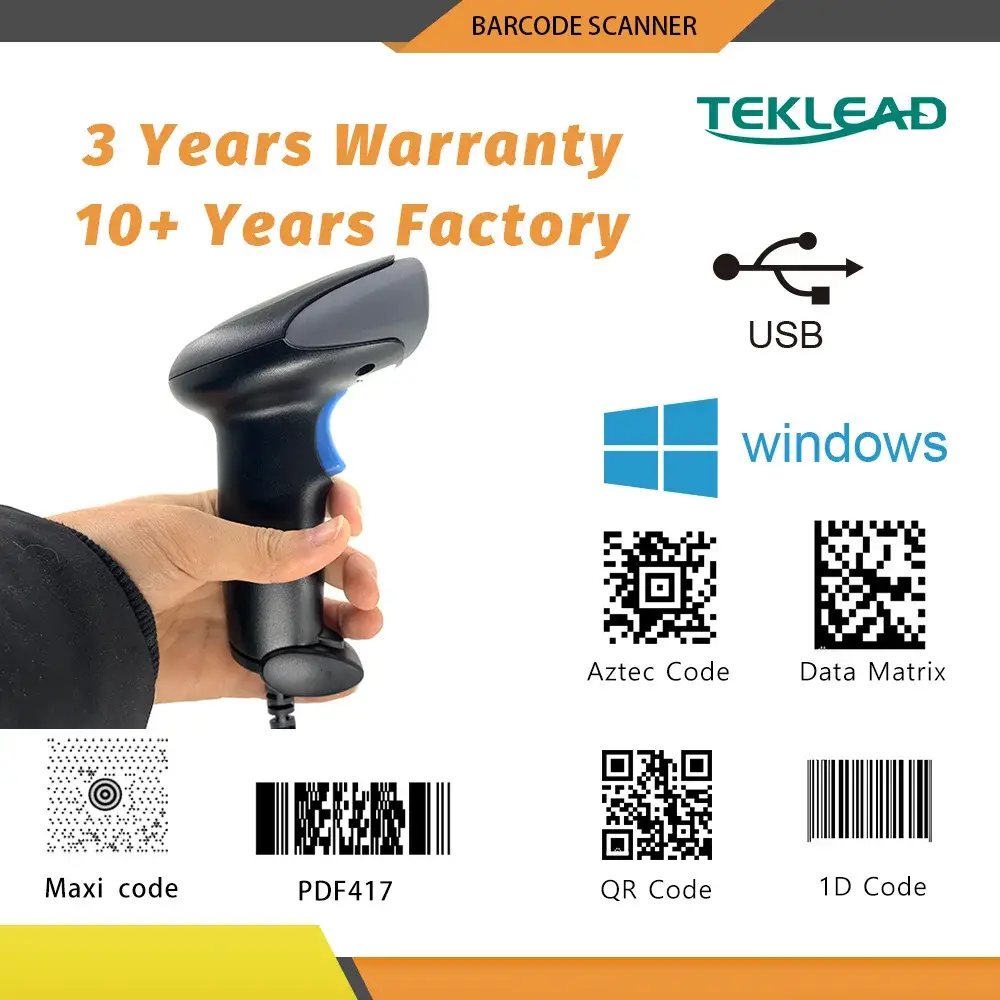
TEKLEAD specializes in barcode identification technology, offering high-performance wireless and wired barcode scanners for retail, logistics, and industrial use.
Teklead (Guangzhou Teklead Electronic Technology Co., Ltd.) is a specialized manufacturer and solutions provider in the field of barcode identification. The company designs and produces a wide variety of scanning devices, including handheld 1D and 2D barcode scanners, desktop scanning platforms, and wearable ring scanners. TEKLEAD products are widely utilized in retail, warehousing, logistics, medical liability, and manufacturing sectors.
Known for their versatility, TEKLEAD scanners often feature multiple connectivity modes such as Bluetooth, 2.4G wireless, and wired USB, ensuring compatibility with major operating systems like Windows, macOS, iOS, and Android. The brand focuses on delivering durable, ergonomic, and efficient data capture tools to streamline inventory management and point-of-sale operations.
최신 매뉴얼 manuals+ 이 브랜드를 위해 큐레이션되었습니다.



이 브랜드의 설정, 설치 및 문제 해결 비디오를 시청하세요.
이 브랜드의 매뉴얼, 등록, 지원에 대한 일반적인 질문입니다.
To pair via 2.4G, scan the 'Wireless 2.4G Mode' setting code from your manual, then scan the 'One-click Pairing' code. Finally, plug the USB receiver into your host computer within 1 minute. You should hear a beep indicating a successful connection.
Scan the 'Bluetooth HID Mode' code, followed by the 'One-click Pairing' code. The scanner's LEDs will flash. On your host device (phone or computer), search for 'BarCode Scanner HID' in the Bluetooth settings and select it to pair.
If Blue LED1 flashes rapidly, the scanner is in 2.4G pairing mode. If Blue LED2 flashes rapidly, it is in Bluetooth SPP pairing mode. If both flash alternately, it is in Bluetooth HID pairing mode.
Yes, many TEKLEAD models, such as the T-D8 and T-2011B, are equipped with CMOS 2D sensors capable of reading barcodes and QR codes from digital screens like smartphones.
Refer to your specific model's user manual (e.g., T3030) and scan the 'Restore Factory Settings' or 'Initialization' barcode provided in the configuration guide.