
1. 소개 및 이상view
This manual provides detailed instructions for the Redmi 15A 5G smartphone. It covers essential information regarding device setup, operation, maintenance, troubleshooting, and technical specifications. Please read this manual thoroughly to ensure proper use and to maximize the performance of your device.
상자 안에 무엇이 들어있나요?
- Redmi 15A 5G Smartphone
- 충전기
- USB Type-C 케이블
- SIM 추출 도구
- 보증 카드
- 사용자 가이드 (이 문서)
- 보호 케이스
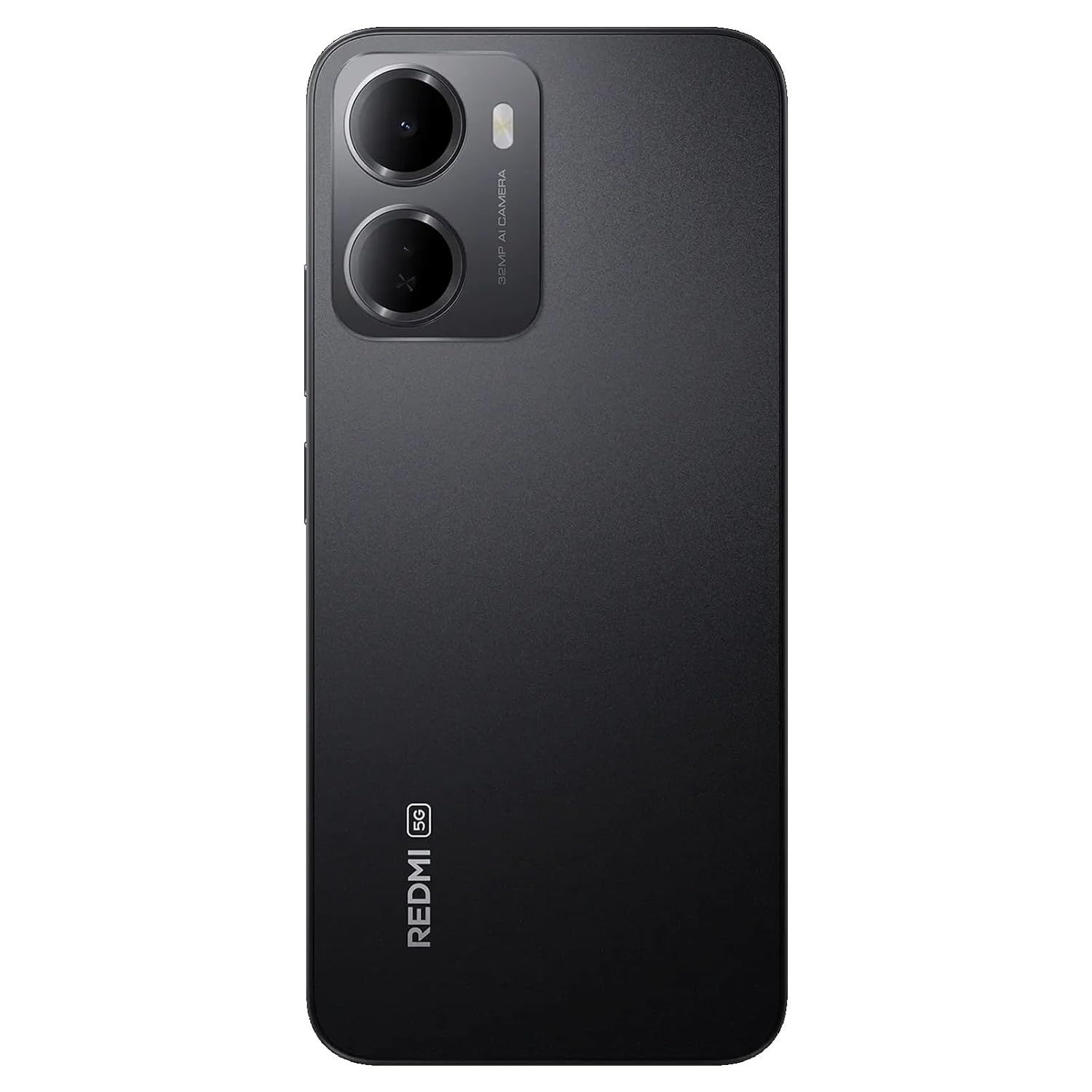
Figure 1: Redmi 15A 5G Smartphone (Front and Back View)
2. 장치 설정
2.1. SIM 카드 및 microSD 카드 설치
SIM 카드 및/또는 microSD 카드를 설치하려면 다음 단계를 따르세요.
- 기기 측면에서 SIM 카드 트레이를 찾으세요.
- SIM 꺼내기 도구를 트레이 옆에 있는 작은 구멍에 넣고 트레이가 튀어나올 때까지 단단히 누르세요.
- 나노 SIM 카드 및/또는 microSD 카드를 트레이의 지정된 슬롯에 넣고 금색 접점이 아래쪽을 향하도록 합니다.
- 딸깍 소리가 날 때까지 트레이를 장치에 조심스럽게 다시 밀어 넣습니다.

그림 2: 측면 View SIM 트레이 포함
2.2. 장치 충전
Before first use, it is recommended to fully charge your Redmi 15A 5G. Connect the USB Type-C cable to the charging port at the bottom of the phone and plug the other end into the provided charger. Plug the charger into a power outlet. The battery indicator on the screen will show the charging status.
2.3. 전원 켜기 및 초기 설정
To power on your device, press and hold the Power button located on the side until the Redmi logo appears. Follow the on-screen instructions to complete the initial setup, including language selection, Wi-Fi connection, Google account setup, and security settings.
3. 사용 설명서
3.1. 기본 탐색
The Redmi 15A 5G features a touchscreen interface. Use gestures such as tapping, swiping, pinching, and spreading to navigate. The Power button controls screen on/off and device power, while the Volume buttons adjust audio levels.
3.2. 전화 걸기 및 메시지 보내기
To make a call, open the Phone app, enter the number, and tap the call icon. To send a message, open the Messages app, tap the new message icon, enter the recipient's number or select from contacts, and type your message.
3.3. 네트워크에 연결하기
- 와이파이: 설정 > Wi-Fi로 이동하여 Wi-Fi를 켜고 원하는 네트워크를 선택하세요. 암호를 입력하라는 메시지가 나타나면 암호를 입력하세요.
- 모바일 데이터(5G): Go to Settings > SIM cards & mobile networks, select your SIM, and ensure 'Mobile data' is enabled.
- 블루투스: Go to Settings > Bluetooth, turn Bluetooth on, and pair with available devices.
3.4. 카메라 사용
Open the Camera app from your home screen or app drawer. Tap the shutter button to take a photo. Swipe left or right to switch between different modes like Video, Portrait, and more. Tap on the screen to focus on a specific area.
3.5. 보안 기능
Your device supports various security features:
- 화면 잠금 : Set a PIN, pattern, or password via Settings > Password & security.
- 지문 잠금 해제: Register your fingerprint(s) via Settings > Password & security > Fingerprint unlock.
- 얼굴 인식 잠금 해제: Set up face recognition via Settings > Password & security > Face unlock.
4. 유지관리
4.1. 기기 청소
Use a soft, lint-free cloth to gently wipe the screen and body of your phone. Avoid using harsh chemicals, abrasive cleaners, or aerosol sprays, as these can damage the device's finish and coatings. Do not expose the device to excessive moisture.
4.2. 배터리 관리
6300mAh 배터리의 수명을 연장하려면:
- 극한의 온도를 피하세요.
- 배터리가 자주 완전히 방전되지 않도록 하세요.
- 제공된 충전기와 케이블만 사용하세요.
- 배터리가 충전되면 충전기를 분리하세요.
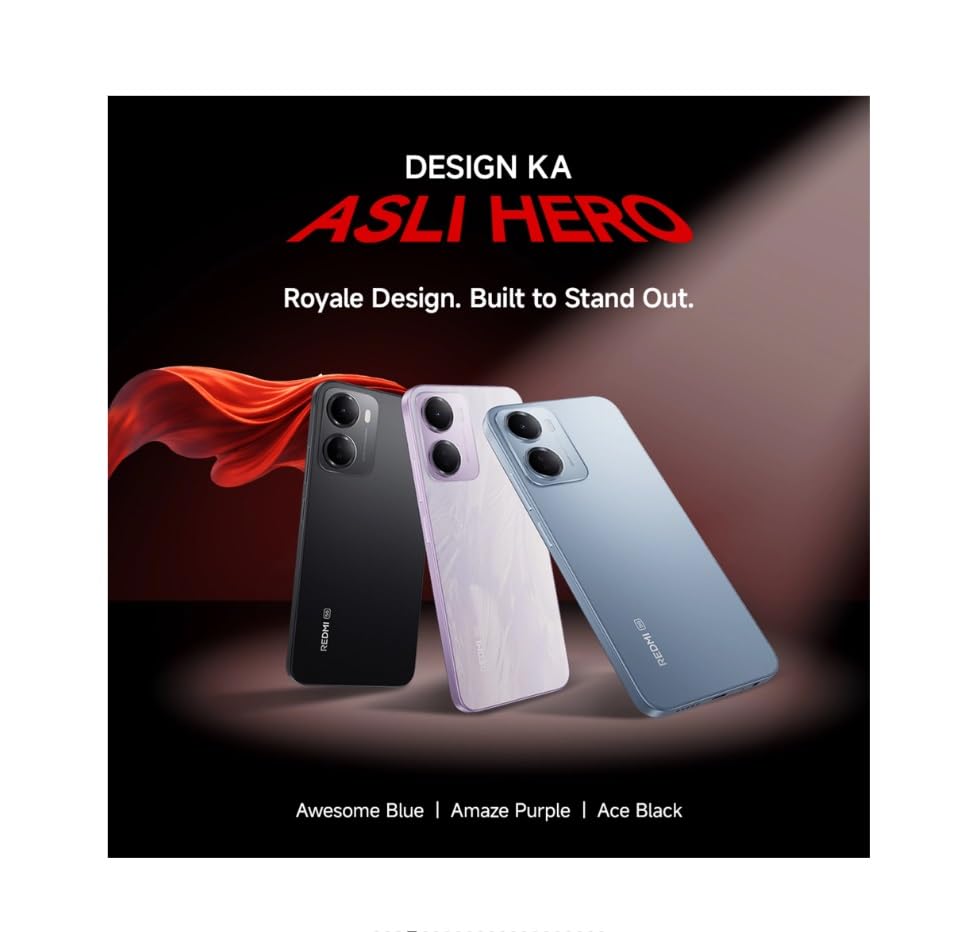
Figure 3: Redmi 15A 5G Battery Capacity (6300mAh)
4.3. 소프트웨어 업데이트
Regularly check for and install software updates to ensure your device has the latest features, security patches, and performance improvements. Go to Settings > About phone > MIUI version (or Android version) to check for updates.
4.4. 데이터 백업
It is recommended to regularly back up your important data (photos, contacts, documents) to a cloud service or a computer to prevent data loss in case of device malfunction or loss.
5. 문제 해결
5.1. 장치 전원이 켜지지 않음
- 배터리가 충전되어 있는지 확인하세요. 충전기를 연결하고 몇 분 정도 기다린 후 전원을 켜보세요.
- 최소 10~15초 동안 전원 버튼을 길게 눌러 강제로 다시 시작하세요.
5.2. 네트워크 연결 문제
- 와이파이: 공유기를 재시작하세요. 휴대폰에서 Wi-Fi 네트워크를 삭제하고 다시 연결하세요.
- 모바일 데이터: Ensure mobile data is enabled and you have an active plan. Try toggling Airplane Mode on and off.
- Calls/SMS: Check SIM card insertion. Ensure you have network signal.
5.3. Application Performance Issues
- 백그라운드 애플리케이션을 닫습니다.
- Clear the cache of the problematic app (Settings > Apps > Manage apps > [App Name] > Clear cache).
- 장치를 다시 시작합니다.
5.4. 공장 초기화
경고: 공장 초기화를 하면 기기의 모든 데이터가 삭제됩니다. 중요한 데이터는 초기화 전에 백업하십시오.
If other troubleshooting steps fail, you may perform a factory reset: Go to Settings > About phone > Factory reset. Follow the on-screen prompts.
6. 사양
| 특징 | 사양 |
|---|---|
| 상표 | 레드미 |
| 모델 | 15A 5G |
| 운영 체제 | Android 16, HyperOS 3 |
| 램 메모리 | 4GB (XNUMX기가바이트) |
| 메모리 저장 용량 | 64GB (XNUMX기가바이트) |
| CPU 모델 | Core 2 Duo T8300 |
| CPU 속도 | 2.2GHz |
| 배터리 전원 | 6300mAh |
| 디스플레이 유형 | 액정표시장치 |
| 셀룰러 기술 | 5G |
| 무선 네트워크 기술 | LTE |
| 커넥터 유형 | USB 타입 C |
| 품목 치수 | 17.2 x 7.9 x 0.8 센티미터 |
| 품목 무게 | 210그램 |
| 모델 연도 | 2026 |
7. 보증 정보
The Redmi 15A 5G comes with a 1년 제조사 보증 구입일로부터 기기에 대해. 배터리를 포함한 기본 액세서리는 다음과 같이 보장됩니다. 6개월 제조사 보증 구매일로부터. 보증 청구를 위해 구매 증빙을 보관하세요.
8. 고객 지원
For technical assistance, service, or warranty inquiries, please contact Redmi customer support. You can find contact details on the official Redmi website or refer to the warranty card included in your product box.
제조업체: DBG Technology (India) Pvt Ltd, PLOT NO-2, BAWAL, SECTOR-8, Rewari, Haryana, 123501.
수입자: Xiaomi Technology India Private Limited, Building Orchid. Block E, Embassy Tech Village, Marathahalli Outer Ring Road, Devarabisanahalli, Bengaluru 560103.


