
1. 이상view
This manual provides essential information for setting up, operating, maintaining, and troubleshooting your INSIGNIA 85-inch Class QF Series QLED 4K UHD Smart Fire TV. This television offers a high-quality viewing experience with 4K UltraHD resolution, Quantum Dot Technology for enhanced color, and Direct LED Backlight for uniform brightness. It integrates the Fire TV Smart OS, providing access to various streaming services and features like the Voice Remote with Alexa. The design features a metal bezel-less display for a modern aesthetic.
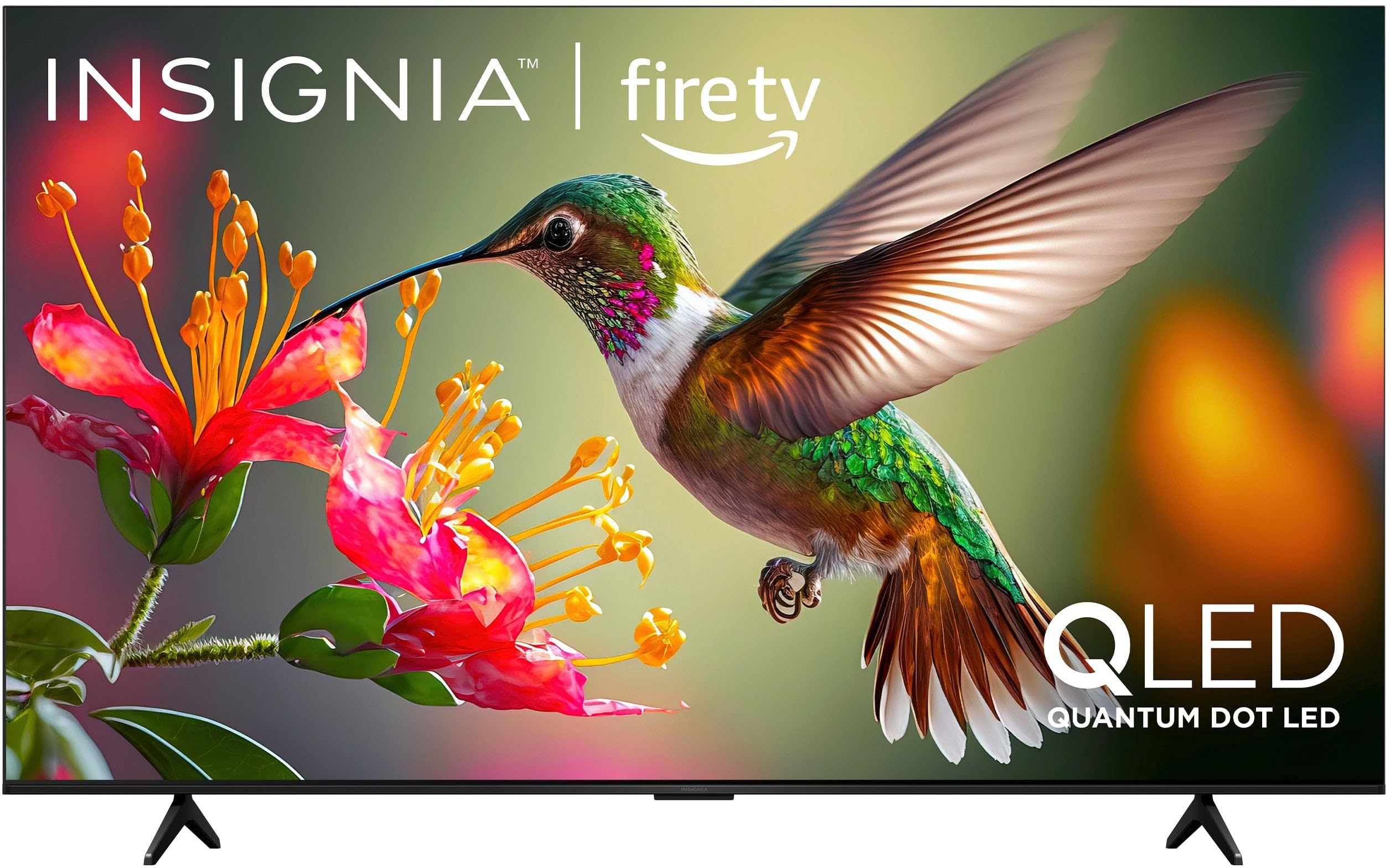
이미지 1.1: 앞면 view of the INSIGNIA 85-inch QF Series QLED 4K UHD Smart Fire TV.
2. 상자 안에 무엇이 들어있나요?
설치를 진행하기 전에 모든 구성 요소가 있는지 확인하세요.
- INSIGNIA 85-inch QF Series QLED 4K UHD Smart Fire TV
- Alexa를 사용한 음성 리모컨
- 리모컨 배터리(AAA 2개)
- TV 스탠드
- 스탠드 설치용 나사
- 빠른 설정 가이드(이 문서)
3. 설정
3.1. TV 스탠드 설치
If you are not wall-mounting your TV, attach the included stand:
- 화면 손상을 방지하려면 부드럽고 깨끗한 표면에 TV를 뒤집어서 조심스럽게 놓으세요.
- TV 하단의 나사 구멍에 맞춰 스탠드 다리를 정렬하세요.
- 제공된 나사를 사용하여 스탠드 다리를 고정하십시오. 나사가 단단히 조여졌는지 확인하십시오.
3.2. 초기 전원 켜기 및 네트워크 연결
- 전원 코드를 TV에 연결한 다음 전원 콘센트에 연결하세요.
- TV의 전원 버튼이나 리모컨을 눌러 TV를 켜세요.
- Follow the on-screen instructions to select your language, connect to your Wi-Fi network, and sign in to your Amazon account.
3.3. 원격 페어링
Your Voice Remote with Alexa should pair automatically. If it does not, press and hold the 집 button on the remote for 10 seconds until the LED indicator flashes blue, then release. The remote will attempt to pair.

Image 3.1: The Voice Remote with Alexa, used for controlling the TV and accessing smart features.
4. 사용 설명서
4.1. Fire TV Smart OS Navigation
The Fire TV Smart OS provides a centralized hub for all your entertainment. Use the navigation buttons on your remote to browse:
- 홈 화면: Access recommended content, recently used apps, and various streaming services.
- 앱: Download and manage your favorite streaming applications.
- 라이브 TV: Integrate live TV channels from supported services or an antenna.
- 설정: Adjust picture, sound, network, and device preferences.

Image 4.1: The Fire TV interface displaying a selection of streaming services and content.
4.2. Voice Remote with Alexa
Utilize the built-in Alexa voice assistant for hands-free control:
- 를 누르고 계세요 마이크 버튼 리모컨에서.
- Speak commands such as "Find action movies," "Launch Netflix," "Switch to HDMI 2," or "Show me the weather."
- Alexa can also control compatible smart home devices.
4.3. 외부기기 연결하기
Your TV is equipped with four HDMI inputs for connecting external devices:
- Connect gaming consoles, Blu-ray players, soundbars, or cable/satellite boxes to the HDMI ports.
- One HDMI port supports eARC for enhanced audio return channel functionality with compatible sound systems.
- 입력 방식을 전환하려면 누르세요. 입력 button on your remote and select the desired source.

Image 4.2: Illustration of the TV's connectivity options, including HDMI ports.
4.4. 화면 및 사운드 향상
This TV features advanced technologies for an immersive experience:
- QLED(양자점 LED): Delivers vibrant, lifelike colors and improved brightness.
- 4K 울트라HD 해상도: Provides four times the detail of Full HD TVs.
- 돌비 비전 및 돌비 애트모스: Supports advanced HDR for enhanced contrast and accurate colors, along with immersive spatial audio.

Image 4.3: Visual representation of Dolby Vision and Dolby Atmos features, highlighting cinematic picture and immersive sound.
5. 유지관리
5.1. TV 청소
텔레비전의 외관과 성능을 유지하려면:
- 청소하기 전에는 항상 TV의 플러그를 뽑아 두세요.
- 부드럽고 마른 보푸라기 없는 천을 사용하여 화면과 캐비닛을 가볍게 닦으세요.
- 화면에 잔뜩 묻은 자국은 가볍게 닦아내세요amp천에 물이나 특수 화면 세척제를 묻혀 닦으세요. 화면에 직접 액체를 뿌리지 마세요.
- 연마성 세척제, 왁스, 용매 사용을 피하세요.
5.2. 소프트웨어 업데이트
Your Fire TV automatically receives software updates to improve performance and add new features. Ensure your TV is connected to the internet to receive these updates. You can manually check for updates in the Settings menu.
6. 문제 해결
TV에 문제가 발생하면 다음의 일반적인 해결책을 참조하세요.
| 문제 | 해결책 |
|---|---|
| 전원이 없습니다 | 전원 코드가 TV와 정상적으로 작동하는 콘센트에 모두 단단히 꽂혀 있는지 확인하세요. 다른 콘센트에 연결해 보세요. |
| 화면은 나오지 않지만 소리는 나옵니다 | 입력 소스를 확인하세요. 입력 button on the remote to cycle through inputs. Verify external devices are powered on and connected correctly. |
| 리모콘이 응답하지 않음 | Replace the AAA batteries in the remote. If the issue persists, re-pair the remote by holding the 집 버튼을 10초간 누르세요. |
| Wi-Fi에 연결할 수 없습니다 | Ensure your Wi-Fi router is on and within range. Restart your router and TV. Check Wi-Fi settings in the TV's menu to ensure the correct network and password are entered. |
| 화질이 좋지 않음 | Adjust picture settings (brightness, contrast, color) in the TV's menu. Ensure the content source is high-quality (e.g., 4K content for 4K resolution). |
| 소리가 나지 않습니다 | Check the volume level and ensure the TV is not muted. Verify external audio devices (soundbar, receiver) are connected and configured correctly. |
7. 사양
| 특징 | 세부 사항 |
|---|---|
| 모델명 | NS85-UQFL27 |
| 화면 크기 | 84.6인치(85인치급) |
| 디스플레이 기술 | QLED(퀀텀닷 LED) |
| 해결 | 4K 울트라 HD(3840 x 2160) |
| 새로 고침 빈도 | 60Hz |
| 운영 체제 | FireOS |
| HDR 지원 | 돌비 비전 |
| 오디오 기술 | 돌비 애트모스 |
| 연결성 | 와이파이 |
| HDMI 입력 | 4개(eARC 1개 포함) |
| 특별 기능 | Voice Remote with Alexa, Apple Airplay |
| 제품 크기(D x W x H) | 2.5인치 깊이 x 74.4인치 너비 x 42.8인치 높이 |
| Item Weight Without Stand | 64.6 파운드 |
| 포함된 구성 요소 | Remote Control, Remote Control Battery, Screws, Stand |
| 한국어: | 600603325472 |
8. 보증 및 지원
8.1. 보증 정보
This INSIGNIA TV comes with a 1년 보증. For specific terms and conditions, please refer to the warranty card included with your product or visit the official INSIGNIA support web대지.
8.2. 고객 지원
If you require further assistance or encounter issues not covered in this manual, please contact INSIGNIA customer support. Contact information can typically be found on the manufacturer's web사이트 또는 제품 포장에 포함되어 있습니다.