
1. 서론
구매해주셔서 감사합니다asing the TOPPING E50II Compact Desktop DAC. This device is designed to provide high-fidelity audio decoding for various digital sources. It features an AK4497S DAC chip, supports high-resolution audio formats up to PCM768kHz and DSD512, and offers versatile connectivity options including USB, optical, coaxial, RCA, and TRS balanced outputs. This manual provides essential information for proper setup, operation, and maintenance of your E50II.
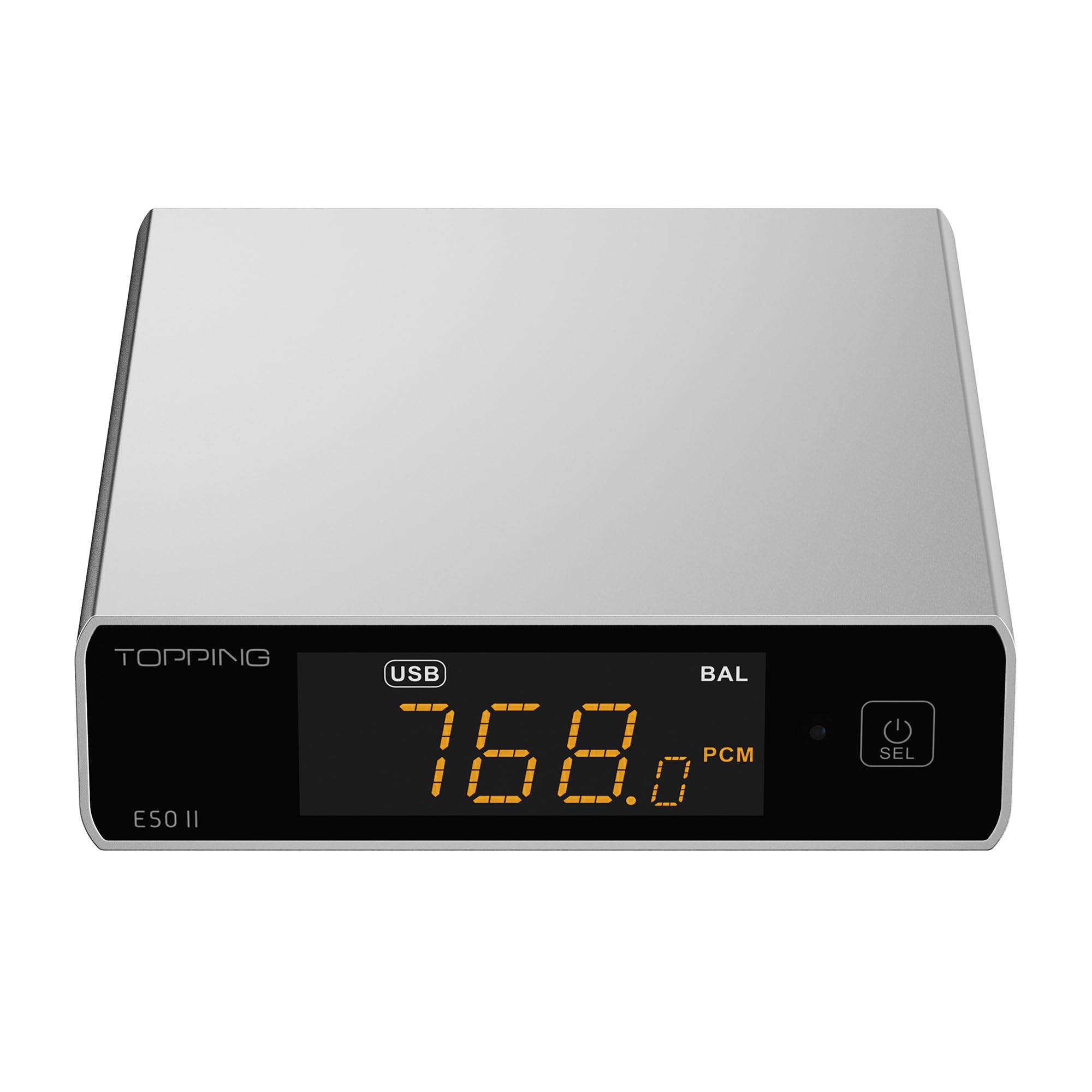
Image 1.1: The TOPPING E50II Compact Desktop DAC in silver finish.
2. 안전 정보
- 기기를 분해하거나 개조하지 마십시오. 무단 개조 시 보증이 무효화되고 안전 위험이 발생할 수 있습니다.
- 기기를 물, 습기, 고온에 노출시키지 마세요.
- 제공된 전원 어댑터 또는 호환되는 5V 전원 공급 장치만 사용하십시오.
- 과열을 방지하려면 장치 주변을 적절하게 환기시키십시오.
- 기기 위에 무거운 물건을 올려놓지 마십시오.
- 번개 폭풍우가 칠 때나 장기간 사용하지 않을 때는 전원 케이블을 분리하세요.
3. 패키지 내용
패키지에 모든 품목이 들어 있는지 확인하세요.
- TOPPING E50II Unit
- 원격 제어
- USB 케이블(Type-A to Type-C)
- USB Power Cable (Type-A to Type-C)
- 블루투스 안테나
- 사용 설명서 (본 문서)
- 보증 카드

Image 3.1: Included accessories: remote control, USB cables, and Bluetooth antenna.
4. 제품 오버view
4.1 전면 패널

Image 4.1: Front panel of the E50II, showing the display and control button.
- 디스플레이 화면: 현재 입력을 표시합니다.ample rate, volume, and other status information.
- 다기능 버튼: Press to power on/off, select input, or adjust settings.
4.2 후면 패널

Image 4.2: Rear panel of the E50II, illustrating various input and output ports.
- RCA 출력(L/R): 불균형 아날로그 오디오 출력.
- TRS Balanced Outputs (L/R): 균형 잡힌 아날로그 오디오 출력.
- 동축 입력: 디지털 오디오 입력.
- 광학 입력: 디지털 오디오 입력.
- USB-C 입력 : For connecting to a computer or other digital source.
- USB-C 전원 입력: For connecting to a 5V power supply.
- 블루투스 안테나 커넥터: 블루투스 안테나를 연결하기 위한 것입니다.
5. 설정
5.1 전원 연결
Connect the provided USB power cable to the E50II's "POWER" USB-C port and then to a 5V power adapter (not included) or a USB port on your computer. The E50II requires a stable 5V power supply for optimal performance.
5.2 오디오 연결
Choose the appropriate input and output connections based on your audio system:
- USB 입력 : Connect the E50II's "USB" port to your computer or other USB audio source using the provided USB data cable.
- 광/동축 입력: Connect your digital audio source (e.g., CD player, TV) to the E50II's "OPTICAL" or "COAXIAL" input.
- RCA 출력 : Connect the E50II's "SE" RCA outputs to your ampRCA 케이블을 사용하는 앰프 또는 액티브 스피커.
- TRS Balanced Output: Connect the E50II's "BAL" TRS outputs to your balanced amplifier or active speakers using 6.35mm TRS cables. The E50II supports simultaneous output from both RCA and TRS ports.

Image 5.1: Close-up of the balanced TRS and unbalanced RCA output connections.
5.3 블루투스 안테나 설치
Screw the provided Bluetooth antenna onto the antenna connector on the rear panel of the E50II.
5.4 Driver Installation (for Windows)
For Windows operating systems, a dedicated driver is required for USB audio playback up to PCM768kHz and DSD512. The driver can be downloaded from the official TOPPING website. Follow the on-screen instructions for installation. macOS and Linux typically do not require a separate driver.
6. 사용 설명서
6.1 기본 작업

Image 6.1: A hand interacting with the multi-function button on the E50II's front panel.
- 전원 켜기/끄기: 다기능 버튼을 3초 동안 길게 누르면 전원이 켜지거나 꺼집니다.
- 입력 선택: Briefly press the multi-function button to cycle through available inputs (USB, Optical, Coaxial, Bluetooth).
- 볼륨 조절: Rotate the multi-function button to adjust the volume.
6.2 리모컨 사용하기
포함된 리모컨을 사용하면 다양한 기능에 편리하게 접근할 수 있습니다.
- 전원 버튼: 기기를 켜거나 끕니다.
- 입력 선택 버튼: Dedicated buttons for USB, Optical, Coaxial, and Bluetooth inputs.
- 볼륨 높이기/낮추기: 출력 볼륨을 조정합니다.
- 무음: Mutes/unmutes the audio output.
- EQ 버튼: Cycles through PEQ presets.
- 필터 버튼: Cycles through digital filter modes.
- Gain Button: Switches between Low and High gain modes.
6.3 TOPPING Home App Control
The E50II is compatible with the "TOPPING Home" app, allowing control from your smartphone or tablet via Bluetooth. This app enables input switching, EQ settings, and volume adjustment remotely.

Image 6.2: Smartphone displaying the TOPPING Home app interface for controlling the E50II.
6.4 블루투스 작동
블루투스를 통해 연결하려면:
- Switch the E50II input to Bluetooth mode. The display will show "BT".
- On your mobile device, search for "TOPPING E50II" in the Bluetooth settings and pair.
- Once connected, audio from your device will be streamed to the E50II. The E50II supports LDAC, aptX-Adaptive, aptX HD, aptX, AAC, and SBC codecs.
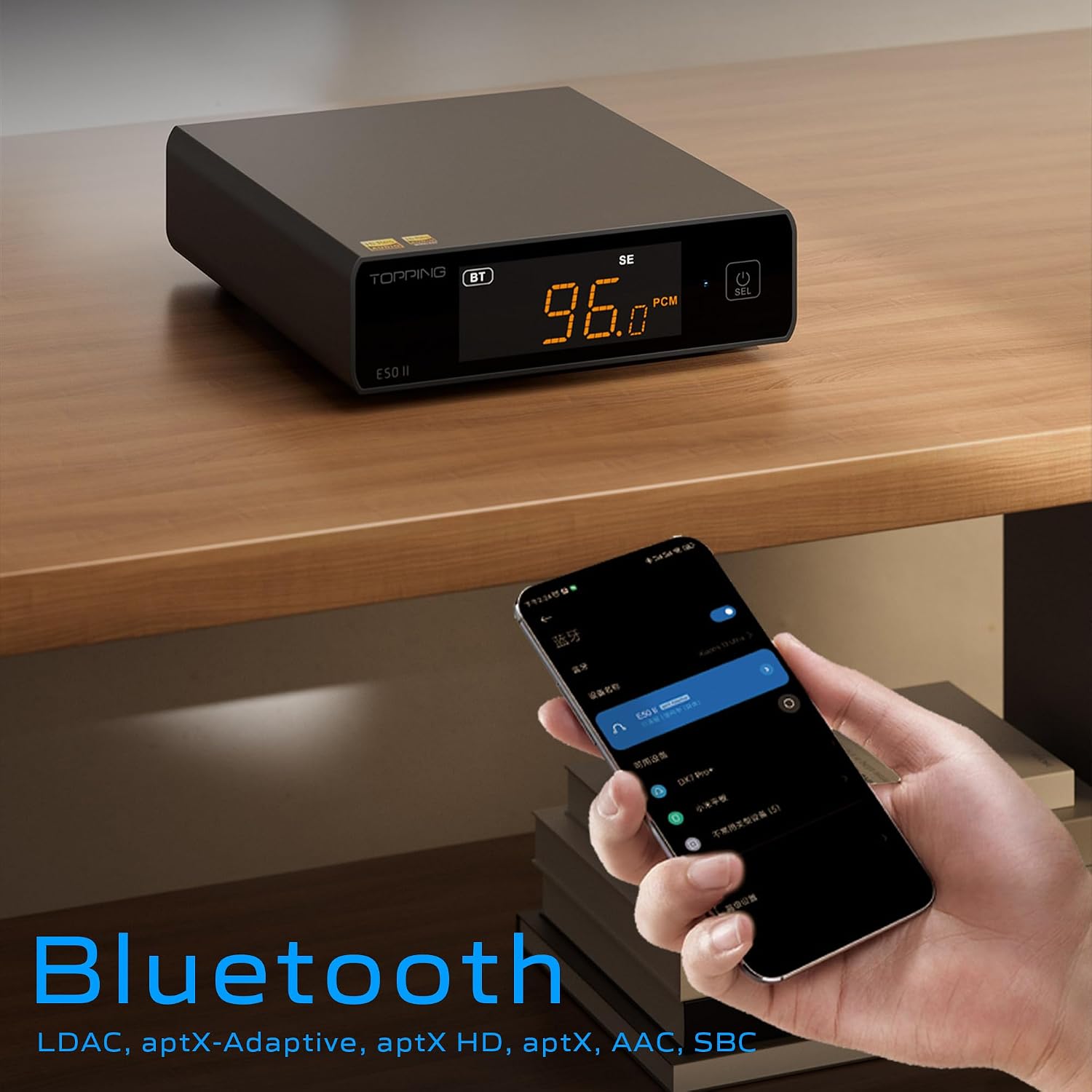
Image 6.3: A black E50II unit with a smartphone showing Bluetooth connection status.
6.5 PEQ (Parametric Equalizer) Function
The E50II features a 10-band Parametric Equalizer (PEQ) for precise sound customization. You can adjust frequency, gain, and bandwidth for each band. This function is accessible via the TOPPING Home app or dedicated PC software.

Image 6.4: Screenshot of the TOPPING TUNE FOR PC software interface, showing the 10-band PEQ settings.
6.6 사전amp 기능
The E50II can function as a preamplifier, allowing direct connection to a power amplifier or active speakers. In this mode, the volume can be controlled via the remote or the TOPPING Home app, providing precise output level control to prevent overload or under-driving of connected equipment.
7. 유지관리
- 부드럽고 마른 천으로 기기를 닦으세요. 액체 세척제나 에어로졸은 사용하지 마세요.
- 환기구에 먼지나 이물질이 들어가지 않도록 깨끗하게 유지하세요.
- 사용하지 않을 때는 장치를 서늘하고 건조한 곳에 보관하십시오.
8. 문제 해결
| 문제 | 가능한 원인 | 해결책 |
|---|---|---|
| 사운드 출력이 없습니다 | Incorrect input/output selection, loose cables, muted volume. | Check input source, ensure cables are securely connected, unmute or increase volume. |
| 장치 전원이 켜지지 않음 | Power cable not connected, faulty power adapter. | Ensure power cable is connected to a working 5V source. Try a different power adapter. |
| 블루투스 연결 문제 | E50II not in Bluetooth mode, device not paired, interference. | Switch E50II to Bluetooth input. Re-pair the device. Ensure no strong interference sources nearby. |
| 왜곡된 오디오 | Input signal too high, incorrect gain setting, faulty cables. | Reduce source volume. Adjust E50II gain setting. Try different audio cables. |
| Windows USB driver not working | Incorrect driver installation, driver conflict. | Reinstall the latest driver from the TOPPING website. Check for other conflicting audio drivers. |
9. 사양
- 상표: 토핑
- 모델: E50II
- DAC 칩: AK4497S
- USB 인터페이스: 엑스모스 XU316
- Max USB Decoding: PCM 768kHz / DSD512
- Optical/Coaxial Decoding: 최대 192kHz
- 블루투스 코덱: LDAC, aptX-Adaptive, aptX HD, aptX, AAC, SBC
- 오디오 출력 모드: 스테레오 재생
- 출력 인터페이스: RCA (unbalanced), 6.35mm TRS (balanced)
- 입력 인터페이스: USB, 광, 동축, 블루투스
- 특징: 10-band PEQ, Preamp function, TOPPING Home App control, Top Sync circuit for low jitter.
10. 보증 및 지원
The TOPPING E50II is covered by the manufacturer's or authorized agent's warranty regulations. Please refer to the warranty card included in your package for specific terms and conditions. For technical support, driver downloads, or service inquiries, please visit the official TOPPING web웹사이트를 방문하거나 가까운 공인 대리점에 문의하십시오.
공식 토핑 Web대지: www.toppingaudio.com