
1. 제품 오버view
The VBESTLIFE Video Peephole Camera is a digital door viewer designed to enhance home security. It features a 4.5-inch 1080P HD display, a 135° wide-angle lens, and an OV industrial-grade color image sensor for clear viewing. Key functionalities include PIR motion detection, night vision, and video recording capabilities.
This device supports 12 languages and offers an extended battery life with its 3800mAh rechargeable battery.
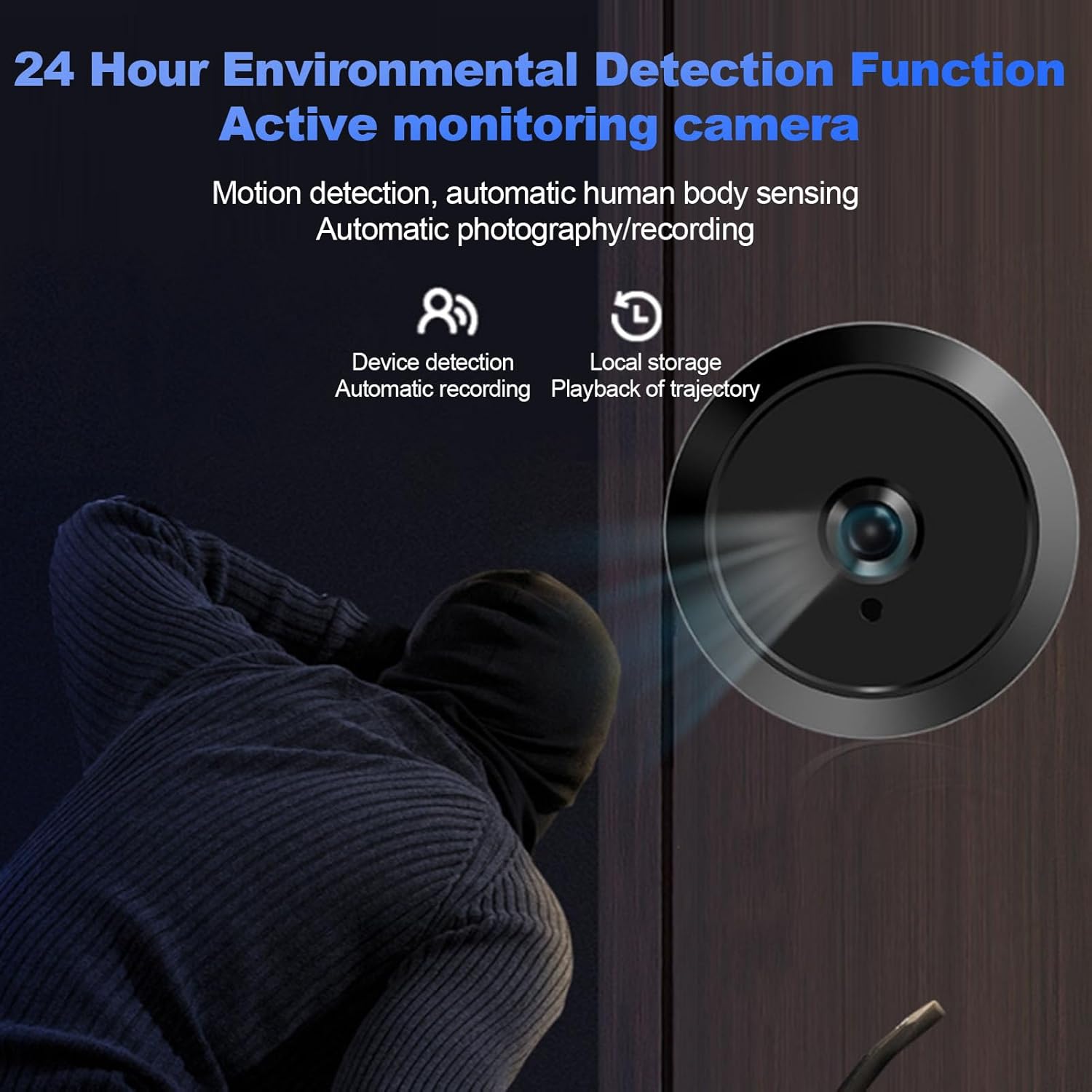
Image 1.1: Key features of the VBESTLIFE Video Peephole Camera, including automatic recording, long battery life, human body detection, HD night viewing, and a 135-degree wide-angle lens.
2. 제품 구성품
The VBESTLIFE Video Peephole Camera package includes the following items:
- Indoor Display Unit (4.5-inch screen)
- Outdoor Peephole Camera
- 장착 브래킷
- Mounting Screws (various lengths)
- USB 타입 C 충전 케이블 (1.2미터)

Image 2.1: Contents of the VBESTLIFE Video Peephole Camera package.
3. 설정 및 설치
설치하기 전에 문이 다음 요구 사항을 충족하는지 확인하세요.
- 문 구멍 직경: Approximately 14-35 mm (0.55-1.38 inches)
- 문 두께: Approximately 35-110 mm (1.38-4.33 inches)
설치 단계:
- 기존 엿보기 구멍 제거: If present, unscrew and remove the old peephole from your door.
- 실외 카메라를 삽입하세요: Insert the outdoor peephole camera through the door hole from the outside. Ensure the camera is facing outwards and is level.
- Mount Indoor Bracket: From the inside of the door, attach the mounting bracket to the outdoor camera's threaded tube. Secure it tightly with the provided screws.
- 디스플레이 장치 연결: Connect the cable from the outdoor camera to the corresponding port on the indoor display unit.
- 디스플레이 장치 부착: Slide the indoor display unit onto the mounting bracket, ensuring it clicks securely into place.

Image 3.1: Installation diagram and door compatibility requirements.
4. 사용 설명서
4.1 전원 켜기/끄기
- To power on, press and hold the power button on the indoor display unit.
- 전원을 끄려면 화면이 꺼질 때까지 전원 버튼을 다시 길게 누르세요.
4.2 라이브 View
When the device is powered on, the screen will automatically display a live view from the outdoor camera. You can also manually activate the live view 눌러서 view 단추.

Image 4.1: Outdoor camera and indoor display showing real-time view.
4.3 동작 감지(PIR)
The built-in PIR motion sensor detects human movement outside your door. When motion is detected, the device will automatically take photos or record videos, which are saved to a MicroSD card (not included).
- To enable/disable or adjust PIR sensitivity, navigate to the settings menu on the display unit.

Image 4.2: Motion detection functionality, capturing images or video upon detecting movement.
4.4 야간 투시경
The camera features superb night viewing technology with two infrared lights that are not visible to the eye. This ensures clear visibility in low-light conditions without disturbing neighbors.
- Night vision automatically activates in low light.
- You can select between color or black and white night vision modes in the settings.
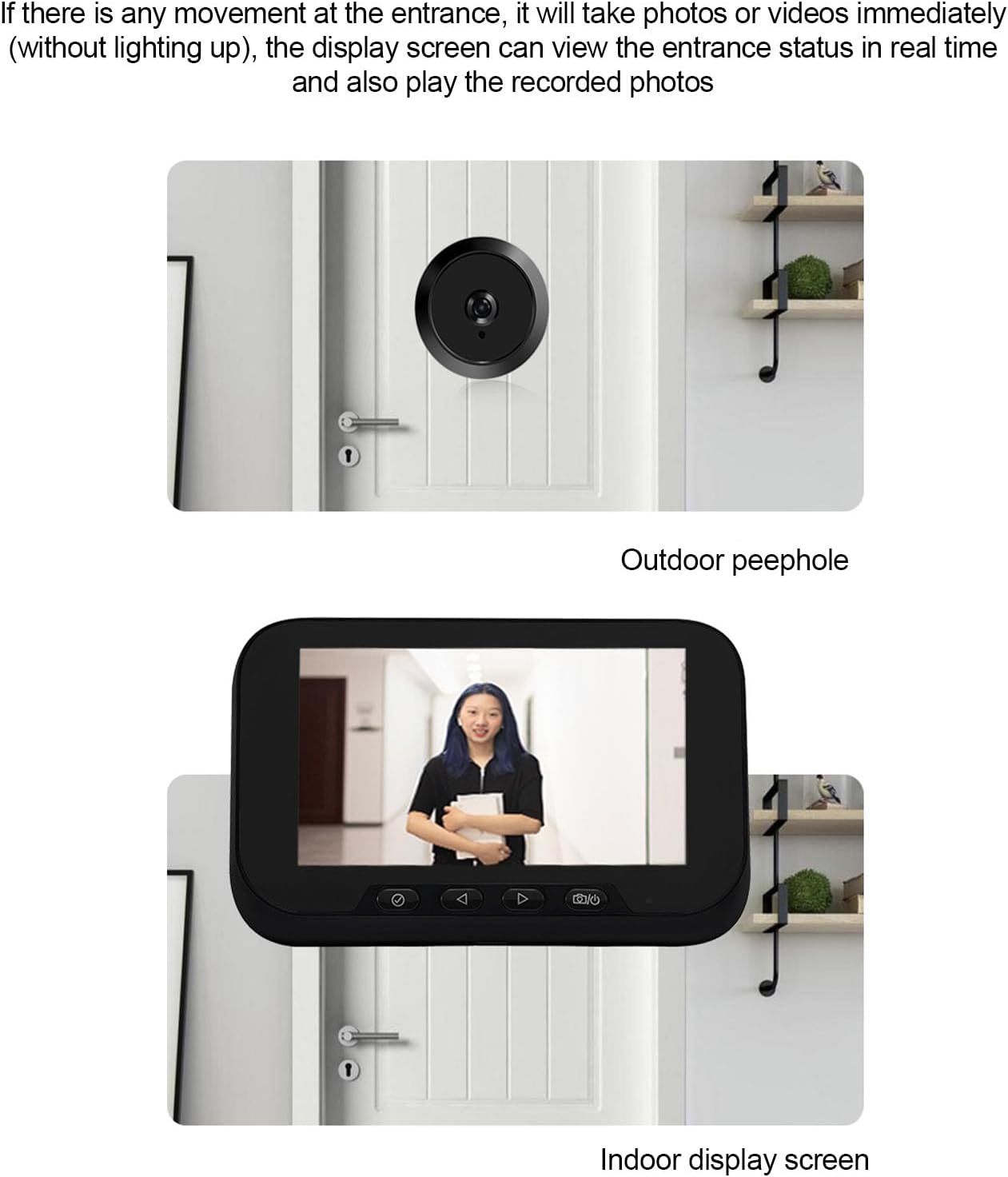
이미지 4.3: 낮과 밤 viewing comparison demonstrating the night vision capability.
4.5 녹음 및 재생
- To manually record a video or take a photo, press the respective buttons on the display unit during live view.
- 에게 view recorded photos and videos, access the playback menu on the display unit.
- Ensure a MicroSD card (up to 128GB, not included) is inserted for recording and storage.
4.6 언어 설정
The device supports 12 languages. To change the language:
- Access the settings menu on the indoor display unit.
- Navigate to the language option.
- Select your preferred language from the list (English, Chinese, Russian, French, Italian, German, Japanese, Korean, Czech, Turkish, Arabic).
5. 유지관리
5.1 청소
- Wipe the display screen and camera lens with a soft, dry cloth.
- 표면을 손상시킬 수 있으므로 연마성 세척제나 용제를 사용하지 마십시오.
5.2 배터리 충전
- The device is equipped with a 3800mAh rechargeable lithium battery.
- Connect the indoor display unit to a power source using the provided USB Type-C cable for charging.
- A full charge provides up to 30 days of standby time (based on average usage of 3-5 calls per day).
5.3 MicroSD 카드 관리
- The device supports a MicroSD card up to 128GB (not included).
- Insert the MicroSD card into the designated slot on the indoor display unit.
- Regularly back up important recordings and format the card periodically to ensure optimal performance.
6. 문제 해결
- 화면에 이미지가 없습니다: Ensure the outdoor camera cable is securely connected to the indoor display unit. Check if the battery is charged.
- 동작 감지가 작동하지 않습니다: Verify that PIR motion detection is enabled in the settings. Adjust sensitivity if necessary. Ensure the camera lens is clean and unobstructed.
- 야간 시력 저하: Ensure the camera lens is clean. Check night vision settings for optimal mode (color/B&W).
- 사진/동영상 촬영이 불가능합니다. Confirm that a MicroSD card is inserted and has sufficient free space. The card may need to be formatted.
- 짧은 배터리 수명: Ensure the battery is fully charged. Reduce PIR sensitivity or screen-on time if possible.
7. 사양
| 모델 번호 | VBESTLIFE6kbg0t24u3 |
| 디스플레이 크기 | 4.5인치 |
| 카메라 해상도 | 1080P HD |
| 렌즈 각도 | 135° 광각 |
| 이미지 센서 | OV Industrial-Grade Color |
| 나이트 비전 | Yes (Optional Color/B&W, No Illumination) |
| 동작 감지 | PIR 센서 |
| 저장 | 최대 128GB MicroSD 카드 지원(포함되지 않음) |
| 배터리 | 3800mAh 충전식 리튬 배터리 |
| 대기 시간 | 최대 30일 (평균 사용량) |
| 지원 언어 | 12 (English, Chinese, Russian, French, Italian, German, Japanese, Korean, Czech, Turkish, Arabic) |
| 제품 치수 | 19 x 9.98 x 6.99cm |
| 제품 무게 | 302g |
| Compatible Door Hole Diameter | 약 14-35mm |
| 호환 도어 두께 | 약 35-110mm |
| 데이터 케이블 길이 | 약. 1.2미터 |

Image 7.1: Product dimensions and installation measurements.
8. 보증 및 지원
Specific warranty information and detailed support contacts are not provided in the product data. Please refer to the retailer's return policy or contact VBESTLIFE customer service through their official channels for warranty claims or technical assistance.