
1. 서론
Thank you for choosing the YANZEO S200 2D Barcode Scanner. This high-speed, plug-and-play USB scanner is designed for efficient and accurate decoding of 1D and 2D barcodes from various surfaces, including paper, labels, and digital screens. Its robust design makes it suitable for diverse applications such as point-of-sale (POS), inventory management, and retail operations. This manual provides essential information for setting up, operating, and maintaining your scanner.
2. 안전 정보
- 스캐너를 극한의 온도, 습도 또는 직사광선에 노출시키지 마세요.
- Avoid dropping the scanner from excessive heights, although it is designed for durability.
- 스캐너를 분해하거나 개조하지 마십시오. 그렇게 할 경우 보증이 무효화됩니다.
- 최적의 성능을 유지하려면 스캔 창을 깨끗하게 유지하십시오.
- 스캐너의 광원에 눈이 직접 노출되지 않도록 하십시오.
3. 패키지 내용
다음 품목이 패키지에 포함되어 있는지 확인하세요.
- YANZEO S200 2D Barcode Scanner
- USB 케이블(부속)
- 사용 설명서 (본 문서)
4. 설정
The YANZEO S200 scanner is designed for simple plug-and-play operation. No drivers or additional software are required for most operating systems.
4.1 스캐너 연결
- Locate an available USB port on your computer or POS system.
- Plug the USB cable of the scanner into the USB port.
- The operating system (Windows, Mac OS, Linux) will automatically detect and install the necessary device drivers. This process usually takes a few seconds.
- 설치가 완료되면 스캐너를 바로 사용할 수 있습니다.

Image: The YANZEO S200 Barcode Scanner connected via USB to a laptop, illustrating its plug-and-play functionality and compatibility with Mac OS, Linux, and Windows operating systems.
5. 사용 설명서
5.1 스캐닝 모드
The S200 scanner supports three primary scanning modes to suit different operational needs:
- 키 트리거 모드: Press the trigger button to activate the scanner and read a barcode.
- 자동 감지 모드: 스캐너는 자동으로 해당 필드 내에서 바코드를 감지합니다. view 트리거를 누르지 않고도 스캔할 수 있습니다.
- 연속 스캐닝 모드: The scanner continuously emits a scanning beam, reading any barcode that passes through its field.
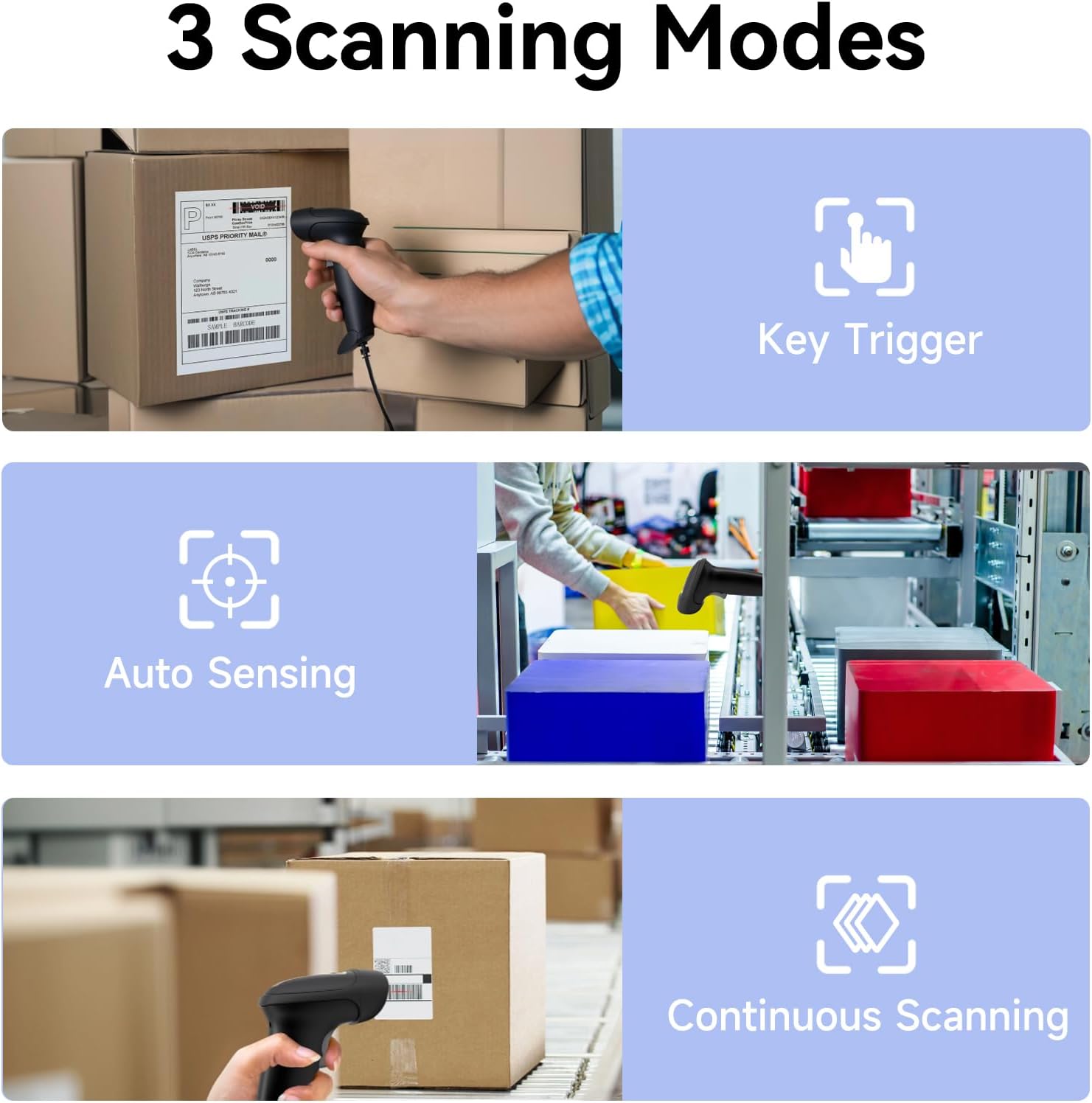
Image: Visual representation of the three scanning modes: Key Trigger (manual scan), Auto Sensing (automatic detection), and Continuous Scanning (constant beam).
5.2 Supported Barcode Types and Decoding Capabilities
The YANZEO S200 is equipped with advanced decoding capabilities to read a wide range of 1D and 2D barcodes, even those that are challenging to scan.
- 1D 바코드: UPC/EAN, 코드 128, 코드 39, 코드 93, 코드 11, 인터리브드 2/5, 산업용 2/5, 매트릭스 2/5, 표준 2/5, 코다바, MSI 플레시, GS1 데이터바 등
- 2D 바코드: QR 코드, 데이터 매트릭스, PDF417, 아즈텍 코드, Maxicode 등
- Challenging Barcodes: The scanner can effectively decode reflective, fuzzy, long, high-density, curved, colorful, damaged, and smudged barcodes, as well as barcodes displayed on digital screens (monitors, smartphones).

Image: The scanner's ability to quickly read diverse barcode types, including those that are reflective, fuzzy QR, long, high-density, curved, and even contaminated.

Image: Demonstrates the scanner's powerful decoding capabilities, showing it can read colorful, damaged, reflective, and smudged barcodes.

Image: The YANZEO S200 scanner demonstrating its ability to read both 1D and 2D barcodes from physical labels and digital screens.
5.3 호환성 및 적용 분야
The S200 scanner is highly versatile and compatible with various systems and environments:
- 운영 체제: Windows (7/8/10/11), Mac OS, Linux.
- 응용 프로그램: Ideal for POS systems, warehouse management, retail stores, logistics operations, supermarkets, pharmacies, and more.
- 키보드 언어: Supports multiple keyboard languages including English, Spanish, German, Japanese, French, Italian, and Dutch.

Image: The YANZEO S200 scanner in use across different scenarios: warehouse, supermarket, and pharmacy, demonstrating its suitability for multiple business environments.

Image: The YANZEO S200 scanner highlighting its support for multiple keyboard languages, indicated by various national flags.
6. 유지관리
6.1 스캐너 청소
To maintain optimal scanning performance, keep the scanning window clean. Use a soft, lint-free cloth lightly damp물이나 순한 세척액으로 닦으십시오. 연마성 세척제나 용제는 사용하지 마십시오.
6.2 내구성 및 환경 저항성
The YANZEO S200 is built with an IP54-certified durable housing, making it resistant to dust and water splashes. It is also designed to withstand drops from up to 1.5 meters, ensuring reliable operation in demanding environments.

Image: The YANZEO S200 scanner's durable and industrial-grade construction, featuring IP54 protection and a 1.5-meter drop test rating for tough environments.
7. 문제 해결
- Scanner not recognized: Ensure the USB cable is securely connected to both the scanner and the computer. Try a different USB port. Restart your computer.
- 바코드를 스캔할 수 없습니다: Check if the scanning window is clean. Ensure the barcode is within the scanner's range and properly illuminated. Verify the barcode type is supported.
- 잘못된 데이터 출력: Ensure the correct keyboard language is selected on your computer if you are scanning non-English characters.
- 경고음이 울리지 않음: Check the scanner's settings (if applicable, refer to advanced configuration guide) or ensure your computer's volume is not muted.
8. 사양
| 모델 | S200 |
| 스캐닝 기술 | CMOS 센서 |
| 바코드 유형 | 1D (UPC/EAN, Code 128, Code 39, etc.), 2D (QR Code, Data Matrix, PDF417, etc.) |
| 연결성 | USB 유선 |
| 운영 체제 | 윈도우, 맥 OS, 리눅스 |
| 내구성 등급 | IP54(방진 및 방수) |
| 낙하 저항 | 1.5 미터 |
| 제품 치수 | 6.3 x 3.2 x 2.4인치(16 x 8.1 x 6.1cm) |
| 품목 무게 | 9.6 온스(272그램) |
9. 보증 및 지원
The YANZEO S200 2D Barcode Scanner comes with a standard manufacturer's warranty. For specific warranty details, please refer to the product packaging or contact your retailer. For technical support, troubleshooting assistance, or any inquiries, please contact Yanzeo customer service through the official web사이트 또는 구매 플랫폼.


