
1. 서론
The Xiaomi Tag M2543T1 is an advanced Bluetooth tracker designed to help you keep track of your essential items. With Bluetooth 5.4 connectivity, this device is compatible with Android 9.0 and above, as well as iOS 14.5, iPadOS 14.5, and newer versions. Its practical and elegant keychain design allows for easy attachment to keys, backpacks, wallets, and more. The anti-loss system provides alerts via sound or vibration, and the direction assistance feature guides you precisely to your misplaced belongings. This manual provides detailed instructions for setting up and operating your Xiaomi Tag.
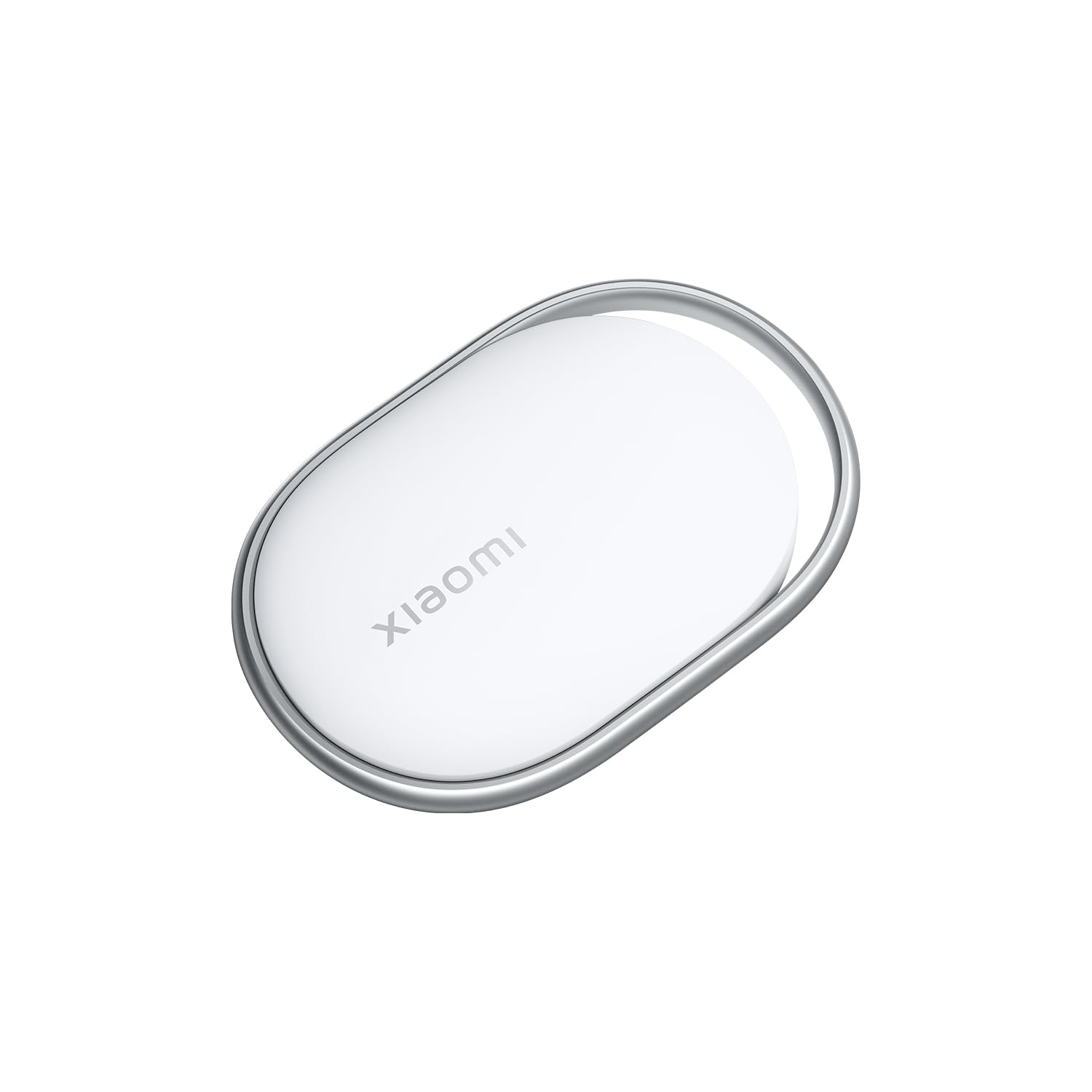
Image 1.1: The Xiaomi Tag M2543T1 Bluetooth Tracker, a compact white circular device with a small loop for attachment.
2. 상자 안에 무엇이 들어있나요?
- 1 x Xiaomi Tag M2543T1 Bluetooth Tracker
- 1 x AAAA Battery (pre-installed)
- 1 x 사용자 설명서
3. 설정
3.1. 초기 활성화
- 스마트폰의 Bluetooth가 활성화되어 있는지 확인하세요.
- For iOS devices, open the Apple Find My app. For Android devices, download and open the Find Hub app.
- Press and hold the button on your Xiaomi Tag until it emits a sound, indicating it's in pairing mode.
3.2. 기기와 페어링
- In the Find My (iOS) or Find Hub (Android) app, navigate to the 'Items' tab.
- Tap the '+' icon to add a new item.
- '다른 항목 추가' 또는 '공기 추가'를 선택하세요.Tag' (for iOS). The app will detect your Xiaomi Tag.
- Follow the on-screen prompts to complete the pairing process. You may be asked to name your tag (e.g., 'Keys', 'Wallet', 'Backpack') and assign an emoji for easy identification.
Video 3.1: Demonstration of pairing a generic tag with an iOS device using the Find My app, including naming the item and assigning an emoji.
4. 사용 설명서
4.1. 품목 찾기
Once paired, you can locate your Xiaomi Tag using the Find My (iOS) or Find Hub (Android) app:
- Open the app and select the desired Xiaomi Tag 목록에서 선택하세요.
- 앱은 다음을 표시합니다. tag지도에서 마지막으로 알려진 위치입니다.
- 만약 tag is nearby, you can tap 'Play Sound' to make the tag emit an audible alert, helping you pinpoint its exact location.
- For closer proximity, the app may offer direction assistance, indicating the distance and direction to your tag.
비디오 4.1: 데모 tag's functionality, showing it attached to various items like bags, backpacks, and keychains, and being located via a smartphone app.
4.2. Anti-Loss Alerts
The Xiaomi Tag can be configured to provide alerts if you leave an item behind. Check your app settings for options to enable separation alerts or 'Notify When Left Behind' features.
4.3. 로스트 모드
If an item with your Xiaomi Tag is lost, you can enable 'Lost Mode' in the app. This allows you to display a message and contact information to anyone who finds your tag. When someone finds your tag and scans it with an NFC-enabled smartphone, they will see your contact details.
5. 배터리 교체
The Xiaomi Tag M2543T1 uses one AAAA battery. When the battery level is low, you will receive a notification in the app. To replace the battery:
- Gently twist or pry open the back cover of the Xiaomi Tag.
- 기존 AAAA 배터리를 제거하세요.
- Insert a new AAAA battery, ensuring correct polarity.
- 뒷면 커버를 단단히 닫으세요.
6. 관리 및 유지 보수
- Keep the Xiaomi Tag dry. Avoid exposure to excessive moisture or liquids.
- 부드럽고 마른 천으로 기기를 닦으세요. 연마성 세제나 용제는 사용하지 마세요.
- 극한의 온도를 피하세요.
- 배터리 교체 외에는 기기를 분해하지 마십시오.
7. 문제 해결
7.1. Tag 연결되지 않음
- 스마트폰에서 Bluetooth가 활성화되어 있는지 확인하세요.
- 확인해보십시오 tag's battery is charged or needs replacement.
- 확인하세요 tag 기기의 블루투스 범위 내에 있습니다.
- 스마트폰을 재시작한 후 다시 페어링을 시도해 보세요.
7.2. Sound Not Playing
- 확인해주세요 tag is connected to your device in the app.
- 확인하세요 tag배터리 잔량.
- Ensure your phone's volume is up and not on silent.
7.3. 부정확한 위치
- Location accuracy can be affected by environmental factors (e.g., thick walls, interference).
- Ensure your phone's location services are enabled for the Find My/Find Hub app.
- 그만큼 tag's location updates when it's near a compatible device. If it's out of range, the app will show its last known location.
8. 사양
| 특징 | 사양 |
|---|---|
| 모델 번호 | M2543T1 |
| 연결성 | 블루투스 5.4 |
| 호환성 | Android 9.0+, iOS 14.5+, iPadOS 14.5+ |
| 배터리 유형 | AAAA 등급 배터리 1개 (포함) |
| 색상 | 하얀색 |
9. 보증 및 지원
This product is provided without an explicit warranty. For technical support or further inquiries, please refer to the official Xiaomi support channels or the retailer where the product was purchased.