
1. 서론
Thank you for choosing the Majority D100X Active Bookshelf Speakers. These speakers are designed to deliver high-quality audio for various applications, including home studios, offices, and living rooms. Featuring a powerful 2.2 stereo system, multiple connectivity options, and adjustable sound controls, the D100X provides a versatile and immersive listening experience.
2. 안전 지침
Please read these safety instructions carefully before using your speakers and retain them for future reference. Incorrect use may result in electric shock, fire, or other hazards.
- 제품을 비, 습기 또는 직사광선에 노출시키지 마십시오.
- 스피커 주변의 환기가 잘 되도록 하십시오. 통풍구를 막지 마십시오.
- 스피커를 라디에이터, 난방기, 스토브 또는 기타 기기(예: 히터, 히터 등)와 같은 열원 근처에 두지 마십시오. amp열을 생성하는 발전기.
- 제조사가 지정한 부속품/액세서리만 사용하세요.
- 번개 폭풍 시 또는 장기간 사용하지 않을 때는 기기의 플러그를 뽑아두세요.
- 모든 서비스는 자격을 갖춘 서비스 담당자에게 의뢰하십시오. 전원 코드나 플러그가 손상되었거나, 액체가 쏟아졌거나, 물체가 기기에 떨어졌거나, 기기가 비나 습기에 노출되었거나, 정상적으로 작동하지 않거나, 떨어졌을 때와 같이 기기가 어떤 식으로든 손상된 경우 서비스가 필요합니다.
- Do not open the speaker enclosures. There are no user-serviceable parts inside.
3. 패키지 내용
Carefully unpack your D100X speakers and ensure all items are present and in good condition. If any items are missing or damaged, please contact customer support.

전원 어댑터

원격 제어
3.5m Speaker Connection Cable
사용자 설명서
- Majority D100X Speakers (2 units)
- 전원 어댑터
- 3.5m Speaker Connection Cable
- 원격 제어
- 사용자 설명서
4. 설정
Follow these steps to set up your Majority D100X speakers:
- 놓기: Position the speakers on a stable, flat surface, such as a bookshelf or desk. For optimal stereo imaging, place them equidistant from your listening position.
- 스피커 연결: Use the provided 3.5m speaker connection cable to link the two D100X speaker units. Ensure a secure connection.
- 전원 연결: Connect the power adaptor to the main speaker unit and then plug it into a wall outlet.
- 초기 전원 켜기: Turn on the main speaker unit using the power switch located on the rear panel.
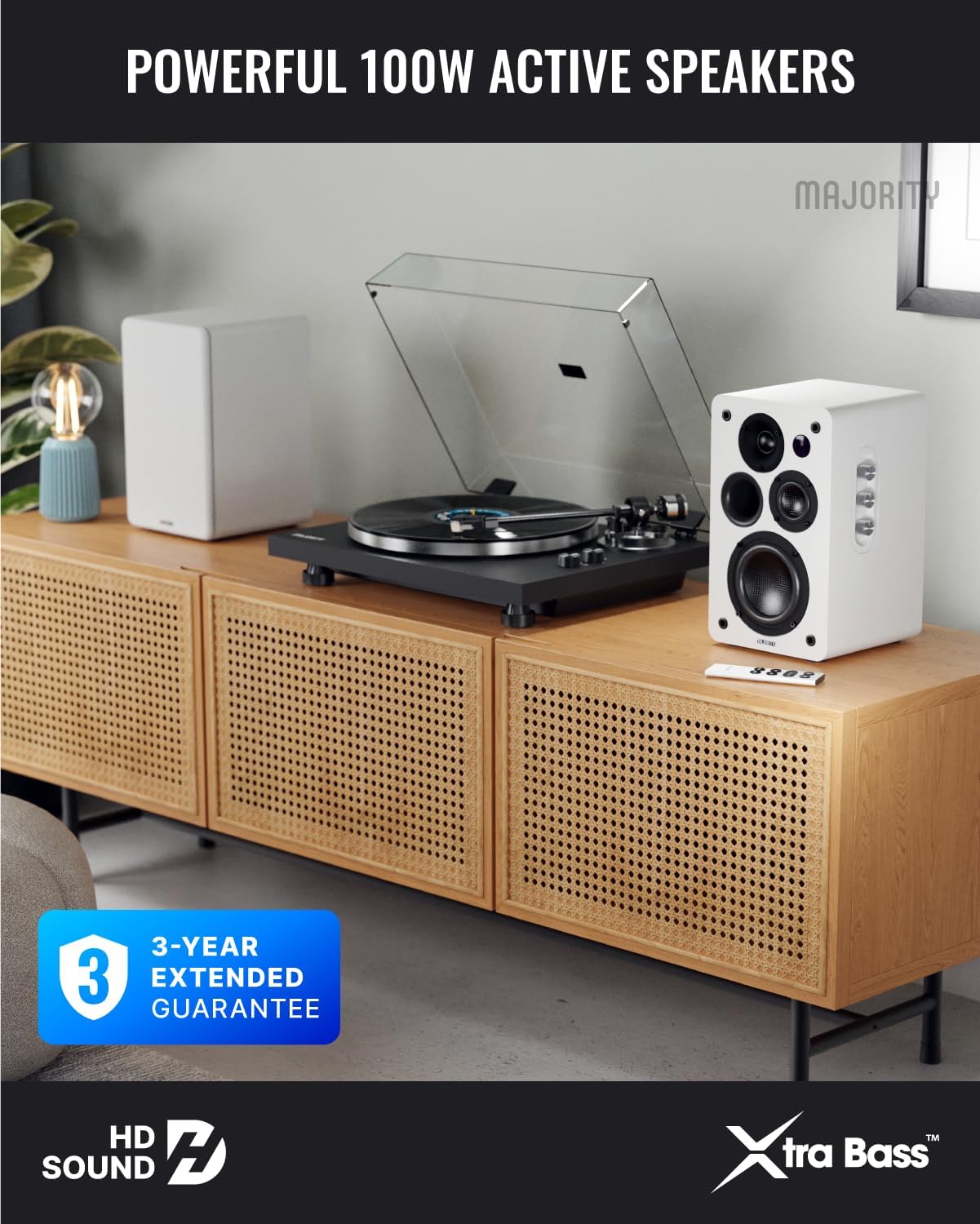
Image: Majority D100X speakers positioned on a wooden cabinet, ready for use.
5. 사용 설명서
The D100X speakers can be controlled via the intuitive front panel controls or the included remote control.
전면 패널 컨트롤:
- 볼륨 노브: 전체 볼륨 레벨을 조절하려면 회전하세요.
- 고음 노브: 고주파 응답을 조정합니다.
- 베이스 노브: 저주파 응답을 조정합니다.
- 입력 선택기 : Press to cycle through available input sources (Bluetooth, USB, AUX, HDMI ARC, Optical, Phono).
원격 제어:
The remote control provides full functionality, including power, volume, input selection, and EQ modes.
- 전원 버튼: 스피커를 켜거나 끕니다.
- 볼륨 높이기/낮추기: 볼륨을 조절합니다.
- 입력 버튼: Dedicated buttons for selecting specific input sources.
- EQ Modes (1-3): Available when connected via HDMI ARC or Optical. These modes are designed to enhance clarity, depth, and balance for movies, music, and games.
이미지: 앞면 view of a D100X speaker with its remote control, highlighting the adjustable bass and treble controls.
6. 연결성
The D100X offers a wide range of connectivity options to suit various audio sources.

Image: Rear panel of the D100X speaker, displaying various input ports including USB, Optical, HDMI ARC, Phono, and AUX.
6.1. 블루투스 5.3
For wireless audio streaming from smartphones, tablets, or laptops.
- Select Bluetooth input on the speakers. The indicator light will flash.
- Enable Bluetooth on your device and search for "Majority D100X".
- Select the speaker to pair. Once connected, the indicator light will be solid.
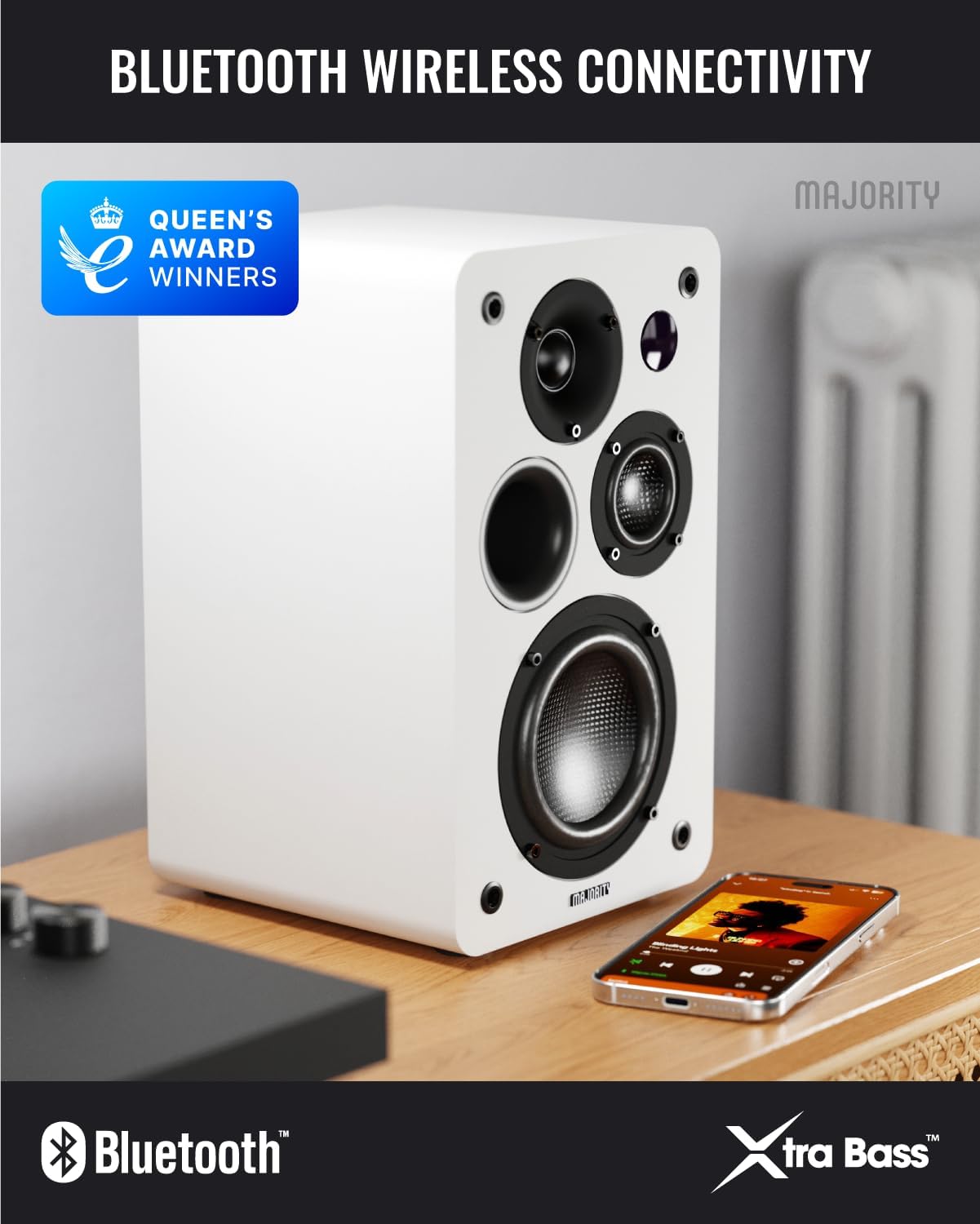
Image: D100X speaker wirelessly connected to a smartphone via Bluetooth.
6.2. HDMI 아크
Connect your TV for enhanced audio. This connection supports the EQ modes (1-3).
- TV의 HDMI ARC 포트와 스피커의 HDMI ARC 포트에 HDMI 케이블을 연결하세요.
- Select HDMI ARC input on the speakers.
- Ensure your TV's audio output is set to HDMI ARC.
6.3. 광학
For high-quality digital audio connection from TVs or other devices. This connection also supports the EQ modes (1-3).
- Connect an optical cable from your device's optical output to the speaker's optical input.
- Select Optical input on the speakers.
6.4. Phono (RCA)
Direct connection for turntables with a built-in pre-amp리퍼.
- Connect RCA cables from your turntable's output to the speaker's Phono (R-PHONO-L) input.
- Select Phono input on the speakers.
- 메모: If your turntable's output is higher than 100 RMS, use the AUX input instead of Phono.
6.5. AUX (3.5mm)
For connecting devices with a 3.5mm audio output, such as PCs or older audio players.
- Connect a 3.5mm audio cable from your device's headphone jack or audio out to the speaker's AUX (AUDIO IN) input.
- Select AUX input on the speakers.
6.6. USB 재생 및 충전
The USB port allows for direct music playback from storage devices and charging of external devices.
- Insert a USB storage device (e.g., USB flash drive) into the USB port for music playback.
- The USB port can also be used to charge compatible devices.
7. 유지관리
Proper care will ensure the longevity and performance of your D100X speakers.
- 청소: 스피커 표면은 부드럽고 마른 천으로 닦으십시오. 연마성 세척제, 왁스 또는 용제를 사용하지 마십시오.
- 먼지: Regularly dust the speakers to prevent accumulation, which can affect sound quality and internal components.
- 환경: Avoid placing speakers in areas with extreme temperatures, high humidity, or direct sunlight.
8. 문제 해결
If you encounter issues with your D100X speakers, refer to the following common problems and solutions:
| 문제 | 가능한 원인 / 해결책 |
|---|---|
| 전원이 없습니다 |
|
| 소리가 나지 않습니다 |
|
| 음질이 좋지 않음 / 왜곡 |
|
| 리모컨이 작동하지 않습니다 |
|
9. 사양
Detailed technical specifications for the Majority D100X Active Bookshelf Speakers.
| 상표 | 다수 |
| 모델 번호 | D100X |
| 치수(길이 x 너비 x 높이) | 18 x 16.8 x 27.5 cm (per speaker) |
| 무게 | 7.16kg (총량) |
| 최대 스피커 출력 전력 | 100 와트 |
| 주파수 응답 | 20000Hz |
| 연결 기술 | Bluetooth, Optical, HDMI, Phono, Auxiliary, RCA |
| 블루투스 범위 | 10 미터 |
| 오디오 출력 모드 | 스테레오(2.2 채널) |
| 입력 Voltage | 240 볼트 |
| 장착 유형 | 선반 마운트 |
| 재료 | 목재 |
| 우퍼 직경 | 4 인치 |
| 트위터 직경 | 1 인치 |
| 신호 대 잡음 비율 | 80데시벨 |
| 임피던스 | 4옴 |
| 제어 방법 | 원격 제어 |
| 추천 용도 | Gaming Console, Computer, Television, Home Cinema, Studio |

이미지: 상세 view of the D100X speaker's carbon fiber drivers, designed for high-quality audio.
10. 보증 및 지원
The Majority D100X speakers come with a 3-year extended guarantee, ensuring peace of mind and reliable performance. For any technical support, warranty claims, or further assistance, please contact Majority customer service.
- 온라인 지원: Visit the official Majority webFAQ, 문제 해결 가이드 및 연락처 정보를 제공하는 사이트입니다.
- 이메일 지원: Reach out to our support team via email for detailed assistance.
- 전화 지원: Contact our dedicated support line during business hours.
보증을 위해 구매 증빙서류를 보관하세요.

Image: Majority D100X speakers highlighting the 3-year extended guarantee.