
1. 서론
This manual provides essential information for setting up, operating, maintaining, and troubleshooting your Sharp Aquos QLED 55 Inch 4K Ultra HD Xumo Smart TV. Please read this manual thoroughly before using your television and retain it for future reference.
이미지: 앞면 view of the Sharp Aquos QLED 55 Inch 4K Ultra HD Xumo Smart TV.
2. 안전 정보
Always follow basic safety precautions when using this television to reduce the risk of fire, electric shock, and injury. Keep the television away from moisture, direct sunlight, and heat sources. Ensure proper ventilation and do not block any ventilation openings. Use only the power cord and accessories specified by the manufacturer. Refer to the full safety guidelines in the included printed manual.
3. 상자 안에 무엇이 들어있나요?
Your Sharp Aquos QLED 55 Inch 4K Ultra HD Xumo Smart TV package includes:
- Sharp Aquos QLED 55 Inch 4K Ultra HD Xumo Smart TV
- 음성 원격 제어
- TV 스탠드(2개)
- TV 스탠드용 나사
- 전원 코드
- 사용 설명서 (본 문서)
- 빠른 시작 가이드
4. 설정
4.1 TV 스탠드 부착
- 손상을 방지하려면 TV 화면을 부드럽고 평평한 표면에 조심스럽게 놓으세요.
- 각 스탠드 부품을 TV 하단의 해당 나사 구멍에 맞춰 정렬하십시오.
- 제공된 나사를 사용하여 각 스탠드 부품을 고정하세요. 나사가 단단히 조여졌는지 확인하세요.
4.2 벽면 장착(선택 사항)
If you choose to wall mount your TV, ensure you use a VESA-compatible wall mount kit (sold separately) that supports the 55-inch screen size and weight. Follow the instructions provided with your wall mount kit. Remove the TV stand before mounting.
4.3 장치 연결
Connect your external devices (cable box, gaming console, soundbar, etc.) to the appropriate ports on the back of the TV. The Sharp Aquos QLED TV features multiple HDMI inputs for versatile connectivity.

이미지: 후면 view of the Sharp Aquos QLED TV showing cable management through the stand.
4.4 전원 연결
Plug the power cord into the TV's power input, then into a wall outlet. The TV is now ready for initial setup.
5. 사용 설명서
5.1 초기 설정 및 네트워크 연결
Upon first power-on, the TV will guide you through the initial setup process. This includes selecting your language, connecting to your Wi-Fi network (dual-band Wi-Fi supported for reliable streaming), and agreeing to terms and conditions. Follow the on-screen prompts.
5.2 리모콘 기능
The included voice remote allows for intuitive navigation. Use the directional pad to move through menus, the OK button to select, and dedicated buttons for popular streaming services. The built-in voice search feature provides hands-free control for launching apps, adjusting volume, and switching inputs.
5.3 Xumo Smart TV Platform
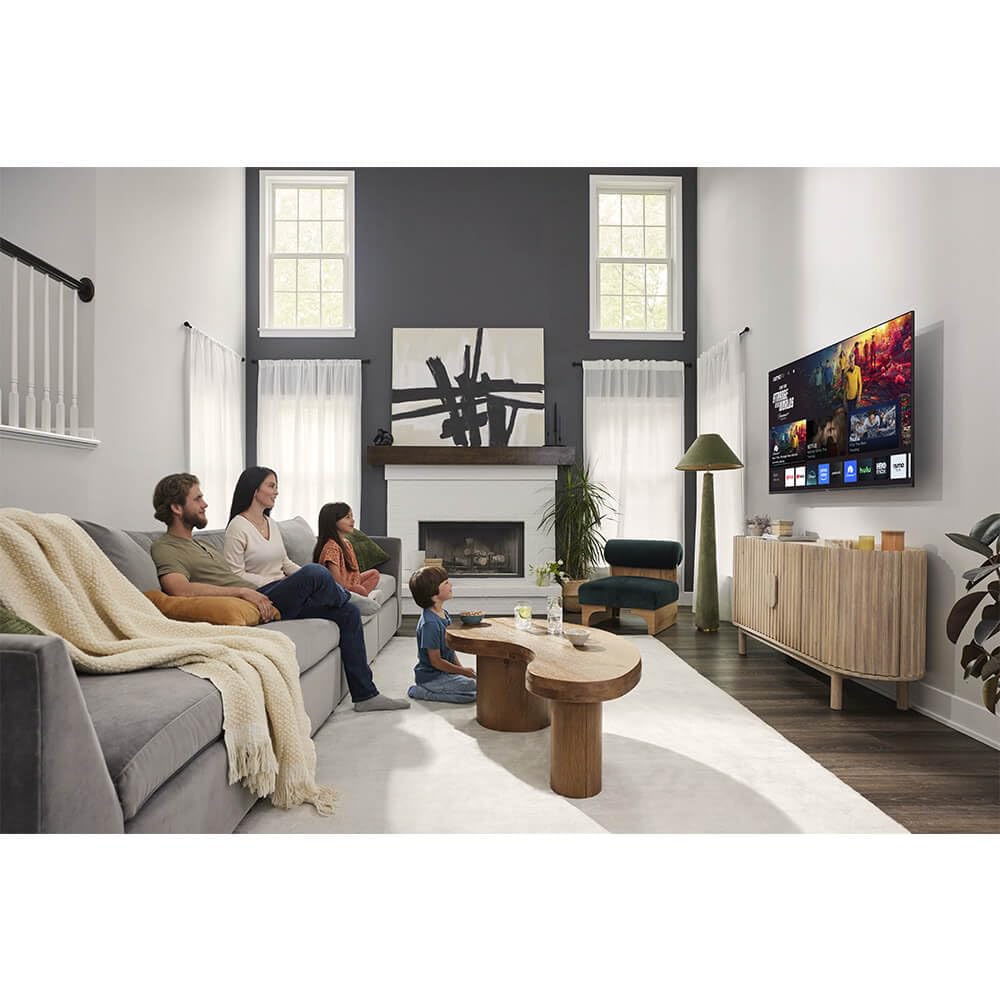
The Xumo Smart TV system offers fast and intuitive access to your favorite streaming applications. The clean home screen allows for easy navigation and personalized content recommendations.
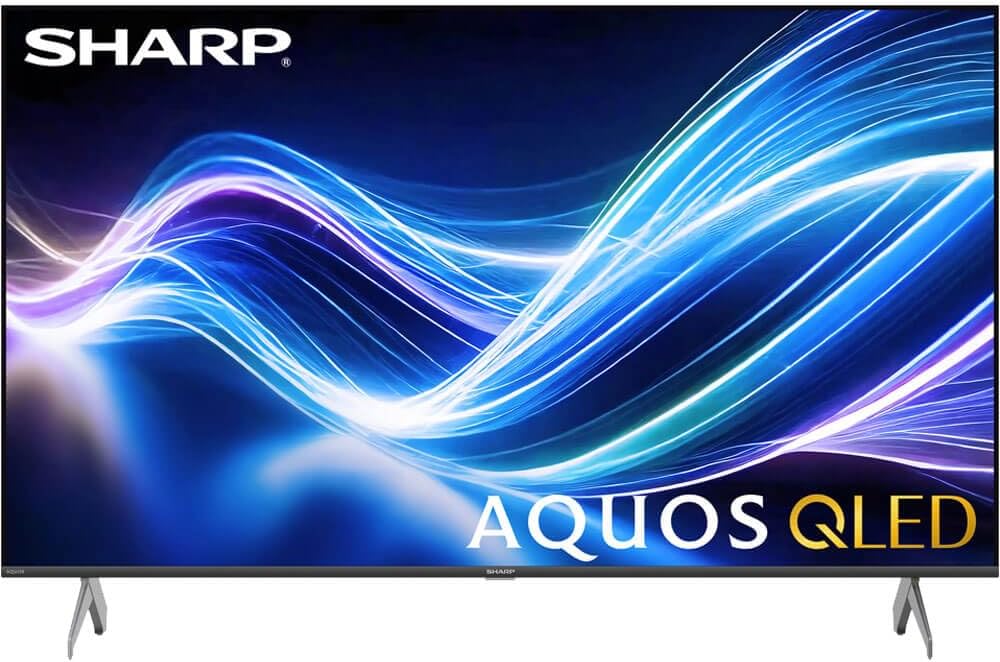
Image: The Xumo Smart TV home screen displaying various streaming apps and voice search functionality.
5.4 화면 및 사운드 설정
Your Sharp Aquos QLED TV supports advanced picture and sound technologies:
- 4K QLED 디스플레이: Enjoy vibrant, lifelike images with Quantum Dot color and enhanced brightness.
- 돌비 비전 및 HDR10: These premium HDR formats optimize contrast, depth, and clarity for cinematic picture quality. Access picture settings via the TV menu to fine-tune brightness, contrast, color, and sharpness.
- 몰입형 오디오: The TV features optimized sound processing for clear dialogue and enhanced bass. Connect Bluetooth headphones or speakers for wireless listening. Adjust audio modes (Standard, Music, Movie, Speech, Custom) in the sound settings.
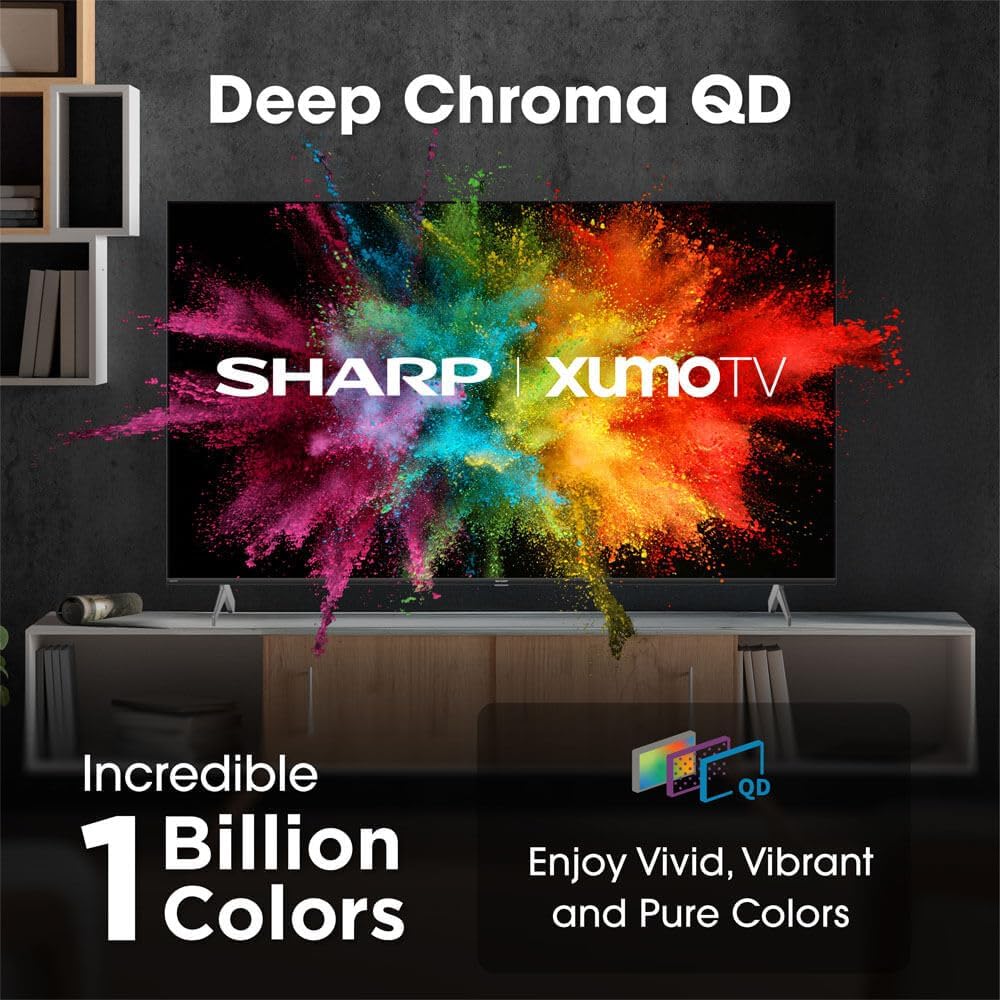
Image: Comparison of Dolby Vision enhanced picture quality against a standard display.

Image: Visual representation of Dolby Atmos creating immersive sound in a living room setting.
6. 유지관리
6.1 TV 청소
화면을 청소하려면 부드럽고 보풀이 없는 천으로 부드럽게 닦으세요. 잘 지워지지 않는 얼룩은 가볍게 닦아주세요.ampen the cloth with water or a screen-cleaning solution. Never spray liquid directly onto the screen. Clean the TV's exterior with a soft, dry cloth.
6.2 소프트웨어 업데이트
TV는 성능 향상 및 새로운 기능 추가를 위해 자동 소프트웨어 업데이트를 받을 수 있습니다. 업데이트를 받으려면 TV가 인터넷에 연결되어 있는지 확인하십시오. TV 설정 메뉴에서 수동으로 업데이트를 확인할 수도 있습니다.
7. 문제 해결
| 문제 | 가능한 원인 | 해결책 |
|---|---|---|
| 전원이 없습니다 | Power cord not connected, power outlet not working. | 전원 코드 연결 상태를 확인하고 다른 콘센트에 넣어보세요. |
| 영상/소리 없음 | Incorrect input selected, external device off/disconnected. | Verify input source, check device power and connections. |
| 리모컨이 작동하지 않습니다 | Batteries low/dead, obstruction between remote and TV. | 배터리를 교체하고, 장애물을 제거하고, 필요한 경우 리모컨을 다시 페어링하십시오. |
| Wi-Fi 연결 문제 | Router issues, incorrect password, weak signal. | Restart router, re-enter Wi-Fi password, move TV closer to router or use Ethernet. |
8. 사양
- 상표: 날카로운
- 모델 번호: 4TC55HP7050U
- 화면 크기: 55 인치
- 디스플레이 기술: QLED Smart
- 해결: 4K 울트라 HD
- 새로 고침 빈도: 60Hz
- 특별 기능: Flat, Dolby Vision, HDR10, Xumo Smart TV, Voice Remote, Bluetooth, Dual-band Wi-Fi
- 연결 기술 : RCA, HDMI (multiple ports)
- 지원되는 인터넷 서비스: Netflix, Hulu, Amazon Prime Video (and more via Xumo platform)
- 품목 무게: 32 파운드
- 색상: 검은색
9. 보증 및 지원
보증 정보 및 기술 지원은 제품에 동봉된 보증 카드를 참조하거나 샤프 공식 웹사이트를 방문하십시오. web사이트. 보증 청구를 위해 구매 증빙 자료로 구매 영수증을 보관하세요.