
소개
Thank you for choosing the OMOTON Foldable Bluetooth Keyboard. This manual provides detailed instructions for setting up, operating, maintaining, and troubleshooting your new keyboard. Designed for portability and multi-device compatibility, this keyboard enhances productivity for remote work, travel, and office use across various operating systems.
제품 끝view
The OMOTON Foldable Bluetooth Keyboard is a versatile input device featuring a full-size layout with an integrated number pad. It supports connection to up to three devices simultaneously, allowing seamless switching between them. Its compact, foldable design makes it ideal for transport.
주요 특징:
- Connects to up to 3 devices (iPad, iPhone, Android tablets, Windows laptops, Mac devices).
- Full-size keyboard with integrated number pad.
- 휴대성을 위해 컴팩트하고 접을 수 있는 디자인입니다.
- Rechargeable battery via USB-C with auto-sleep function.
- Includes a foldable phone stand for convenience.

Figure 1: Keyboard dimensions in folded (7.24 x 4.52 x 0.43 inches) and unfolded states, demonstrating its portable size.
설정
1. 키보드 충전
Before initial use, fully charge the keyboard. Connect the provided USB-C cable to the keyboard's charging port and to a power source. A full charge typically takes approximately 2 hours. The keyboard features a long standby time of up to 90 days.
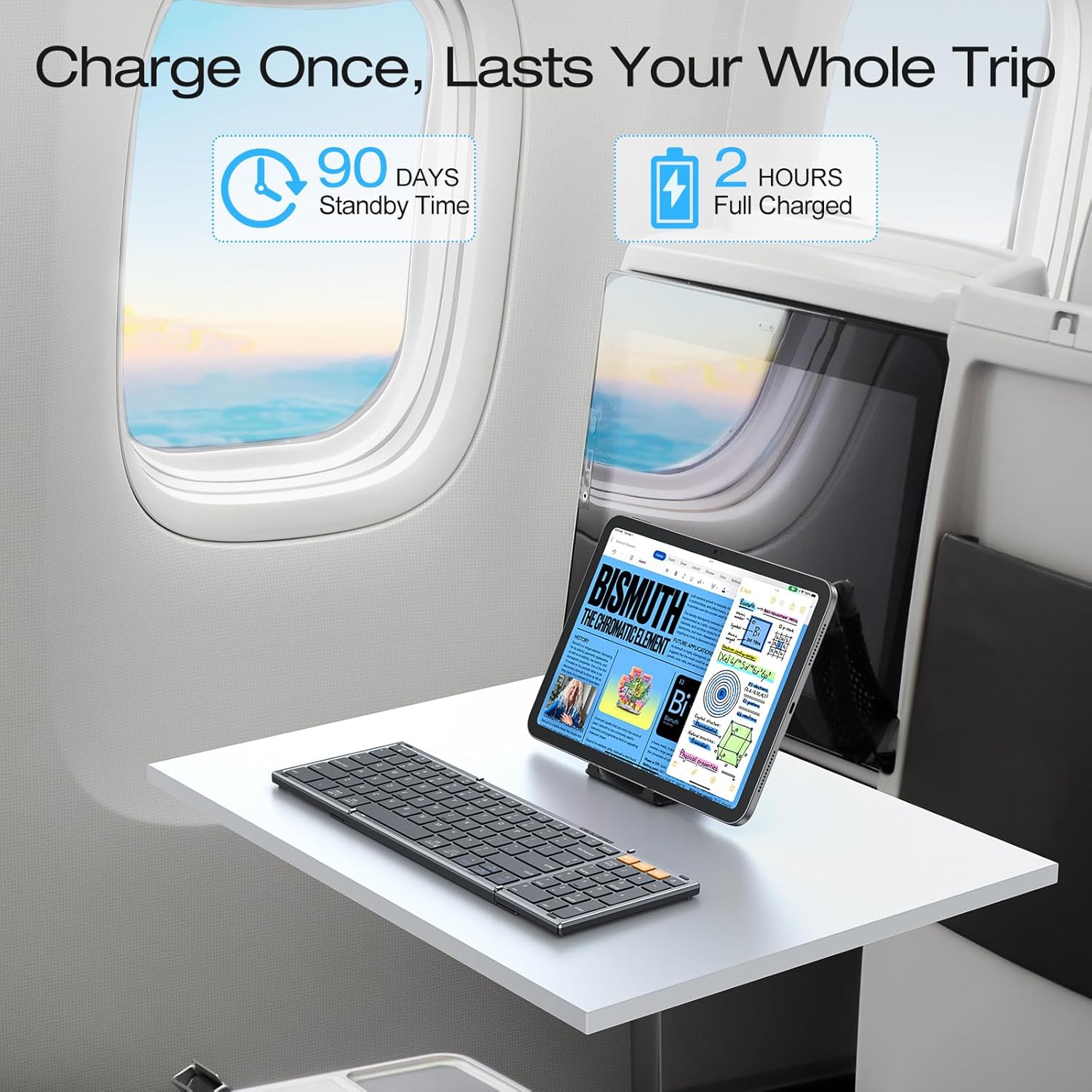
Figure 2: The keyboard's battery life and charging time, highlighting its suitability for travel.
2. 블루투스 페어링
The keyboard can pair with up to three devices. Follow these steps for each device:
- 블루투스 채널을 선택하세요: 를 누르세요 BT1, BT2, 또는 BT3 key once to select an available channel.
- 페어링 모드 시작: 선택한 항목을 길게 누르세요 BT key (e.g., BT1) for 3 seconds. The indicator light above the BT keys will flash rapidly, indicating the keyboard is in pairing mode.
- 내 기기에서 연결하세요: On your device (smartphone, tablet, laptop), navigate to its Bluetooth settings. Locate and select "Bluetooth Keyboard" from the list of available devices.
- 연결 확인: Once successfully paired, the indicator light on the keyboard will turn off.
Repeat these steps to pair with additional devices using the other BT channels.

Figure 3: Bluetooth connection keys and indicators on the keyboard, illustrating the pairing process.
3. Selecting System Layout
To ensure proper key functionality, select the correct operating system layout after pairing:
- For iOS devices (iPad/iPhone): Press Fn + Q
- 안드로이드 기기의 경우: 누르세요 Fn + W
- Windows 장치의 경우: 누르세요 Fn + E
- For macOS devices: Press Fn + R

Figure 4: Key combinations for selecting the appropriate operating system layout.
작동 지침
1. 페어링된 장치 간 전환
Once paired with multiple devices, you can switch between them by simply pressing the corresponding Bluetooth channel key (BT1, BT2, 또는 BT3). The keyboard will connect to the selected device within seconds.

Figure 5: The keyboard's ability to connect and switch between three devices.
2. 자동 절전 기능
To conserve battery life, the keyboard will automatically enter sleep mode after 30 minutes of inactivity. To wake it up, simply press any key. The keyboard will reconnect to the last active device.
3. 배터리 상태 확인
현재 배터리 잔량을 확인하려면 누르세요. 에프앤비. An indicator light will blink to show the charge status (e.g., 4 blinks for fully charged).
4. Using the Included Phone Stand
The foldable phone stand provides an ergonomic viewing angle for your smartphone or tablet, enhancing comfort during typing. It features 5 adjustable angles to suit your preference.
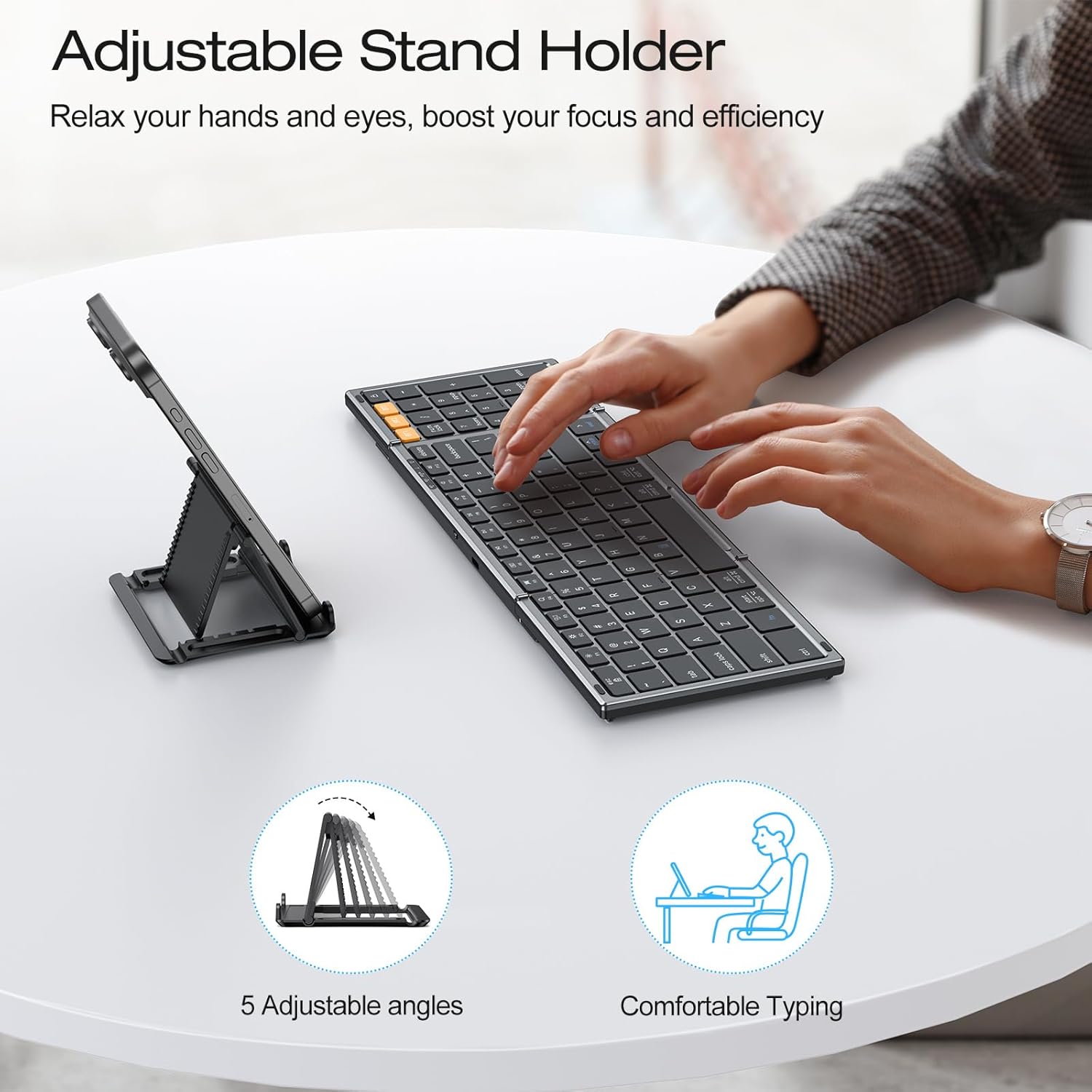
Figure 6: The adjustable stand holder in use, providing an ergonomic setup.
유지
OMOTON 접이식 블루투스 키보드의 수명과 최적의 성능을 유지하려면 다음 유지 관리 지침을 따르십시오.
- 청소: 부드럽고 마른 보풀 없는 천을 사용하여 키보드 표면을 닦으세요. 잘 지워지지 않는 오염의 경우, 가볍게 두드리세요.amp천에 물이나 순한 세척액을 묻혀 닦아주세요. 과도한 습기는 피하세요.
- 저장: When not in use, fold the keyboard to protect the keys and store it in a dry, cool place away from direct sunlight and extreme temperatures.
- 액체를 피하세요: 키보드를 액체에 노출시키지 마십시오. 실수로 액체를 쏟은 경우, 즉시 키보드 전원을 끄고 완전히 말린 후 사용하십시오.
- 조심스럽게 다루십시오: Avoid dropping the keyboard or subjecting it to strong impacts, which can damage internal components.
문제 해결
If you encounter issues with your OMOTON Foldable Bluetooth Keyboard, refer to the following common solutions:
- Keyboard Not Connecting/Responding:
- Ensure the keyboard is charged. Check battery status by pressing 에프앤비.
- 장치에서 Bluetooth가 활성화되어 있는지 확인하십시오.
- Ensure the correct Bluetooth channel (BT1, BT2, 또는 BT3) is selected on the keyboard.
- Try re-pairing the keyboard with your device. Forget the device in your device's Bluetooth settings and repeat the pairing steps in the Setup section.
- Restart both the keyboard (by folding and unfolding it, or turning it off and on if applicable) and your device.
- 잘못된 키 출력:
- Ensure you have selected the correct operating system layout using Fn + Q/W/E/R 설정 섹션에 설명된 대로입니다.
- Keyboard Randomly Stops Responding:
- This may occur if the keyboard enters auto-sleep mode. Press any key to wake it up.
- If the issue persists, try re-pairing the keyboard.
명세서
| 상표 | 오모톤 |
| 모델 번호 | B0G39BP4ML |
| 연결 기술 | 블루투스 |
| 호환 장치 | iOS, 안드로이드, 윈도우, 맥OS, 아이패드, 아이폰, 삼성 태블릿, PC, 노트북, 컴퓨터 |
| 키보드 설명 | 풀사이즈 키보드 |
| 특별 기능 | 3 Bluetooth Channels, Foldable, Includes a Phone Stand, Rechargeable |
| 색상 | 스페이스 그레이 |
| 제품 치수(접었을 때) | 7.24인치 길이 x 4.52인치 너비 x 0.43인치 높이 |
| 재료 | 플라스틱 |
| 전원 | 배터리 구동 |
| 키보드 레이아웃 | 쿼티 |
| 키의 개수 | 104 |
보증
The OMOTON Foldable Bluetooth Keyboard comes with a 12-month warranty from the date of purchase. This warranty covers manufacturing defects and ensures the product meets its specified performance standards under normal use. Please retain your proof of purchase for warranty claims.
지원하다
For further assistance, technical support, or inquiries not covered in this manual, please refer to the OMOTON official website or contact their customer service. Contact details are typically found on the product packaging or the brand's official online presence.