
1. 서론
구매해주셔서 감사합니다asing the Aiwa BST-130RD Bluetooth Speaker. This portable speaker features Bluetooth 5.3 connectivity, vibrant RGB lighting, FM radio, and multiple playback options including USB and TF card. This manual provides essential information for the safe and efficient use of your device. Please read it thoroughly before operation and retain it for future reference.
2. 패키지 내용
패키지에 모든 품목이 들어 있는지 확인하세요.
- Aiwa BST-130RD Bluetooth Speaker
- USB Type-C 충전 케이블
- 사용 설명서
3. 제품 오버view
스피커의 조작 버튼과 포트에 익숙해지세요.
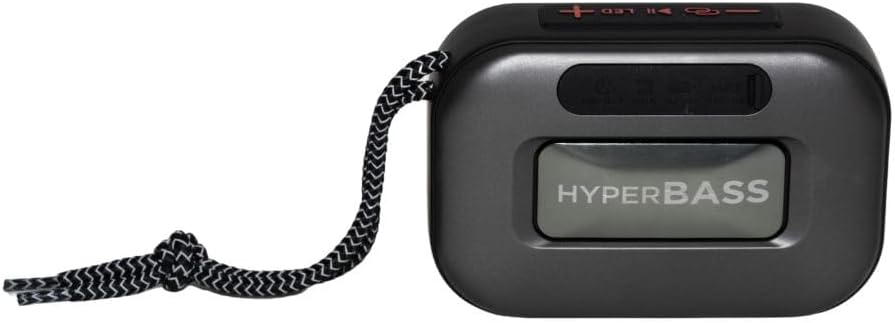
그림 3.1: 앞쪽 view of the Aiwa BST-130RD Bluetooth Speaker, showcasing the speaker grille and RGB light ring.

그림 3.2: Close-up of the tactile control buttons located on the top panel of the speaker. These include power, play/pause, volume, mode, and LED light controls.

그림 3.3: 뒤쪽 view of the speaker, illustrating the USB-A port, Micro SD (TF) card slot, AUX-IN port, and USB Type-C charging port.
통제 수단:
- 전원 버튼: 스피커를 켜거나 끄려면 길게 누르세요.
- 재생/일시 정지 버튼: 오디오를 재생하거나 일시 정지합니다. Bluetooth 모드에서 전화를 받거나 끊습니다.
- 볼륨 높이기(+): Increase volume. Long press for next track/FM station.
- 볼륨 낮추기(-): Decrease volume. Long press for previous track/FM station.
- 모드 버튼(M): Switch between Bluetooth, FM Radio, USB, TF Card, and AUX-IN modes.
- LED 버튼: RGB 조명 모드를 변경합니다.
포트:
- USB-A 포트: USB 플래시 드라이브 재생용입니다.
- TF 카드 슬롯 : Micro SD 카드 재생용입니다.
- AUX-IN 포트(3.5mm): 유선 오디오 연결용.
- USB Type-C 충전 포트: 스피커를 충전합니다.
4. 설정
4.1 스피커 충전
- 제공된 USB Type-C 충전 케이블을 스피커의 충전 포트에 연결하십시오.
- Connect the other end of the cable to a 5V DC USB power adapter (not included).
- 충전 표시등은 충전 중에 켜지고, 완전히 충전되면 꺼집니다.
- 일반적으로 완전 충전에는 약 2~3시간이 걸립니다.
4.2 전원 켜기/끄기
- 전원을 켜려면: 전원 버튼을 2~3초간 길게 누르면 음성 안내가 나오고 RGB 조명이 켜집니다.
- 전원을 끄려면: Press and hold the Power button for 2-3 seconds until you hear an audible prompt and the RGB lights deactivate.
5. 사용 설명서
5.1 블루투스 페어링
- Ensure the speaker is powered on and in Bluetooth mode (indicated by an audible prompt or LED status). If not, press the Mode button to switch to Bluetooth mode.
- 스마트폰, 태블릿 또는 기타 Bluetooth 지원 기기에서 Bluetooth를 활성화하세요.
- 검색 available devices and select "AIWA BST-130RD" from the list.
- Once paired, the speaker will emit an audible confirmation.
- 이제 스피커를 통해 기기의 오디오를 재생할 수 있습니다.
5.2 True Wireless Stereo(TWS) 페어링
The TWS function allows you to connect two Aiwa BST-130RD speakers for a stereo sound experience.
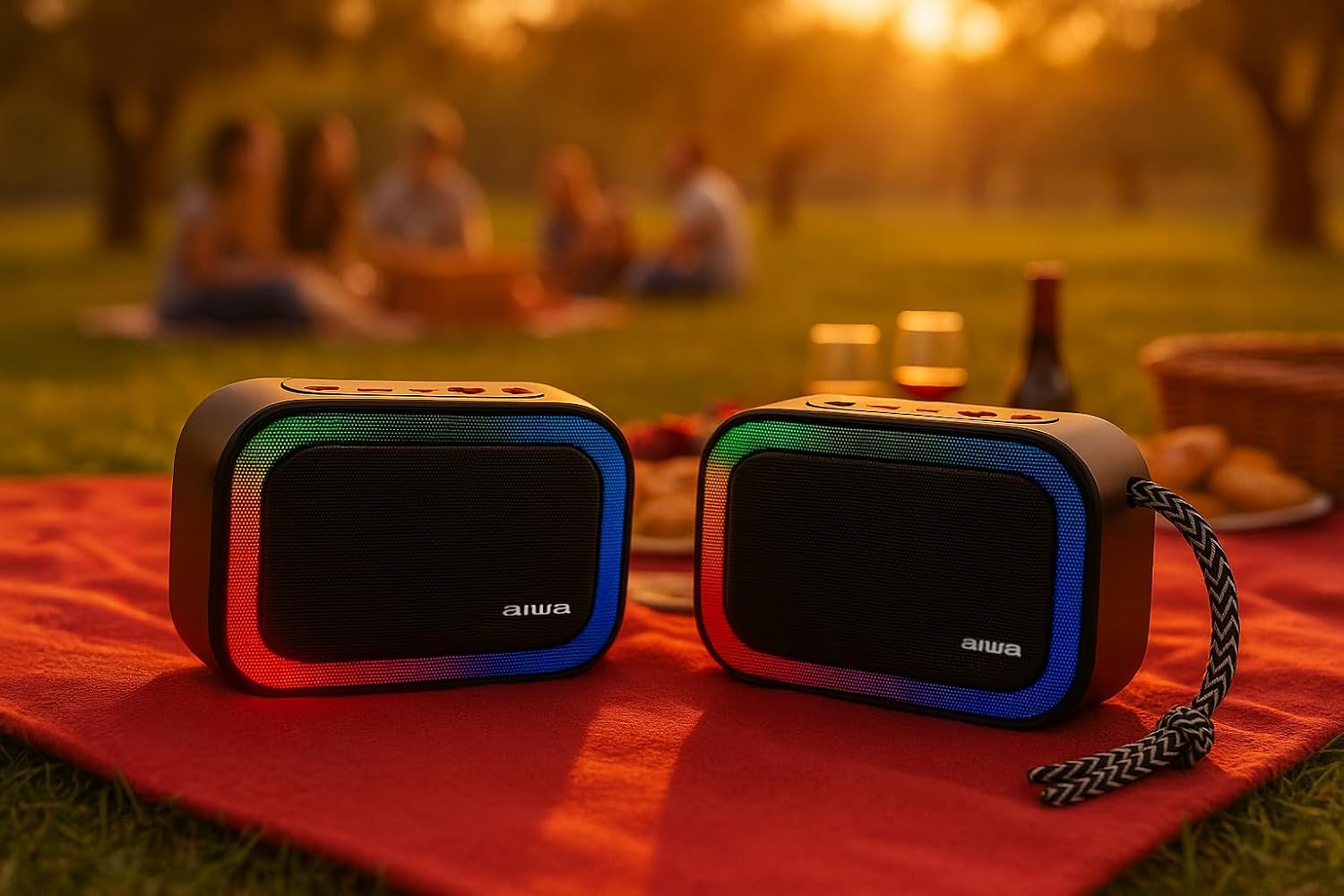
그림 5.1: Two Aiwa BST-130RD speakers operating in True Wireless Stereo (TWS) mode, providing a wider soundstage.
- Ensure both BST-130RD speakers are powered on and in Bluetooth mode, but not yet paired to any device.
- On one of the speakers (this will be the primary speaker), double-press the Play/Pause button. The speaker will search for another BST-130RD.
- Once connected, you will hear an audible confirmation. The primary speaker will act as the left channel, and the secondary speaker as the right channel.
- Now, pair your Bluetooth device to the primary speaker as described in Section 5.1.
5.3 FM 라디오 작동
- Press the Mode button repeatedly until you enter FM Radio mode.
- 재생/일시정지 버튼을 한 번 누르면 자동 방송국 검색이 시작됩니다. 스피커가 사용 가능한 FM 방송국을 검색하고 저장합니다.
- Use the Volume Up (+) and Volume Down (-) buttons (long press) to navigate between saved stations.
5.4 USB / TF 카드 재생
- Insert a USB flash drive into the USB-A port or a TF (Micro SD) card into the TF card slot.
- The speaker will automatically switch to the corresponding mode and begin playing MP3 files. If not, press the Mode button to select USB or TF mode.
- Use the Play/Pause button to control playback. Use the Volume Up (+) and Volume Down (-) buttons (long press) to skip tracks.
5.5 AUX-IN 모드
- Connect one end of a 3.5mm audio cable (not included) to the speaker's AUX-IN port.
- 케이블의 다른 한쪽 끝을 외부 기기(예: MP3 플레이어, 컴퓨터)의 오디오 출력 단자에 연결하십시오.
- Press the Mode button to switch to AUX-IN mode.
- Audio will now play through the speaker. Control playback from your external device.
5.6 핸즈프리 기능
스마트폰에 Bluetooth로 연결하면 스피커를 핸즈프리 통화로 사용할 수 있습니다.
- 전화 받기: 재생/일시정지 버튼을 한 번 누르세요.
- 통화 종료: 통화 중에 재생/일시 정지 버튼을 한 번 누르세요.
- 전화 거부: 재생/일시정지 버튼을 2초 동안 길게 누릅니다.
5.7 RGB 조명 제어
The speaker features a dynamic RGB lighting system.

그림 5.2: The Aiwa BST-130RD speaker displaying its vibrant RGB lighting effects.
- LED 버튼을 누르면 다양한 RGB 조명 모드가 순환됩니다.
- Press and hold the LED button to turn the RGB lighting On/Off.
6. 유지관리
- 부드럽고 마른 천으로 스피커를 닦으세요. 연마성 세제나 용제를 사용하지 마세요.
- 스피커를 극한 온도, 직사광선 또는 높은 습도에 노출시키지 마십시오.
- 스피커를 물에 담그지 마세요. 방수가 되지 않습니다.
- When not in use for extended periods, charge the battery at least once every three months to prolong its lifespan.
7. 문제 해결
| 문제 | 가능한 원인 | 해결책 |
|---|---|---|
| 스피커의 전원이 켜지지 않습니다. | 배터리가 부족합니다. | 제공된 USB Type-C 케이블을 사용하여 스피커를 충전하십시오. |
| 소리가 나지 않습니다. | 볼륨이 너무 낮습니다. 모드가 올바르지 않습니다. 기기가 페어링되지 않았습니다. | Increase volume on speaker and connected device. Ensure correct mode is selected. Re-pair Bluetooth device. |
| 블루투스 페어링에 실패했습니다. | 스피커가 페어링 모드가 아닙니다. 장치가 너무 멀리 떨어져 있습니다. 간섭이 발생합니다. | 스피커가 Bluetooth 페어링 모드인지 확인하세요. 기기를 스피커 가까이로 옮기세요. 다른 Bluetooth 기기의 전원을 끄세요. |
| FM 라디오 수신 상태가 좋지 않습니다. | 신호가 약함; 환경적 간섭. | Move the speaker to a different location. Perform an auto-scan again. |
8. 사양
- 모델: BST-130RD
- 블루투스 버전: V5.3
- 출력 전력: 5W RMS(10%THD)
- 스피커 드라이버: 5 cm (Full Range), 3 Ohm Impedance
- 주파수 응답: 80Hz - 18kHz
- 신호 대 잡음비 : ≥ 85dB
- 감광도: 490 mV (1 kHz)
- 입력: Bluetooth, USB MP3, TF MP3, FM Scanner, AUX-IN (3.5mm Stereo)
- 전원 입력: 5V DC USB Type-C
- 배터리: 1200mAh, 3.7V Lithium (with protection circuit)
- 충전량tage: 5V 1A
- 특징: TWS (True Wireless Stereo), RGB Lighting, Hands-free Function
- 치수: 133 x 89 x 47.5mm
- 무게: 0.314kg
9. 안전 정보
- 기기를 분해, 수리, 개조하지 마세요.
- Keep the device away from water, moisture, and flammable substances.
- 청력 손상을 예방하려면 볼륨을 높여 장시간 듣는 것을 피하세요.
- Dispose of the battery and device responsibly according to local regulations.
10. 보증 및 지원
Aiwa products are designed and manufactured to the highest quality standards. For warranty information and technical support, please refer to the warranty card included in your package or visit the official Aiwa web귀하의 지역에 대한 사이트.