
1. 서론
Thank you for choosing the DAVIKO Pedometer Watch. This manual provides essential information for setting up, operating, and maintaining your device. Please read it carefully to ensure optimal performance and longevity of your watch.
The DAVIKO Pedometer Watch is designed for ease of use, offering activity tracking and health monitoring features without requiring a smartphone connection for basic functions. It is suitable for users seeking a straightforward fitness tracker.
2. 패키지 내용
- DAVIKO Pedometer Watch (Model B0FX3RG4PT)
- 충전 케이블
- 사용자 설명서
3. 디바이스 오버view
Familiarize yourself with the main components of your DAVIKO Pedometer Watch.
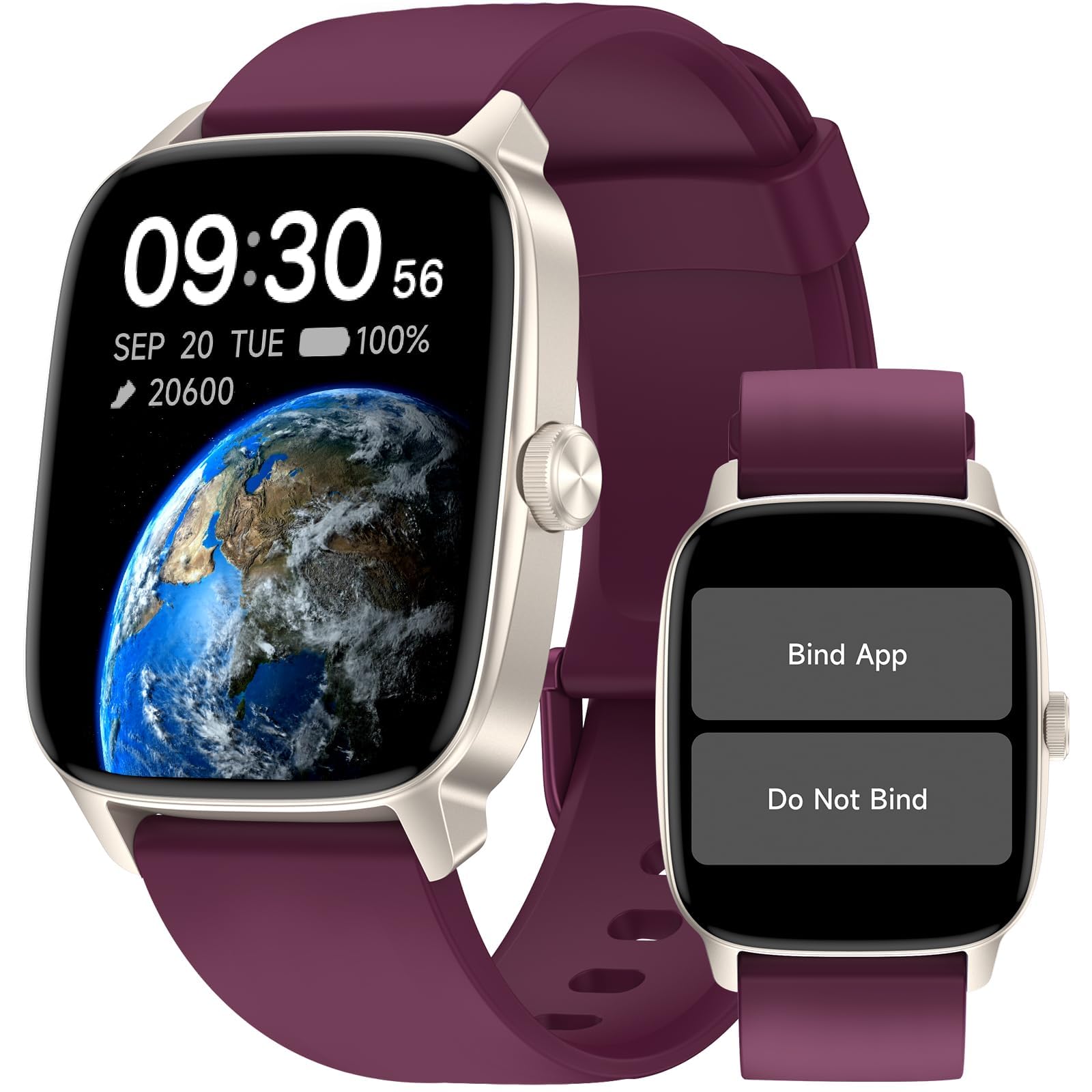
기본 view of the DAVIKO Pedometer Watch.
주요 특징:
- No APP/Phone Required: Basic functions operate independently.
- Fitness & Activity Tracking: Monitors steps, calories, distance, heart rate, stress, and sleep.
- IP68 방수: 수영 및 일상적인 물놀이에 적합합니다.
- 대형 투명 디스플레이: LCD color display for easy readability.
- 여러 스포츠 모드 : 20 built-in modes without app, over 100 with app connection.
4. 설정
4.1 장치 충전
Before first use, fully charge your DAVIKO Pedometer Watch.
- 충전 케이블을 시계 뒷면의 충전 포트에 연결하세요.
- 케이블의 다른 쪽 끝을 USB 전원 어댑터(포함되지 않음)나 컴퓨터의 USB 포트에 꽂습니다.
- 시계 디스플레이에 충전 상태가 표시됩니다. 완전히 충전하는 데는 약 1.5시간이 걸립니다.
A full charge provides up to 7 days of average usage and up to 30 days of standby time.

The watch charging process and battery life information.
4.2 초기 전원 켜기 및 기본 설정
The watch will typically power on automatically when connected to the charger or by pressing and holding the side button.
- Follow the on-screen prompts to set the time, date, and preferred units (e.g., metric/imperial).
- You can choose from 5 built-in watch faces directly on the device without needing an app.
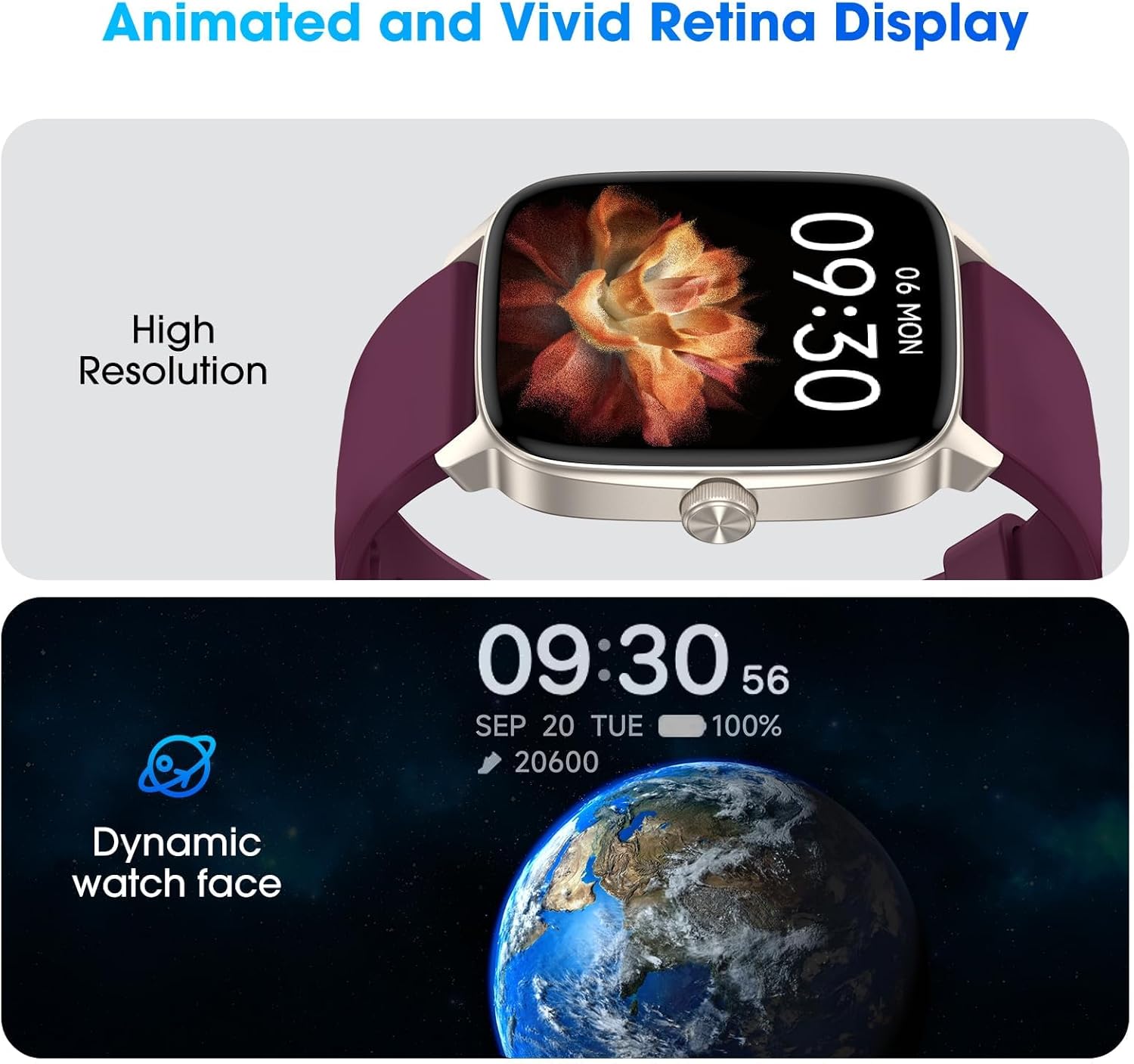
The watch display showing animated watch faces and high resolution.
5. 시계 작동
5.1 인터페이스 탐색
The watch features a touchscreen display for navigation. Swipe left, right, up, or down to access different menus and functions. Press the side button to return to the home screen or wake the device.
5.2 Standalone Functions (No App Required)
The DAVIKO Pedometer Watch offers a range of features that can be used without connecting to a smartphone or app.
- 보수계: 매일 걸음 수를 추적합니다.
- 칼로리 추적기: 활동에 따라 소모된 칼로리를 추정합니다.
- 거리 추적기: 이동한 거리를 계산합니다.
- 심박수 모니터: Measures your heart rate in real-time.
- 혈액 산소 모니터: Allows manual measurement of blood oxygen levels.
- 스트레스 모니터: Provides real-time stress level readings.
- 수면 추적기: Monitors sleep data after you fall asleep to help improve sleep habits.
- 스톱워치 및 타이머: 기본적인 시간 측정 기능.
- 알람 시계: 시계에서 직접 알람을 설정하세요.
- 계산기 및 달력: 유틸리티 도구.
- Relaxing Games: 간단한 오락 게임.
- 스포츠 모드: Access 20 built-in sports modes for tracking specific activities.
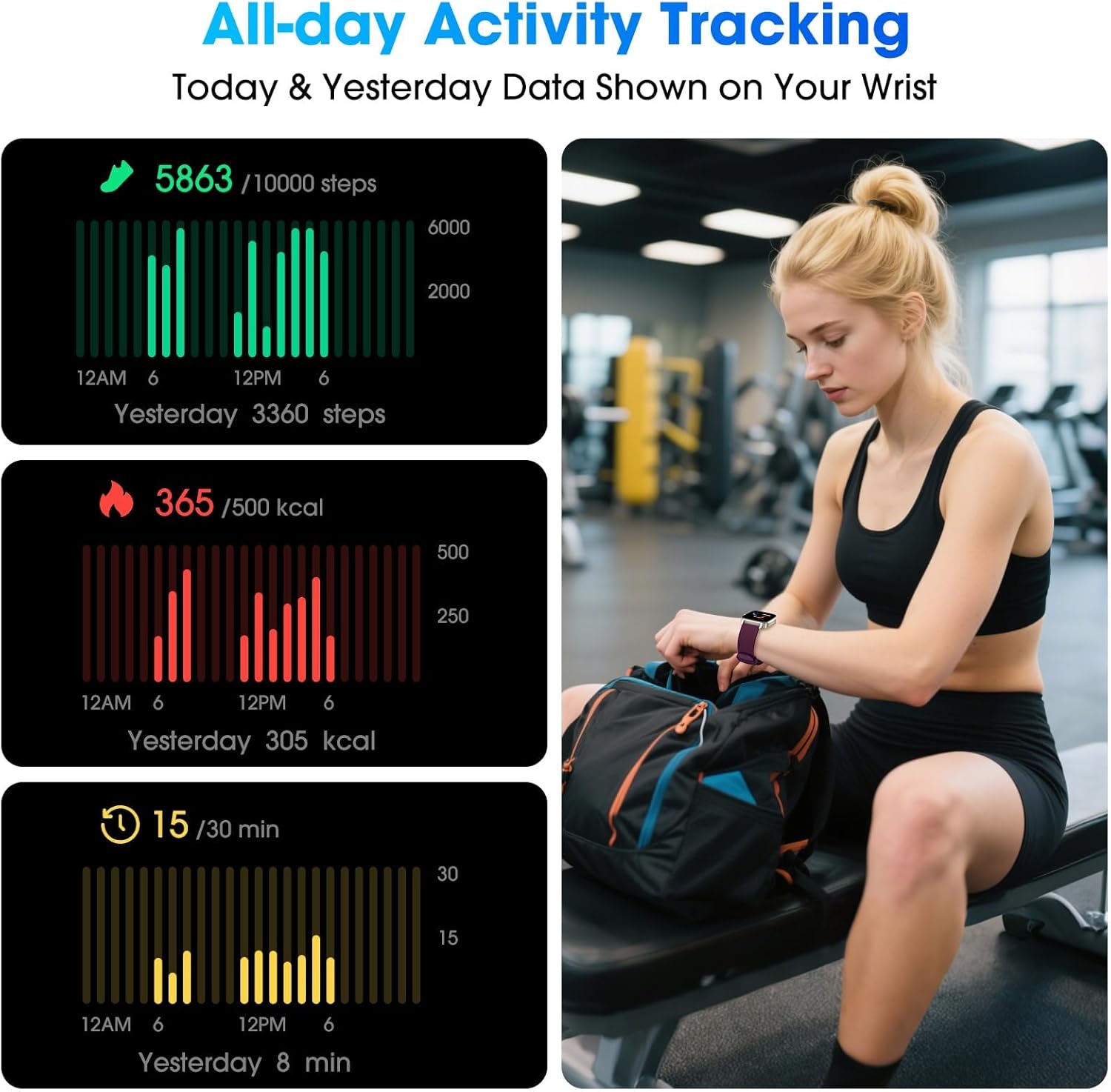
All-day activity tracking data displayed on the watch.

다양한 스포츠 모드와 건강 모니터링 기능.
5.3 앱 연결(선택 사항)
For extended features, you can connect your watch to the 'VeryFit' app on your smartphone.
- Download the 'VeryFit' app from your smartphone's app store.
- 스마트폰에서 블루투스를 활성화하세요.
- Open the 'VeryFit' app and follow the instructions to scan the QR code displayed on your watch or search for the device manually.
- Once connected, you can access additional features:
- 블루투스 통화: Make and answer calls directly from your watch.
- 메시지 알림: 스마트폰에서 알림을 받으세요.
- 음악 제어: 휴대폰에서 음악 재생을 제어하세요.
- 사이클 추적: For female health tracking.
- 날씨 표시: View 현재 날씨 정보.
- 내 전화 찾기: 페어링된 스마트폰을 찾으세요.
- Expanded Sports Modes: Access over 100 sports modes.
- 클라우드 워치 페이스: Customize your watch face with more options.
- Activity Data Sync: Check and record your activity data in the app.

Comparison of features available with and without app connection.
6. 유지관리
6.1 시계 청소
정기적인 청소는 시계의 외관과 기능을 유지하는 데 도움이 됩니다.
- 시계 화면과 스트랩은 부드러운 천으로 닦아주세요.amp 옷감.
- 강한 화학 물질이나 연마재는 기기를 손상시킬 수 있으므로 사용하지 마십시오.
- 충전하기 전에 충전 접점이 깨끗하고 건조한지 확인하세요.
6.2 방수성
The DAVIKO Pedometer Watch is IP68 waterproof, meaning it can withstand immersion in water up to 1.5 meters for 30 minutes. It is suitable for swimming, showering, and exposure to rain or sweat.
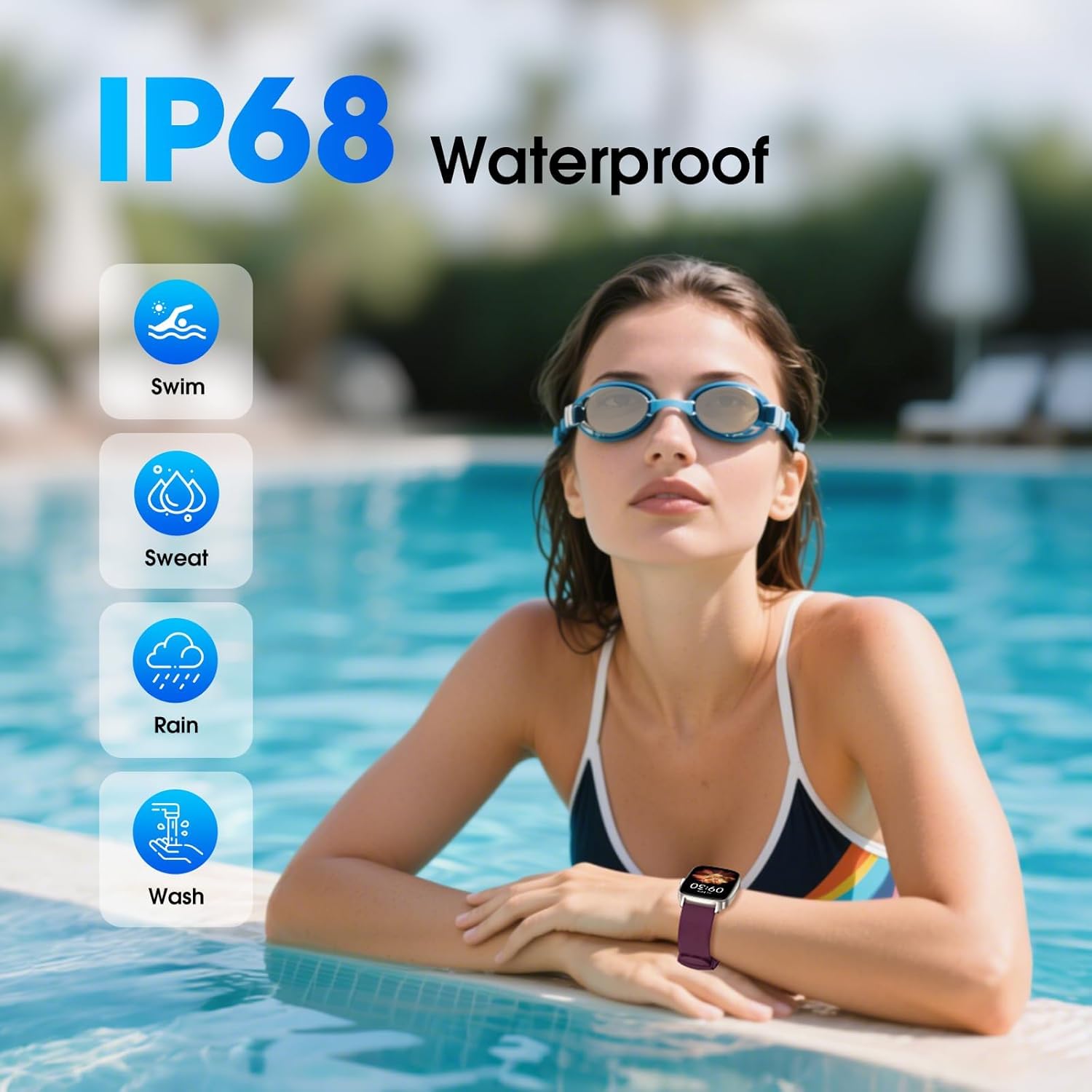
The watch is IP68 waterproof, suitable for various water activities.
메모: While waterproof, avoid prolonged exposure to hot water, steam, or high-pressure water jets, as this may compromise the seal over time.
6.3 배터리 관리
- Charge the watch regularly to prevent deep discharge.
- 장시간 사용하지 않을 때는 시계를 서늘하고 건조한 곳에 보관하세요.
7. 문제 해결
If you encounter issues with your DAVIKO Pedometer Watch, refer to the following common solutions:
| 문제 | 가능한 해결책 |
|---|---|
| 시계가 켜지지 않습니다 | Ensure the watch is fully charged. Connect it to the charger for at least 10 minutes. If it still doesn't turn on, try pressing and holding the side button for 10-15 seconds. |
| 앱에 연결할 수 없습니다 | Ensure Bluetooth is enabled on your smartphone and the watch is within range. Restart both the watch and your phone. Make sure you have the correct 'VeryFit' app installed. |
| 부정확한 걸음 수 | Ensure the watch is worn snugly on your wrist. Arm movements can sometimes be misinterpreted as steps. Calibrate your stride length in the app settings if connected. |
| Heart rate/Blood oxygen readings are inconsistent | Ensure the watch is worn correctly, not too loose or too tight. Keep your arm still during measurements. Clean the sensor on the back of the watch. |
| 화면이 반응하지 않습니다 | Restart the watch by pressing and holding the side button until it powers off, then power it back on. Ensure the screen is clean and dry. |
8. 사양
| 특징 | 세부 사항 |
|---|---|
| 모델 번호 | B0FX3RG4PT |
| 디스플레이 유형 | 액정표시장치 |
| 연결 기술 | 블루투스 |
| 방수 레벨 | IP68 (최대 1.5미터 방수) |
| 배터리 유형 | 리튬 이온 |
| 배터리 충전 시간 | 1.5시간 |
| 평균 사용 시간 | 최대 7일 |
| 대기 시간 | 최대 30일 |
| 측정된 지표 | Heart Rate, Stress, Sleep Duration, Blood Oxygen, Steps, Calories, Distance |
| 지원되는 응용 프로그램 | Pedometer, Stopwatch, Heart Rate Monitor (via VeryFit App for extended features) |
| 호환되는 전화 모델 | iOS and Android devices (for app connection) |
| 밴드 소재 유형 | 실리콘, 고무 |
| 휴먼 인터페이스 입력 | 터치스크린 |
| GPS | GPS 없음 |
9. 보증
This DAVIKO Pedometer Watch comes with a limited warranty. Please refer to the warranty card included in your package for specific terms and conditions. Keep your proof of purchase for warranty claims.
10. 지원
For further assistance, technical support, or inquiries, please visit the official DAVIKO store or contact customer service through the platform where you purchased the product.
DAVIKO Store: https://www.amazon.com/stores/DAVIKO/page/C8D2BB98-EA81-4F78-A124-5E8D2362E017