
제품 끝view
The EWEADN C98 Wired Keyboard and Mouse Combo is designed for comfortable and efficient use with various computer systems. This set includes a wired keyboard with a detachable wrist rest, RGB backlighting, double-shot keycaps, and a multimedia knob, along with a wired mouse featuring adjustable DPI settings.
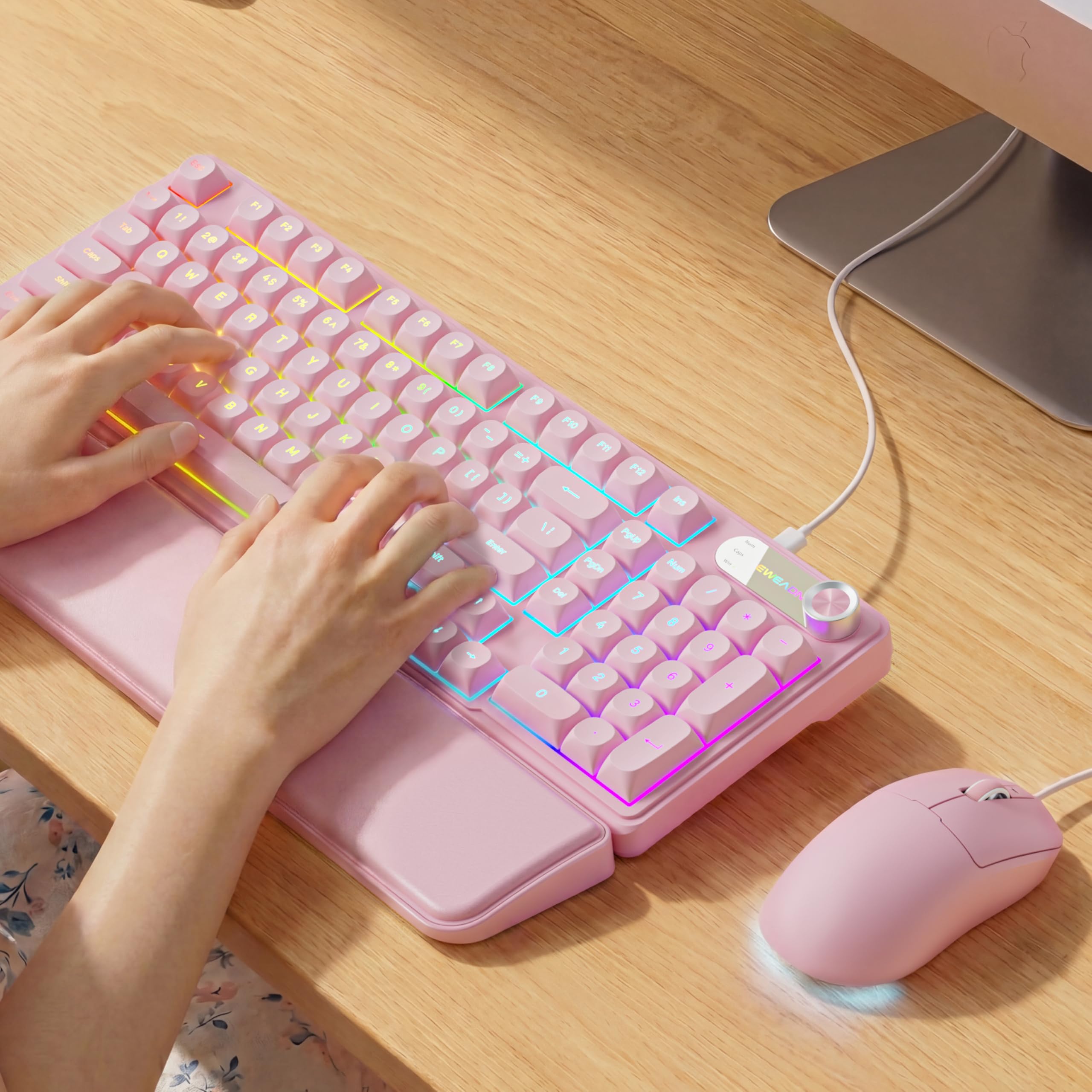
Image: EWEADN C98 Wired Keyboard and Mouse Combo in Pink. This image displays the full keyboard and mouse set, highlighting its ergonomic design and color.
패키지 내용
패키지에 모든 품목이 들어 있는지 확인하세요.
- EWEADN C98 Wired Keyboard
- 유선 마우스
- 탈착식 손목 받침대
- USB 케이블(통합형)
- 사용 설명서 (본 문서)
설치 지침
Follow these steps to set up your EWEADN C98 Keyboard and Mouse Combo:
- 키보드 연결: Locate an available USB-A port on your computer (Laptop, PC, Desktop, Gaming Console). Insert the USB-A connector from the keyboard into the port.
- 마우스 연결: The mouse is typically connected via the same USB cable as the keyboard or has its own integrated USB-A connector. Insert the mouse's USB-A connector into another available USB-A port on your computer.
- 손목 받침대를 부착하세요: Align the detachable wrist rest with the front edge of the keyboard and gently attach it.
- 시스템 인식: Your operating system (Windows, Linux, macOS) should automatically detect and install the necessary drivers. No additional software installation is typically required for basic functionality.
- Mac Compatibility Note: For macOS devices, a USB-A to Type-C adapter is required if your Mac only has Type-C ports. This adapter is not included with the product.

Image: Close-up of the keyboard's USB connection and the detachable wrist rest. This illustrates how the keyboard connects and the wrist rest attaches for ergonomic support.

Image: Diagram showing dual-system compatibility. The image indicates how to switch between Windows (FN + A) and Mac (FN + S) layouts for optimal functionality.
작동 지침
키보드 기능
- RGB 백라이트: The keyboard features 12 active RGB lighting modes.
- 스위치 조명 색상: 누르다 FN + INS to cycle through different lighting colors.
- 밝기 조정: 누르다 FN + PGUP 밝기를 높이고 FN + PGDN 밝기를 낮추려면.
- 멀티미디어 조절 노브: The 2-in-1 rotary knob provides quick control over media and lighting.
- 볼륨 조절: 볼륨 조절 노브를 돌려 시스템 볼륨을 조절하세요.
- 음소거 기능: Press the knob once to mute/unmute audio.
- 스위치 모드: Press and hold the knob for 3 seconds to switch between volume control mode and lighting adjustment mode. In lighting mode, rotate to adjust brightness or press to switch light effects.
- 인체공학적 디자인: The keyboard includes a detachable PU leather wrist rest for comfortable typing posture and foldable stands to adjust the typing angle (up to 8 degrees).
- 조용한 타이핑: The membrane keys are designed for low-noise operation, suitable for quiet environments.
- 더블샷 키캡: Characters are injection molded for durability and fade resistance, allowing backlighting to shine through clearly.

Image: Illustration of RGB backlight controls. This image shows the FN + INS and FN + PGUP/PGDN key combinations for adjusting keyboard lighting.

Image: Diagram detailing the 2-in-1 multimedia knob functions. It shows how to adjust volume, mute, and switch between lighting and volume modes.
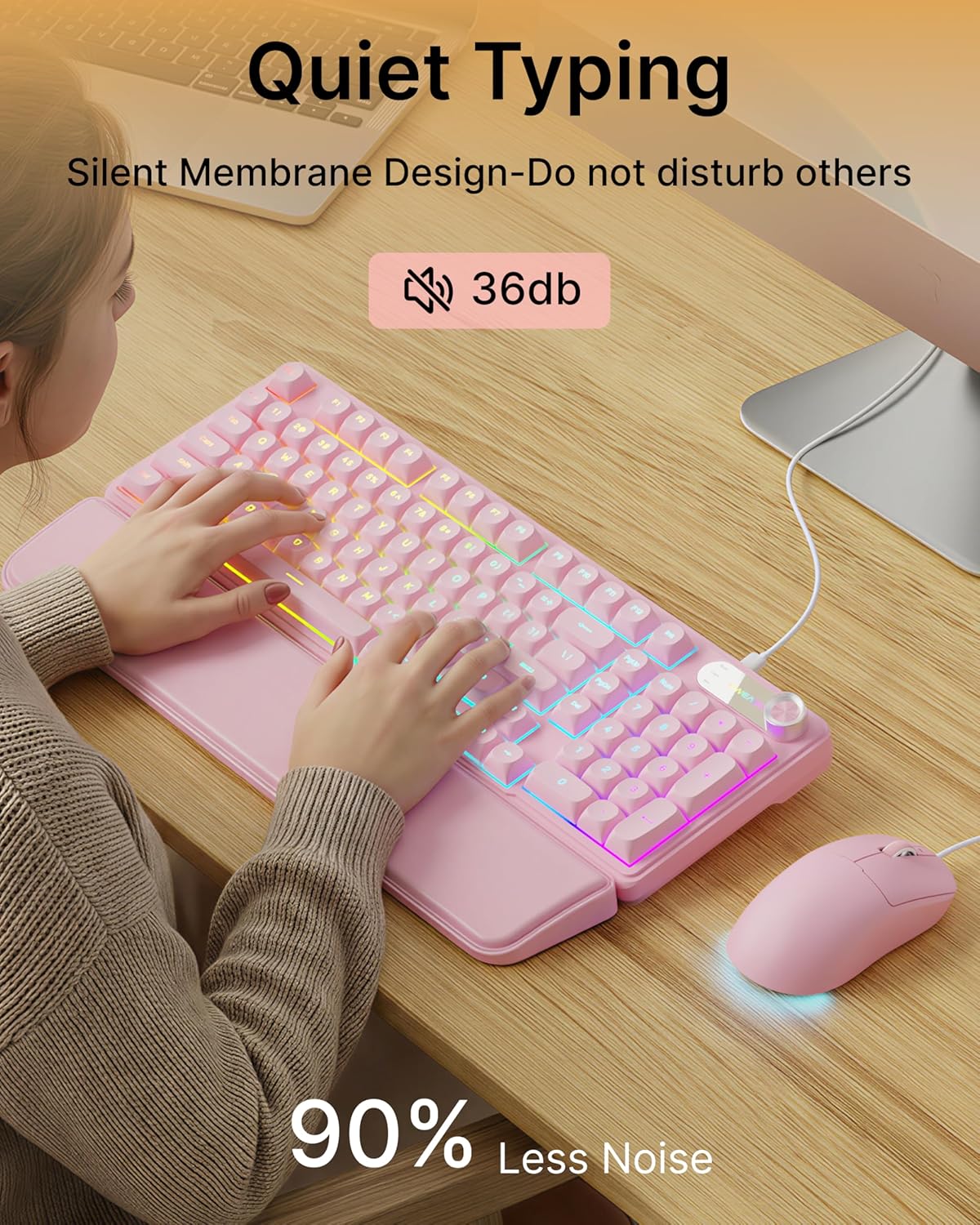
Image: Visual representation of the quiet typing feature. This image highlights the low noise level (36dB) of the keyboard during use.
마우스 기능
- 조정 가능한 DPI: The mouse offers 4 adjustable DPI levels for precision control.
- DPI levels typically range from 800 to 4800.
- Press the DPI button (usually located behind the scroll wheel) to cycle through the available sensitivity settings.
- 조용한 클릭: The mouse buttons are designed for quiet operation.
- 인체공학적 디자인: Designed for a comfortable palm grip.

Image: Diagram illustrating the 4-level DPI adjustment for the mouse. It shows the different DPI settings (800, 1600, 3200, 4800) and the ergonomic palm grip design.
유지
To ensure the longevity and optimal performance of your EWEADN C98 Keyboard and Mouse Combo, follow these simple maintenance guidelines:
- 청소: 부드럽고 마른 천으로 키보드와 마우스 표면을 닦아주세요. 잘 지워지지 않는 얼룩은 약간 건조한 천으로 닦아내세요.amp천에 물이나 순하고 연마성이 없는 세제를 묻혀 닦아주세요. 과도한 습기는 피하세요.
- 먼지 제거: 압축 공기를 사용하여 키캡 사이의 먼지와 이물질을 제거합니다.
- 액체를 피하세요: While the product has some water resistance, avoid spilling liquids directly onto the keyboard or mouse. If a spill occurs, disconnect immediately and allow to dry completely before reconnecting.
- 저장: Store the combo in a clean, dry environment away from extreme temperatures.
문제 해결
If you encounter issues with your EWEADN C98 Keyboard and Mouse Combo, refer to the following common solutions:
- 키보드 또는 마우스가 응답하지 않음:
- Ensure the USB-A connector(s) are securely plugged into your computer's USB port(s).
- Try plugging the USB connector(s) into a different USB port on your computer.
- 컴퓨터를 다시 시작하세요.
- USB 허브를 사용하는 경우 컴퓨터에 직접 연결해보세요.
- 백라이트가 작동하지 않음:
- 키보드가 제대로 연결되어 있는지 확인하세요.
- 누르다 FN + PGUP multiple times to increase brightness, as it might be set to the lowest level.
- 누르다 FN + INS to cycle through lighting modes, ensuring a mode with backlighting is selected.
- Multimedia Knob Not Functioning:
- 키보드가 제대로 연결되어 있는지 확인하세요.
- Press and hold the knob for 3 seconds to switch between volume and lighting modes. Verify you are in the desired mode.
- 마우스 커서 움직임이 불규칙하거나 느립니다:
- Clean the mouse sensor on the underside with a soft cloth.
- 마우스를 적합한 표면(예: 마우스 패드)에서 사용하고 있는지 확인하세요.
- DPI 버튼을 눌러 감도를 조절하세요.
- Mac 호환성: If using with a Mac and experiencing connection issues, confirm you are using a USB-A to Type-C adapter if your Mac lacks standard USB-A ports.
명세서
| 상표 | 이웨드엔 |
| 모델 번호 | C98 |
| 연결 기술 | USB-A(유선) |
| 호환 장치 | Laptop, PC, Desktop, Windows, Linux, Gaming Consoles |
| 키보드 설명 | Membrane, 98-key layout |
| 특별 기능 | RGB Backlit, Ergonomic, Detachable Wrist Rest, Multimedia Knob, Double-Shot Keycaps, Quiet Typing |
| 키보드 백라이트 색상 지원 | RGB (12가지 모드) |
| 마우스 DPI 레벨 | 4 adjustable levels (up to 4800 DPI) |
| 재료 | Plastic (Keyboard), PU Leather (Wrist Rest) |
| 방수 레벨 | 방수(일반적인 방수 기능이며, 물속에 완전히 잠기는 것은 아닙니다) |
| 색상 | 분홍색 |

Image: Detailed dimensions of the EWEADN C98 keyboard, mouse, and wrist rest. This image provides measurements in inches for each component.
보증 및 지원
Specific warranty details are not provided in the product information. For warranty claims or technical support, please refer to the retailer's return policy or contact EWEADN customer service directly through their official channels. Typically, products purchased through Amazon.sg may be subject to a 30-day return policy.