
소개
This manual provides comprehensive instructions for the hygger Battery Backup Aquarium Air Pump, Model HG267. Designed for reliable oxygen supply, this pump features automatic AC/DC switching, multiple operating modes, and adjustable airflow, suitable for aquariums up to 120 gallons, fish transportation, and outdoor fishing. Please read these instructions carefully before use to ensure proper operation and longevity of your device.
상자 안에 무엇이 들어있나요?
패키지에는 다음이 포함됩니다.
- 1 x hygger Aquarium Air Pump
- 2 x Air Stones
- 2 x Air Tubes
- 2 x Check Valves
- 1 x DC 어댑터
- 1 x 사용자 설명서

Image: Contents of the hygger HG267 air pump package, including the pump, air stones, tubes, check valves, adapter, and manual.
주요 특징
- Automatic AC/DC Switching: Seamless transition to battery power during outages, ensuring continuous oxygen supply.
- 오래 지속되는 배터리: Built-in 5000mAh*2 lithium battery provides up to 20 hours of continuous operation on a full charge.
- 다중 작동 모드: Offers Continuous, Intermittent, and Feeding modes with adjustable settings for varied aeration needs.
- 조절 가능한 공기 흐름: Digital display and touch-sensitive buttons allow for precise control over airflow levels.
- Powerful Dual Outlet: 10W pump delivers up to 254 GPH airflow, suitable for efficiently oxygenating tanks up to 120 gallons.
- 매우 조용한 작동: 멀티tage noise reduction technology and shock-absorbing pads keep operating noise below 35 decibels.
- 다양한 응용 프로그램: Ideal for indoor aquariums, ponds, fish transportation, and outdoor fishing (Note: Not waterproof).
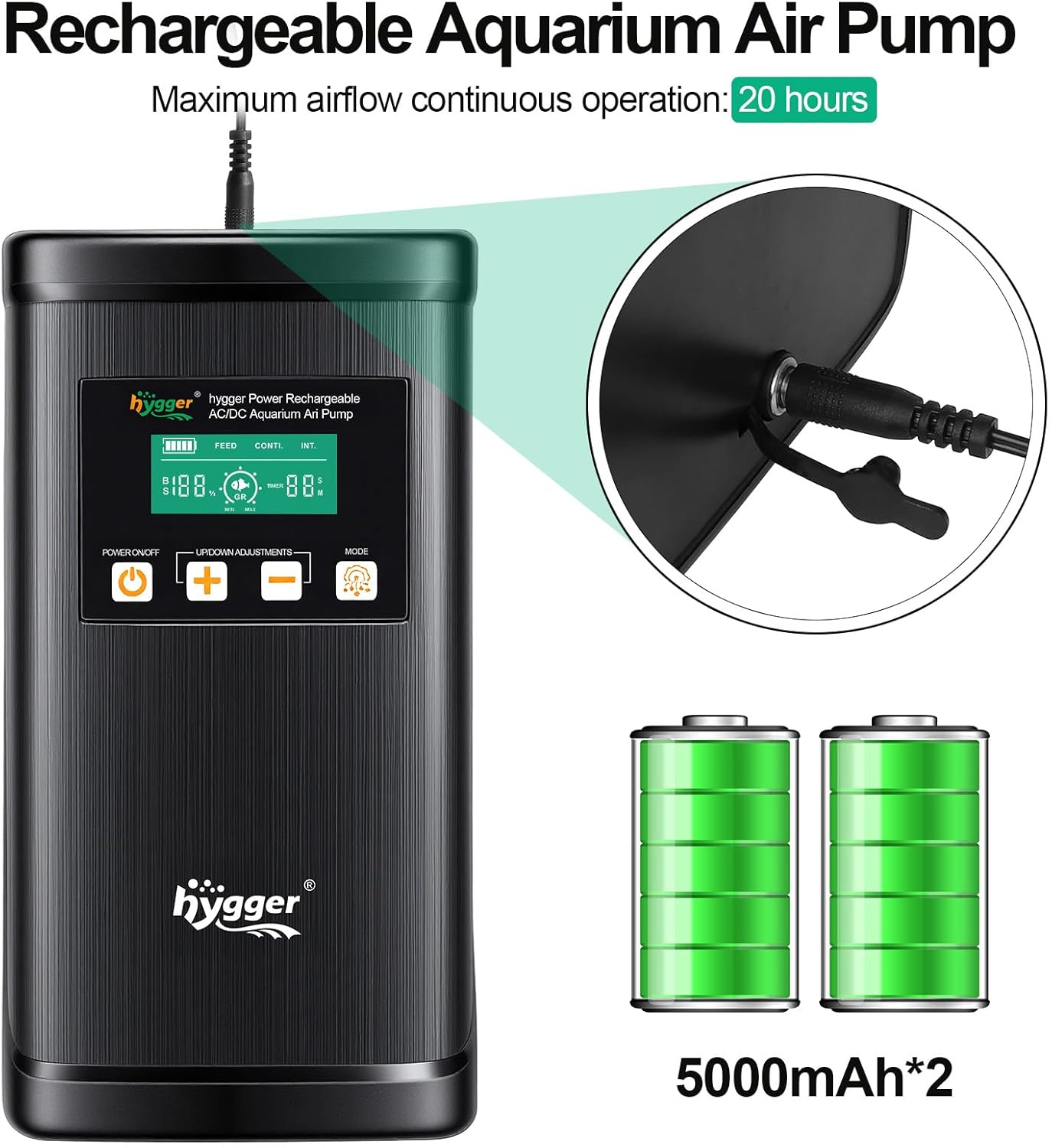
Image: The hygger air pump highlighting its rechargeable battery and 20-hour continuous operation capability.
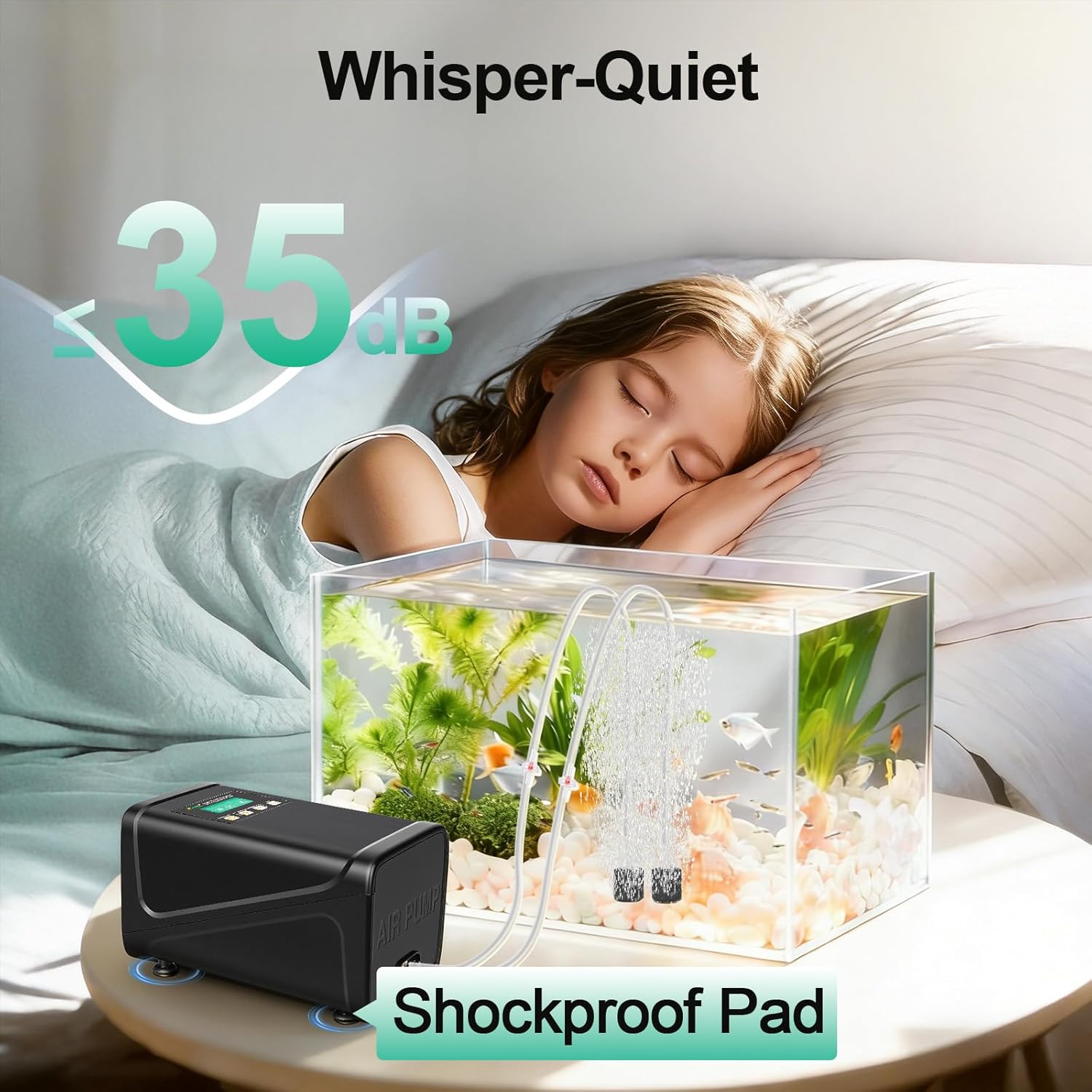
Image: Depiction of the hygger air pump's ultra-quiet operation, showing a noise level of 35dB.
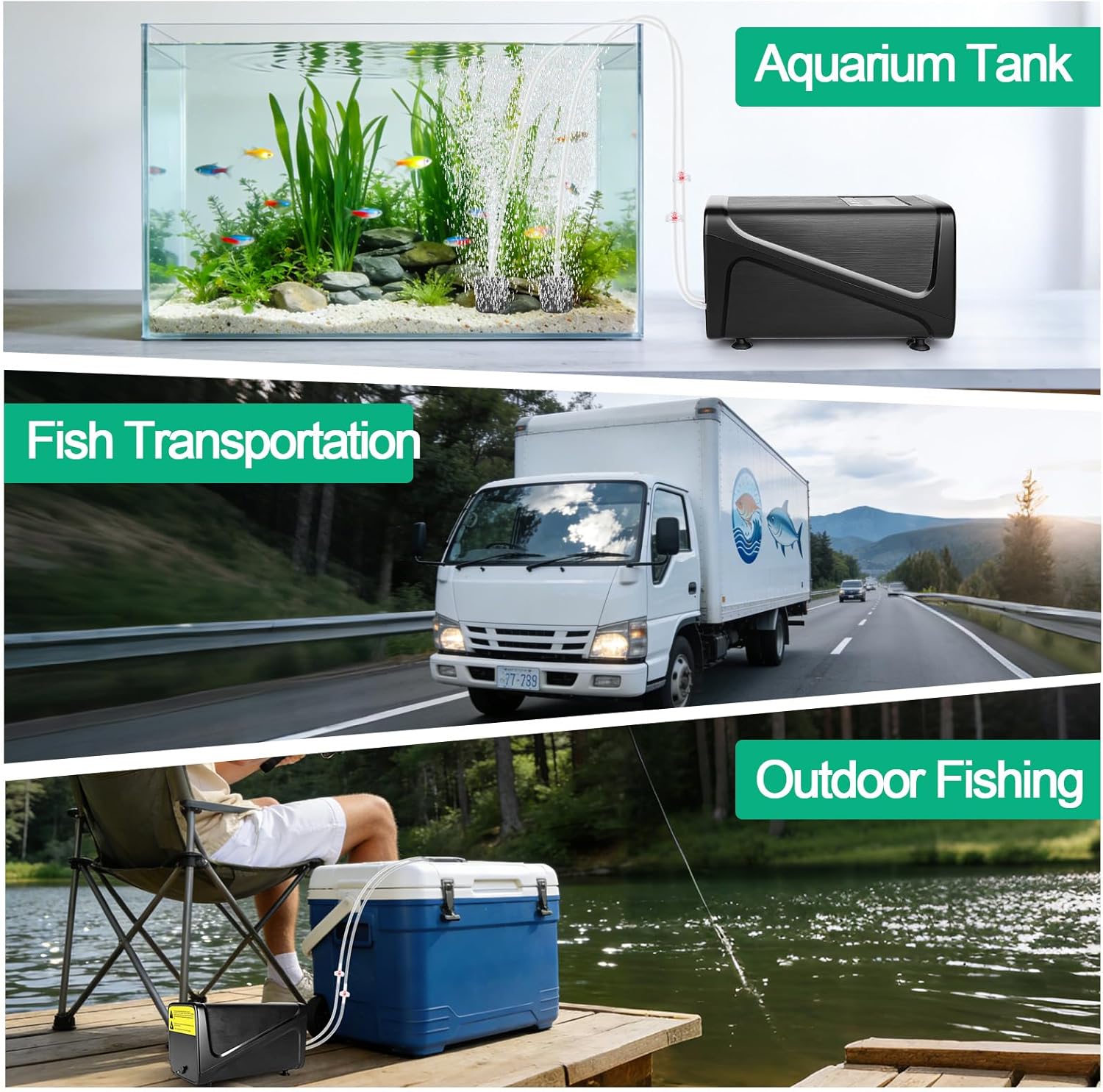
이미지: 전amples of the hygger air pump's versatile uses, including for aquariums, fish transportation, and outdoor fishing.
설치 지침
- 구성 요소 포장 풀기: Carefully remove all items from the packaging and ensure all listed components are present.
- Connect Air Tubes and Air Stones:
- If using check valves, cut the air tube into two sections.
- Install a check valve between the two air tube sections, ensuring the "IN" side faces the pump and the "OUT" side faces the air stone.
- Connect one end of the air tube to an air outlet on the pump.
- Connect the other end of the air tube to an air stone. Repeat this process for the second air outlet.

Image: Step-by-step guide for connecting air tubes, check valves, and air stones to the pump.
- 펌프 위치 지정:
- If not using check valves, ensure the air pump is placed above the water level to prevent water backflow into the pump.
- If using check valves, the pump can be placed below the water level, as the check valves will prevent backflow.

Image: Illustration demonstrating correct air pump placement relative to water level, with and without check valves.
- 전원 연결: Connect the DC adapter to the pump's power input and then plug the adapter into a standard electrical outlet. The pump will automatically begin charging its internal battery and operate in AC mode.
작동 지침
전원 켜기/끄기
를 누르세요 전원 켜기/끄기 button (labeled with a power symbol) on the control panel to turn the pump on or off.
AC/DC Automatic Switching
When the pump is connected to AC power, it functions as a standard air pump. In the event of a power outage, the pump will automatically switch to its internal lithium battery (DC power) to ensure an uninterrupted oxygen supply to your aquarium or bait bucket.

Image: Visual representation of the air pump operating on AC power and automatically switching to battery power during an outage.
작동 모드 선택
를 누르세요 방법 button (labeled with a gear symbol) to cycle through the three available operating modes:
- Continuous Mode (CONTI.): Provides a steady and constant stream of bubbles for maximum aeration. The airflow rate can be adjusted in this mode.
- Intermittent Mode (INT.): Produces bubbles with customizable on/off cycles. This mode helps conserve battery power while maintaining adequate oxygen levels. The duration of the on/off cycles can be set.
- Feeding Mode (FEED): Temporarily pauses aeration for a user-defined period, allowing fish to feed without being disturbed by bubbles. After the set time, the pump will automatically resume operation in the previously selected mode.

이미지: 설명 및 시각적 예시amples of the three oxygenation modes: Continuous, Intermittent, and Feeding.
Adjusting Airflow and Time Settings
사용하세요 UP/DOWN ADJUSTMENTS 버튼 (+ 그리고 -) to modify settings:
- In Continuous Mode, these buttons adjust the airflow intensity.
- In Intermittent Mode, they adjust the duration of the on/off cycles.
- In Feeding Mode, they set the pause duration.
The smart digital display provides real-time feedback on current airflow levels, battery indicator, and time settings.

Image: Close-up of the hygger air pump's control panel, showing the digital display, power button, adjustment buttons, and mode button.

Image: Visual demonstration of varying bubble intensity with adjustable flow rate settings.
비디오 데모
Video: A demonstration of the hygger Battery Backup Aquarium Air Pump's features and operation, provided by the seller.
유지
- Air Stone Cleaning/Replacement: Regularly clean the air stones to prevent mineral buildup and clogging, which can reduce airflow. Replace air stones when they become too dirty or worn to maintain optimal performance.
- 에어 필터 점검: Periodically inspect and clean the internal air filter (if applicable) to ensure efficient air intake and prevent dust or debris from entering the pump mechanism.
- 배터리 관리: For extended storage, fully charge the battery before storing the pump in a cool, dry place. Avoid completely draining the battery frequently to prolong its lifespan.
- 외부 청소: Wipe the exterior of the pump with a soft, damp cloth. Do not immerse the pump in water as it is not waterproof.
문제 해결
| 문제 | 가능한 원인 | 해결책 |
|---|---|---|
| 공기 흐름 없음 | Pump not powered on; Power adapter disconnected; Battery depleted; Kinked or blocked air tube; Clogged air stone; Incorrectly installed check valve. | Press the POWER ON/OFF button; Ensure DC adapter is securely plugged in; Charge the battery; Straighten or clear air tubes; Clean or replace air stones; Verify check valve direction (IN to pump, OUT to air stone). |
| 약한 공기 흐름 | Low airflow setting; Clogged air stones; Leaks in air tubing connections; Low battery charge. | Increase airflow using the + button; Clean or replace air stones; Check all connections for airtight seals; Recharge the pump. |
| Pump is Noisy | Unstable placement; Damaged shock-absorbing pads; Loose internal components. | Place the pump on a flat, stable surface; Check and adjust shock-absorbing pads; If noise persists, contact customer support. |
| Battery Not Charging / Holding Charge | Faulty DC adapter or power outlet; Battery degradation. | Verify DC adapter and power outlet functionality; If the issue persists, the battery may need replacement or the unit may require service. |
명세서
| 특징 | 세부 사항 |
|---|---|
| 상표 | 즐겨 |
| 모델 번호 | HG267 |
| 색상 | 검은색 |
| 재료 | 플라스틱 |
| 전원 | Corded Electric (AC/DC Automatic Switching) |
| 배터리 유형 | Lithium-ion (5000mAh*2) |
| 기류 용량 | 4.23 gpm (254 GPH) |
| 최대 탱크 크기 | 최대 120갤런 |
| 소음 수준 | 최대 35dB |
| 포함된 구성 요소 | Aquarium air pump, DC adapter, Manual, 2 air stones, 2 air tubes, 2 check valves |
보증 및 지원
이 휘거 제품에는 다음이 포함됩니다. 2년 보증 구매일로부터. 본 보증은 정상적인 사용 중 발생한 제조상의 결함 및 고장에 적용됩니다.
For technical support, warranty claims, or any questions regarding your hygger Battery Backup Aquarium Air Pump, please contact hygger customer service. Refer to the contact information provided in your product packaging or visit the official hygger web도움이 필요한 경우 사이트를 방문하세요.