
1. 서론
Thank you for choosing the Dragon Touch OB20 4G/WiFi Cellular Security Camera. This manual provides essential information for setting up, operating, and maintaining your camera to ensure optimal performance and security. The OB20 is a versatile outdoor surveillance solution featuring 4K resolution, a unique 3-lens design with 10x optical zoom, 360° PTZ (Pan-Tilt-Zoom) capabilities, and AI tracking. It supports both 4G LTE (USA only) and WiFi connectivity, powered by a 12000mAh battery and a 9W solar panel for continuous operation. An included 64GB SD card provides local storage.
2. 패키지 내용
아래 나열된 모든 품목이 패키지에 포함되어 있는지 확인하세요.
- Dragon Touch OB20 Security Camera
- 태양광 패널
- 장착 나사 및 앵커
- 충전 케이블(USB)
- 사용 설명서(본 문서)
- 64GB 마이크로 SD 카드(사전 설치 또는 별도 포함)
Video: Unboxing the Dragon Touch OB20 4G LTE Cellular Security Camera, showing the camera, solar panel, and accessories.
3. 제품 오버view
The Dragon Touch OB20 camera features a dual-camera system with a fixed 4K bullet lens and a 2K PTZ lens, providing comprehensive coverage and detailed imaging.

이미지: 상세 view of the Dragon Touch OB20 camera highlighting its 4K bullet cam and 2K PTZ cam with dual lenses.
주요 구성 요소:
- Upper 4K Bullet Lens: Provides a 120° fixed wide-angle view.
- Lower 2K PTZ Dual-Lens: Offers 360° smart tracking and 10x optical zoom.
- 안테나 : For 4G LTE and WiFi connectivity.
- PIR 센서: For accurate motion detection.
- 스피커 및 마이크: 양방향 오디오 통신을 위해.
- Spotlights & Siren: For active deterrence.
- Solar Panel Port: For connecting the solar charging panel.
- 마이크로 SD 카드 슬롯: Supports up to 128GB for local storage (64GB included).
- 재설정 버튼: 공장 초기 설정으로 복원하려면.
4. 설정
4.1 물리적 설치
- 위치를 선택하세요: Select a mounting location that provides optimal sunlight exposure for the solar panel and a clear view for surveillance. Ensure the camera is within range of your WiFi network if using WiFi mode, or has good 4G signal if using cellular mode.
- 카메라 장착: Use the provided mounting bracket and screws to securely attach the camera to a wall or pole. Ensure the camera is positioned to cover the desired area.
- 태양광 패널 설치: Attach the solar panel to the camera's mounting bracket or a separate location that receives direct sunlight for most of the day. Connect the solar panel cable to the camera's charging port.

이미지: 전amples of camera placement for multi-directional coverage, illustrating front, back, and side views.
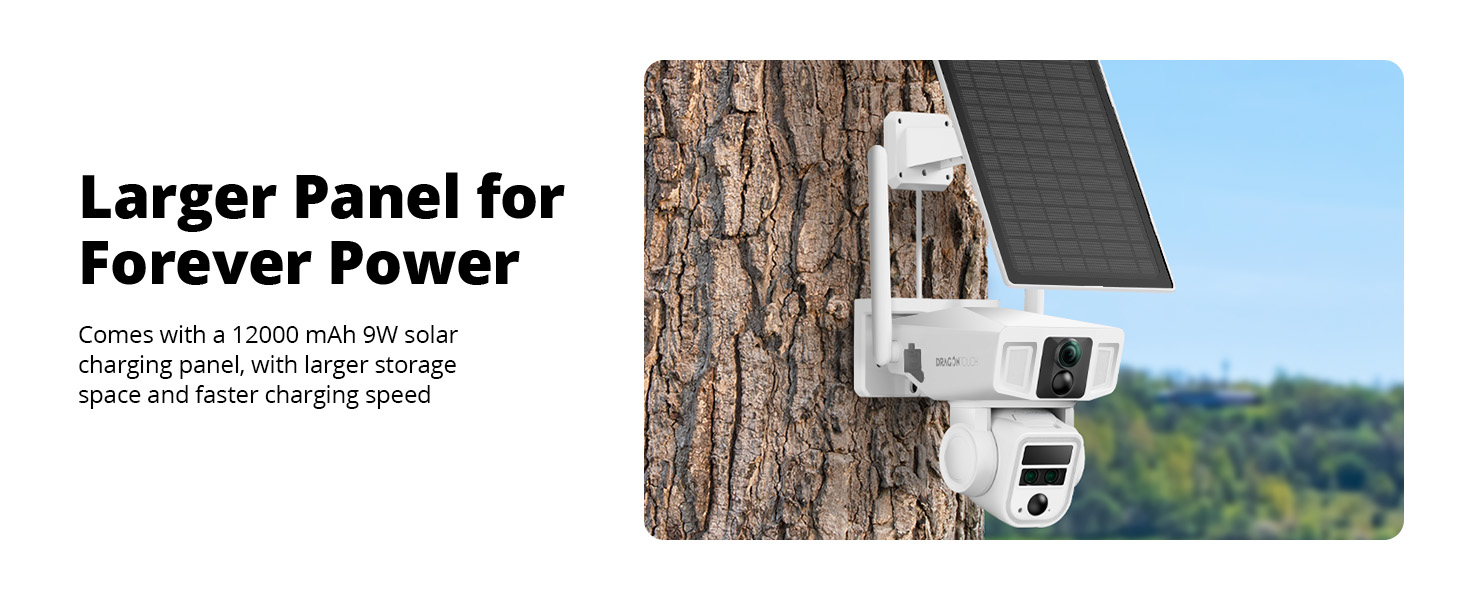
Image: The Dragon Touch OB20 camera mounted with its solar panel, demonstrating a typical outdoor installation.
4.2 앱 설치 및 페어링
- 앱 다운로드: 검색 the recommended companion app (e.g., 'NIVIEW' or 'Dragon Touch Security') on the App Store (iOS) or Google Play Store (Android).
- 계정 생성: 앱을 열고 화면의 지시에 따라 새로운 사용자 계정을 만드세요.
- 장치 추가: Power on the camera. In the app, select 'Add Device' or the '+' icon. Follow the prompts to scan the QR code on the camera or manually enter its ID.
- 네트워크 구성:
- 와이파이: Select your 2.4GHz WiFi network and enter the password. The camera does not support 5GHz WiFi.
- For 4G LTE (USA ONLY): Insert a compatible data SIM card (e.g., T-Mobile, AT&T-data plan, Freedom POP) into the camera's SIM card slot. The camera will automatically connect to the 4G network.

Image: Diagram illustrating the dual 4G and Wi-Fi connectivity modes of the Dragon Touch OB20 camera.
5. 사용 설명서
5.1 라이브 View & 재생
Access the live feed from your camera via the mobile app. You can switch between the 4K bullet lens and the 2K PTZ lens views. Recorded footage can be accessed and played back from the Micro SD card or cloud storage (if subscribed).
5.2 PTZ Control & Optical Zoom
Use the directional controls within the app to pan (horizontal) and tilt (vertical) the 2K PTZ camera. The 10x optical zoom allows you to magnify specific areas without losing image quality.
5.3 AI 추적
When enabled, the camera's AI tracking feature will automatically detect and follow moving subjects within its field of view, ensuring continuous surveillance of activity.

Image: A person walking past a house, with the camera's AI tracking feature highlighted on a smartphone screen.
5.4 양방향 오디오
Utilize the built-in microphone and speaker for real-time two-way communication through the app. This allows you to speak to visitors or deter intruders.
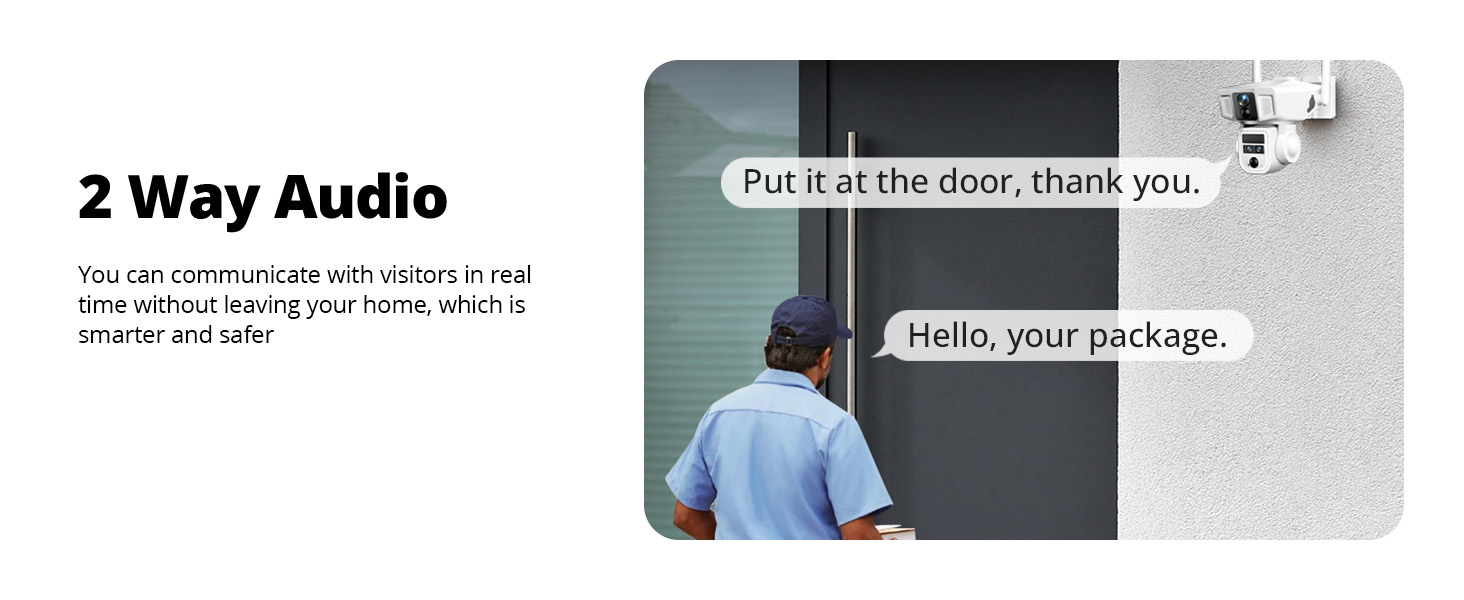
Image: A visual representation of the two-way audio function, where a user can communicate with a person at their door via the camera.
5.5 동작 감지 및 경보
The PIR sensors provide accurate motion alerts. When motion is detected in a designated area or time period, the camera can activate warning lights, a 105-decibel siren, and send real-time notifications to your phone.

Image: An illustration of the AI motion-activated alarm system, showing motion detection, siren alarm, notification push, and two-way talk features in action against an intruder.
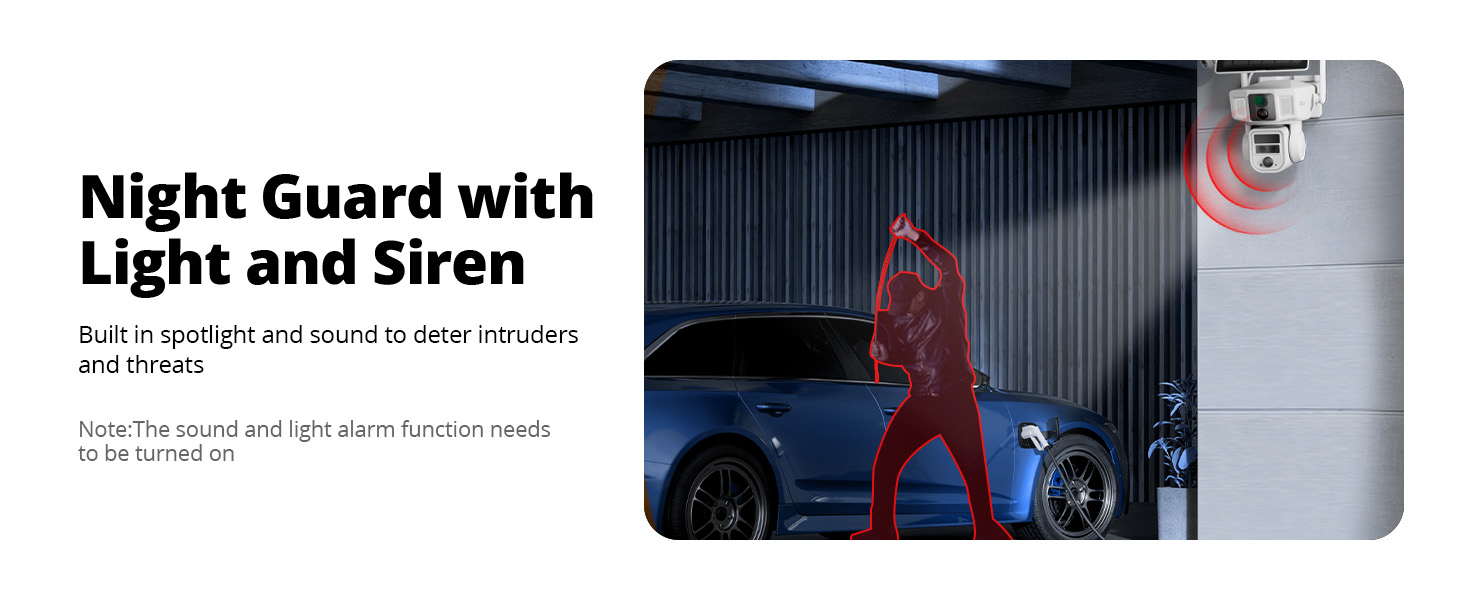
Image: The Night Guard feature of the camera, showing a spotlight and siren deterring an intruder near a car at night. Note: The sound and light alarm function needs to be turned on.
5.6 녹음 및 저장
The camera supports local storage on a Micro SD card (up to 128GB, 64GB included). Cloud storage options may also be available through the app for additional backup and features.
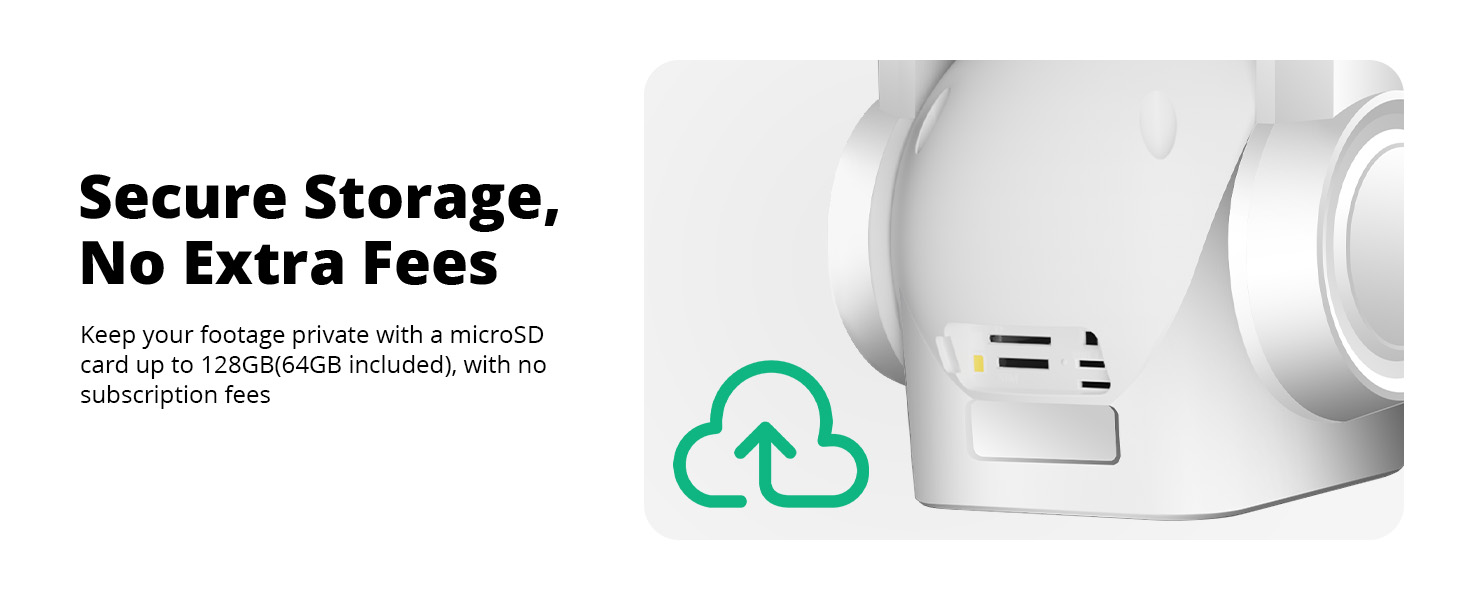
Image: A close-up of the camera's side, indicating secure local storage with a microSD card slot, supporting up to 128GB (64GB included).
6. 유지관리
6.1 Battery Charging (Solar)
The camera is equipped with a 12000mAh battery and a 9W high-speed solar charging panel. Ensure the solar panel is positioned to receive maximum direct sunlight to keep the battery charged. In periods of low sunlight, the camera can be charged via the USB charging cable.
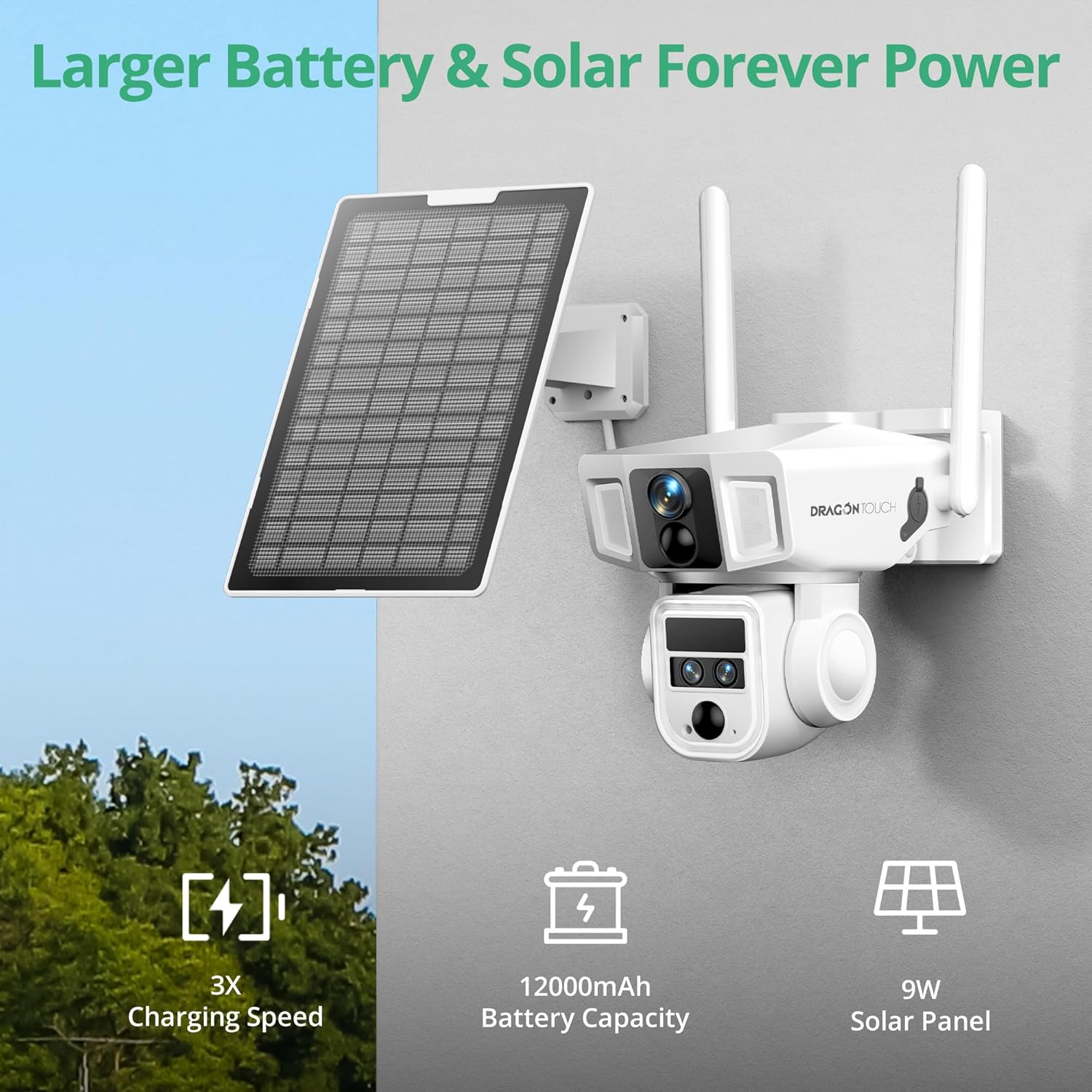
Image: The camera mounted with its solar panel, emphasizing the large battery capacity and efficient solar charging.
6.2 청소
카메라 렌즈와 태양광 패널을 부드러운 천으로 정기적으로 닦아주세요.amp cloth to ensure clear images and efficient charging. Avoid using harsh chemicals.
6.3 펌웨어 업데이트
Periodically check the mobile app for available firmware updates. Keeping your camera's firmware up-to-date ensures optimal performance, security, and access to new features.
7. 문제 해결
- 카메라가 연결되지 않음: Ensure the camera is powered on and within range of your WiFi network or has a strong 4G signal. Check the SIM card installation if using 4G. Try restarting the camera and your router.
- 이미지 품질이 좋지 않음: Clean the camera lenses. Ensure there are no obstructions. Check your network connection speed.
- 배터리가 충전되지 않음: Verify the solar panel is clean and receiving direct sunlight. Check the connection between the solar panel and the camera. Charge the camera directly using the USB cable if necessary.
- 허위 모션 경고: Adjust the PIR sensor sensitivity settings in the app. Define specific detection zones to minimize unwanted alerts.
- PTZ 제어가 작동하지 않습니다: Check your network connection. Restart the camera.
- 앱 문제: 앱이 최신 버전으로 업데이트되었는지 확인하세요. 앱의 캐시를 삭제하거나 앱을 다시 설치하세요.
8. 사양
| 상표 | 드래곤 터치 |
| 모델명 | OB20 |
| 연결 기술 | Wired, Wireless (4G LTE, Wi-Fi 2.4GHz) |
| 비디오 캡처 해상도 | 4K (Bullet Lens), 2K (PTZ Lens) |
| 광학 줌 | 10배 |
| PTZ 기능 | 360° Pan, Tilt, AI Tracking |
| 배터리 용량 | 12000mAh |
| 전원 | 태양광 발전 (9W 태양광 패널) |
| 로컬 스토리지 | 마이크로 SD 카드 (최대 128GB, 64GB 포함) |
| 내후성 | IP66 방수 |
| 특별 기능 | 2-Way Audio, Night Vision, PTZ Technology, Weather Proof, AI Tracking |
| 품목 치수 | 2.94 x 2.4 x 2.24 인치 |
9. 보증 및 지원
9.1 보증 정보
Your Dragon Touch OB20 camera comes with a standard manufacturer's warranty. Please refer to the warranty card included in your package for specific terms and conditions. Extended warranty options may be available for purchase.
9.2 고객 지원
For technical assistance, troubleshooting, or any questions regarding your Dragon Touch OB20 camera, please contact our customer support team:
- Web대지: Visit the official Dragon Touch webFAQ 및 지원 리소스를 위한 사이트입니다.
- 이메일: Refer to your warranty card or product packaging for customer service email.
- 핸드폰: 고객 서비스 전화번호는 보증 카드 또는 제품 포장을 참조하십시오.
Please have your model number (OB20) and purchase information ready when contacting support.