
소개
Thank you for choosing the LiNKFOR USB Gaming Microphone ULK113. This microphone is designed to provide clear audio for gaming, streaming, podcasting, and online communication. It features dynamic RGB lighting, one-tap noise cancellation, reverb effects, real-time gain control, and zero-latency monitoring. This manual will guide you through the setup, operation, and maintenance of your new microphone.
패키지 내용
설치를 진행하기 전에 모든 구성품이 있는지 확인하십시오.
- LiNKFOR USB Gaming Microphone
- 데스크탑 스탠드
- 쇼크 마운트
- 팝 필터
- USB-C to USB-A 케이블
- USB-A to USB-C 어댑터

Image: All components included in the LiNKFOR USB Gaming Microphone package.
설치 지침
- 데스크탑 스탠드를 조립하세요: Screw the microphone stand pole into the weighted base until secure.
- 쇼크 마운트를 부착하세요: Screw the shock mount onto the top of the stand pole.
- 마이크 삽입: Gently place the LiNKFOR USB Gaming Microphone into the shock mount. Ensure it is seated securely.
- 팝 필터를 부착하세요: Clip the pop filter onto the shock mount, positioning it in front of the microphone's grille.
- 장치에 연결:
- 제공된 케이블의 USB-C 단자를 마이크의 USB-C 포트에 연결하십시오.
- Connect the USB-A end of the cable to an available USB port on your PC, PS4/PS5, or Mac.
- For Android devices with OTG support, use the included USB-A to USB-C adapter to connect the microphone cable to your phone.
- 플러그 앤 플레이: The microphone is plug-and-play, requiring no additional drivers for most compatible operating systems. Your device should automatically recognize the microphone.
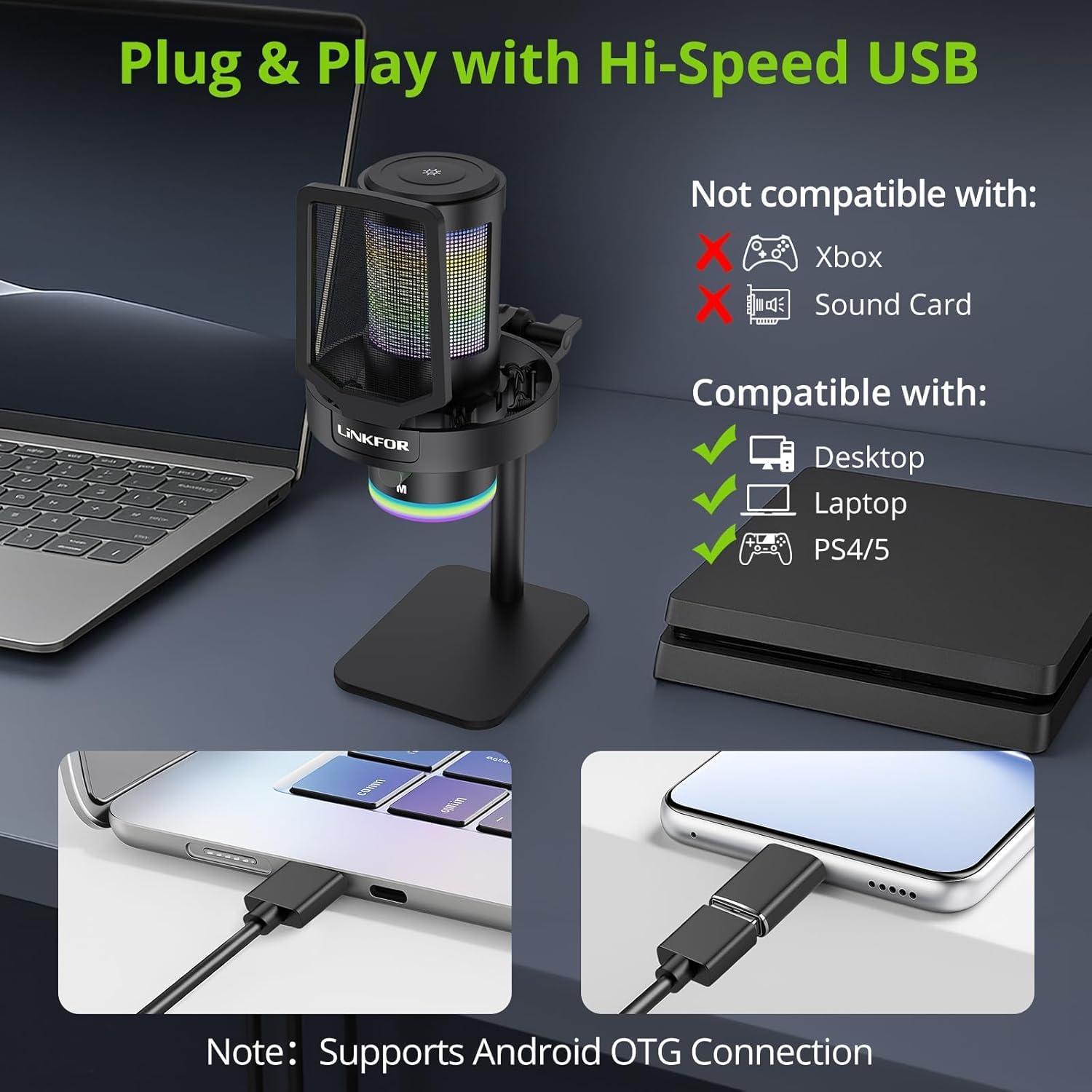
Image: The LiNKFOR USB Gaming Microphone connected to a laptop, demonstrating its plug-and-play functionality.
비디오: 오버view of the LiNKFOR USB Gaming Microphone, demonstrating its features and ease of use.
작동 지침
1. Dynamic RGB Lights & Touch Control
- RGB 모드 변경: Touch the top of the microphone to cycle through various vibrant RGB lighting modes or solid colors.
- 조명을 끄세요: Long-press the top of the microphone to turn off the RGB lights.
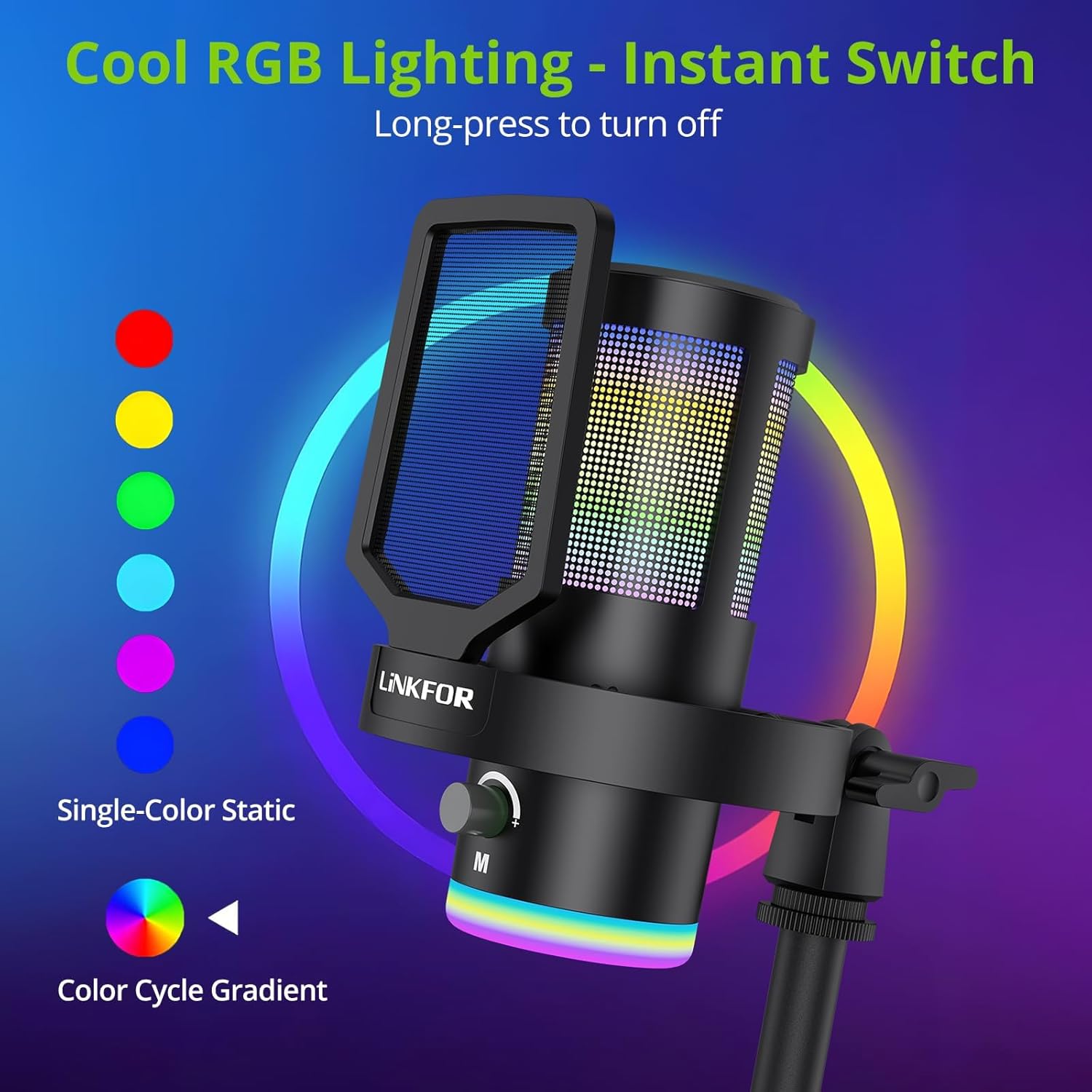
이미지: 마이크가 전시되어 있습니다.asin역동적인 RGB 조명 효과를 제공합니다.
2. Studio Voice Clarity + One-Tap Noise Cancellation
- The professional cardioid capsule captures your voice clearly.
- 소음 제거 기능을 활성화하세요: Use the dedicated one-tap smart noise cancellation feature to reduce background sounds like fan noise, AC hum, or keyboard clicks.

Image: Visual representation of the microphone's noise reduction capabilities.
3. Reverb Effects & Real-Time Gain Control
- 리버브 버튼: Use the dedicated reverb button to add depth to your audio.
- 게인 노브: Adjust the gain knob to fine-tune the input volume in real-time, preventing audio clipping or low volume during live sessions.
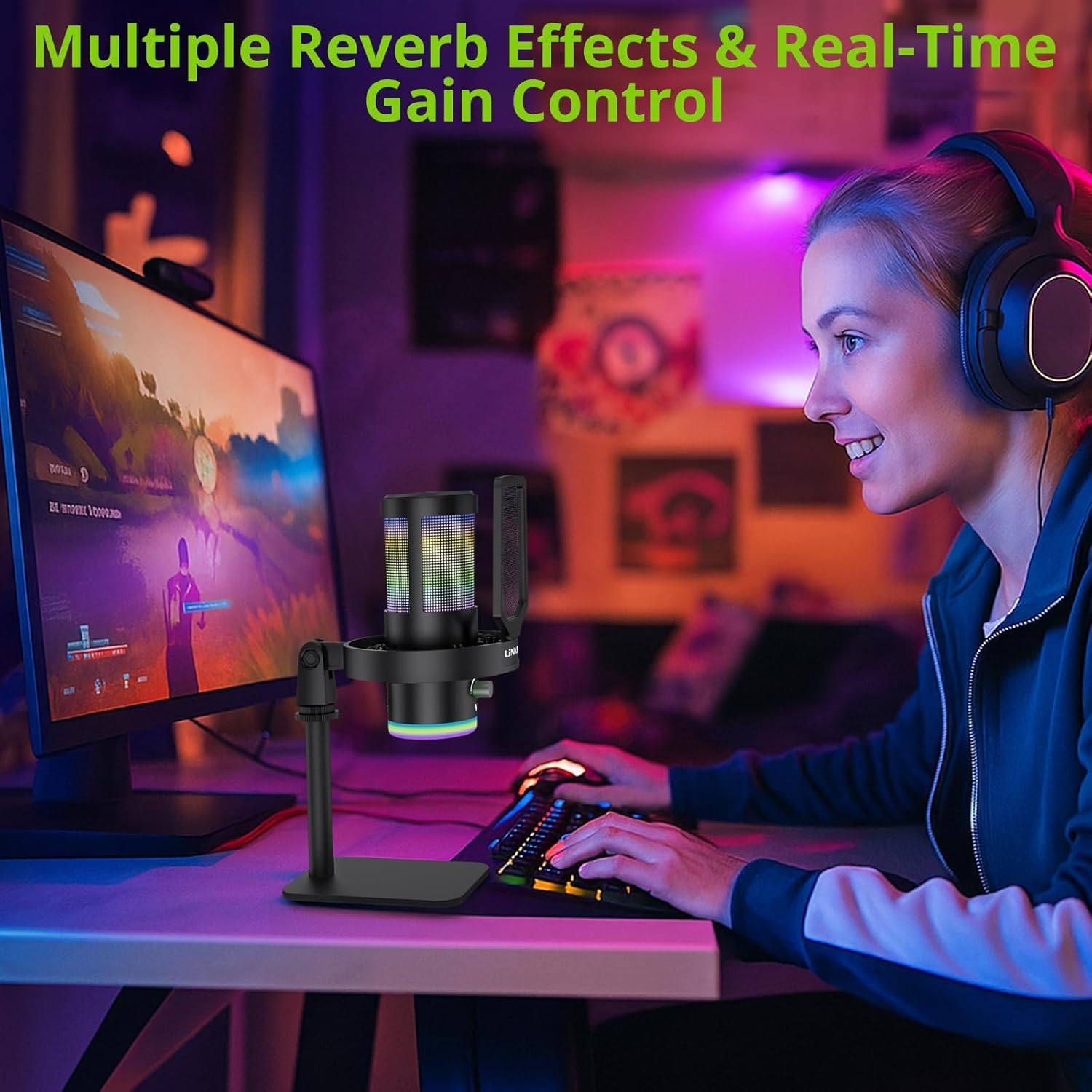
Image: A user operating the microphone with its reverb and gain control features.
4. Instant Mute + Zero-Delay Monitoring
- 음소거 버튼: A touch-sensitive mute button allows for instant silencing of the microphone.
- 3.5mm 헤드폰 잭 : Plug in headphones to the 3.5mm jack for real-time, zero-latency monitoring of your audio. A dedicated volume dial controls headphone output.
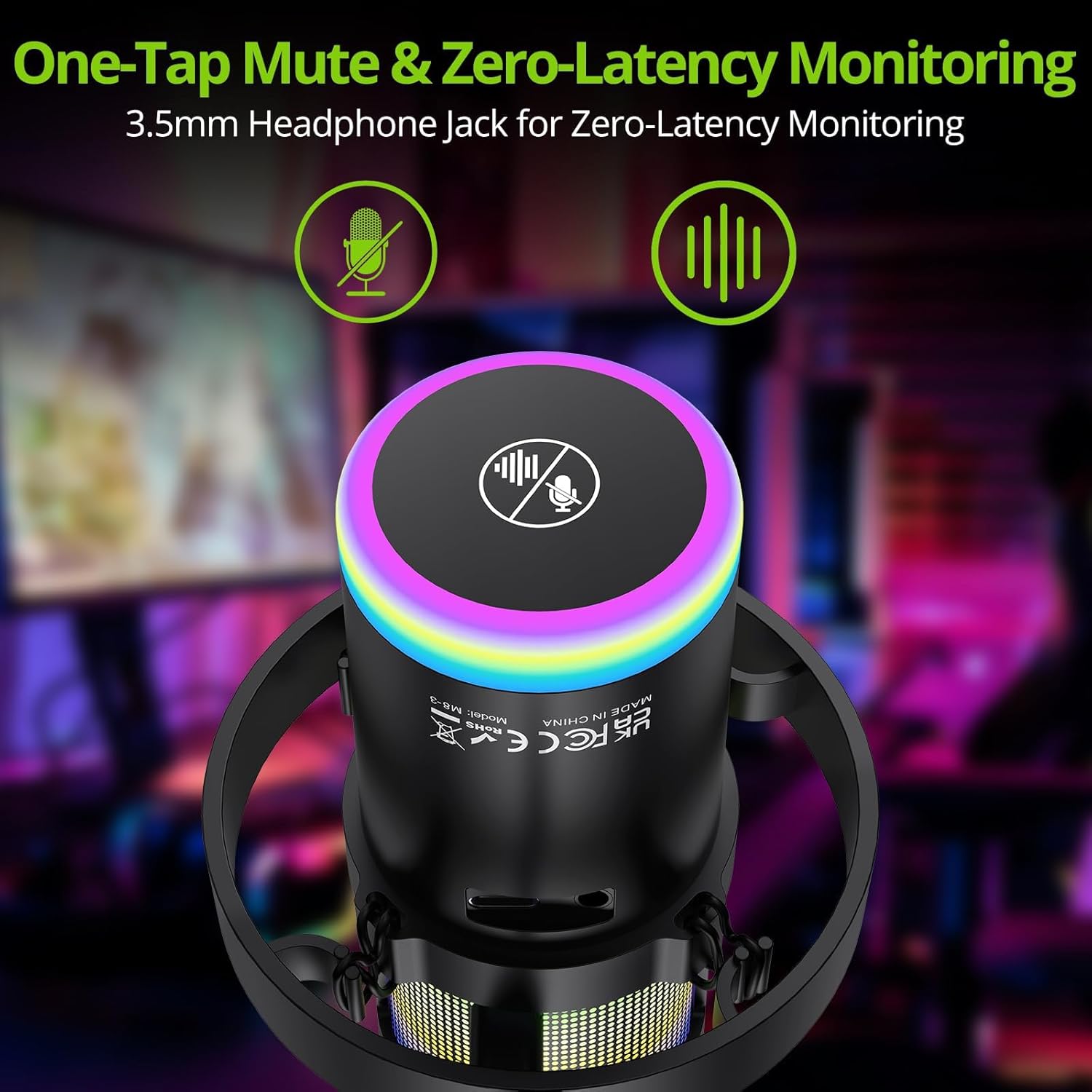
Image: Close-up of the microphone's top, highlighting the mute button and headphone jack for monitoring.
5. 통제view

Image: A detailed diagram illustrating the various controls on the LiNKFOR USB Gaming Microphone, including the RGB lighting touch control, 3.5mm headphone jack, USB-C port, and volume/mode knob.
호환성
The LiNKFOR USB Gaming Microphone is designed for broad compatibility:
- 다음과 호환 가능: PC (Windows), Mac, PS4, PS5, Android (OTG-capable phones).
- 호환되지 않는 제품: Xbox, dedicated sound cards (may interfere with plug-and-play functionality).
유지
- 청소: 마이크 외부를 닦을 때는 부드럽고 마른 천을 사용하십시오. 액체 세척제나 용제를 사용하지 마십시오.
- 저장: 사용하지 않을 때는 직사광선과 극한의 온도를 피해 서늘하고 건조한 곳에 마이크를 보관하세요.
- 손질: 마이크를 떨어뜨리거나 강한 충격을 주지 마세요. 내부 부품이 손상될 수 있습니다.
문제 해결
| 문제 | 가능한 원인 | 해결책 |
|---|---|---|
| 마이크에서 소리가 출력되지 않습니다 | Incorrect device selection; loose cable connection; microphone muted. | Check your device's sound settings to ensure the LiNKFOR microphone is selected as the input device. Reconnect the USB cable. Ensure the microphone is not muted (check the mute button/indicator). |
| RGB 조명이 작동하지 않습니다 | 조명이 꺼졌습니다. 전원 문제인 것 같습니다. | Touch the top of the microphone to cycle through lighting modes. Long-press to turn them on/off. Ensure the microphone is properly connected and receiving power. |
| 소리가 왜곡되었거나 너무 작습니다. | Gain setting too high/low; microphone too close/far from source. | Adjust the gain knob on the microphone. Check your device's input volume settings. Position the microphone appropriately (typically 6-12 inches from the sound source). |
| 헤드폰 모니터링이 작동하지 않습니다. | Headphones not properly connected; headphone volume too low. | Ensure headphones are fully plugged into the 3.5mm jack. Adjust the headphone volume dial on the microphone. |
명세서
| 특징 | 세부 사항 |
|---|---|
| 모델 번호 | 울크113 |
| 연결 기술 | USB 타입-C |
| 마이크 유형 | Condenser, Cardioid |
| 신호 대 잡음 비율 | 85데시벨 |
| 특별 기능 | RGB Lighting, Noise Cancellation, Mute Button, Volume Control, Headphone Jack, Reverb Effects |
| 호환 장치 | PC, PS4/PS5, Mac, Android (OTG) |
| 품목 무게 | 1.14파운드 |
| 제품 치수 | 7.28 x 4.53 x 4.33 인치 |
| 재료 | 플라스틱 |
보증 및 지원
For warranty information or technical support, please refer to the official LiNKFOR web해당 웹사이트를 방문하거나 고객 서비스 센터에 문의하십시오. 보증 청구를 위해 구매 영수증을 보관하십시오.
방문할 수 있습니다 아마존에서 LiNKFOR 스토어를 만나보세요 자세한 정보 및 지원 리소스를 확인하세요.