
소개
This manual provides detailed instructions for the installation, operation, maintenance, and troubleshooting of your Phanteks Glacier One 360M25-LCD AIO Liquid CPU Cooler. This high-performance all-in-one liquid cooler features a massive 6-inch IPS LCD display, 120mm M25 Gen2 D-RGB fans, and a pure copper baseplate for efficient thermal management of high-end CPUs. It is compatible with both Intel and AMD platforms.
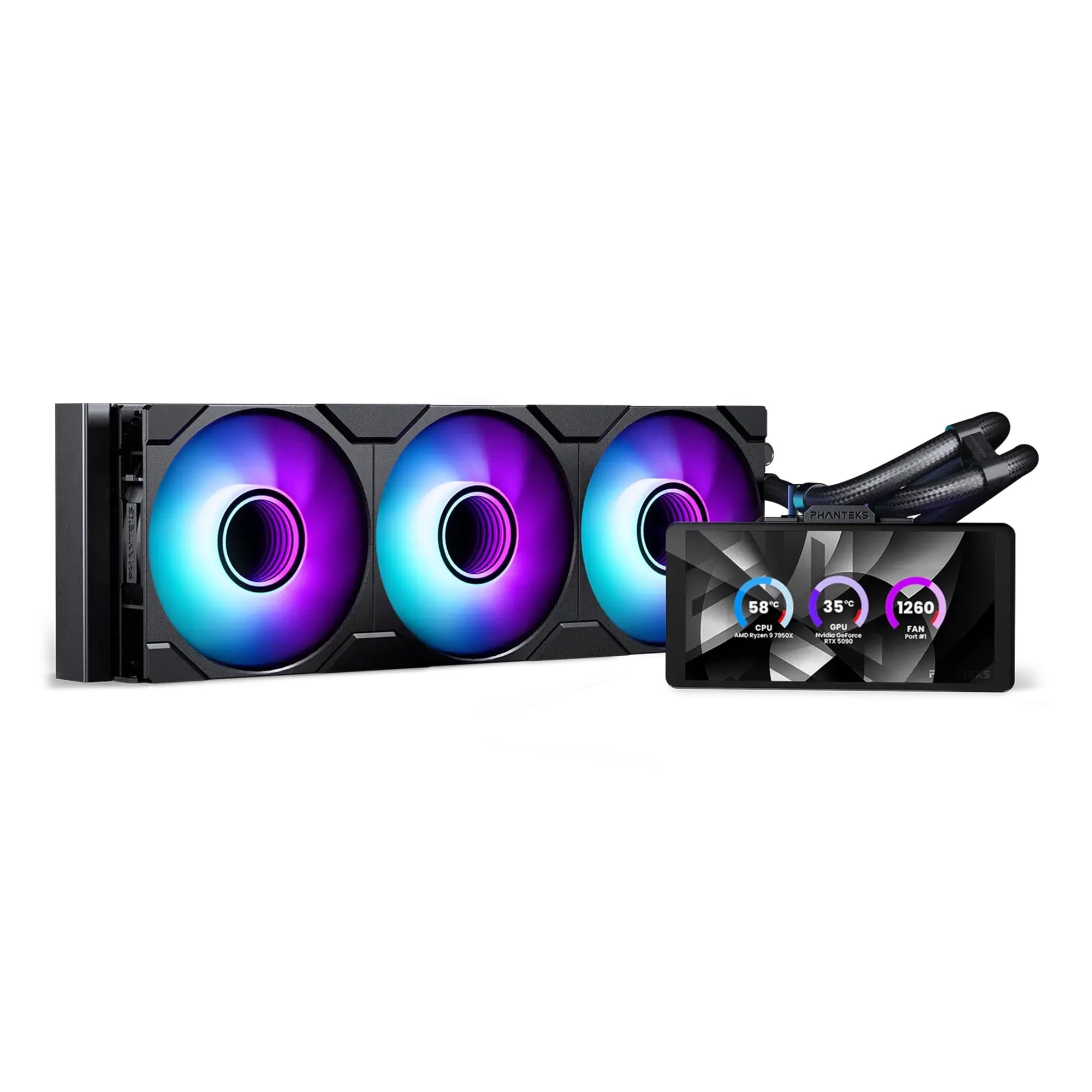
Image: The Phanteks Glacier One 360M25-LCD AIO Liquid CPU Cooler, showcasing its radiator, fans, pump, and integrated LCD display.
설정 및 설치
Careful installation is crucial for optimal performance. Ensure your system is powered off and disconnected from the power source before beginning.
패키지 내용
모든 구성 요소가 있는지 확인하세요.
- Glacier One 360M25 G2 6” LCD DRGB AIO Liquid CPU Cooler (Radiator, Pump/Block with LCD, Tubing, and Fans pre-attached)
- 인텔 및 AMD 소켓용 장착 하드웨어
- Fan and D-RGB cables
- Tube clips
설치 단계
- 마더보드 준비: Install the appropriate backplate and standoffs for your CPU socket (Intel or AMD).
- 라디에이터 장착: Secure the 360mm radiator to an available fan mounting location in your PC case. Ensure proper airflow direction.
- Install Pump/Block: Apply thermal paste to your CPU (if not pre-applied on the cold plate). Position the pump/block assembly onto the CPU, aligning with the standoffs, and secure it with the provided screws. The pump offers flexible tube routing and multiple LCD orientations for tall RAM clearance.
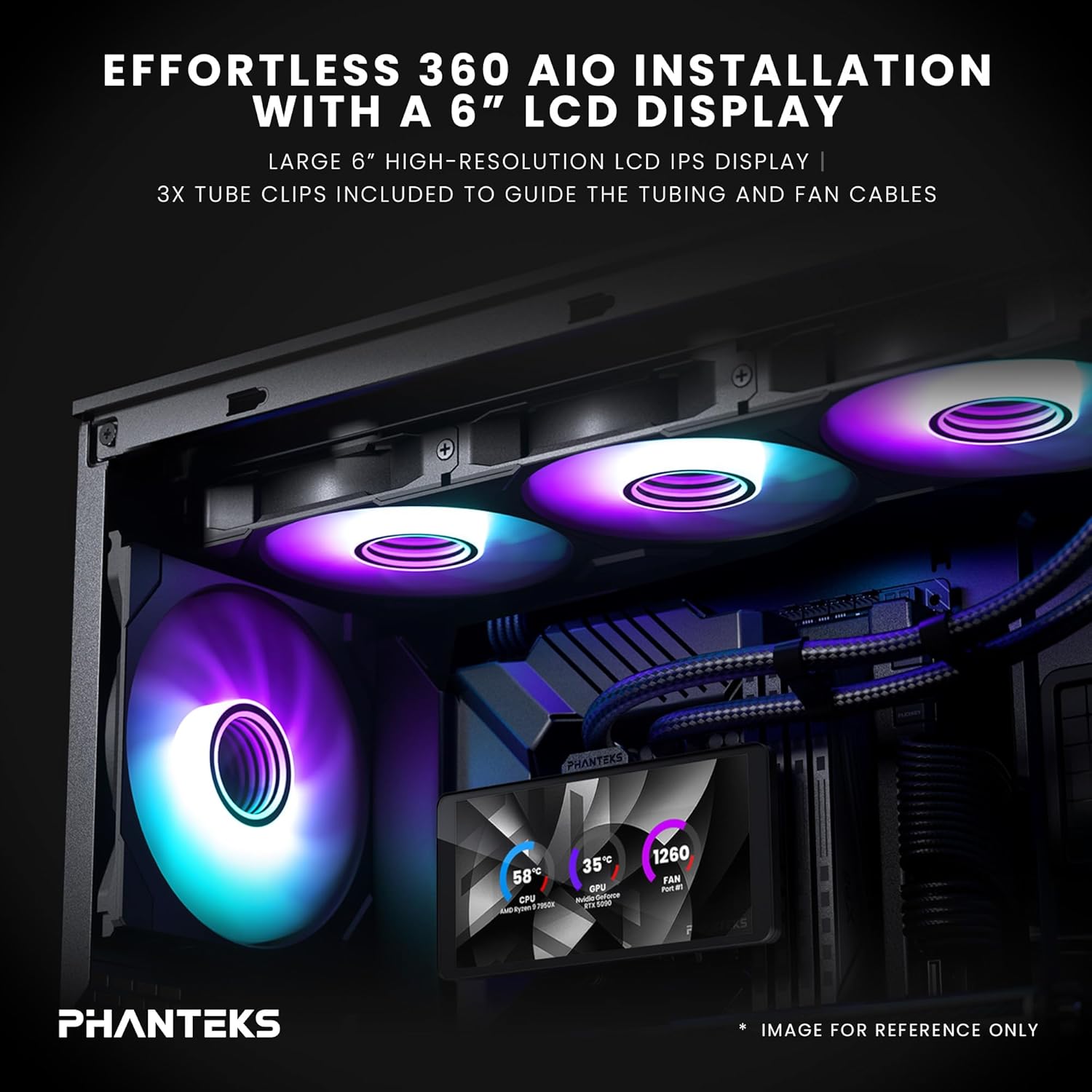
Image: An installed Phanteks Glacier One AIO cooler inside a PC case, highlighting the 6-inch LCD display and D-RGB fans. Tube clips are used to manage tubing and fan cables.
- 팬 연결: The M25 Gen2 D-RGB fans feature a daisy-chained unified design, simplifying cable management. Connect the fans to the radiator and then to the pump/controller.

Image: Close-up of the daisy-chained fan design, showing how fans connect together with a single cable for power and D-RGB control, and included screw covers for a clean look.
- 전원과 데이터 연결: Connect the pump's power cable to a CPU_FAN header on your motherboard and the D-RGB cable to an available D-RGB header or the included controller. Connect the LCD display's USB cable to an internal USB 2.0 header on your motherboard.
- 케이블 관리 : Use the included tube clips and other cable ties to manage all cables for a clean build and unobstructed airflow.

Image: A PC build demonstrating the dual orientation support for the LCD display, showing both horizontal and vertical mounting options for the pump unit.
Operating the Glacier One 360M25-LCD
Once installed, the cooler will provide active cooling. The integrated 6-inch IPS LCD display offers real-time system monitoring and customization.
Nexlinq App for Customization
To fully utilize the LCD display's features, download and install the Nexlinq App for Windows from the official Phanteks web사이트. 이 애플리케이션을 사용하면 다음을 수행할 수 있습니다.
- Customize LCD layouts and widgets.
- Display live system data such as CPU and GPU temperature, CPU and GPU fan speed (RPM), and pump speed (RPM).
- Adjust the display orientation.
- Upload custom graphics, animations, or media (video playback capped under 80MB).
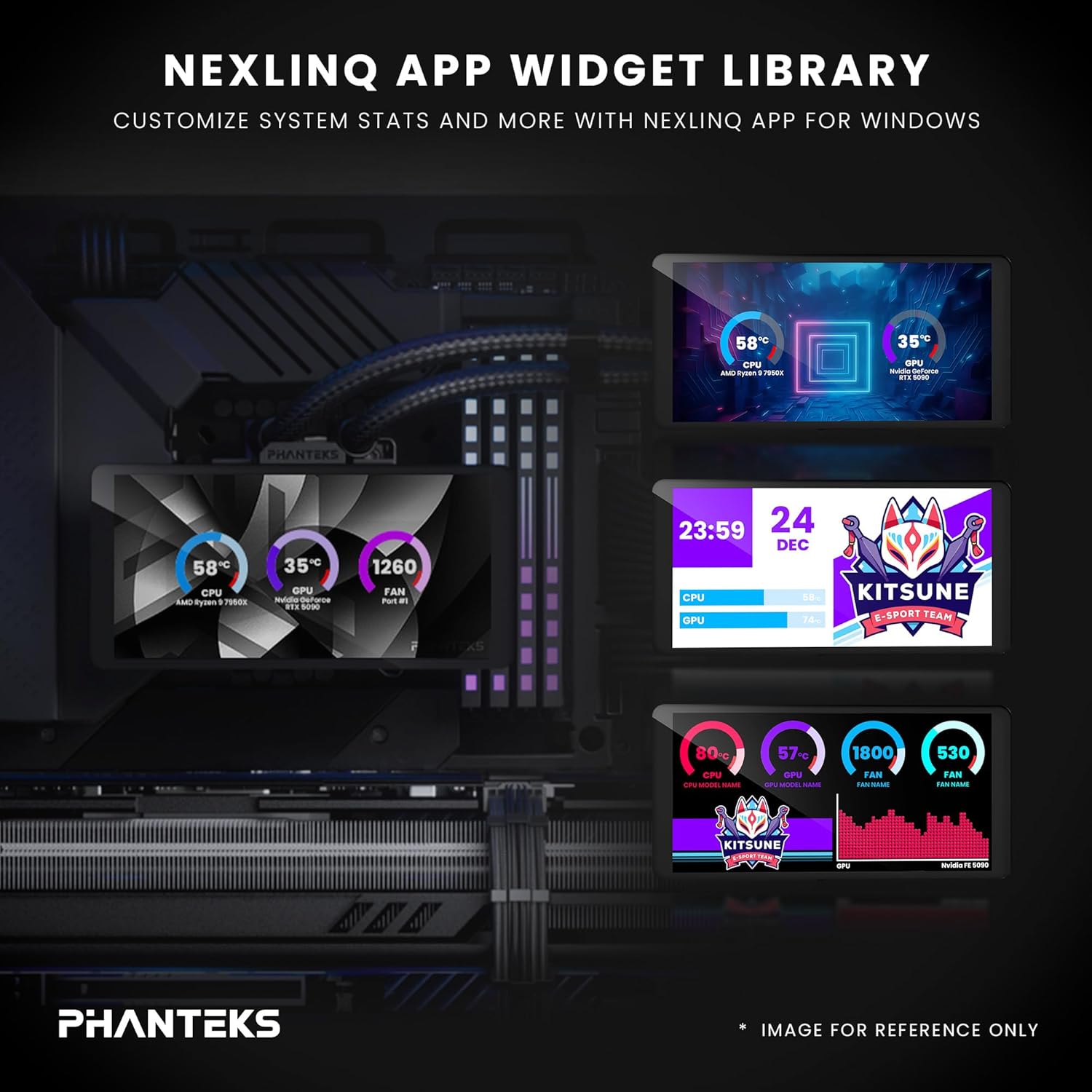
Image: A visual representation of the Nexlinq App's widget library, showing various customizable display options for system statistics and graphics on the LCD screen.
Ensure the Nexlinq App is running in the background for continuous display updates and customization.
유지
정기적인 유지관리는 AIO 쿨러의 수명과 최적의 성능을 보장하는 데 도움이 됩니다.
- 먼지 제거: Periodically clean the radiator fins and fan blades using compressed air. Dust accumulation can impede airflow and reduce cooling efficiency.
- 튜빙과 연결부 점검: Visually inspect the tubing and connections for any signs of leaks or damage. Ensure all connections remain secure.
- 소프트웨어 업데이트: Keep the Nexlinq App and any related drivers updated to ensure compatibility and access to new features or performance improvements.
문제 해결
If you encounter issues with your Glacier One 360M25-LCD, refer to the following common solutions:
- LCD에 표시되지 않음:
- Ensure the USB 2.0 header cable from the pump is securely connected to your motherboard.
- Verify that the Nexlinq App is installed and running.
- Check for any driver conflicts or Windows updates that might affect USB device recognition.
- 높은 CPU 온도:
- Confirm the pump is running (check pump speed in Nexlinq App or BIOS).
- 선풍기가 제대로 회전하고 공기 흐름을 위해 올바른 방향으로 설치되어 있는지 확인하십시오.
- Verify the pump/block is making proper contact with the CPU and thermal paste is correctly applied.
- 라디에이터에 먼지가 쌓였는지 확인하십시오.
- Fans Not Spinning or D-RGB Not Working:
- Check all fan and D-RGB cable connections.
- Ensure the D-RGB cable is connected to a compatible header or controller.
- Verify fan speed settings in BIOS or through the Nexlinq App.
- Limited Data Displayed on LCD: The Nexlinq App currently supports display of CPU/GPU temperature, CPU/GPU fan speed, and pump speed. Additional data such as RAM usage or liquid temperature may be added in future software updates.
명세서
| 특징 | 세부 사항 |
|---|---|
| 제품 치수 | 18인치 길이 x 8인치 너비 x 5인치 높이 |
| 상표 | 판텍스 |
| 전원 커넥터 유형 | 4핀 |
| 권tage | 1 볼트 |
| 왓tage | 10 와트 |
| 냉각 방식 | 공기, 물 |
| 호환 장치 | CPU, Desktop, Computer Case |
| 한국어: | 886523004202 |
| 제조업체 | 판텍스 |
| 품목 무게 | 5.8 파운드 |
| 포함된 구성 요소 | Glacier One 360M25 G2 6” LCD DRGB AIO Liquid CPU Cooler |
보증 및 지원
Phanteks products are designed for reliability and performance. For warranty information, please refer to the documentation included with your product or visit the official Phanteks website. For technical support, driver downloads, and further assistance, please visit the Phanteks support page or contact their customer service.
제조업체: 판텍스
Web대지: www.phanteks.com