
1. 제품 오버view
The AJAZZ AJ139 V2 MC is a versatile tri-mode gaming mouse designed for precision and responsiveness. It features a PAW3311 sensor for accurate tracking, a 1000Hz return rate for smooth performance, and a long-lasting 500mAh battery. Its compact and lightweight design makes it suitable for extended use and portability.
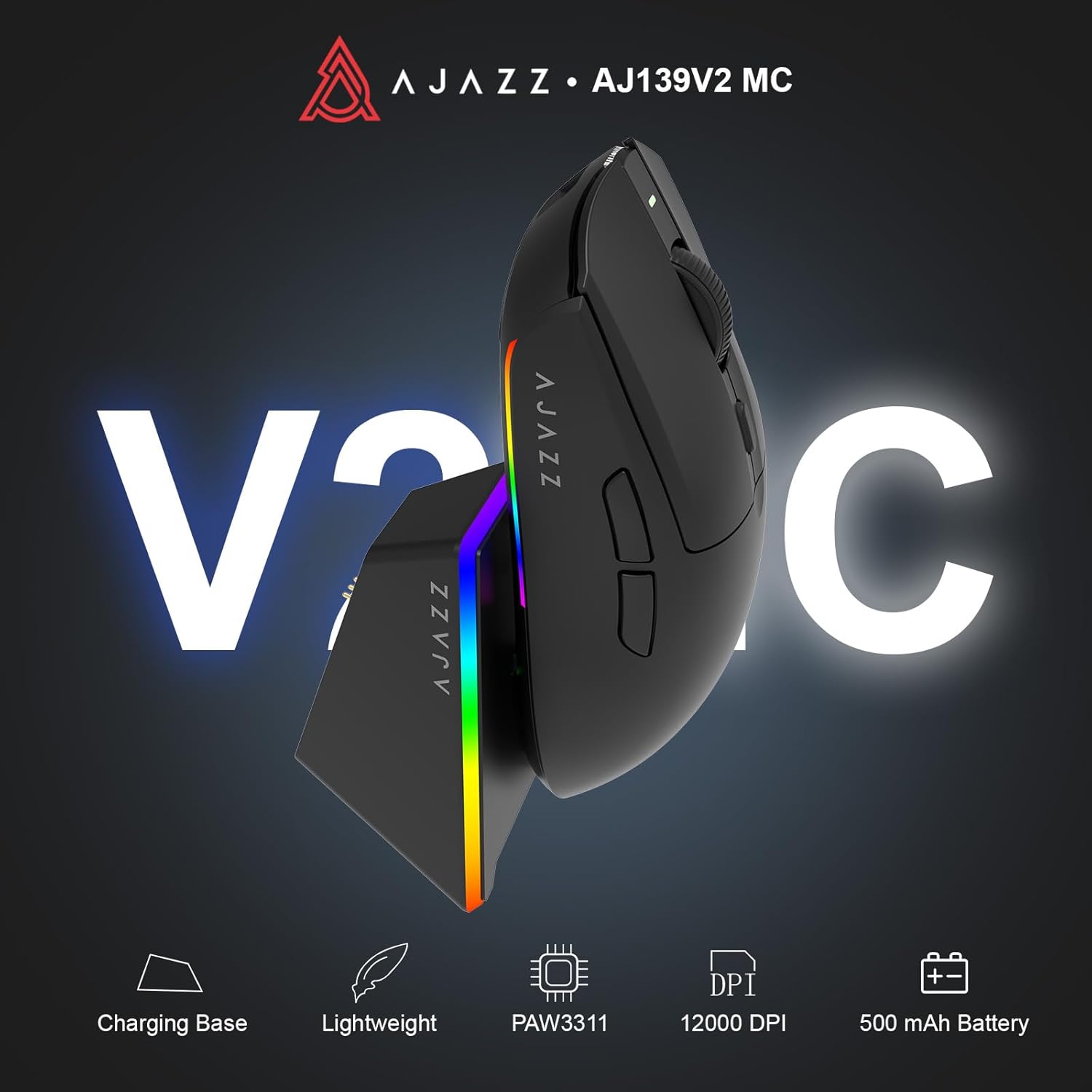
Figure 1.1: AJAZZ AJ139 V2 MC Gaming Mouse and Charging Dock.
비디오 1.1: 오버view of the AJAZZ AJ139 V2 MC Gaming Mouse, highlighting its features and design.
2. 패키지 내용
패키지에 모든 품목이 들어 있는지 확인하세요.
- AJAZZ AJ139 V2 MC 게이밍 마우스
- 충전 도크
- USB-C 충전 케이블
- 2.4G USB 수신기(동글)
- 사용자 설명서
3. 주요 특징
- PAW3311 Sensor Technology: Equipped with the PAW3311 sensor, this mouse ensures precise tracking and accurate cursor control for optimal performance.
- High 1000Hz Return Rate: Experience smooth and responsive performance with a 1000Hz return rate, enhancing your gaming or work experience.
- 오래 지속되는 500mAh 배터리: The integrated 500mAh battery provides extended power, ensuring uninterrupted use for prolonged periods.
- 3중 모드 연결: Supports versatile connectivity options including Wired, 2.4G Wireless, and Bluetooth, adapting to various devices and setups.
- 컴팩트하고 가벼운 디자인: Weighing approximately 66 grams, the mouse features a compact design for easy portability and comfortable use during long sessions.
- 맞춤형 RGB 조명: Features integrated RGB lighting for personalized aesthetics.
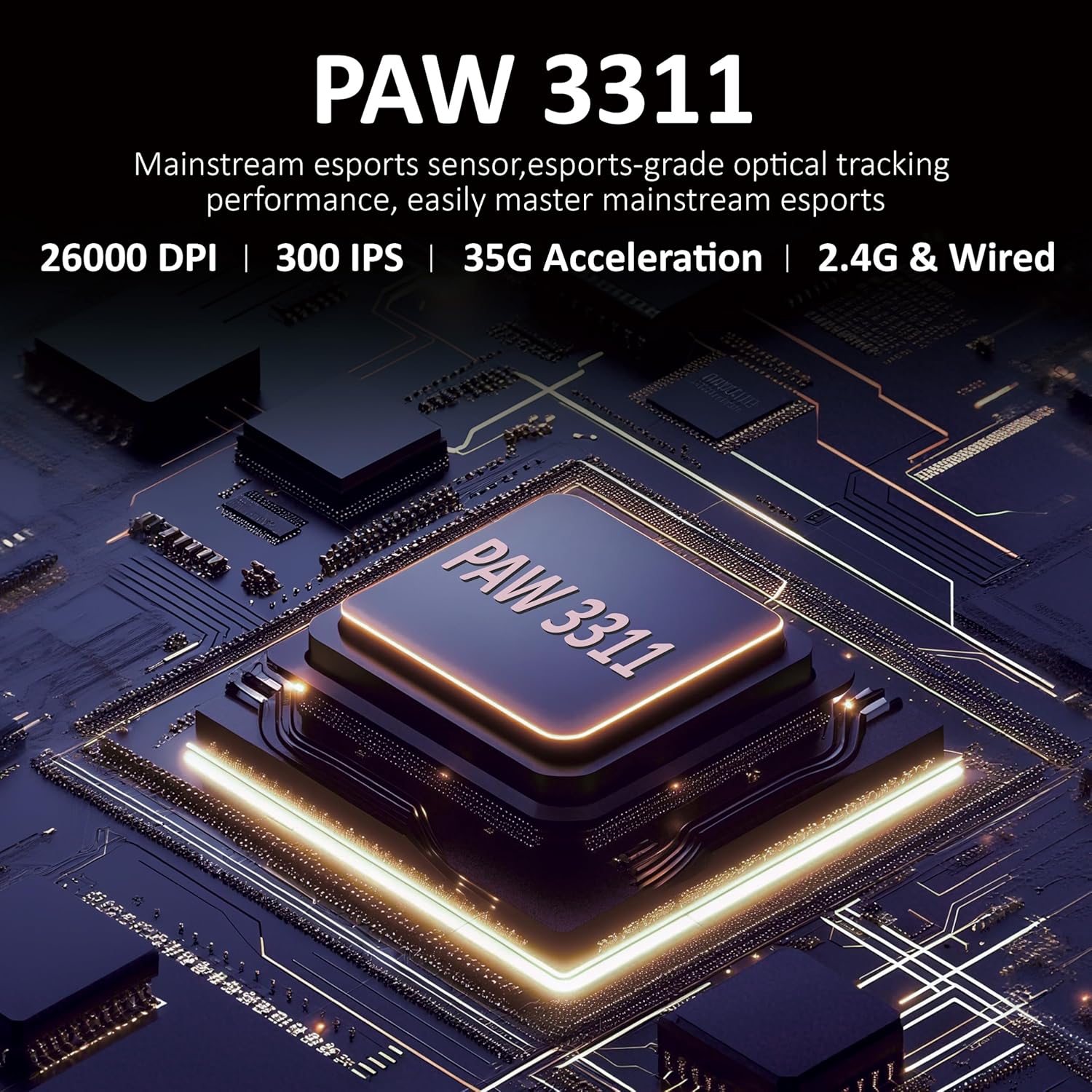
그림 3.1: 상세 view of the PAW3311 sensor technology.
Video 3.1: Demonstration of the mouse's 500mAh battery life.

Figure 3.2: The lightweight design of the AJAZZ AJ139 V2 MC mouse.
4. 설정 가이드
4.1. 마우스 연결
The AJAZZ AJ139 V2 MC offers three connection modes:
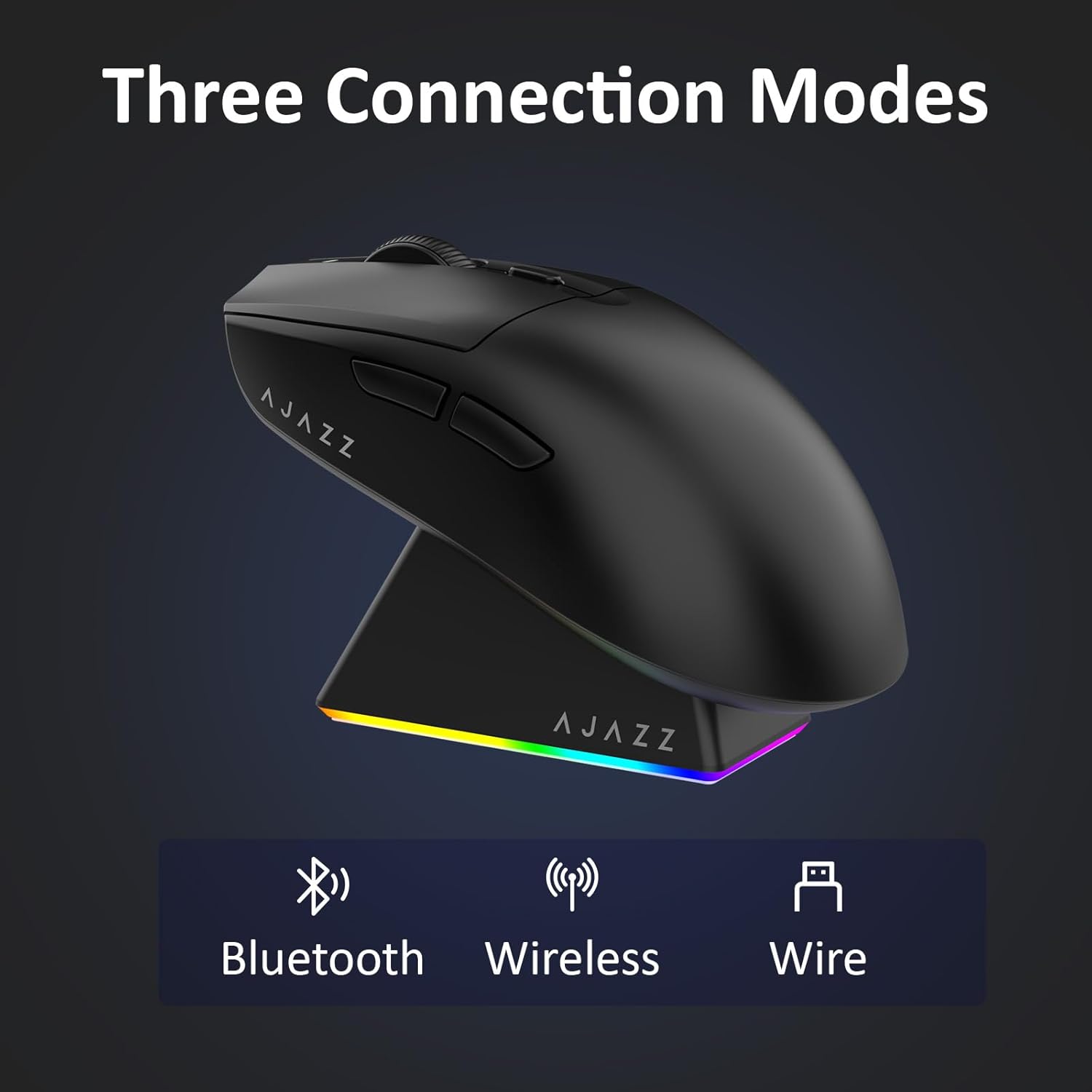
그림 4.1: 세 가지 연결 모드의 시각적 표현.
- 2.4G 무선 모드:
- 마우스 아랫면의 수납공간에 보관된 2.4G USB 수신기를 찾으세요.
- USB 수신기를 컴퓨터의 사용 가능한 USB 포트에 연결합니다.
- 마우스 하단의 스위치를 '2.4G' 위치로 밀어주세요. 마우스가 자동으로 연결됩니다.
- 블루투스 모드 :
- 마우스 바닥의 스위치를 'BT' 위치로 밀어 넣으세요.
- 기기에서 블루투스 설정을 열고 새 기기를 검색하세요.
- Select 'AJAZZ AJ139 V2 MC' from the list to pair.
- 유선 모드 :
- Connect the USB-C charging cable to the mouse and the other end to your computer's USB port.
- 마우스는 유선 장치로 작동하며 동시에 충전도 가능합니다.
4.2. 마우스 충전
The mouse can be charged using the included charging dock or directly via the USB-C cable.
- 충전 도크 사용:
- Connect the USB-C charging cable to the charging dock and then to a power source (e.g., computer USB port, USB wall adapter).
- Place the mouse onto the charging dock, aligning the magnetic contacts. The RGB lighting on the dock and mouse will indicate charging status.
- USB-C 직접 충전:
- Connect the USB-C charging cable directly to the mouse and a power source.
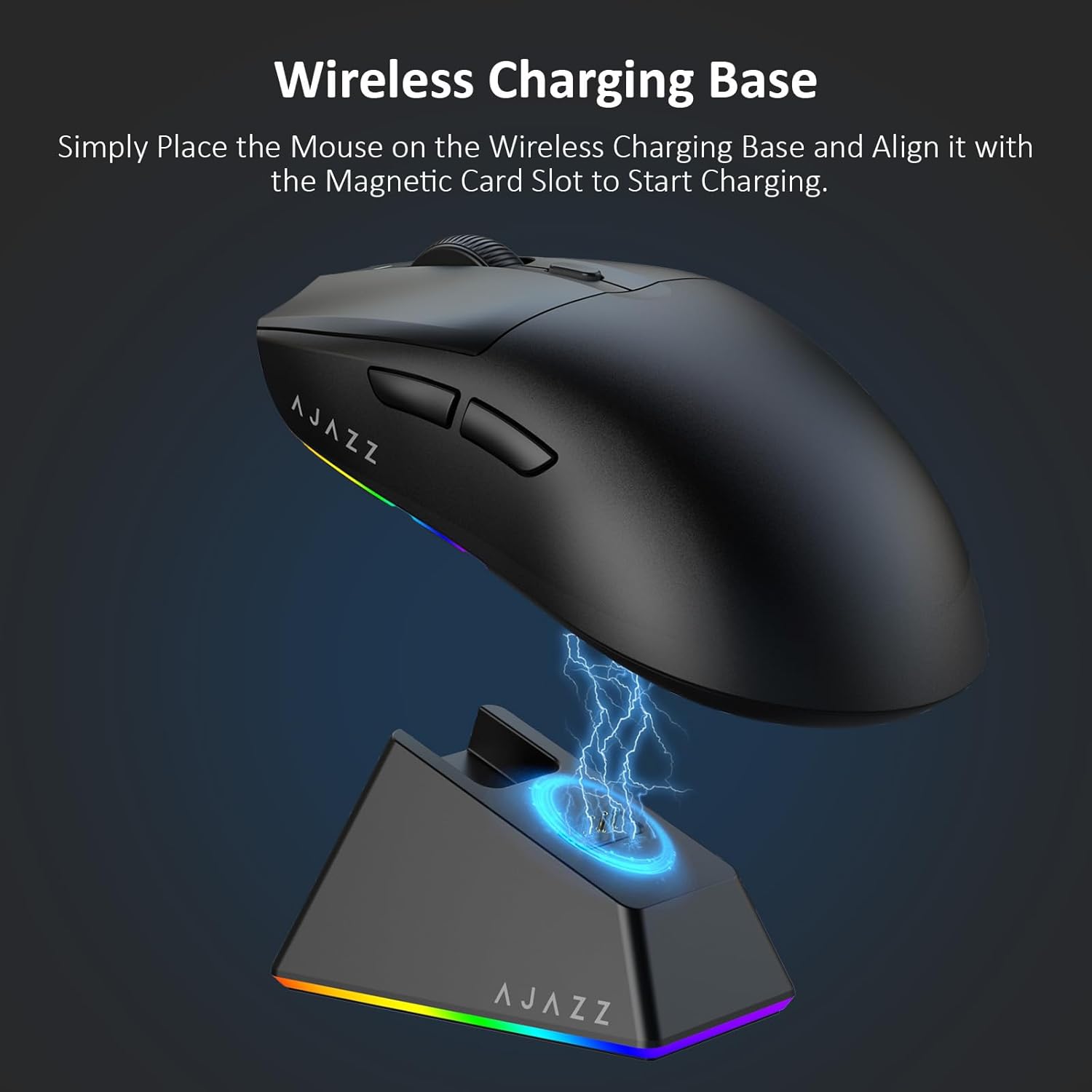
Figure 4.2: The mouse being charged on its wireless charging base.
5. 사용 설명서
5.1. DPI 조정
The mouse features a dedicated DPI adjustment button on its underside, allowing you to cycle through different sensitivity levels. Press the button to change the DPI setting to suit your preference.
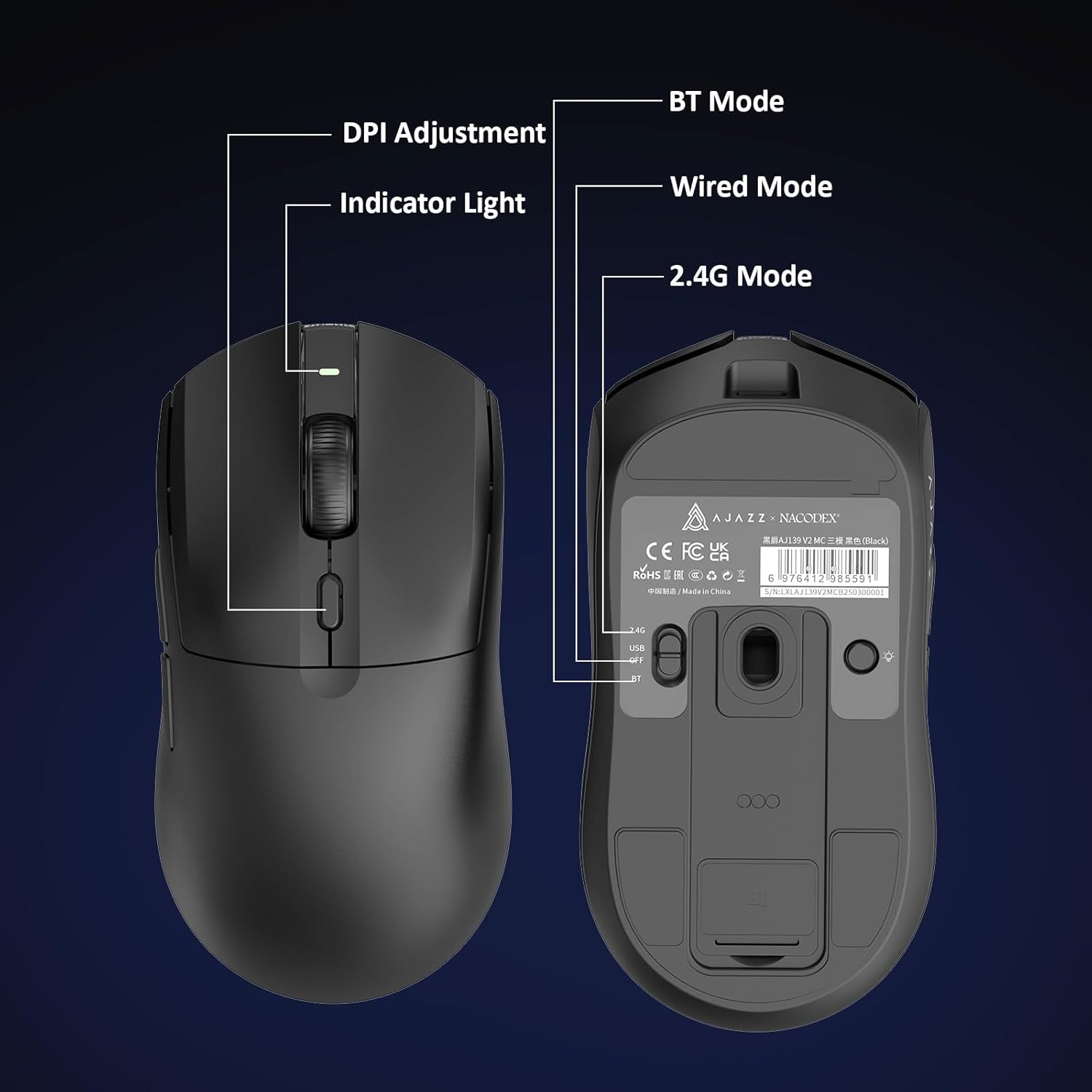
Figure 5.1: Location of the DPI adjustment button and connection mode switch on the mouse underside.
5.2. 버튼 기능
The mouse is equipped with 6 programmable buttons:
- 왼쪽 클릭 버튼
- 오른쪽 클릭 버튼
- 스크롤 휠(클릭 가능)
- DPI Adjustment Button (on underside)
- Two Side Buttons (typically for forward/backward navigation)
For advanced customization of button functions and macros, please refer to the official AJAZZ software (downloadable from the manufacturer's web대지).
5.3. RGB 조명 제어
The mouse and charging dock feature customizable RGB lighting. Specific controls for lighting modes and colors are typically managed through the official AJAZZ software. A dedicated light button on the underside of the mouse allows for basic cycling or turning off the lighting.
6. 유지관리
- 청소: 부드럽고 마른 천을 사용하여 마우스 표면을 닦으세요. 잘 지워지지 않는 오염의 경우, 약간amp 천을 사용하면 습기가 내부 부품으로 들어가지 않습니다.
- 센서 관리: 마우스 아랫면에 있는 광학 센서를 깨끗하게 유지하고 먼지나 이물질이 끼지 않도록 하여 트래킹 정확도를 유지하십시오.
- 배터리 수명: 배터리 수명을 연장하려면 마우스를 자주 완전히 방전시키지 마세요. 배터리 표시등이 낮을 때 충전하세요.
7. 문제 해결
| 문제 | 가능한 해결책 |
|---|---|
| Mouse not responding in 2.4G Wireless mode. | Ensure the 2.4G USB receiver is securely plugged into a USB port and the mouse switch is set to '2.4G'. Try a different USB port. |
| Mouse not pairing via Bluetooth. | Ensure the mouse switch is set to 'BT' and your device's Bluetooth is enabled and discoverable. Try unpairing and re-pairing the device. |
| 마우스가 충전되지 않습니다. | Verify the USB-C cable is properly connected to both the dock/mouse and the power source. Ensure the mouse is correctly seated on the charging dock's magnetic contacts. |
| Inconsistent tracking or cursor movement. | 마우스 아랫면의 광학 센서를 청소하십시오. 마우스를 적절한 표면(예: 마우스 패드)에서 사용하고 있는지 확인하십시오. |
| RGB 조명이 작동하지 않습니다. | Check the mouse's software settings for lighting control. Ensure the mouse has sufficient battery charge. |
8. 기술 사양
| 특징 | 사양 |
|---|---|
| 상표 | 아재즈 |
| 모델명 | Aj139 V2 MC |
| 색상 | V2 MC Black |
| 연결 기술 | 블루투스, USB, 2.4G 무선 |
| 움직임 감지 기술 | 광학(PAW3311 센서) |
| Mouse Maximum Sensitivity | 12000 Dots per Inch (DPI) |
| 반품률 | 1000Hz |
| 배터리 용량 | 500mAh |
| 버튼 수량 | 6 |
| 손의 방향 | 오른쪽 |
| 호환 장치 | 데스크탑 컴퓨터 |
| 운영 체제 | 윈도우 |
| 범위 | 10 미터 |
| 품목 무게 | 4 온스(약 113그램) |
| 품목 치수 L x W | 길이 5인치 x 너비 2.5인치 (약 12.7cm x 6.35cm) |
| 장식 기능 | RGB 조명 |
| 인클로저 재료 | 플라스틱 |
| 마치다 | 매트 |
9. 보증 및 지원
This product comes with a standard manufacturer's warranty. For detailed warranty information, please refer to the official AJAZZ web사이트를 방문하거나 판매점에 문의하세요.
For technical support, troubleshooting assistance, or any product-related inquiries, please visit the AJAZZ official support page or contact their customer service team.
온라인 리소스:
AJAZZ Official Store