
1. 서론
Thank you for choosing the GOBOULT Fluid X Pro Bluetooth Headphones. This manual provides essential information for setting up, operating, and maintaining your headphones to ensure optimal performance and longevity. Please read this manual thoroughly before use.
2. 패키지 내용
아래 나열된 모든 품목이 패키지에 들어 있는지 확인하세요.
- GOBOULT Fluid X Pro Headphones
- Type-C 충전 케이블
- 사용자 설명서
- 이어 쿠션 (기본 장착 또는 여분)
- 보증 카드
3. 제품 오버view

Figure 3.1: Tactile Button Controls
컨트롤 및 포트:
- 전원 버튼: 길게 누르면 전원이 켜지고, 짧게 누르면 재생/일시 정지됩니다.
- 볼륨 높이기(+): 짧게 누르면 볼륨이 커지고, 길게 누르면 다음 트랙으로 넘어갑니다.
- 볼륨 낮추기(-): 짧게 누르면 볼륨이 줄어듭니다. 길게 누르면 이전 트랙으로 건너뜁니다.
- ANC 버튼: Press to cycle through Active Noise Cancellation modes (ANC On/Off/Transparency).
- EQ 모드 버튼: 4개의 사용 가능한 EQ 모드를 순환하려면 누르세요.
- C 형 포트 : 헤드폰을 충전합니다.
- AUX 포트 : 유선 오디오 연결용.
- 마이크로폰: Integrated Zen ENC Mic for calls.
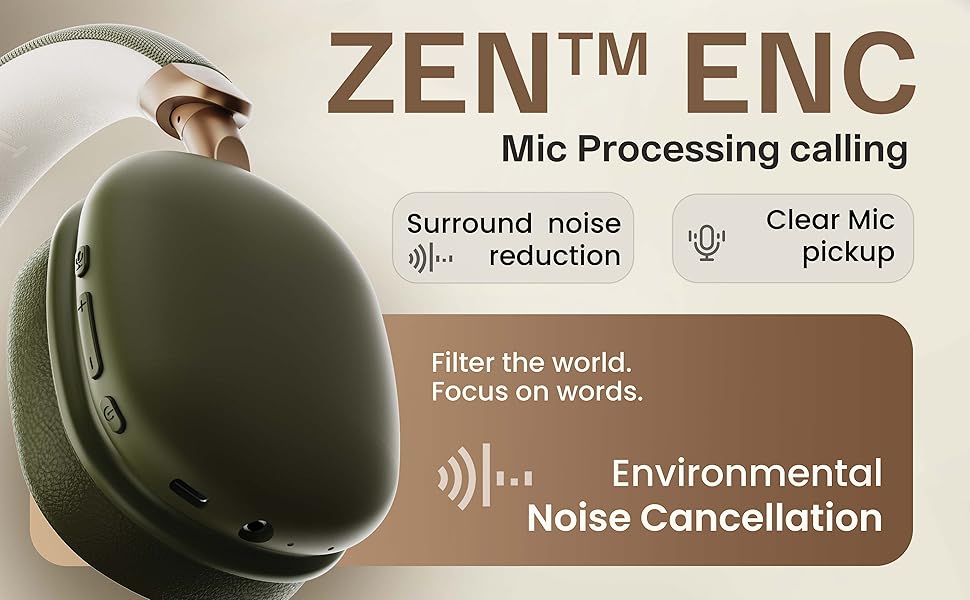
그림 3.2: 주요 기능view
4. 설정
4.1. 초기 충전
Before first use, fully charge your headphones. Connect the provided Type-C charging cable to the headphone's Type-C port and the other end to a USB power adapter (not included) or a computer's USB port. The LED indicator will show charging status and turn off when fully charged.
4.2. 전원 켜기 / 끄기
- 전원을 켜려면: 전원 버튼을 약 3초 동안 길게 누르면 LED 표시등이 깜빡입니다.
- 전원을 끄려면: LED 표시등이 꺼질 때까지 약 5초 동안 전원 버튼을 길게 누릅니다.
4.3. 블루투스 페어링

그림 4.1: Bluetooth 5.4 연결
- 헤드폰의 전원이 꺼져 있는지 확인하십시오.
- 전원 버튼을 약 5~7초간 길게 눌러 LED 표시등이 빨간색과 파란색으로 번갈아 깜박이면 페어링 모드임을 나타냅니다.
- 기기(스마트폰, 태블릿, 노트북)에서 Bluetooth를 활성화하고 사용 가능한 기기를 검색하세요.
- Select "GOBOULT Fluid X Pro" from the list of found devices.
- 연결되면 LED 표시등이 파란색으로 천천히 깜박입니다.
The headphones support Bluetooth 5.4 for stable and fast connections up to 10 meters.
5. 사용 설명서
5.1. 오디오 재생
- 재생/일시 중지: 전원 버튼을 짧게 누릅니다.
- 다음 트랙: 볼륨 높이기(+) 버튼을 길게 누릅니다.
- 이전 트랙 : 볼륨 낮추기(-) 버튼을 길게 누릅니다.
- 볼륨 조절: 볼륨 높이기(+) 또는 볼륨 낮추기(-) 버튼을 짧게 누르세요.
5.2. 통화 관리
- 전화 받기/종료: 전원 버튼을 짧게 누릅니다.
- 전화 거부: 전원 버튼을 길게 누르세요.
- 마지막 번호 재다이얼: 전원 버튼을 두 번 누르세요.
5.3. 능동 소음 제거(ANC)
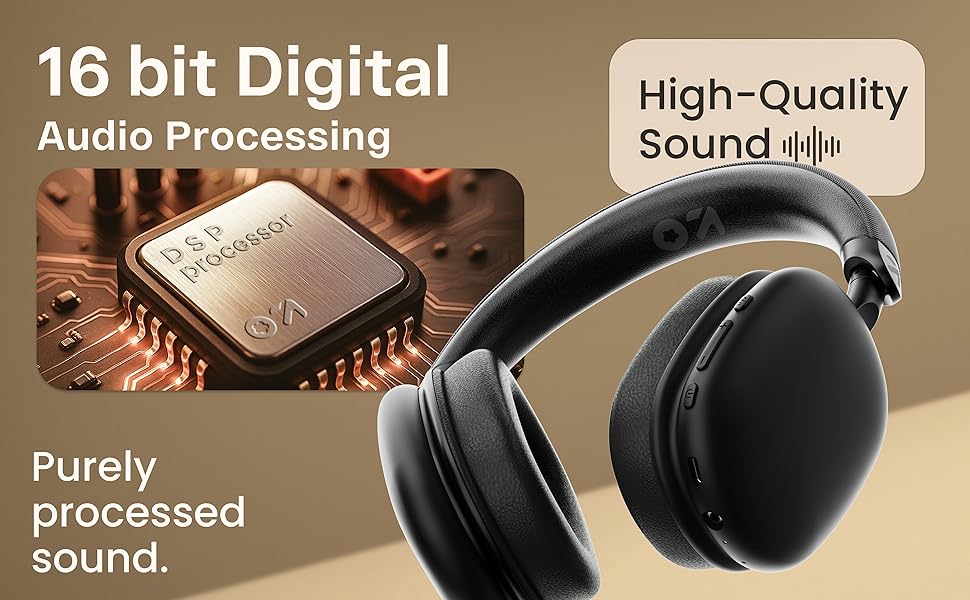
Figure 5.1: Active Noise Cancellation in action
Press the dedicated ANC button to activate or deactivate Active Noise Cancellation. This feature helps reduce ambient noise for a more immersive listening experience. Cycle through ANC On, ANC Off, and Transparency modes as needed.
5.4. EQ 모드
The headphones feature 4 Equalizer (EQ) modes to customize your audio experience. Press the EQ Mode button to cycle through the available presets (e.g., Bass Boost, Vocal, Balanced, Gaming). The specific modes may vary.
5.5. 게임 모드
Figure 5.2: Gaming Mode for Low Latency Audio
Activate Gaming Mode for ultra-low latency audio (approximately 50ms), providing a more synchronized audio-visual experience during gaming. Refer to the specific button control for activating this mode (often a long press on the EQ button or a dedicated button).
5.6. Dual Listening Modes (Wireless & Wired)

그림 5.3: 무선 및 유선 연결 옵션
- 무선 모드: Connect via Bluetooth for cordless audio.
- 유선 모드 : Connect an AUX cable (not included) to the headphone's AUX port and your audio source. In wired mode, the microphone is typically inactive.
5.7. 음성 지원

그림 5.4: 음성 비서 통합
Activate your device's voice assistant (Siri, Google Assistant) by a specific button press (refer to product diagram or quick start guide for exact control). This allows for hands-free control of your device.
6. 충전
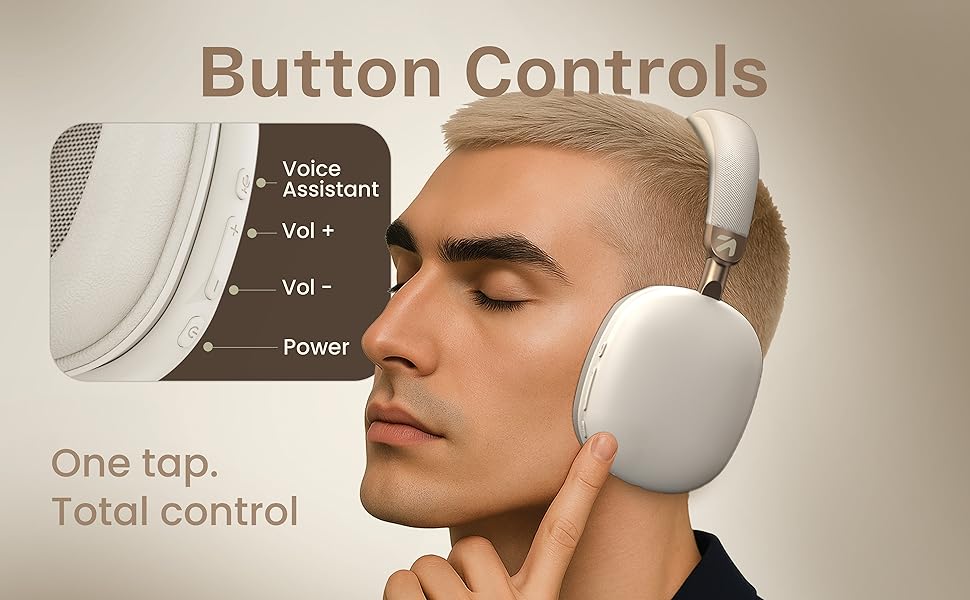
그림 6.1: 배터리 수명 및 고속 충전
To charge the headphones, connect the provided Type-C cable to the charging port on the headphones and a compatible USB power source. The LED indicator will show charging status. A full charge provides up to 70 hours of playback without ANC, or 35 hours with ANC activated. A quick 10-minute charge can provide approximately 5 hours of playtime.
7. 유지관리
7.1. 청소
- 부드럽고 마른 천으로 헤드폰을 닦으세요.
- 연마성 세척제, 알코올, 화학 용제는 사용하지 마세요.
- 이어쿠션은 부드러운 천으로 닦을 수 있습니다.amp 필요하다면 천으로 닦아낸 후, 완전히 공기 중에서 말리세요.
7.2. 보관
헤드폰은 직사광선과 극한 온도 변화를 피해 서늘하고 건조한 곳에 보관하십시오. 접이식 디자인으로 보관 시 공간을 절약할 수 있습니다.
7.3. 방수성
The headphones are IPX5 water resistant, meaning they are protected against low-pressure water jets from any direction. This makes them splash-proof, rain-proof, and sweat-proof. Do not submerge the headphones in water.
8. 문제 해결
| 문제 | 가능한 원인 | 해결책 |
|---|---|---|
| 헤드폰 전원이 켜지지 않습니다 | 배터리 부족 | 헤드폰을 완전히 충전하세요. |
| 블루투스로 페어링이 불가능합니다 | 헤드폰이 페어링 모드가 아닙니다. 기기 블루투스가 꺼져 있습니다. 기기와의 거리가 너무 멀습니다. | Ensure headphones are in pairing mode (flashing red/blue). Turn on Bluetooth on your device. Move headphones closer to your device (within 10m). |
| 소리가 나지 않습니다 | Volume too low; Not connected; Wired mode issue | Increase volume on headphones and device. Re-pair Bluetooth. Check AUX cable connection if in wired mode. |
| 통화 품질이 좋지 않음 | Weak signal; Environmental noise | Move closer to your device. Ensure Zen ENC Mic is not obstructed. Try enabling/disabling ANC. |
| ANC가 효과적으로 작동하지 않음 | ANC 꺼짐; 부적절한 착용 | ANC 버튼을 눌러 활성화하세요. 헤드폰이 귀에 꼭 맞도록 조절하세요. |
9. 사양
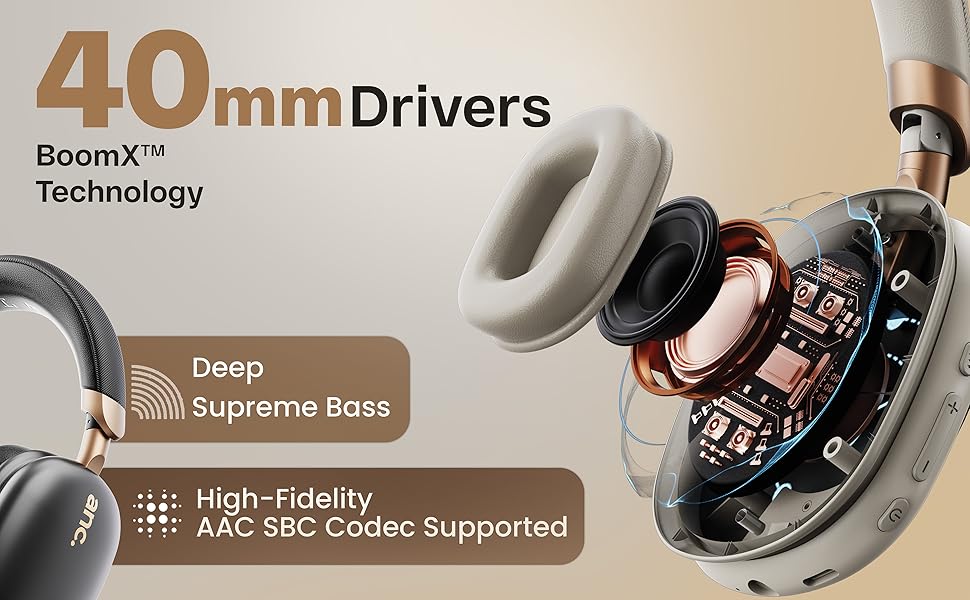
Figure 9.1: 16-bit Digital Audio Processing
| 특징 | 세부 사항 |
|---|---|
| 모델명 | ProBass |
| 연결성 | Bluetooth 5.4, Wired (AUX) |
| 블루투스 범위 | 최대 10미터 |
| 오디오 드라이버 크기 | 40mm 다이나믹 드라이버 |
| 소음 제어 | Active Noise Cancellation (ANC), Passive Noise Cancellation |
| 마이크로폰 | Zen ENC Mic |
| 배터리 수명 | 최대 70시간(ANC 없음), 35시간(ANC 있음) |
| 충전 포트 | Type-C 고속 충전 |
| 방수성 | IPX5 (Splash, Rain, Sweat Proof) |
| 오디오 지연 | 50ms (Gaming Mode) / 60ms (General) |
| 품목 무게 | 205그램 |
| 제품 치수 | 22 x 20 x 83cm |
| 임피던스 | 32옴 |
| 포함된 구성 요소 | Headphone, Type C Charging Cable, User Manual, Warranty Card, Ear Cushions |
10. 보증 및 지원
10.1. 보증 정보
The GOBOULT Fluid X Pro Bluetooth Headphones come with a 1년 제조사 보증 from the date of purchase. This warranty covers manufacturing defects and ensures reliable after-sales support. Please retain your purchase receipt and warranty card for any claims.
10.2. 고객 지원
For any questions, technical assistance, or warranty claims, please contact GOBOULT customer support through the details provided on your warranty card or visit the official GOBOULT web대지.