
1. 서론
This manual provides essential information and instructions for the QONBINK M91 Smart Watch. Please read this manual thoroughly before using your device to ensure proper operation and to maximize its features. Keep this manual for future reference.
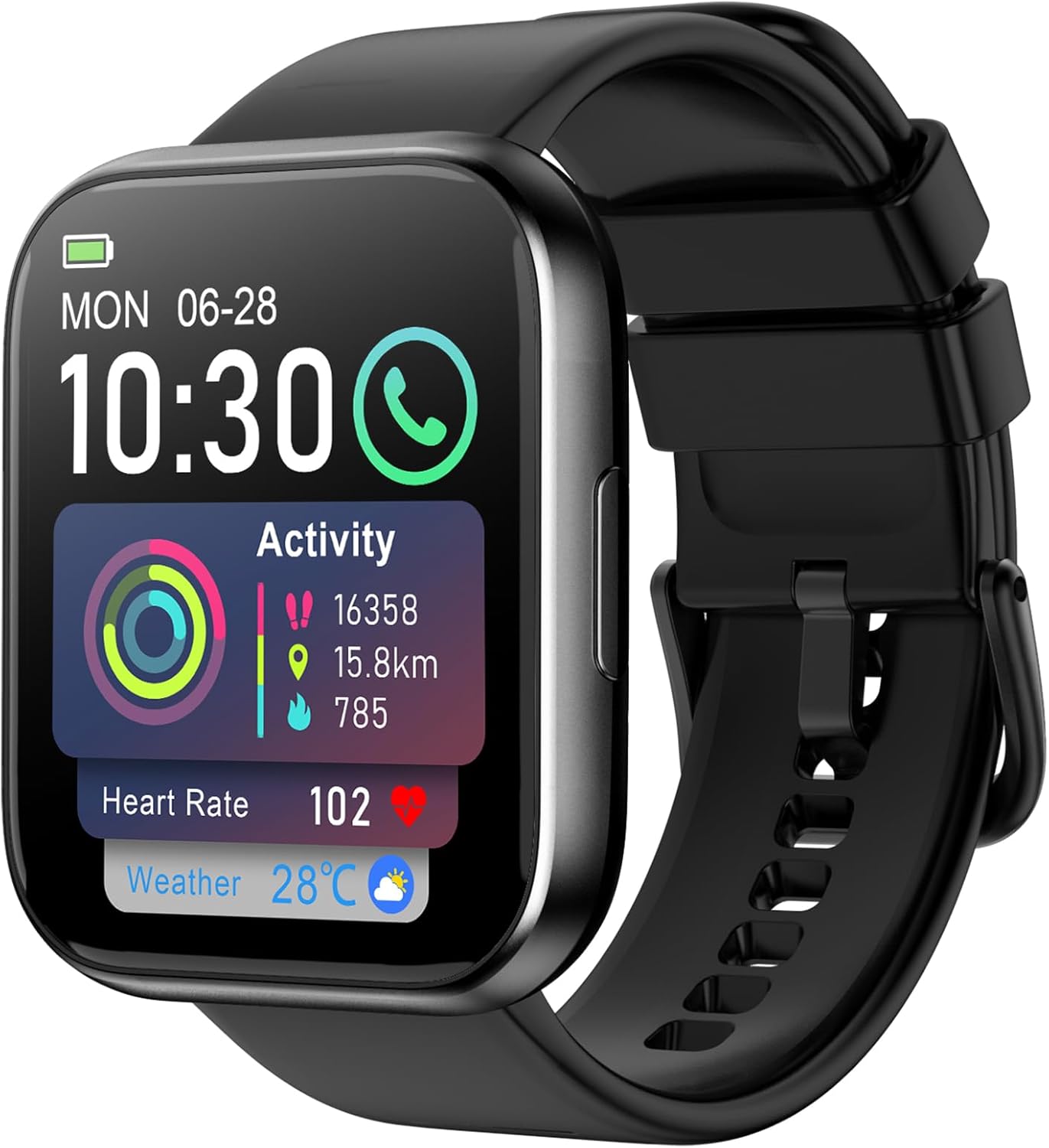
Image: The QONBINK M91 Smart Watch, displaying its main interface with various health and activity metrics.
2. 상자 안에 무엇이 들어있나요?
Upon opening your QONBINK M91 Smart Watch package, you should find the following items:
- QONBINK M91 Smart Watch
- 사용 설명서 (본 문서)
- 충전 케이블
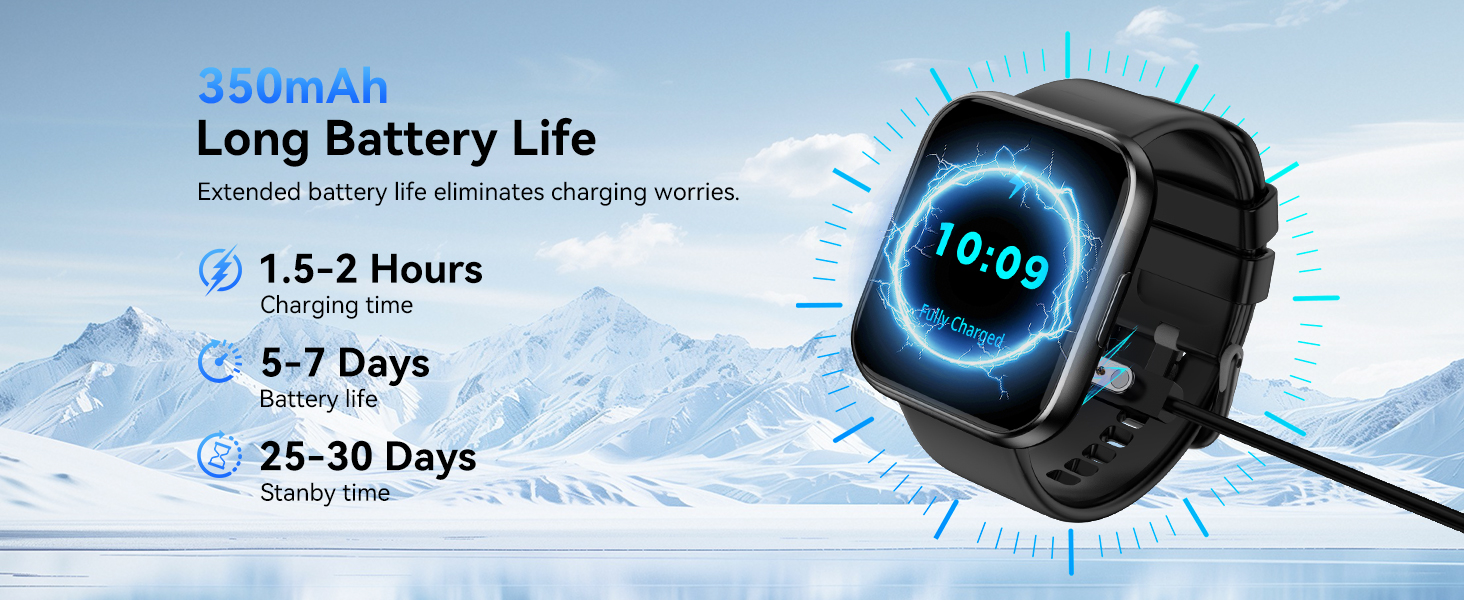
Image: Visual representation of the QONBINK M91 Smart Watch package contents, including the watch, charging cable, and user manual.
3. 제품 오버view
The QONBINK M91 Smart Watch features a 1.85-inch HD full-touch display and a durable design suitable for daily wear and various activities.
주요 구성 요소:
- 표시하다: 1.85-inch HD full-touch color screen.
- 측면 버튼: Used for power on/off, screen wake/sleep, and menu navigation.
- 센서: Located on the back for heart rate, blood oxygen, and sleep monitoring.
- 충전 연락처: Magnetic contacts on the back for charging.
- 스피커/마이크: Integrated for Bluetooth calling.

Image: The 1.85-inch full-touch screen of the QONBINK M91 Smart Watch, highlighting its display capabilities and customizable watch faces.
4. 설정
4.1 장치 충전
Before first use, fully charge your QONBINK M91 Smart Watch.
- 자석 충전 케이블을 시계 뒷면의 충전 접점에 연결합니다.
- 케이블의 USB 끝부분을 표준 USB 전원 어댑터(별도 구매) 또는 컴퓨터의 USB 포트에 꽂으세요.
- 시계 디스플레이에 충전 상태가 표시됩니다.
A full charge typically takes 1.5-2 hours. The watch offers 5-7 days of typical use and up to 25-30 days of standby time.
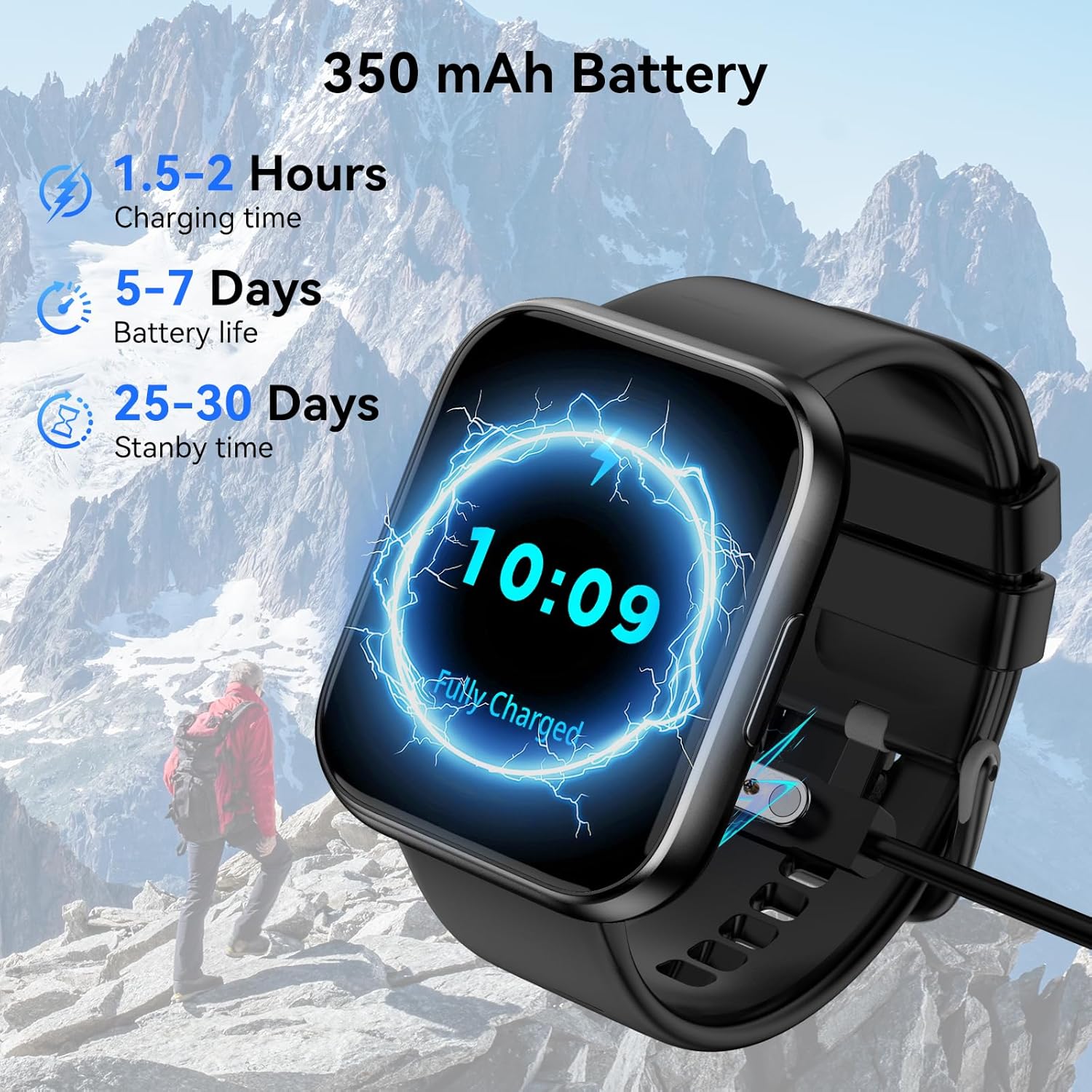
Image: The QONBINK M91 Smart Watch being charged, illustrating its battery capacity and charging specifications.
4.2 앱 설치
To unlock the full potential of your smart watch, download and install the 'Da Fit' app on your smartphone.
- Scan the QR code provided in the watch's interface or the quick start guide, or visit http://plus.crrepa.com/app-download/dafit to download the 'Da Fit' app.
- The app is compatible with iOS 10.0 or higher and Android 4.4 or higher.
4.3 스마트폰과 페어링
Follow these steps to pair your QONBINK M91 Smart Watch with the 'Da Fit' app:
- 시계가 충전되어 있고 전원이 켜져 있는지 확인하세요.
- 스마트폰에서 블루투스를 활성화하세요.
- 'Da Fit' 앱을 열고 화면의 지시에 따라 새 기기를 추가하세요.
- 사용 가능한 장치 목록에서 'M91'를 선택하십시오.
- 휴대폰과 시계 모두에서 페어링 요청을 확인하세요.
- 알림 및 데이터 동기화에 필요한 권한을 허용하십시오.
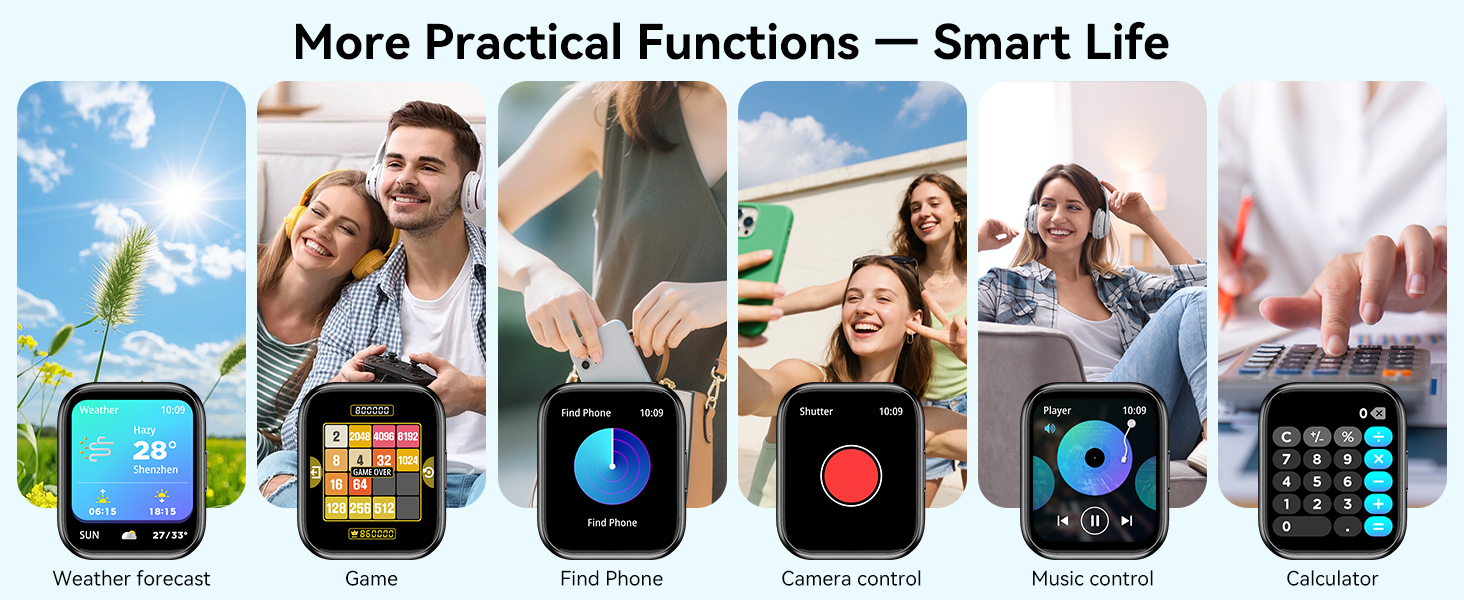
Image: A visual guide demonstrating the process of connecting the QONBINK M91 Smart Watch to a smartphone via the Da Fit application.
5. 사용 설명서
5.1 기본 탐색
- 위/아래로 스와이프: 메뉴와 알림을 스크롤합니다.
- 왼쪽/오른쪽으로 스와이프: 빠른 기능이나 위젯에 접근합니다.
- 수도꼭지: 항목을 선택하거나 작업을 확인하세요.
- 측면 버튼을 누르세요: 홈 화면으로 돌아가거나 전원을 켜거나 끄세요.
5.2 시계 화면 사용자 정의
The QONBINK M91 Smart Watch offers over 200 built-in watch face designs. You can also upload custom images via the 'Da Fit' app for personalization.
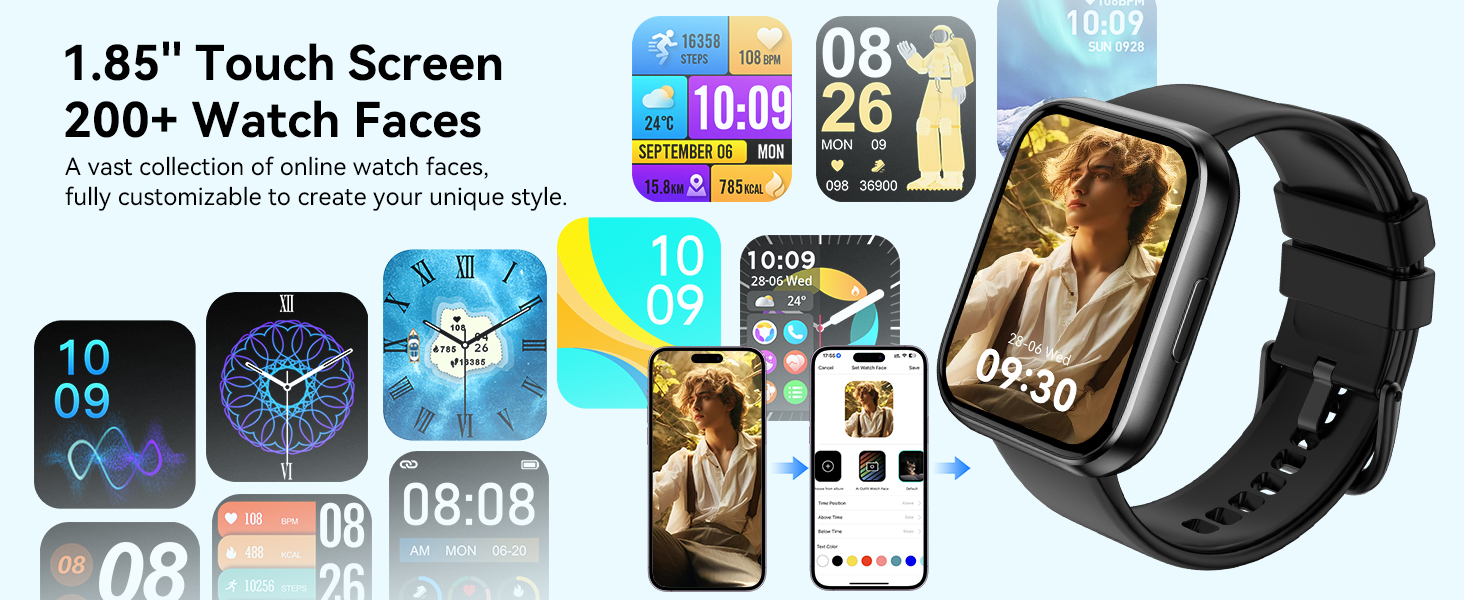
Image: A collection of watch faces available for the QONBINK M91 Smart Watch, demonstrating customization options through the Da Fit app.
5.3 블루투스 통화 및 알림
Once paired, the watch allows you to make and receive calls directly from your wrist using its built-in speaker and microphone. You will also receive notifications for SMS, social media messages, and other app alerts (replying to messages is not supported).

Image: The QONBINK M91 Smart Watch showing an incoming call and a text message, highlighting its Bluetooth communication capabilities.
5.4 음성 어시스턴트
Utilize the intelligent voice assistant for hands-free commands such as checking weather, making calls, playing music, or setting alarms.
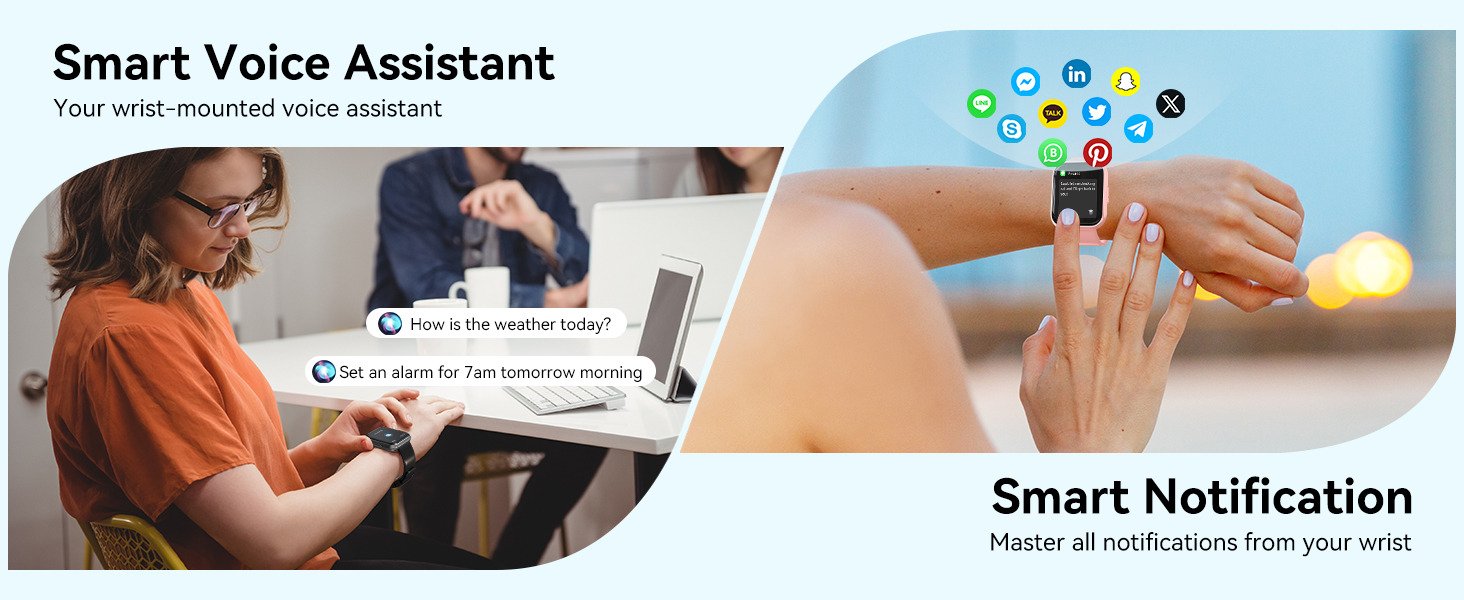
Image: The QONBINK M91 Smart Watch demonstrating its smart voice assistant and notification features.
5.5 스포츠 모드
The watch supports over 120 sport modes, including walking, hiking, yoga, and more. Real-time data such as calories burned, distance, and duration are recorded and synchronized with the 'Da Fit' app.

Image: The QONBINK M91 Smart Watch showcasing its extensive range of over 120 sport modes.
5.6 상태 모니터링
The M91 Smart Watch provides 24/7 health monitoring for key indicators.
- 심박수: Continuous measurement of heart rate, with data synchronized to the mobile app.
- 수면의 질: Monitors sleep patterns, including restful, light, and REM sleep, providing a sleep quality score.
- 혈중 산소: Precise real-time monitoring of blood oxygen levels.
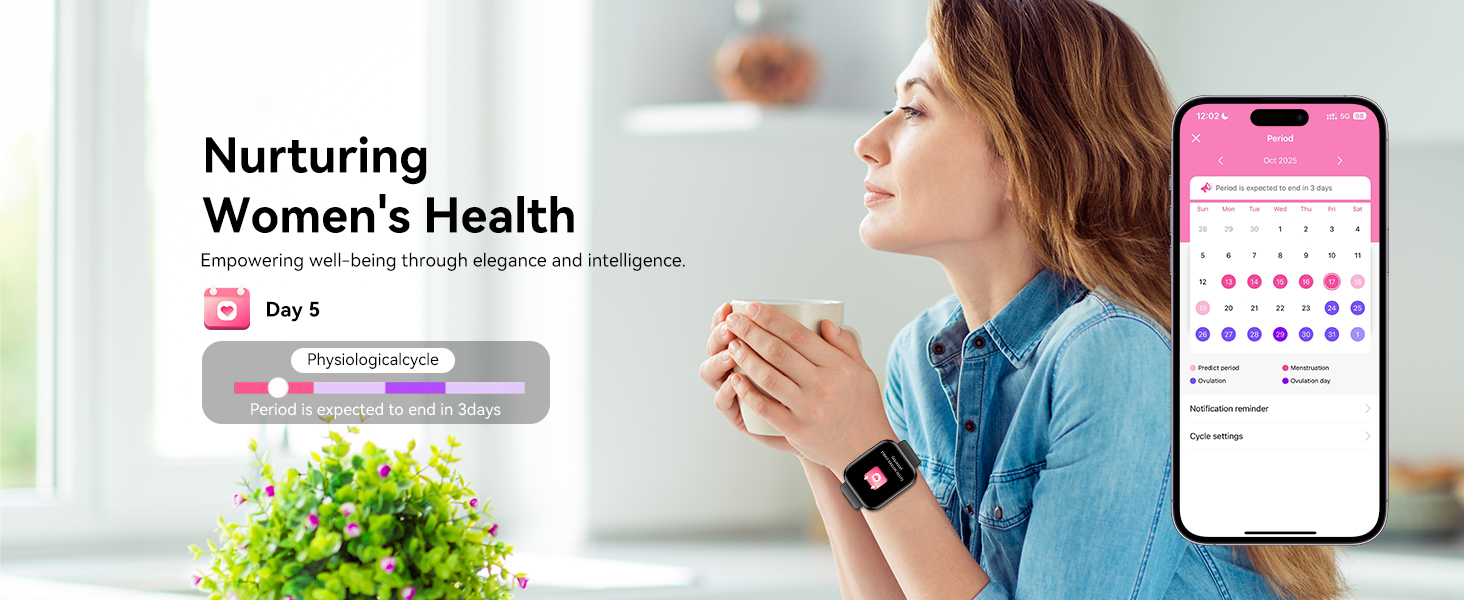
- 여성 건강: Features for tracking menstrual cycles and physiological periods.

Image: The QONBINK M91 Smart Watch displaying 24/7 health monitoring data for heart rate, blood oxygen, and sleep.
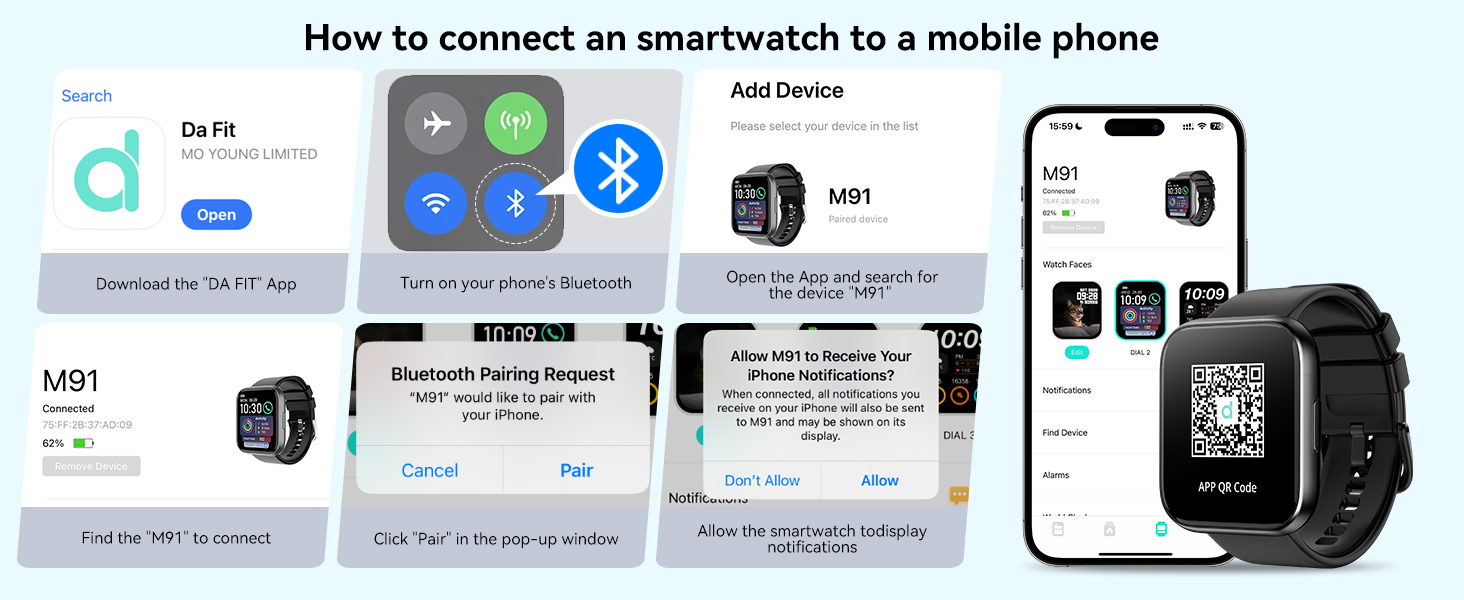
Image: The QONBINK M91 Smart Watch monitoring heart rate during physical activity.
Image: The QONBINK M91 Smart Watch providing scientific sleep monitoring and analysis.
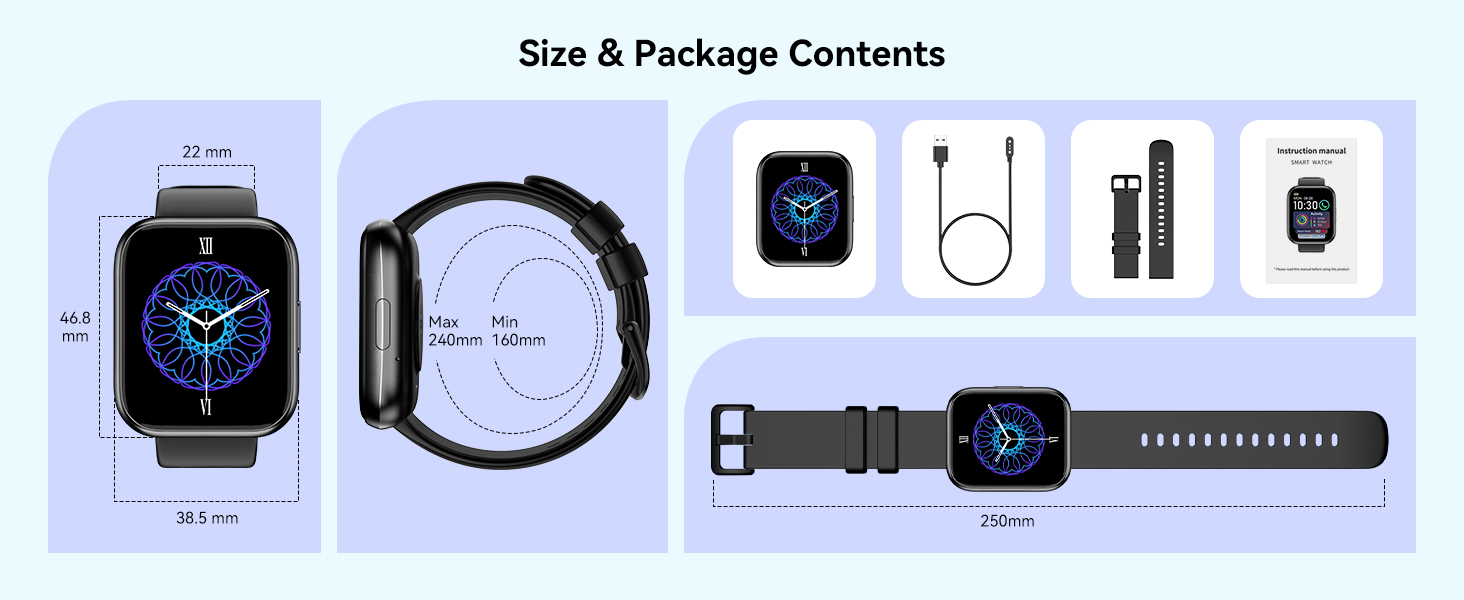
Image: The QONBINK M91 Smart Watch performing blood oxygen monitoring.

Image: The QONBINK M91 Smart Watch assisting with women's health tracking.
5.7 기타 기능
The QONBINK M91 Smart Watch includes a variety of practical features:
- 자명종
- 스톱워치
- 시간제 노동자
- 날씨 표시
- 카메라 제어(원격 셔터)
- 음악 제어
- 전화 찾기 기능
- 앉아서 보내는 시간 알림
- 계산자
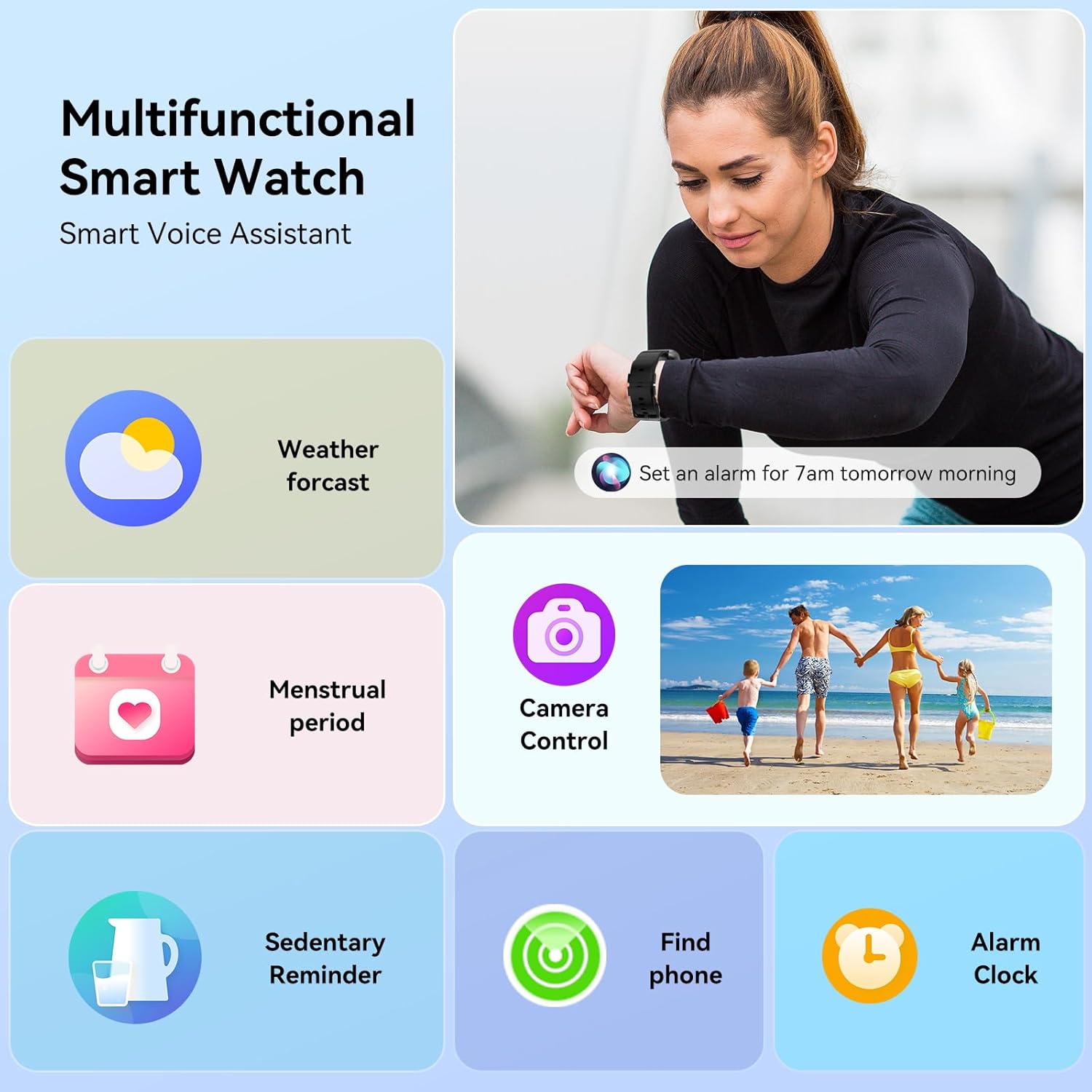
Image: The QONBINK M91 Smart Watch showcasing는 다기능성을 갖추고 있습니다.
이미지: 시각적 오버view of additional practical functions available on the QONBINK M91 Smart Watch.
6. 유지관리
6.1 방수(IP68)
The QONBINK M91 Smart Watch is IP68 waterproof, meaning it is resistant to dust and can withstand immersion in water up to 1.5 meters for 30 minutes. It is suitable for daily use, including hand washing, rain, and swimming. However, it is not recommended for hot showers, saunas, or diving due to steam and high-pressure water which may compromise the seal.
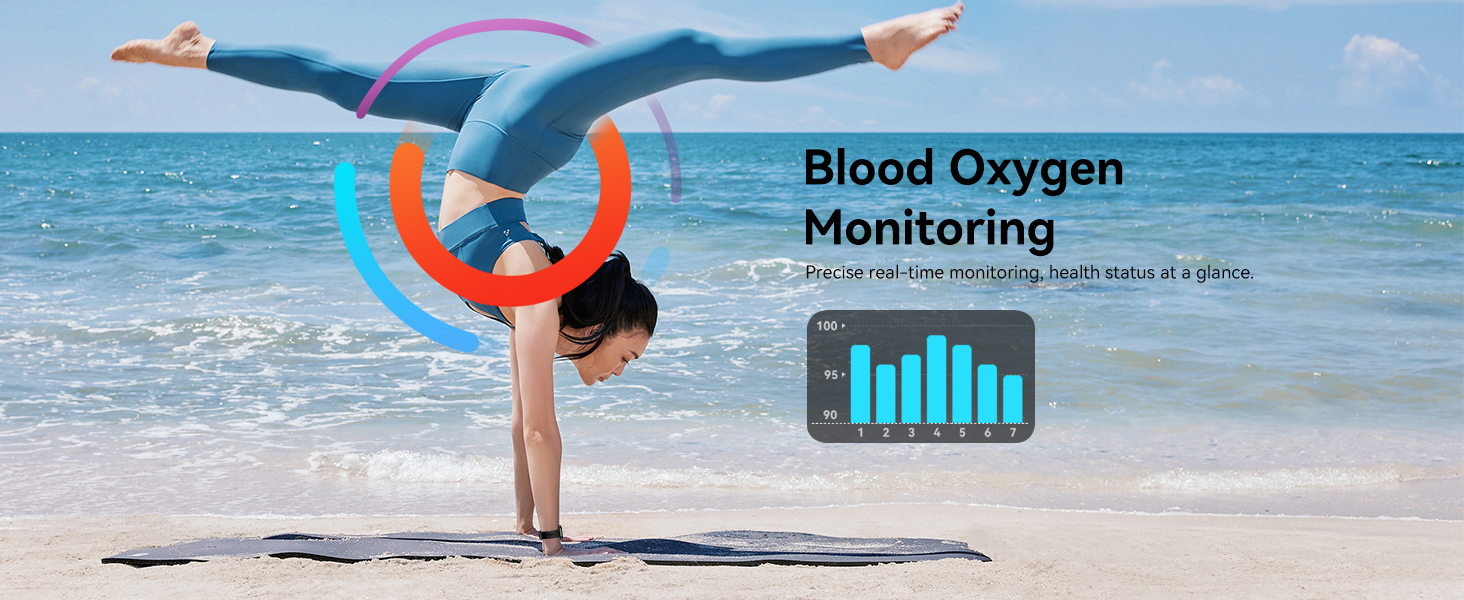
Image: The QONBINK M91 Smart Watch demonstrating its IP68 waterproofing capabilities during water activities.
6.2 청소
To maintain the watch's appearance and sensor accuracy:
- 시계와 스트랩은 부드러운 천으로 정기적으로 닦아주세요.amp 옷감.
- 충전하기 전에 충전 접점이 깨끗하고 건조한지 확인하세요.
- 가혹한 화학물질이나 연마재의 사용은 피하세요.
6.3 보관
시계를 사용하지 않을 때는 서늘하고 건조한 곳에 보관하십시오. 극한 온도와 직사광선을 피하십시오.
7. 문제 해결
If you encounter issues with your QONBINK M91 Smart Watch, please refer to the following common solutions:
- 시계가 켜지지 않음: 시계가 완전히 충전되었는지 확인하세요. 충전 케이블과 전원에 연결하세요.
- 휴대폰과 페어링할 수 없습니다:
- 휴대폰에서 Bluetooth가 활성화되어 있는지 확인하십시오.
- 시계가 Bluetooth 범위(일반적으로 10m) 내에 있는지 확인하세요.
- 휴대폰과 시계를 모두 다시 시작하세요.
- 휴대폰의 Bluetooth 캐시를 지우고(해당되는 경우) 다시 페어링을 시도하세요.
- Ensure the 'Da Fit' app has all necessary permissions.
- 알림을 받지 못했습니다:
- Check if notifications are enabled in the 'Da Fit' app settings.
- 휴대폰 알림 설정에서 'Da Fit' 앱의 알림 표시를 허용했는지 확인하세요.
- 시계가 블루투스로 연결되어 있는지 확인하십시오.
- 부정확한 건강 데이터:
- 시계를 손목에 꼭 맞게 착용하세요. 너무 꽉 조이거나 너무 느슨하지 않도록 하세요.
- 시계 뒷면의 센서 부분을 깨끗하게 유지하십시오.
- Note that smart watch health data is for reference only and not intended for medical diagnosis.
- 짧은 배터리 수명:
- 화면 밝기를 낮추세요.
- 화면이 자주 켜지는 것을 제한하세요.
- 지속적인 심박수 모니터링이 필요하지 않은 경우 기능을 끄세요.
- 시계에서 사용하지 않는 백그라운드 앱을 닫습니다(해당되는 경우).
문제가 지속되면 고객 지원팀에 문의하세요.
8. 사양
| 특징 | 사양 |
|---|---|
| 모델 번호 | M91 |
| 디스플레이 크기 | 1.85 인치 |
| 운영 체제 호환성 | Android 4.4 이상, iOS 10.0 이상 |
| 연결 기술 | 블루투스 5.3 |
| 배터리 용량 | 350mAh |
| 배터리 수명(일반 사용) | 5-7일 |
| 대기 시간 | 25-30일 |
| 충전 시간 | 1.5-2시간 |
| 방수 등급 | IP68 |
| 건강 모니터링 | Heart Rate, Sleep Quality, Blood Oxygen |
| 스포츠 모드 | 120+ |
| 음성 지원 | 예 |
| GPS | 스마트폰을 통해 |
| 품목 무게 | 3.52 온스 |
| 패키지 크기 | 7.24 x 3.31 x 0.75 인치 |
9. 보증 및 지원
QONBINK is committed to providing quality products and customer service. Your M91 Smart Watch comes with the following support:
- 고객 서비스: 문의 사항에 대한 답변은 일반적으로 24시간 이내에 드립니다.
- 반품 정책: 30일 이내 이유 불문 반품 가능.
- 보증: 1-year free replacement for manufacturing defects.
For any questions, concerns, or support needs, please contact QONBINK customer service through your purchase platform.

이미지: 이상view of QONBINK's customer service commitments, including response time, return policy, and warranty.