
소개
The SmailWolf RS8 is an ultra-light gaming mouse designed for high performance and versatility. It features a 1000Hz polling rate, multiple connectivity options (Bluetooth, 2.4GHz wireless, and wired USB), and customizable RGB lighting. This manual provides instructions for setup, operation, maintenance, and troubleshooting.
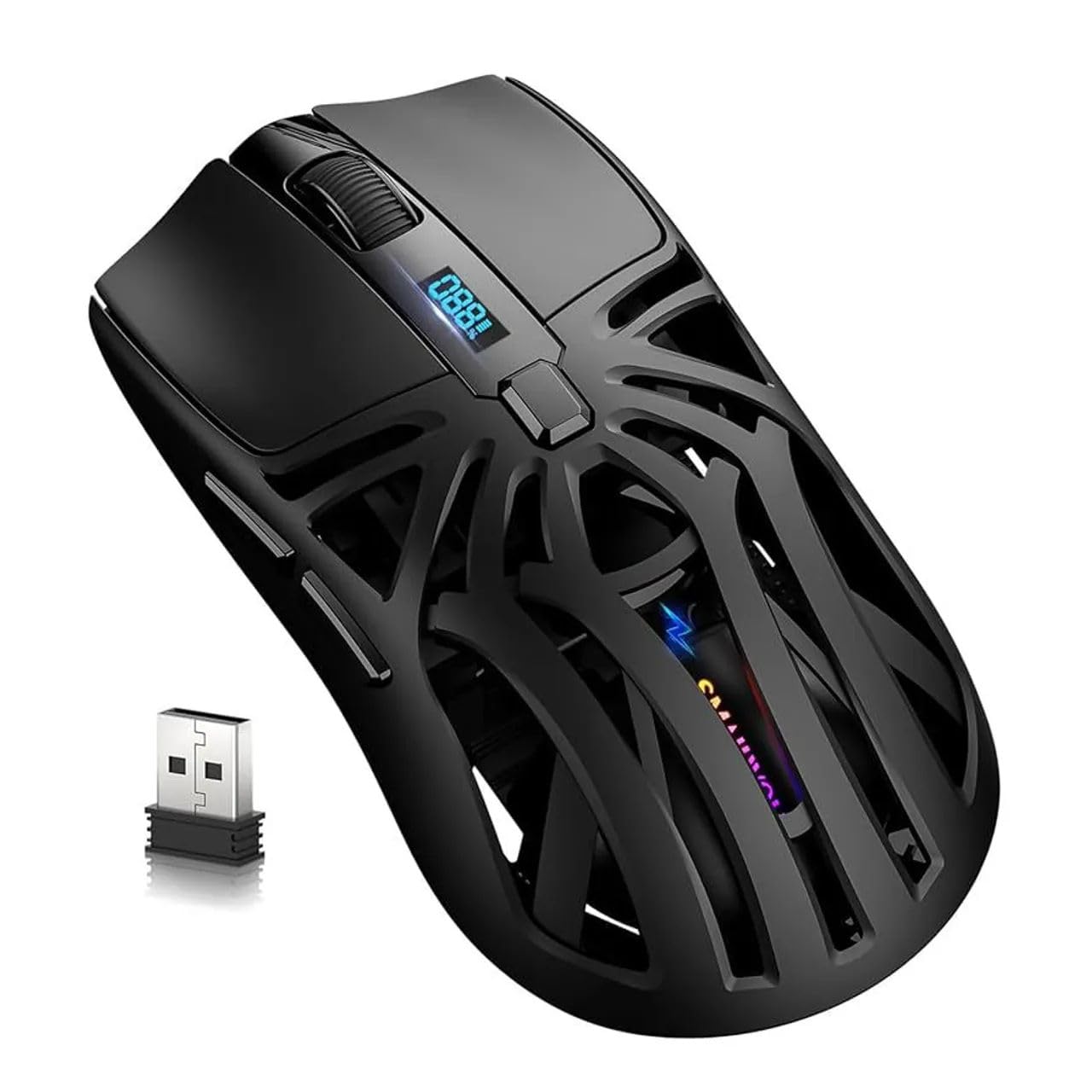
이미지: 상단 view of the SmailWolf RS8 gaming mouse, highlighting its ergonomic design and central digital display.
설정
패키지 내용
Ensure the following items are included in your package: SmailWolf RS8 Gaming Mouse, USB Receiver, USB Charging Cable.
마우스 충전
Connect the USB charging cable to the mouse's charging port and to a USB power source. The digital display will indicate the battery level.
연결 옵션
The SmailWolf RS8 supports three connection modes: 2.4GHz wireless, Bluetooth, and wired USB.

Image: Underside of the SmailWolf RS8 mouse, showing the mode switches and the compartment for the USB receiver.
2.4GHz 무선 연결
- 마우스 아랫면의 수납 공간에 보관된 USB 수신기를 찾으십시오.
- USB 수신기를 컴퓨터의 사용 가능한 USB 포트에 연결합니다.
- 마우스 하단의 모드 선택기를 2.4G 위치로 전환하십시오.
- 마우스가 자동으로 컴퓨터에 연결됩니다.
블루투스 연결
- 마우스 하단에 있는 모드 선택기를 블루투스 위치로 전환하세요.
- 컴퓨터에서 Bluetooth 설정으로 가서 새 장치를 검색하세요.
- Select "SmailWolf RS8" from the list of available devices to pair.
- The mouse should connect and be ready for use.
유선 USB 연결
- Connect the USB charging cable to the mouse and to a USB port on your computer.
- 이 마우스는 유선 마우스처럼 작동하며 동시에 충전도 가능합니다.
작동 지침
DPI 조정
The SmailWolf RS8 features six-speed DPI adjustment, with a maximum sensitivity of 12000 DPI. Use the dedicated DPI button (usually located behind the scroll wheel) to cycle through the preset DPI levels (e.g., 1200, 1600, 3200, 6400, 10000, 12000). The digital display may show the current DPI setting.
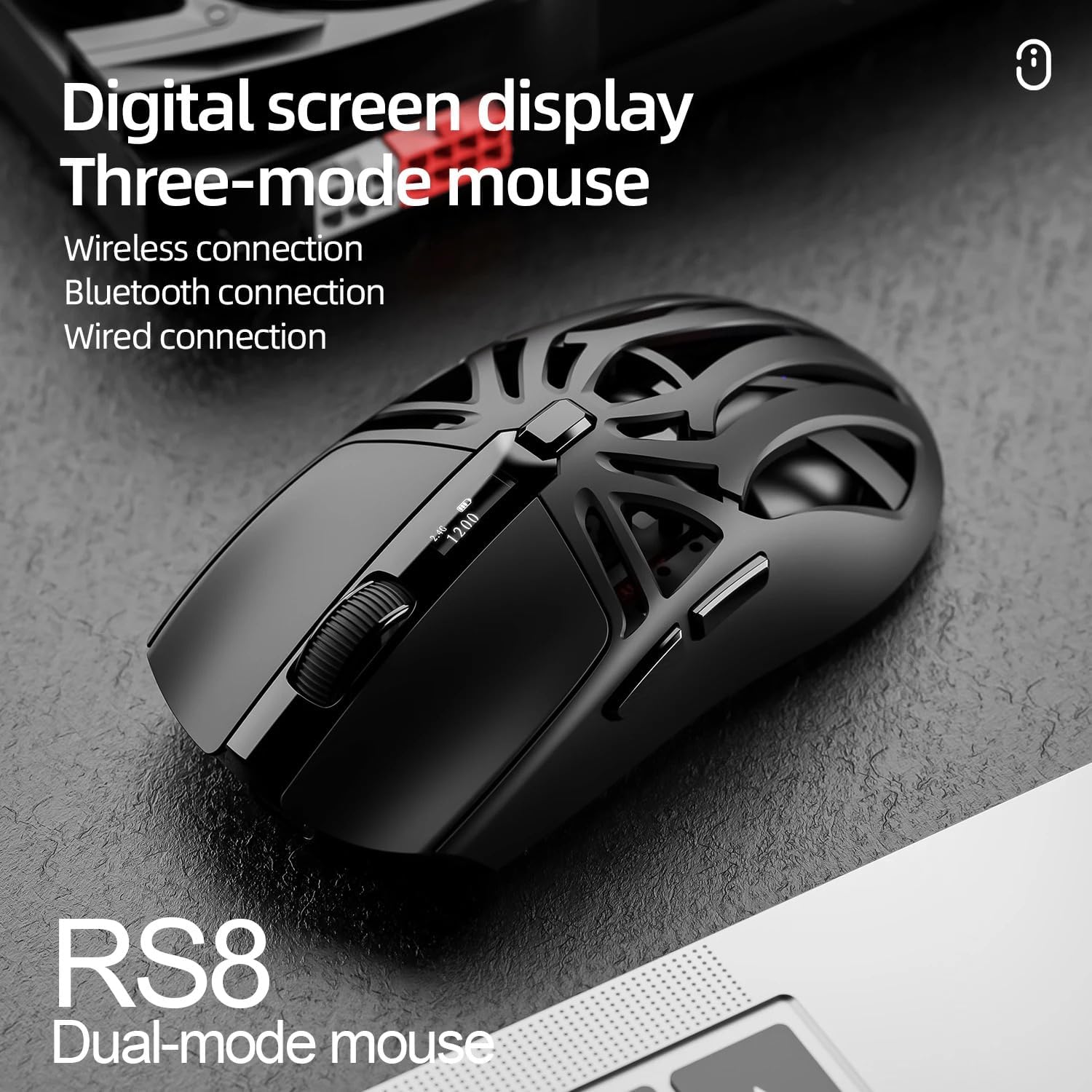
Image: SmailWolf RS8 mouse displaying DPI settings on its digital screen.
RGB Lighting Configuration
The mouse features customizable RGB lighting with 16.8 million colors. Specific buttons or software (if available) can be used to change lighting modes and colors. Refer to the manufacturer's web사용 가능한 소프트웨어에 대한 사이트입니다.

Image: Detail of the SmailWolf RS8 mouse showcasing its RGB lighting effect.
버튼 기능
The mouse has 6 programmable buttons. Default functions include:
- 왼쪽 클릭
- 마우스 오른쪽 클릭
- Scroll Wheel (Click and Scroll)
- DPI 주기 버튼
- 앞으로 가기 버튼 (측면)
- 뒷면 버튼 (측면)
For advanced customization, check if dedicated software is available from the manufacturer.
유지
청소
마우스를 청소할 때는 부드럽고 마른 천을 사용하세요. 잘 지워지지 않는 얼룩은 약간 부드러운 천으로 닦아주세요.amp천에 물이나 순한 세척액을 묻혀 닦아주세요. 강한 화학 물질이나 연마재는 사용하지 마세요.
배터리 관리
To prolong battery life, avoid fully discharging the mouse frequently. Charge the mouse when the battery indicator is low. If storing the mouse for an extended period, charge it to approximately 50% and store in a cool, dry place.
문제 해결
마우스가 응답하지 않음
- 마우스가 충전되어 있는지 확인하세요.
- Check the connection mode (2.4GHz, Bluetooth, or wired).
- 2.4GHz의 경우, USB 수신기가 제대로 연결되어 있는지 확인하세요. 다른 USB 포트에 연결해 보세요.
- For Bluetooth, ensure Bluetooth is enabled on your computer and the mouse is paired correctly. Try re-pairing.
- For wired, ensure the USB cable is securely connected.
- 컴퓨터를 다시 시작하세요.
간헐적인 연결
- 마우스를 USB 수신기 또는 블루투스 장치 가까이로 이동하세요.
- 다른 무선 장치의 간섭을 피하세요.
- 마우스 배터리가 부족하지 않은지 확인하세요.
DPI가 변경되지 않음
- DPI 버튼을 단단히 누르세요.
- 마우스의 전원이 켜져 있고 연결되어 있는지 확인하세요.
명세서
- 모델: SmailWolf RS8
- 연결성: Bluetooth, 2.4GHz Wireless, USB Wired (Tri-mode)
- DPI 감도: 최대 12000 DPI(6단계 조절 가능)
- 폴링 속도: 1000Hz
- 버튼: 6
- 무게: 49 Grams (Ultra-light)
- 크기(L x W): 12cm x 6.5cm
- 조명: RGB(16.8만 가지 색상)
- 운영 체제 호환성: Windows (Windows 10 minimum)
- 권장 사용: 노름
- 재료: 플라스틱
- 색상: 검은색
- 전원: Built-in rechargeable battery (charged via USB)
- 광학 센서: 예
- 정위: 오른손잡이
- 원산지: 브라질
보증 및 지원
This product is manufactured by HYPEDFLOW. For warranty information or technical support, please refer to the retailer or manufacturer's official website. The product description indicates that specific warranty details may be provided by the seller or local regulations.
제조업체: HYPEDFLOW