
1. 서론
The Lumiboard LED Drawing Board is a versatile and illuminated writing pad designed for creative expression, note-taking, and display. Its sleek acrylic surface and vibrant LED lights allow for effortless sketching, doodling, and writing with the included luminous markers. The transparent design facilitates tracing and handwriting practice. This rewritable board serves as a functional and engaging tool for various applications, from office brainstorming to decorative display.
2. 포함 사항
모든 품목이 들어 있는지 확인하려면 패키지 내용물을 확인하세요.
- Acrylic Drawing Board (L 11.8 x 7.9 in)
- 7 Water-based Markers
- Sturdy Triangular Stand
- USB-powered LED Light Strip
- 마이크로 화이버 청소 천
- Protective Film (pre-applied to the board)
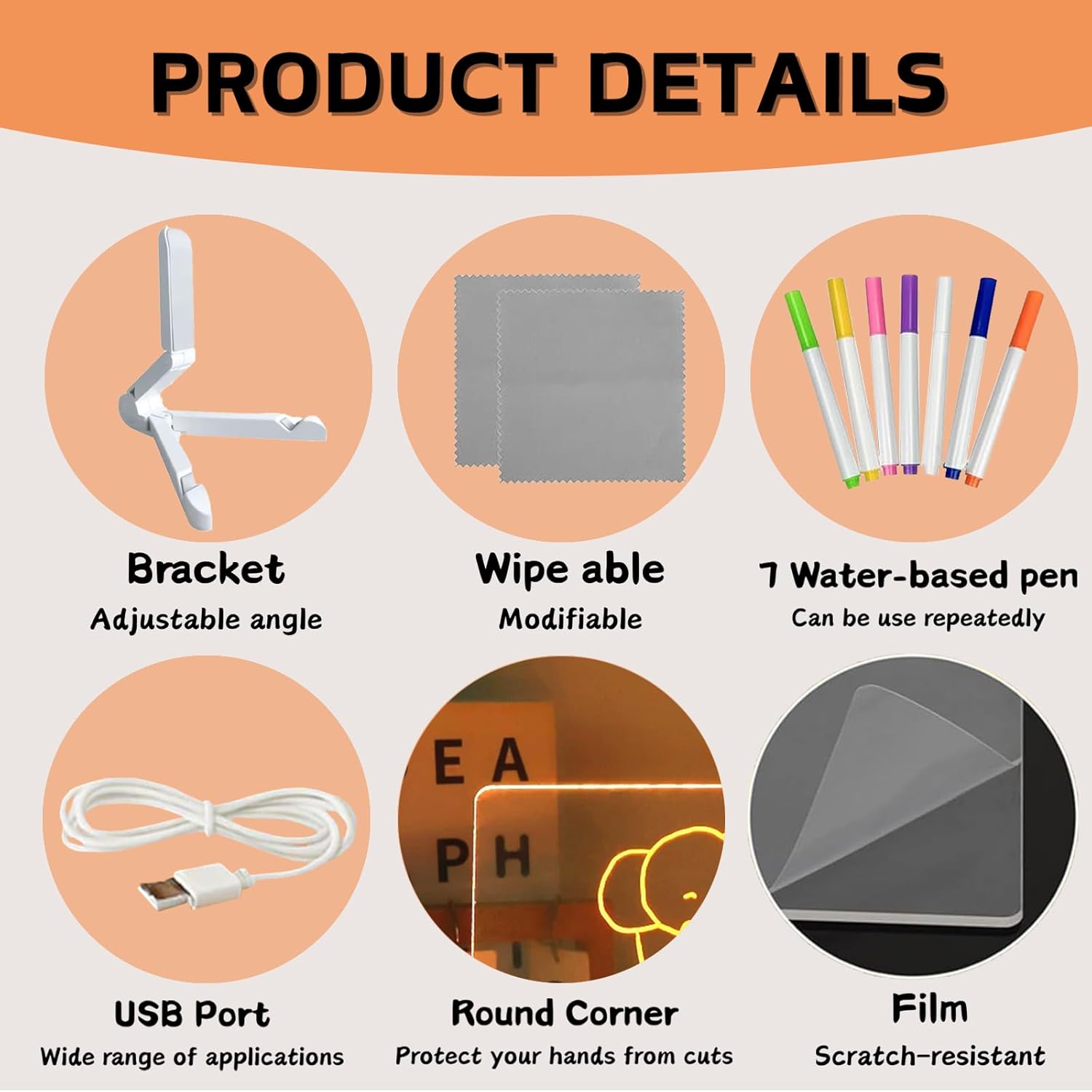
Figure 2.1: Included Components of the Lumiboard LED Drawing Board.
3. 설정 지침
- 보호 필름 제거: Carefully peel off the protective film from both sides of the acrylic drawing board. This film protects the board from scratches during transport.
- 스탠드 부착: Insert the acrylic board into the slot of the triangular stand. Adjust the stand to your desired viewing angle. The board can also be used without the stand for wall mounting or flat placement.
- 전원 연결: Connect the USB cable from the LED light strip, located at the base of the board, to any standard USB power source (e.g., computer, USB wall adapter, power bank).
- Prepare Markers: Ensure the caps are securely on the water-based markers when not in use to prevent drying.
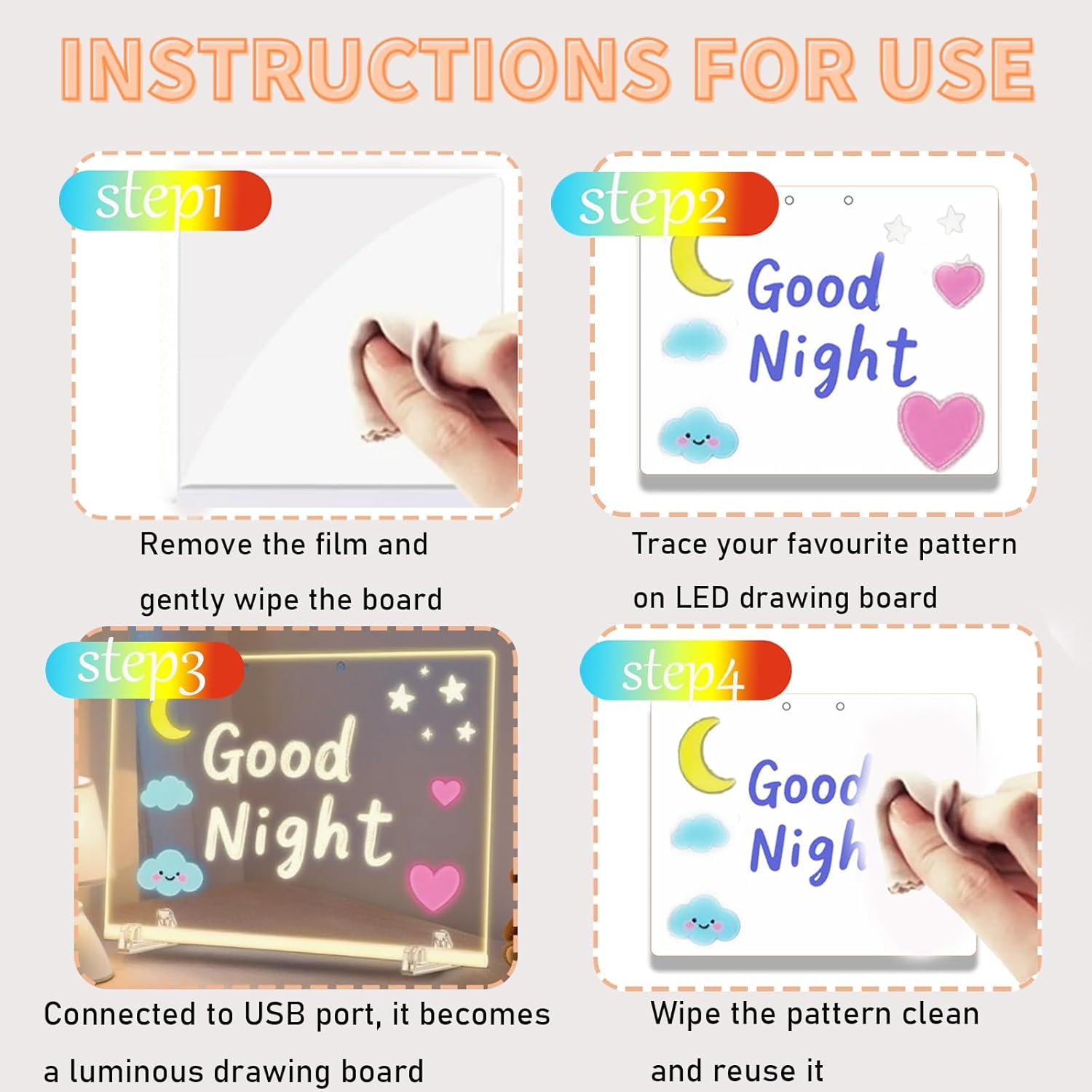
Figure 3.1: Visual guide for initial setup and use.
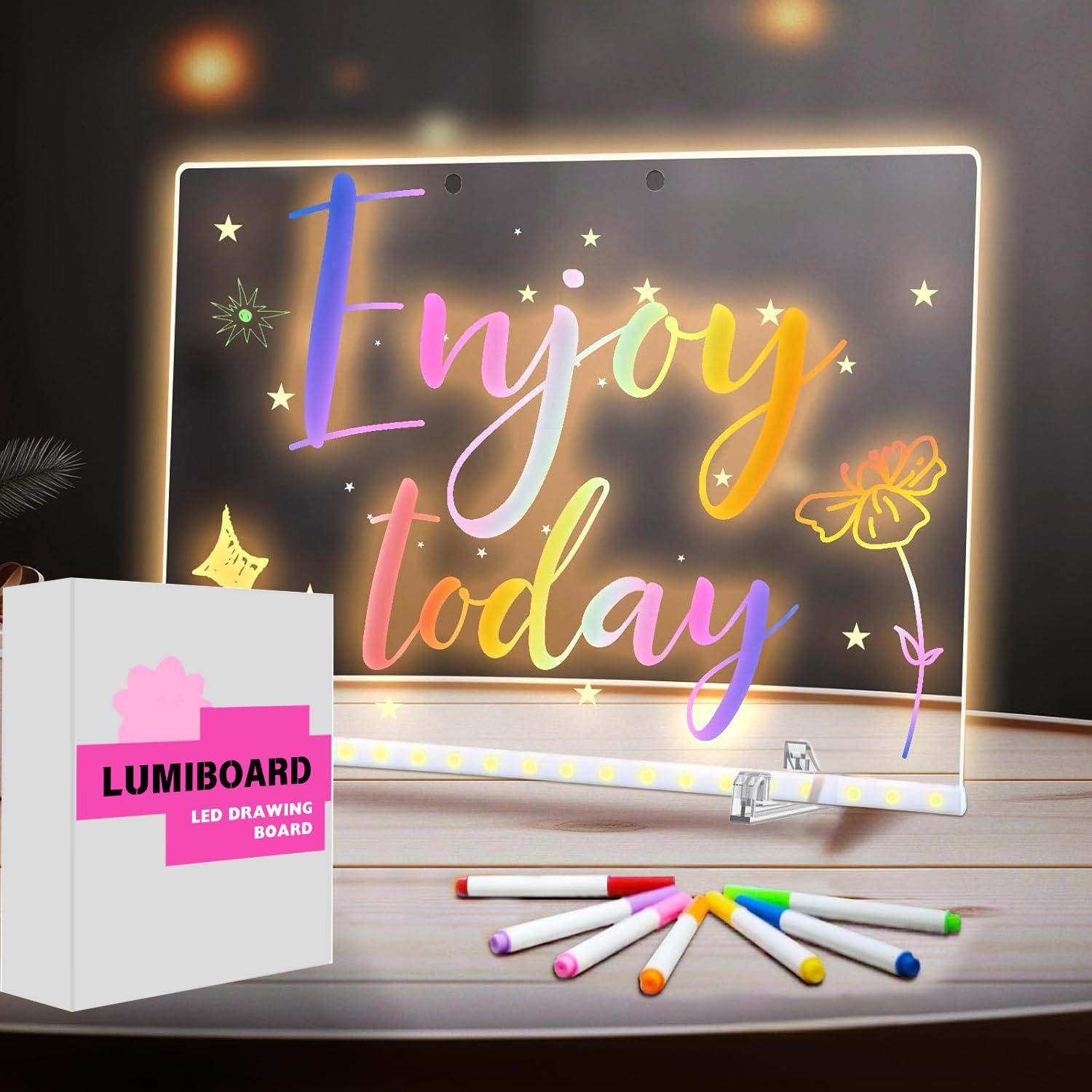
Figure 3.2: Lumiboard LED Drawing Board ready for use with stand.
4. 사용 설명서
Using your Lumiboard LED Drawing Board is straightforward:
- 그리기 및 쓰기: Use the provided water-based markers to draw or write directly onto the acrylic surface. The transparent nature of the board allows you to place a template or image underneath for tracing.
- 조명: Once the USB power is connected, the LED light strip at the base will illuminate your drawings, making them glow in vibrant colors.
- 표시하다: The board can be used as a decorative piece, a message board, or for displaying artwork.

Figure 4.1: Drawing on the illuminated board.
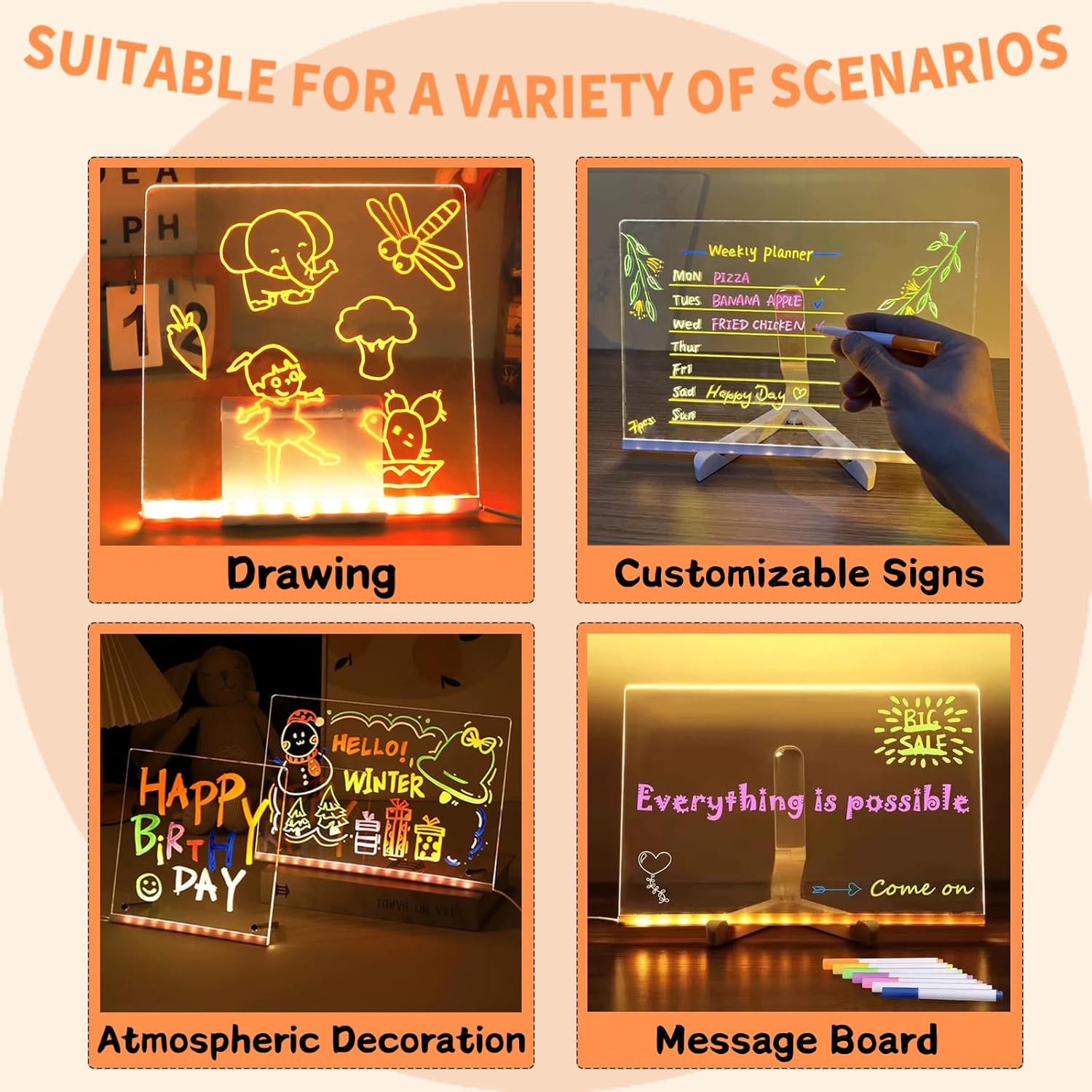
Figure 4.2: Various usage scenarios for the Lumiboard LED Drawing Board.
5. 유지관리
- 보드 정리하기: To erase drawings, simply spray a small amount of water on the dried ink and wipe it off with the provided microfiber cleaning cloth. For stubborn marks, a mild, non-abrasive cleaner can be used.
- 마커 관리: Always cap the markers tightly after use to prevent them from drying out. If a marker appears dry, try dipping the tip in a small amount of water to reactivate the ink.
- 저장: Store the board in a dry place away from direct sunlight and extreme temperatures.
6. 문제 해결
| 문제 | 가능한 원인 | 해결책 |
|---|---|---|
| LED 조명이 켜지지 않습니다. | USB cable not properly connected or power source is faulty. | Ensure the USB cable is securely plugged into both the board and a working USB power source. Try a different USB port or adapter. |
| Markers are not writing clearly. | Markers may be dry or low on ink. | Ensure marker caps were on when not in use. Try dipping the marker tip in a small amount of water. Replace markers if necessary. |
| Drawings are difficult to erase. | Ink has dried completely or an incorrect marker type was used. | Spray water on the drawing and let it sit for a moment before wiping with the microfiber cloth. Ensure only water-based markers are used. |
| Board appears scratched. | Protective film not removed or actual scratches. | Verify that the protective film has been completely removed from both sides of the acrylic board. Handle the board carefully to prevent scratches. |
7. 사양
- 모델: Board-01
- 치수: 11.8 x 7.9 inches (L)
- 재료: 아크릴
- 색상: Clear (board), Colorful (markers)
- 장착 유형: Tabletop Mount (with included stand), Wall Mountable
- 전원: USB-powered LED light strip
- 특징: Dry Erase, Illuminated
- 포함된 구성 요소: Acrylic board, 7 water-based markers, triangular stand, USB cable, microfiber cloth.
Figure 7.1: Lumiboard LED Drawing Board dimensions.
8. 보증 및 지원
This product comes with a standard manufacturer's warranty against defects in materials and workmanship. For specific warranty details, please refer to the product packaging or contact your retailer.
For technical support, troubleshooting assistance, or to inquire about replacement parts, please contact the seller through the platform where the product was purchased. Please have your model number (Board-01) and purchase date available when contacting support.