
TAGRY H08
TAGRY H08 하이브리드 액티브 노이즈 캔슬링 헤드폰 사용 설명서
Model: H08 | Brand: TAGRY
소개
선택해주셔서 감사합니다 TAGRY H08 Hybrid Active Noise Cancelling Headphones. This manual provides detailed instructions for setting up, operating, and maintaining your headphones to ensure optimal performance and longevity. Please read this manual thoroughly before use.
이미지: TAGRY H08 Hybrid Active Noise Cancelling Headphones in black, showcasin귀 위로 착용하는 디자인입니다.
무엇이 포함됩니까?
패키지에 모든 품목이 들어 있는지 확인하세요.
- TAGRY H08 헤드폰
- 사용자 설명서
- AUX 3.5mm 오디오 케이블
- 여행용 파우치
- 유형 C 충전 케이블
주요 특징
- 하이브리드 능동형 소음 제거(ANC): Reduces up to 95% of ambient noise for an immersive listening experience.
- 연장된 플레이 시간: 한 번 충전으로 최대 100시간 음악 재생이 가능합니다.
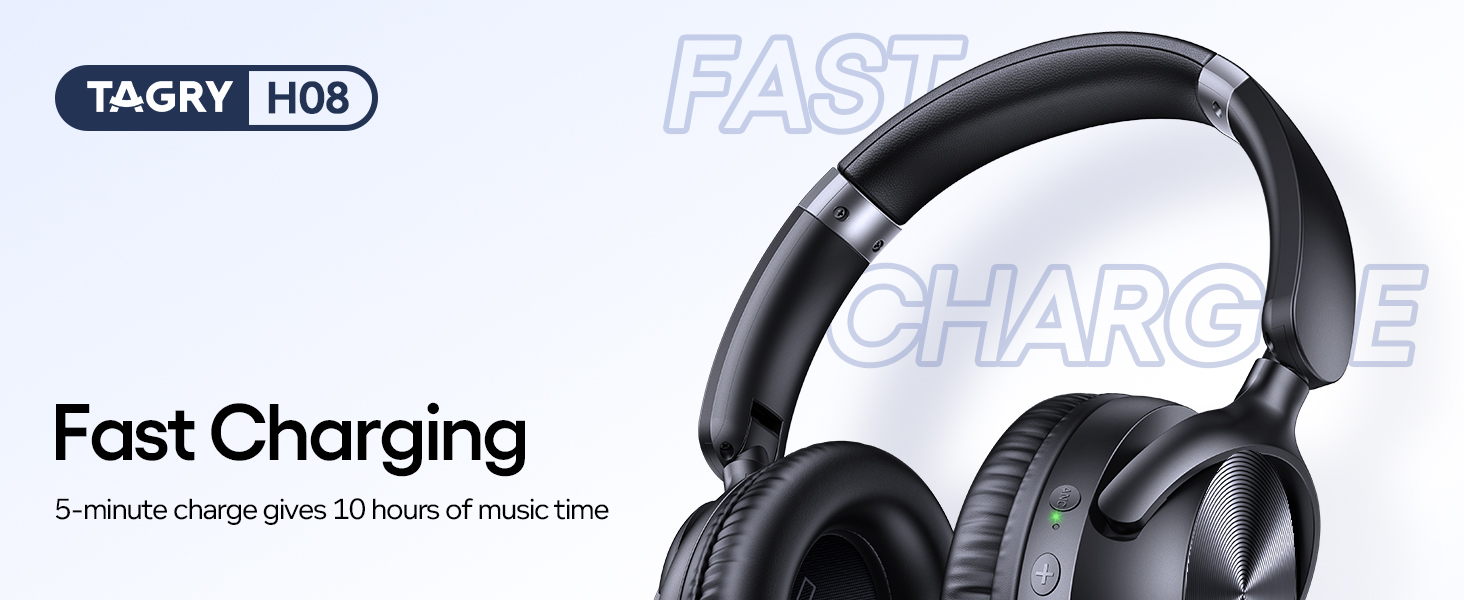
- 빠른 충전: 5분 충전으로 약 10시간 동안 음악을 감상할 수 있습니다.
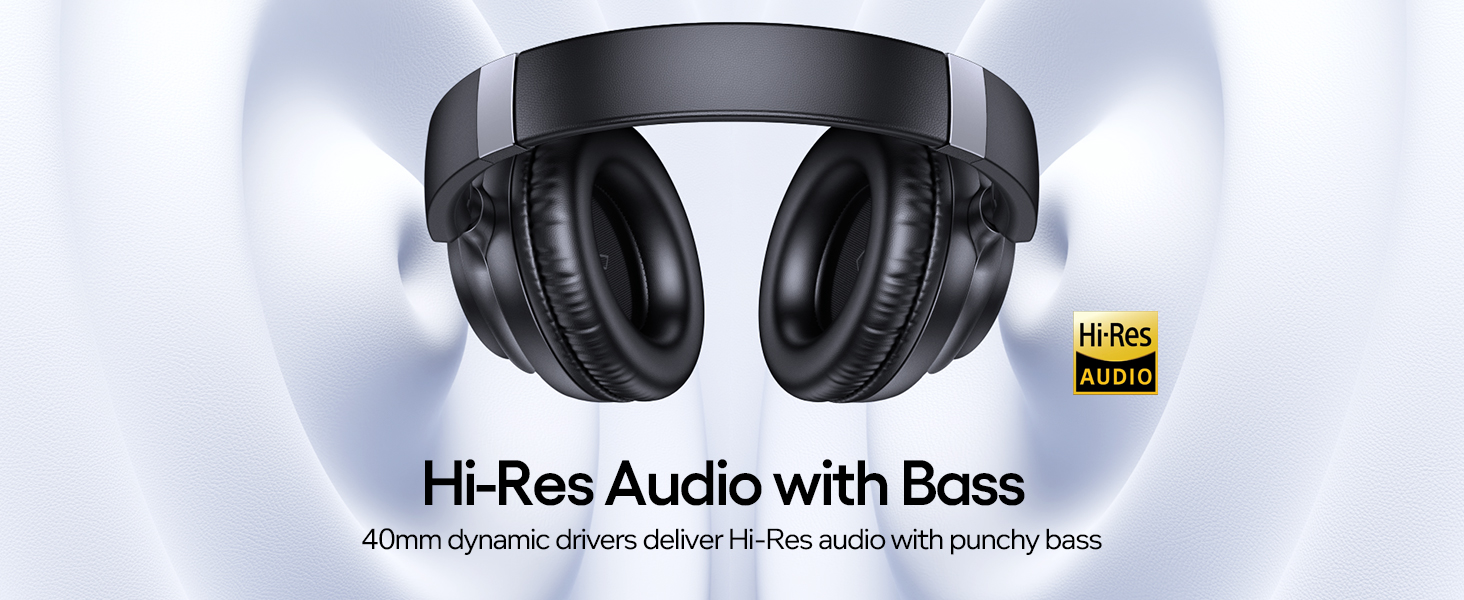
- 고해상도 오디오: Delivers high-quality audio with deep, punchy bass through 40mm dynamic drivers.
- 이중 연결: Supports both wireless Bluetooth 5.0 and wired 3.5mm AUX connections.
- 안락한 디자인: Lightweight (0.54 lbs) with ultra-soft protein leather ear cups for prolonged comfort.
- 가지고 다닐 수 있는: Foldable design and included travel pouch for easy transport.
- 조절 가능: Ear cups rotate up to 105 degrees, and the headband is adjustable for various head sizes.
- 방수복: IPX7 rating provides protection against water immersion.
설정
1. 헤드폰 충전
Before first use, fully charge your headphones. Connect the supplied Type C charging cable to the charging port on the headphones and to a 5V power source (e.g., a USB wall adapter or computer USB port).
영상: TAGRY H08 headphones connected to a Type C charging cable, highlighting the fast charging feature that provides 10 hours of playtime from a 5-minute charge.
A full charge takes approximately 1 hour. The LED indicator will change to show charging status. A 5-minute charge provides approximately 10 hours of playtime, and a full charge offers up to 100 hours.
2. 전원 켜기 / 끄기
To power on, press and hold the Power button for approximately 2 seconds until the indicator light illuminates. To power off, press and hold the Power button again until the indicator light turns off.
3. 블루투스 페어링
When powered on for the first time, the headphones will automatically enter pairing mode. The LED indicator will flash, indicating it's ready to connect.
- Ensure Bluetooth is enabled on your device (smartphone, tablet, PC).
- 검색 "H08" in the list of available Bluetooth devices.
- Select "H08" to connect. Once connected, the LED indicator will stop flashing and remain solid blue.
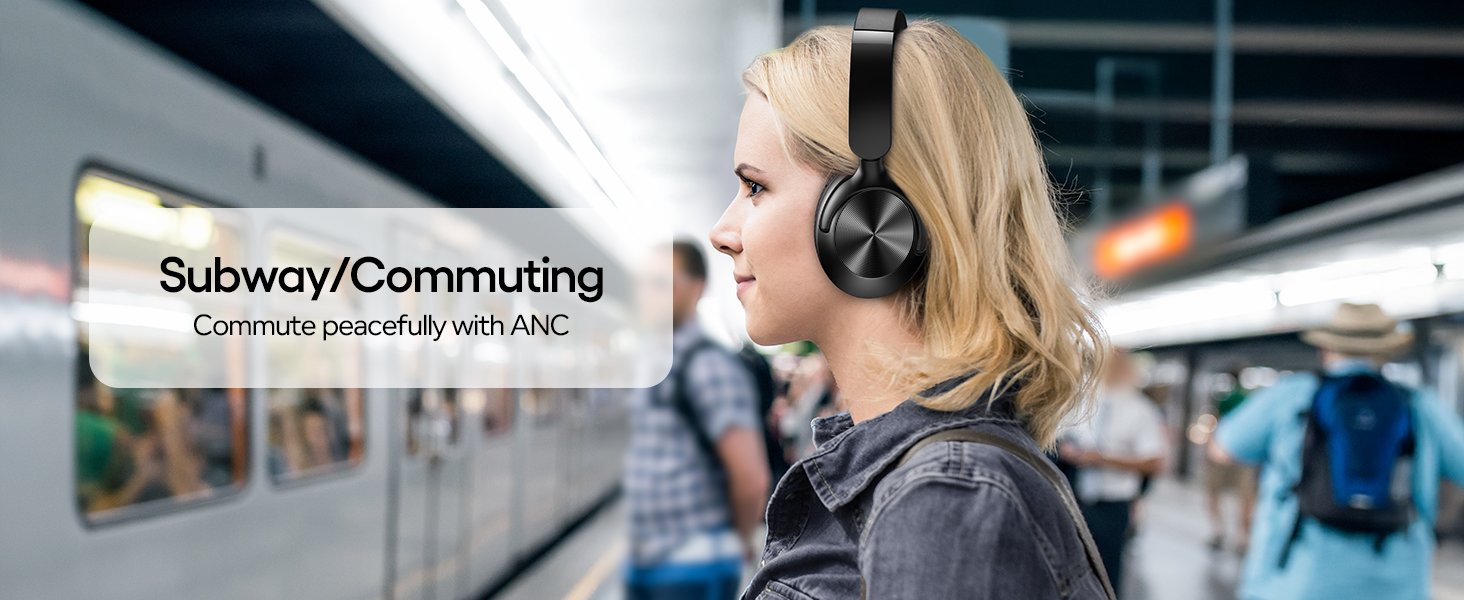
Image: Visual guide demonstrating Bluetooth pairing for the H08 headphones, showing the device list on a smartphone screen and a reset option.
The headphones will automatically reconnect to the last paired device when powered on, if the device is within range and has Bluetooth enabled.
작동 지침
버튼 컨트롤
그만큼 TAGRY H08 headphones feature intuitive button controls located on the earcups:
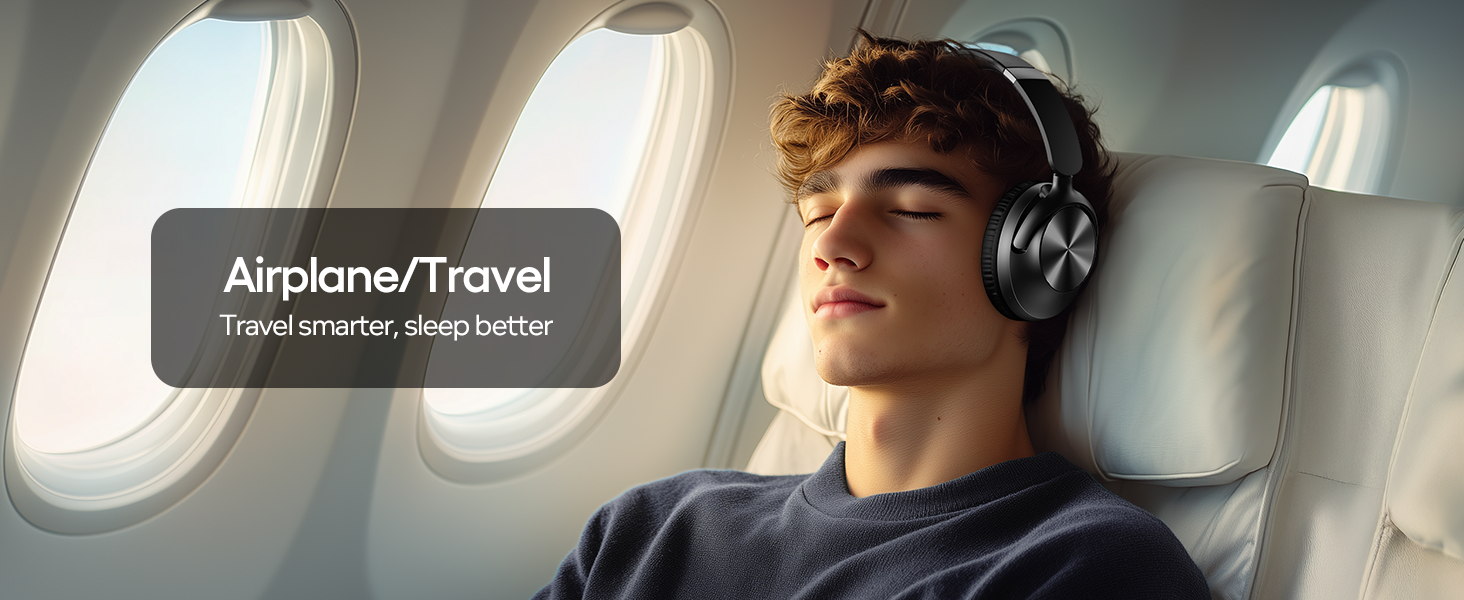
Image: Detailed diagram illustrating the function of each button on the H08 headphones, including power, volume, track control, call management, and ANC toggle.
- 전원 버튼(G): Press and hold for 2 seconds to Power On/Off. Short press to Play/Pause music or Answer/End calls. Double press to Redial last number.
- 볼륨 높이기(+): Short press to increase volume. Long press for Next Track.
- 볼륨 낮추기(-): Short press to decrease volume. Long press for Previous Track.
- ANC 버튼: Short press to toggle Active Noise Cancellation On/Off.
- 마이크로폰: 통화 기능이 통합되어 있습니다.
능동 잡음 제거 (ANC)
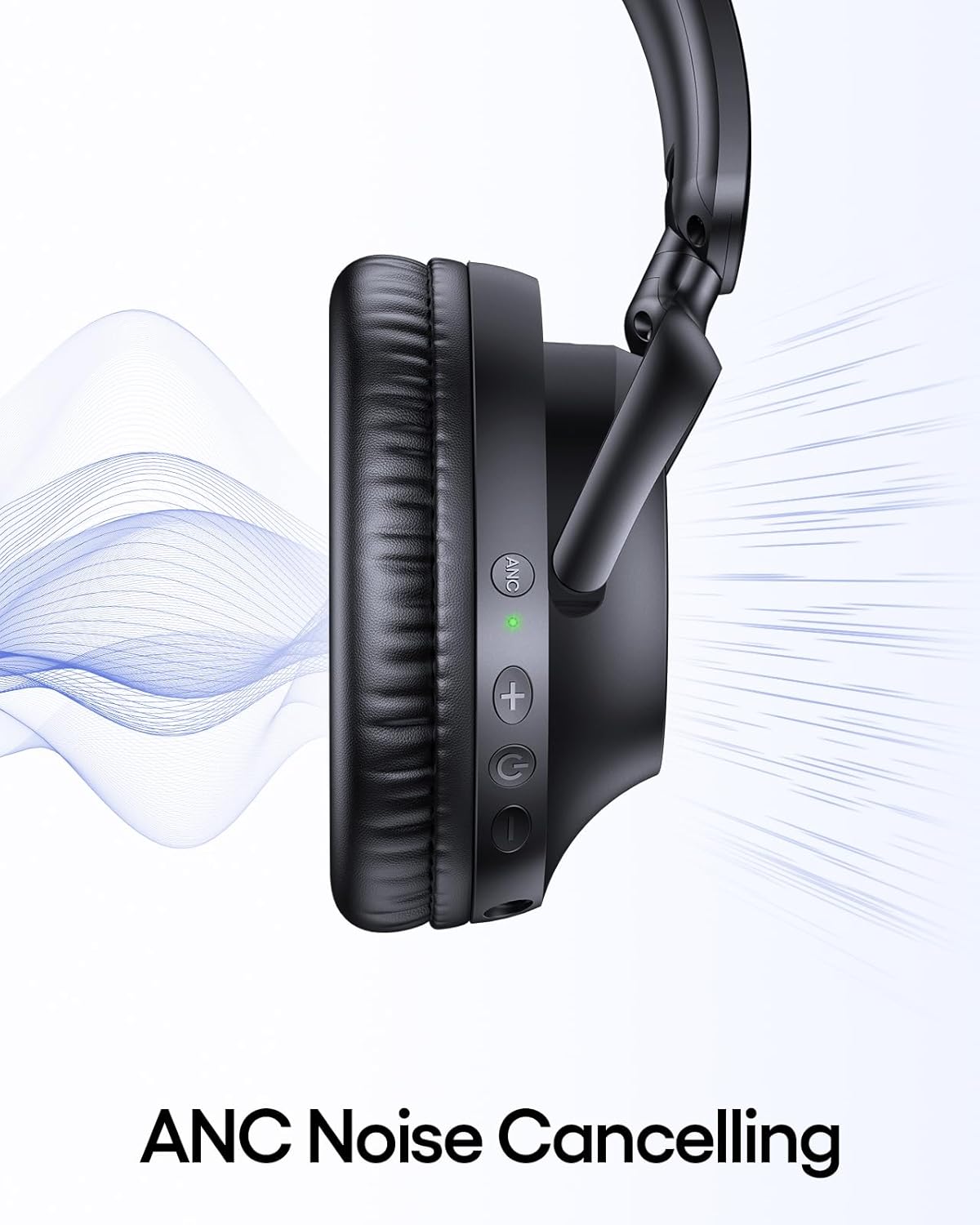
The ANC feature reduces ambient noise. To activate or deactivate ANC, press the dedicated ANC button on the earcup. An indicator light will confirm the ANC status.
이미지: 클로즈업 view of the headphone earcup highlighting the ANC button and its green indicator light, with sound waves illustrating noise cancellation.
Wired Connection (3.5mm AUX)
For devices without Bluetooth or when battery is low, use the included 3.5mm AUX audio cable. Connect one end to the headphone's 3.5mm jack and the other to your audio source.
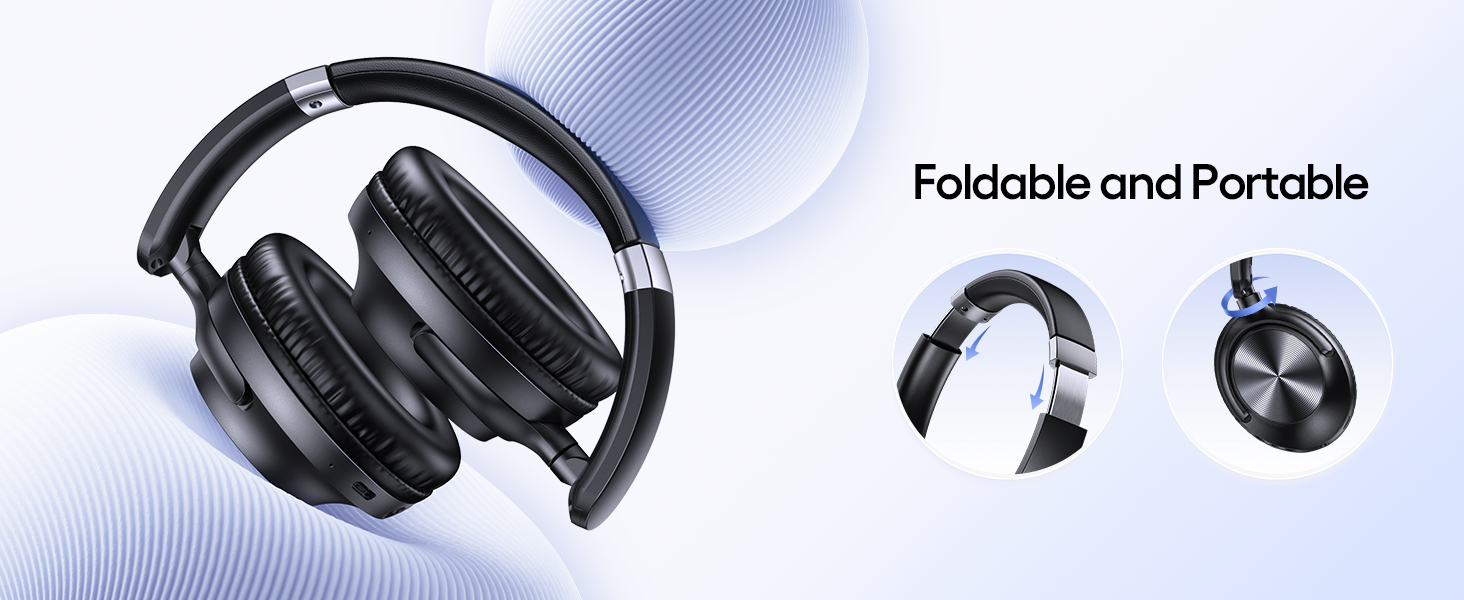
Image: The H08 headphones demonstrating both wireless Bluetooth connectivity and the option to use a 3.5mm AUX wired connection.
Note: Some headphone functions, like button controls, may be limited when using a wired connection.
유지
- 헤드폰을 부드럽고 마른 천으로 정기적으로 닦아주세요.
- Avoid exposing the headphones to extreme temperatures or direct sunlight for extended periods.
- 헤드폰을 사용하지 않을 때는 제공된 휴대용 파우치에 넣어 먼지와 손상으로부터 보호하십시오.
- 헤드폰을 분해하거나 개조하려고 하지 마십시오. 그럴 경우 보증이 무효화됩니다.
문제 해결
문제가 발생하면 TAGRY H08 headphones, refer to the following common solutions:
| 문제 | 해결책 |
|---|---|
| 헤드폰의 전원이 켜지지 않습니다. | 헤드폰이 완전히 충전되었는지 확인하십시오. 전원 버튼을 2초 동안 길게 누르십시오. |
| 기기와 페어링할 수 없습니다. |
|
| 소리가 나지 않거나 볼륨이 작습니다. |
|
| ANC not working. | Press the ANC button to ensure it is activated. Check for any obstructions around the ANC microphones. |
명세서
| 특징 | 세부 사항 |
|---|---|
| 모델명 | H08 |
| 소음 제어 | 능동 소음 제거 |
| 연결 기술 | 무선(블루투스), 유선(3.5mm AUX) |
| 무선 통신 기술 | 블루투스 5.0 |
| 배터리 수명 | 최대 100시간 |
| 충전 시간 | 1시간 (완충 시) |
| 빠른 충전 | 5분 충전으로 10시간 재생 가능 |
| 헤드폰 잭 | 3.5 mm 잭 |
| 주파수 응답 | 20000Hz |
| 재료 | 아크릴로니트릴 부타디엔 스티렌(ABS), 플라스틱 |
| 품목 무게 | 0.54파운드(약 245g) |
| 방수 레벨 | 방수(IPX7) |
| 제어 유형 | 버튼 제어 |
| 이어피스 모양 | 오버이어 |
보증 및 지원
TAGRY products are designed for reliability and performance. For warranty information or technical support, please refer to the contact details provided on the product packaging or visit the official TAGRY web사이트. 구매 증빙 자료로 구매 영수증을 보관하세요.