
1. 서론
This manual provides essential information for the setup, operation, and maintenance of your ASUS ROG Xbox Ally Z2 - 2025 gaming handheld. The ROG Xbox Ally Z2 combines the versatility of Windows with the robust design of ROG and the gaming ecosystem of Xbox, offering a portable and powerful gaming experience.
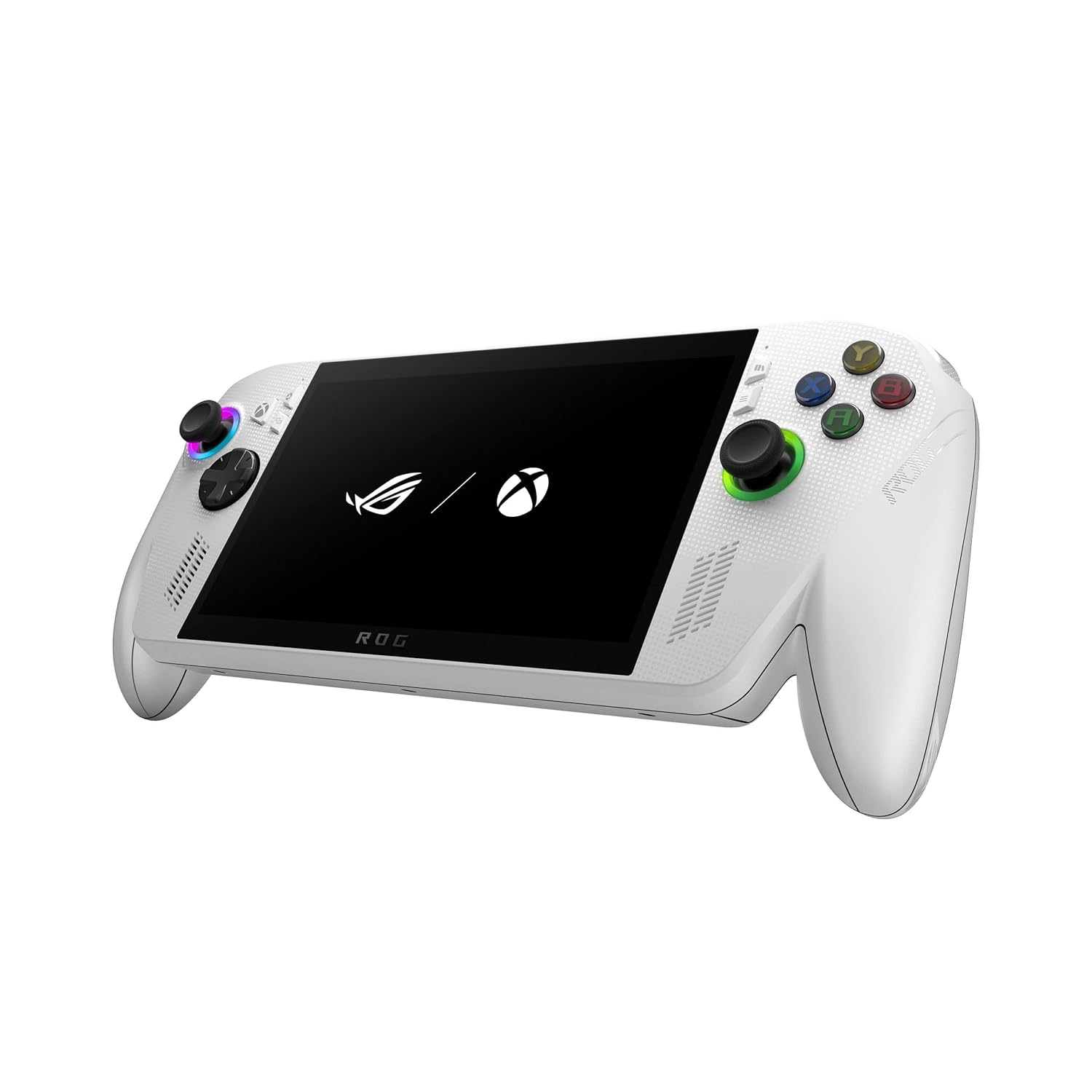
Image 1.1: The ASUS ROG Xbox Ally Z2 - 2025 gaming handheld.
2. 상자 안에 무엇이 들어있나요?
모든 품목이 포장에 들어 있는지 확인하세요.
- ASUS ROG Xbox Ally Z2 - 2025 Handheld (Model: RC73YA-XB_ALLY.Z2A.16)
- 전원 코드
- 사용자 가이드

Image 2.1: Included items: the handheld device, power cord, and user guide.
3. 디바이스 오버view
The ROG Xbox Ally Z2 features a 7-inch Full HD 120Hz touchscreen display and an ergonomic design inspired by Xbox Wireless Controllers for comfortable extended play sessions.
3.1 정면 View
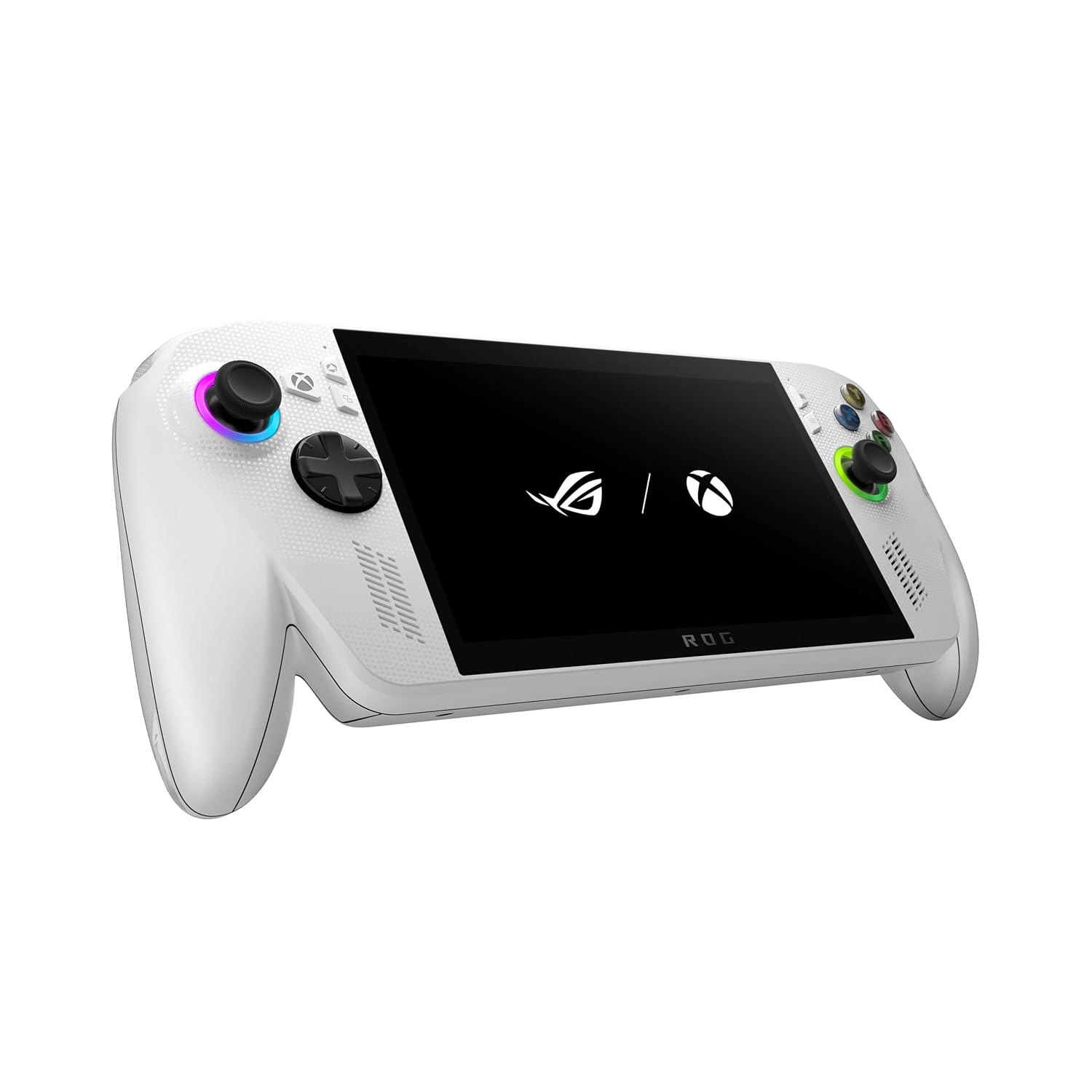
Image 3.1: The front of the device showing the screen, joysticks, D-pad, and action buttons.
3.2 후면 View

Image 3.2: The back of the device, highlighting the textured grips and ventilation.
3.3 상단 및 측면 Views
The top of the device includes essential ports and controls, while the sides feature comfortable grips.

이미지 3.3: 상단 view, displaying the power button, volume controls, USB-C ports, and headphone jack.

이미지 3.4: 왼쪽 view, showing the ergonomic grip.

이미지 3.5: 오른쪽 view, showing the ergonomic grip.
4. 초기 설정
To begin using your ROG Xbox Ally Z2, follow these steps:
- 전원 켜기: 기기 상단 가장자리에 있는 전원 버튼을 화면이 켜질 때까지 길게 누르세요.
- Initial Windows Configuration: Follow the on-screen prompts to complete the Windows 11 setup. This includes selecting your language, region, and connecting to a Wi-Fi network.
- Xbox Account Login: Log in with your Microsoft/Xbox account to access your game library and services.
- 소프트웨어 업데이트: Ensure your device's operating system and drivers are up to date for optimal performance. Access the Armoury Crate SE for system updates.
5. 장치 작동
The ROG Xbox Ally Z2 is designed for intuitive gaming and navigation.
5.1 Xbox Full Screen Experience
The device boots directly into an Xbox full screen experience, providing a console-like interface for easy game access.
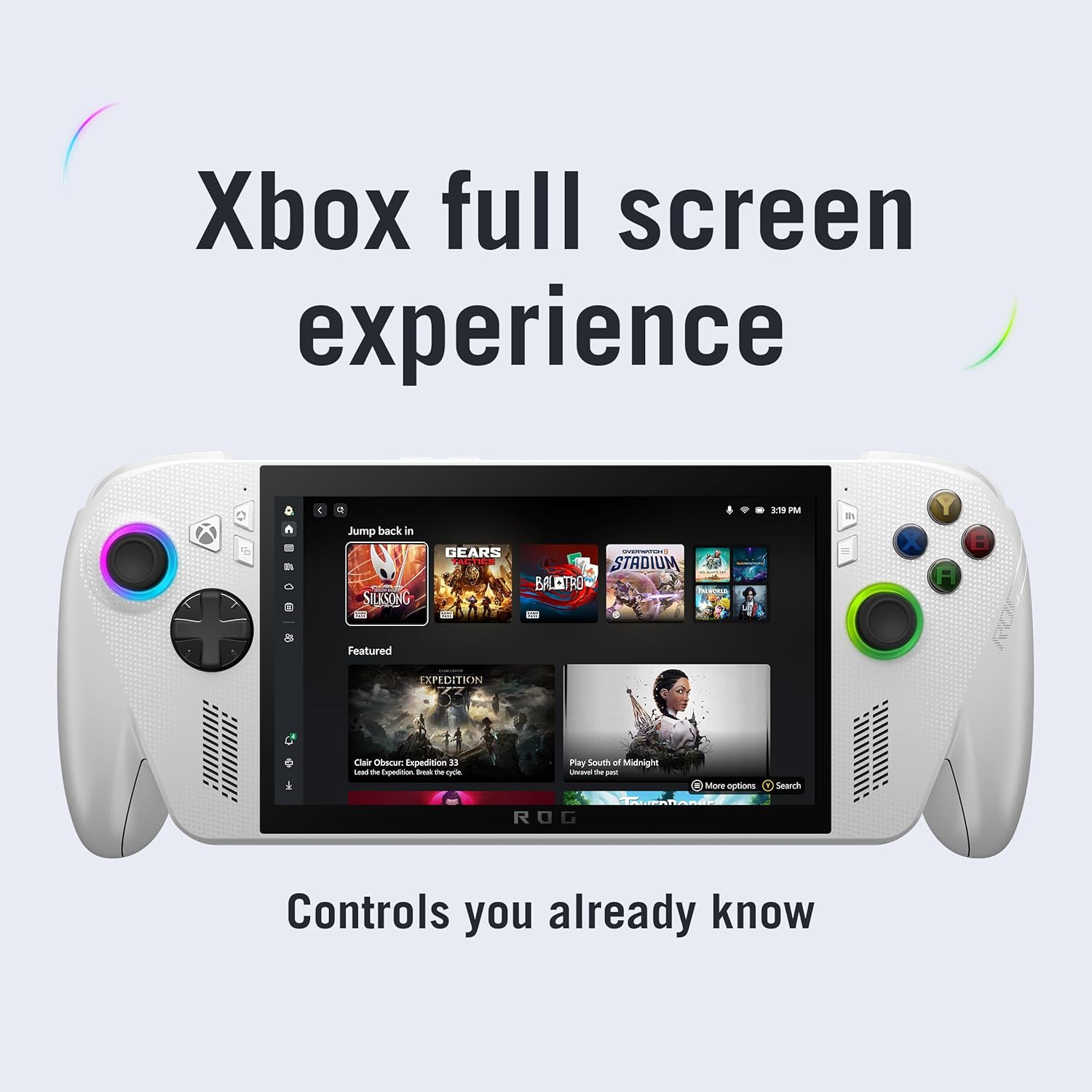
Image 5.1: The Xbox full screen interface, optimized for handheld use.
5.2 Xbox Button and Game Bar
A dedicated Xbox button allows for instant access to the Xbox Game Bar, enabling quick launches of games, performance adjustments, and other settings without exiting your current application.

Image 5.2: The Xbox button on the device, providing one-tap access to the Game Bar and Command Center.
5.3 Multi-Platform Game Access
The ROG Xbox Ally Z2 supports a wide range of PC game launchers, including Xbox Game Pass, Steam, Epic Games, and more, allowing you to play your entire PC game library.

Image 5.3: Access to multiple game launchers like Xbox, Steam, Epic Games, and Battle.net.
5.4 Armoury Crate SE
Armoury Crate SE is the central hub for managing your device settings, performance modes, and game profiles. It allows you to customize your gaming experience.
- 작동 모드: Switch between Windows, Silent, Performance, and Turbo modes to balance power consumption and performance.
- 게임 프로files: 맞춤형 프로 만들기files for individual games to optimize settings.
- 시스템 모니터링: Monitor real-time performance metrics.
6. 주요 특징
The ROG Xbox Ally Z2 is engineered with several features to enhance your portable gaming.
6.1 성능
Powered by the AMD Ryzen™ Z2 A processor, 16GB of LPDDR5 6400MHz RAM, and a 512GB M.2 2280 SSD, the device delivers smooth and responsive gameplay for a wide range of titles.

Image 6.1: Internal components highlighting the AMD Ryzen Z2 A processor, 16GB LPDDR5 RAM, and 512GB SSD.
6.2 디스플레이
Experience crisp, fluid visuals on the 7-inch Full HD 120Hz display with FreeSync™ Premium. The screen offers 500 nits of brightness and is protected by Gorilla Glass.

Image 6.2: The 7-inch FHD 120Hz display in action, showcasing vibrant graphics.
6.3 배터리 및 충전
The device features a 60Whr battery for extended play sessions and supports fast charging, reaching 50% charge in approximately 30 minutes.

Image 6.3: A user enjoying the handheld, emphasizing the 60Whr battery capacity.
6.4 인체공학
The redesigned chassis with contoured grips, inspired by Xbox Wireless Controllers, ensures comfort during long gaming sessions. The balanced 1.47lbs weight distribution minimizes fatigue.

Image 6.4: A user holding the device, illustrating the comfortable, Xbox-inspired grips.
7. 유지관리
To ensure the longevity and optimal performance of your ROG Xbox Ally Z2, consider the following maintenance tips:
- 소프트웨어 업데이트: Regularly check for and install system and driver updates via Armoury Crate SE to benefit from performance improvements and bug fixes.
- 청소: Use a soft, dry cloth to clean the screen and exterior. Avoid abrasive materials or harsh chemicals. Ensure vents are clear of dust and debris.
- 저장: 본 기기는 직사광선과 극한의 온도를 피해 시원하고 건조한 곳에 보관하세요.
- 배터리 관리 : 배터리 수명을 최적화하려면 기기를 자주 완전히 방전시키지 마십시오. 장기간 보관할 경우 배터리를 50~60% 정도 충전해 두는 것이 좋습니다.
8. 문제 해결
This section addresses common issues you might encounter with your ROG Xbox Ally Z2.
8.1 Performance Issues (Frame Drops, Lag)
If you experience frame drops or lag during gameplay, consider the following:
- Adjust Operating Mode: In Armoury Crate SE, switch to 'Performance' or 'Turbo' mode for increased power allocation.
- 플러그인: For demanding games, connecting the device to power can provide a significant performance boost by allowing higher wattage (TDP) to the processor.
- 백그라운드 애플리케이션 닫기: Ensure no unnecessary applications are running in the background, consuming system resources.
- 게임별 설정: Lower in-game graphics settings or resolution if performance remains an issue.
8.2 PIN/Fingerprint Not Working
If your PIN or fingerprint authentication stops working, a factory reset may resolve the issue. Ensure you back up any important data before proceeding with a factory reset.
8.3 기기 과열
While the device is designed for efficient cooling, prolonged high-performance gaming can generate heat. Ensure the ventilation vents are unobstructed. If the device feels excessively hot, consider switching to a lower operating mode or taking a break to allow it to cool down.
9. 사양
| 특징 | 세부 사항 |
|---|---|
| 모델 번호 | 1.99291E+11 |
| 프로세서 | AMD Ryzen™ Z2 A |
| 숫양 | 16GB LPDDR5 6400MHz |
| 저장 | 512GB SSD |
| 표시하다 | 7" 1080p 120Hz Touchscreen with FreeSync™ Premium |
| 배터리 | 60Wh |
| 치수 | 6.1 x 12.5 x 5.1 인치 |
| 무게 | 3.5파운드 |
| 출시일 | 16년 2025월 XNUMX일 |
10. 보증 및 지원
For warranty information, technical support, and additional resources, please refer to the official ASUS support website or the detailed user guide included in your product packaging. Keep your purchase receipt for warranty claims.