
1. 서론
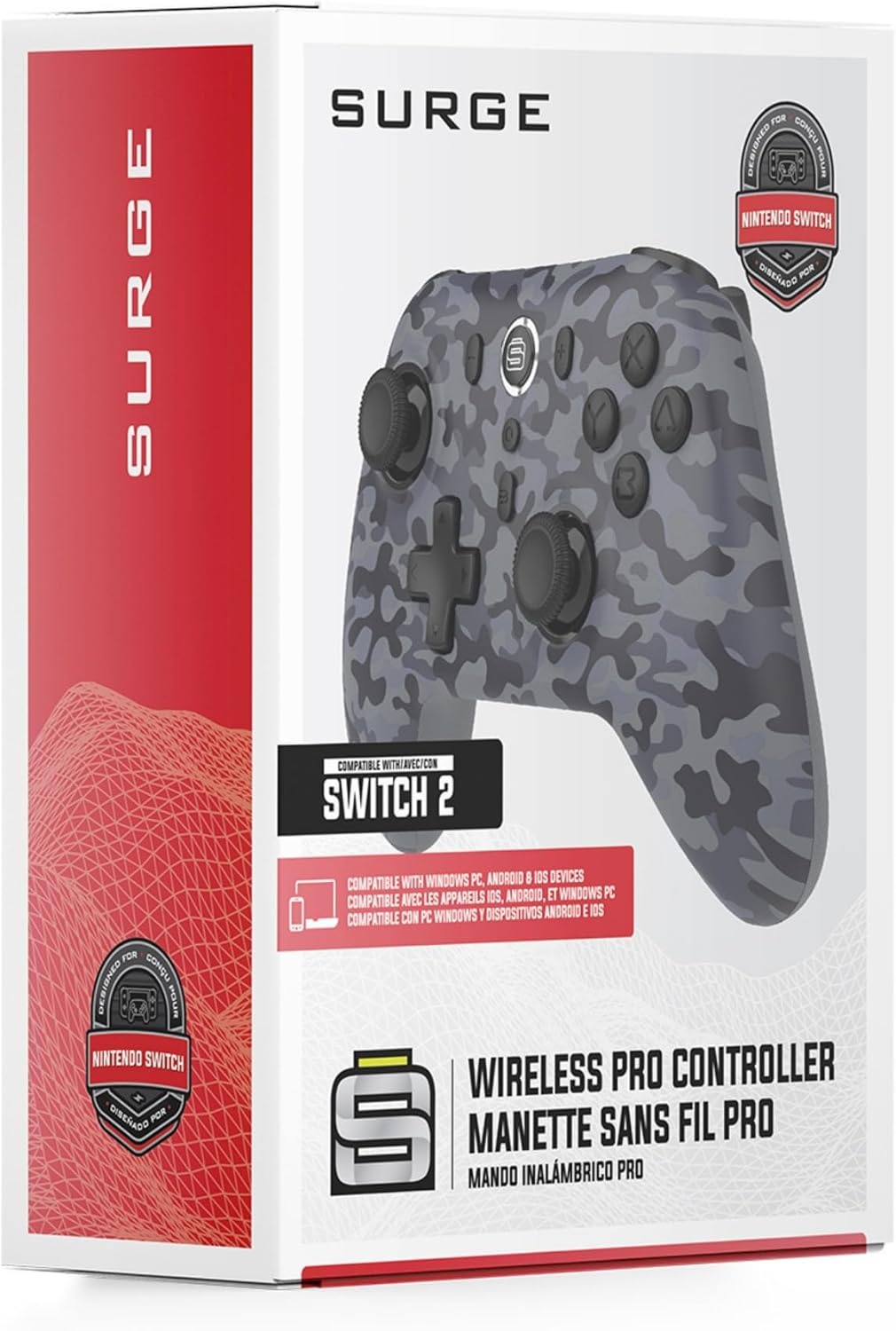
Thank you for choosing the Surge Wireless Pro Controller. This multi-platform Bluetooth controller is designed to enhance your gaming experience across various devices, including Nintendo Switch/Switch 2, Windows PC, Android, and iOS. Featuring Hall Effect sticks and triggers, adjustable turbo functionality, and customizable vibration feedback, this controller offers precision and comfort. Please read this manual thoroughly before use to ensure optimal performance and longevity of your device.
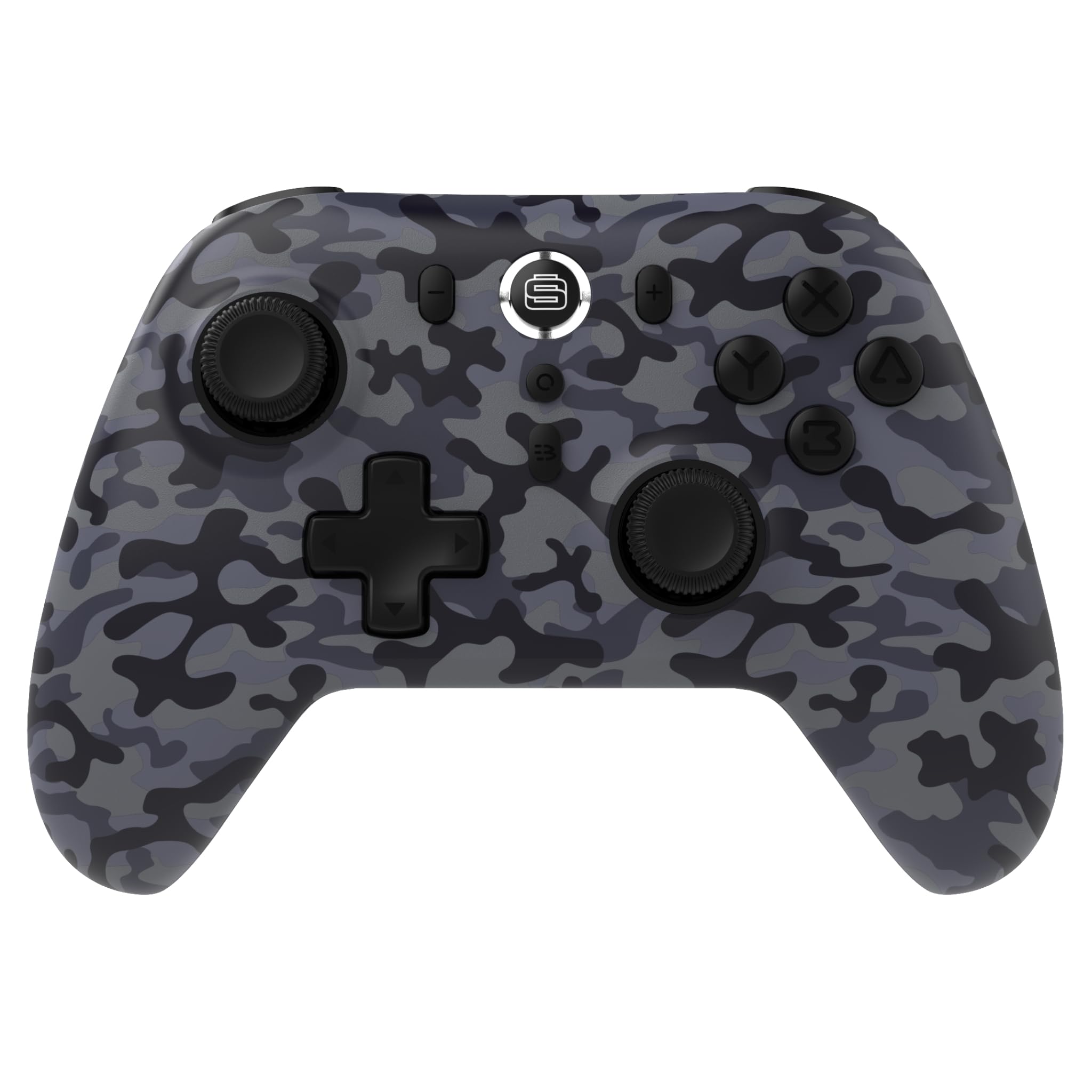
2. 제품 특징
- 다중 플랫폼 호환성: Compatible with Nintendo Switch/Switch 2 (Note: No C Button/Audio Port), Windows PC, Steam Deck, Android, and iOS devices.
- Hall Effect Thumb Sticks & Triggers: Delivers precision control and prevents stick drift, ensuring accurate input.
- 터보 기능: Offers 3 adjustable turbo levels for rapid-fire control in compatible games.
- 진동 피드백: Choose from 4 vibration levels for tailored haptic feedback, enhancing immersion.
- 모션 컨트롤: Supports motion controls for compatible games on supported platforms.
- Console Wake Up: Ability to wake your Nintendo Switch console from sleep mode instantly (Nintendo Switch Only).
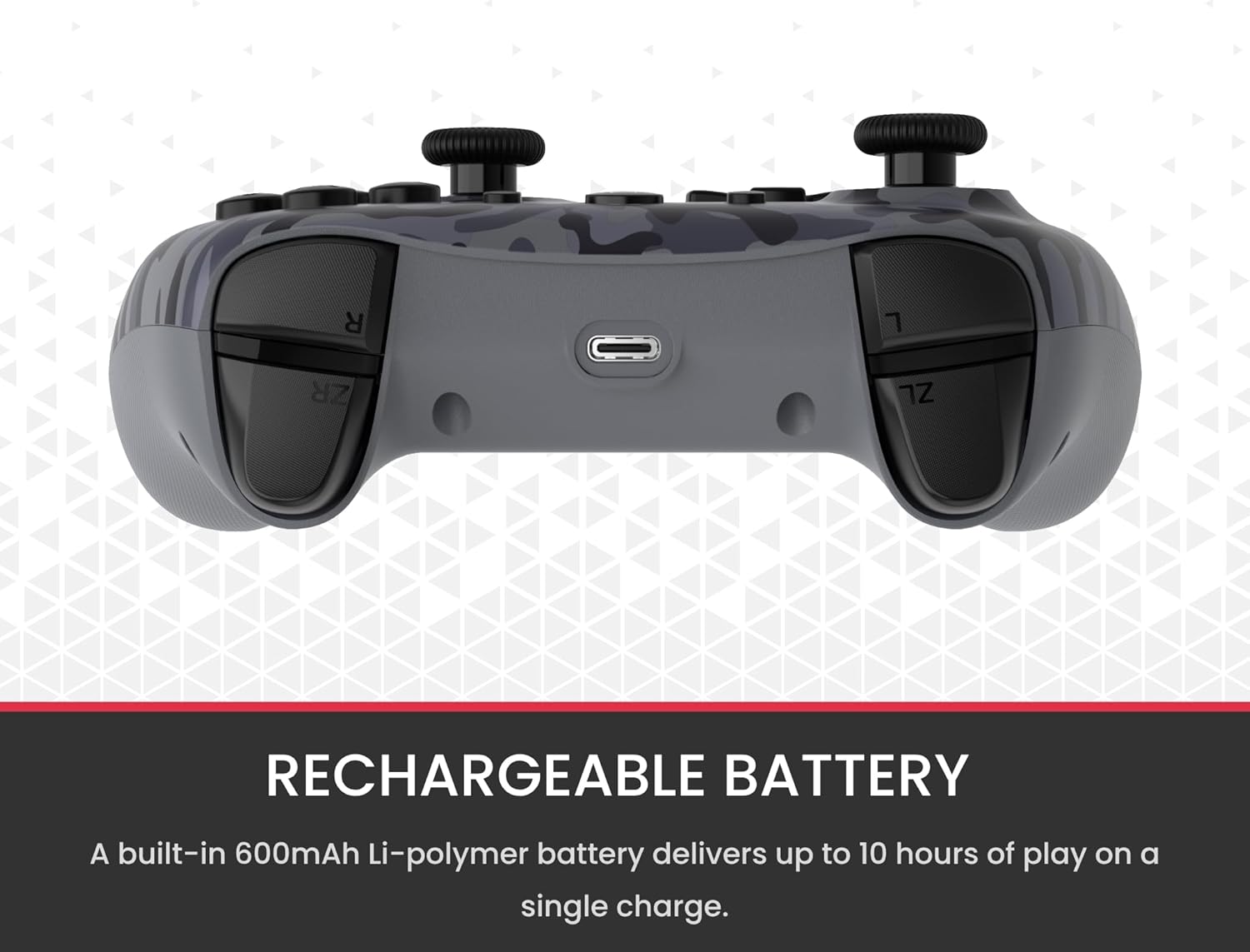
- 충전식 배터리: A built-in 600mAh Li-polymer battery provides up to 10 hours of gameplay on a single charge.
- USB-C 충전 케이블: Includes a 1-meter USB-C cable for convenient recharging.

3. 패키지 내용
패키지에 모든 품목이 들어 있는지 확인하세요.
- 1 x Surge Wireless Pro Controller (Model: SG60096)
- 1 x USB-C 충전 케이블(1미터)
- 1 x 사용자 설명서
4. 설정 및 페어링
4.1. 컨트롤러 충전
Before first use, fully charge the controller using the provided USB-C cable. Connect the USB-C end to the controller's charging port and the USB-A end to a power source (e.g., console, PC, USB wall adapter). The LED indicators on the controller will show charging status.
4.2. Pairing with Nintendo Switch/Switch 2
- 홈 메뉴에서 컨트롤러, 그 다음에 그립/오더 변경.
- 컨트롤러에서 버튼을 길게 누르세요. 페어링 버튼 (usually a small button on the top edge or back) for a few seconds until the player LEDs begin to flash.
- 페어링되면 컨트롤러 번호에 해당하는 플레이어 LED가 계속 켜져 있습니다.
- To wake the console from sleep mode, press the 홈 버튼 컨트롤러에서.
4.3. Pairing with Windows PC
- PC에서 Bluetooth가 활성화되어 있는지 확인하세요.
- 컨트롤러에서 버튼을 길게 누르세요. 페어링 버튼 LED가 빠르게 깜빡일 때까지.
- PC에서 다음으로 이동하세요. 블루투스 및 기타 장치 설정, 그 다음에 Bluetooth 또는 기타 장치 추가.
- 선택하다 블루투스 그리고 선택하세요
관련 문서SG60096
RELATED DOCUMENTSURGE SwitchPad Pro 닌텐도 스위치용 무선 컨트롤러 사용 설명서SURGE SwitchPad Pro 무선 프로 컨트롤러(모델: IX-SW055)의 닌텐도 스위치 사용 설명서입니다. 설정, 기능, 충전, 동기화, 문제 해결 및 FCC 규정 관련 내용이 포함되어 있습니다.View document →RELATED DOCUMENT스마트홈 가젯 가이드 - 130권: 스마트 홈 기기 및 가젯Smarthome의 Gadget Guide 카탈로그에서 최고의 스마트 홈 가젯, 자동화 제품, 그리고 혁신적인 기술을 살펴보세요. 보안, 오디오/비디오, 조명, 실내 온도 조절 등 주요 브랜드의 다양한 제품을 만나보세요.View document →RELATED DOCUMENTLondon Drugs Boxing Week Sale: Deals on Electronics, Home Goods, and More!Discover incredible Boxing Week deals at London Drugs. Shop online starting December 24th for savings on electronics, appliances, health & beauty, toys, and more. Sale runs December 26, 2023 - January 1, 2024.View document →RELATED DOCUMENT고급 경매 - 새크라멘토 - 8월 11일 | BIDRL.COM8월 11일 새크라멘토 노스 10번가 840번지에서 개최된 하이엔드 경매에서 판매되는 품목 목록입니다. 전자제품, 가정용품, 소프트웨어 등이 포함됩니다. 경매 세부 정보와 지불 조건이 포함되어 있습니다.View document →Ask a question about this manual
Ask about setup, troubleshooting, compatibility, parts, safety, or missing instructions. Manuals+ will review the question and use this page’s manual context to help answer it.


