
1. 서론
Welcome to the user manual for your new XIAOMI Redmi 15C smartphone. This guide provides essential information to help you get started, operate, maintain, and troubleshoot your device. Please read this manual carefully to ensure optimal performance and longevity of your smartphone.
주요 특징:
- Massive 6000mAh (typ) battery with 33W fast charging support.
- Immersive 6.9-inch display with up to 120Hz refresh rate.
- Powerful octa-core processor for smooth performance.
- 50MP AI dual camera system for high-quality photos.
- 세련되고 정교한 디자인.
2. 설정 가이드
2.1 상자 내용물
Upon unboxing your Redmi 15C, verify that the following items are included:
- 샤오미 레드미 15C 스마트폰
- USB 케이블
- SIM 추출 도구(지역에 따라 다를 수 있음)
- 빠른 시작 가이드(이 문서)
Note: A charger is not included with this device and must be purchased separately. For optimal charging, use a 33W compatible charger.
2.2 SIM 카드 삽입
- 기기 측면에서 SIM 카드 트레이를 찾으세요.
- SIM 꺼내기 도구를 트레이 옆에 있는 작은 구멍에 넣고 트레이가 튀어나올 때까지 단단히 누르세요.
- Place your Nano-SIM card(s) and/or microSD card into the tray with the gold contacts facing down. Ensure they are correctly aligned.
- 트레이를 조심스럽게 슬롯에 다시 밀어 넣어 장치와 딱 맞도록 합니다.
2.3 초기 전원 켜기 및 설정
- 샤오미 로고가 나타날 때까지 전원 버튼을 길게 누르세요.
- 화면의 지시에 따라 언어와 지역을 선택하고, Wi-Fi에 연결하고, Google 계정을 설정하세요.
- You will be guided through setting up security features like a PIN, pattern, fingerprint, or face unlock.
2.4 장치 충전
처음 사용하기 전에 기기를 완전히 충전하는 것이 좋습니다.
- USB 케이블을 휴대폰의 충전 포트에 연결하세요.
- Connect the other end of the USB cable to a compatible 33W power adapter (sold separately) and plug it into a power outlet.
- 충전 표시등이 화면에 나타납니다.
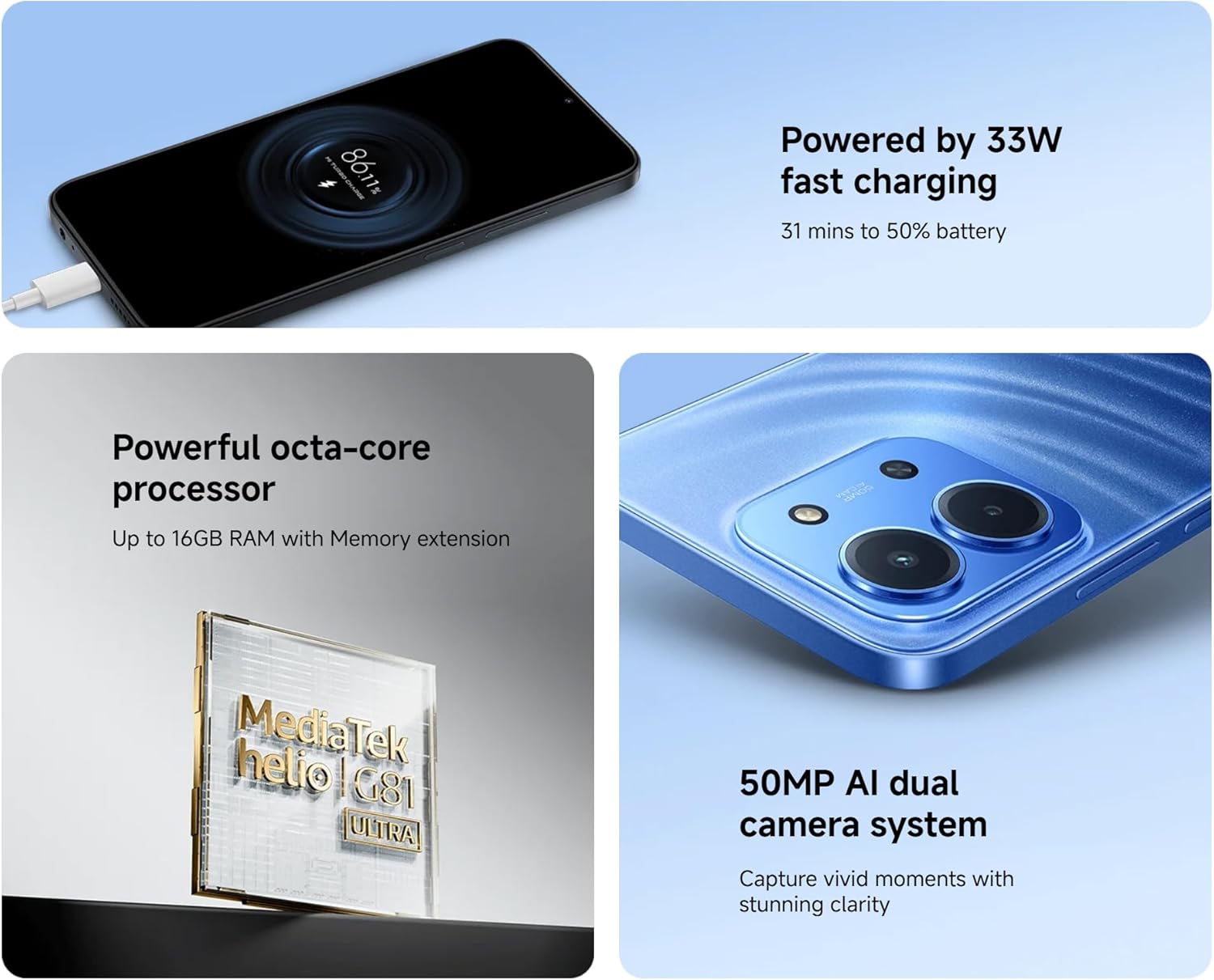
Image: The Redmi 15C connected to a charger, displaying a charging animation indicating 33W fast charging capability.
3. 장치 작동
3.1 기본 탐색
- 터치스크린 제스처: Swipe, tap, pinch-to-zoom are standard.
- 전원 버튼: 화면을 켜거나 끄려면 누르세요. 길게 누르면 전원이 꺼지거나 다시 시작됩니다.
- 볼륨 버튼: 미디어 볼륨, 통화 볼륨 또는 벨소리 볼륨을 조절합니다.
3.2 전화 걸기 및 메시지 보내기
- Open the 'Phone' app to dial numbers or select contacts.
- Open the 'Messages' app to compose and send SMS/MMS messages.
3.3 카메라 사용
Your Redmi 15C features a 50MP AI dual camera system.
- '카메라' 앱을 엽니다.
- 원하는 모드(사진, 인물, 비디오 등)를 선택하세요.
- 셔터 버튼을 눌러 이미지를 촬영하거나 비디오 녹화를 시작/중지합니다.

이미지: 클로즈업 view of the XIAOMI Redmi 15C's dual camera module, highlighting its 50MP AI capabilities.
3.4 디스플레이 기능
The 6.9-inch immersive display offers a smooth visual experience with up to a 120Hz refresh rate.
- Adjust display settings (brightness, color scheme, refresh rate) in 'Settings > Display'.
- AdaptiveSync technology automatically adjusts the refresh rate for optimal view에너지 효율 및 배터리 효율.

Image: The XIAOMI Redmi 15C's large 6.9-inch display, showcasing its immersive view경험.
3.5 배터리 관리
6000mAh 배터리는 장시간 사용을 가능하게 합니다. 배터리 수명을 최적화하려면 다음을 수행하십시오.
- Use 'Battery Saver' mode when needed.
- 화면 밝기와 화면 시간 초과를 줄이세요.
- 백그라운드에서 실행 중인 사용하지 않는 앱을 닫습니다.
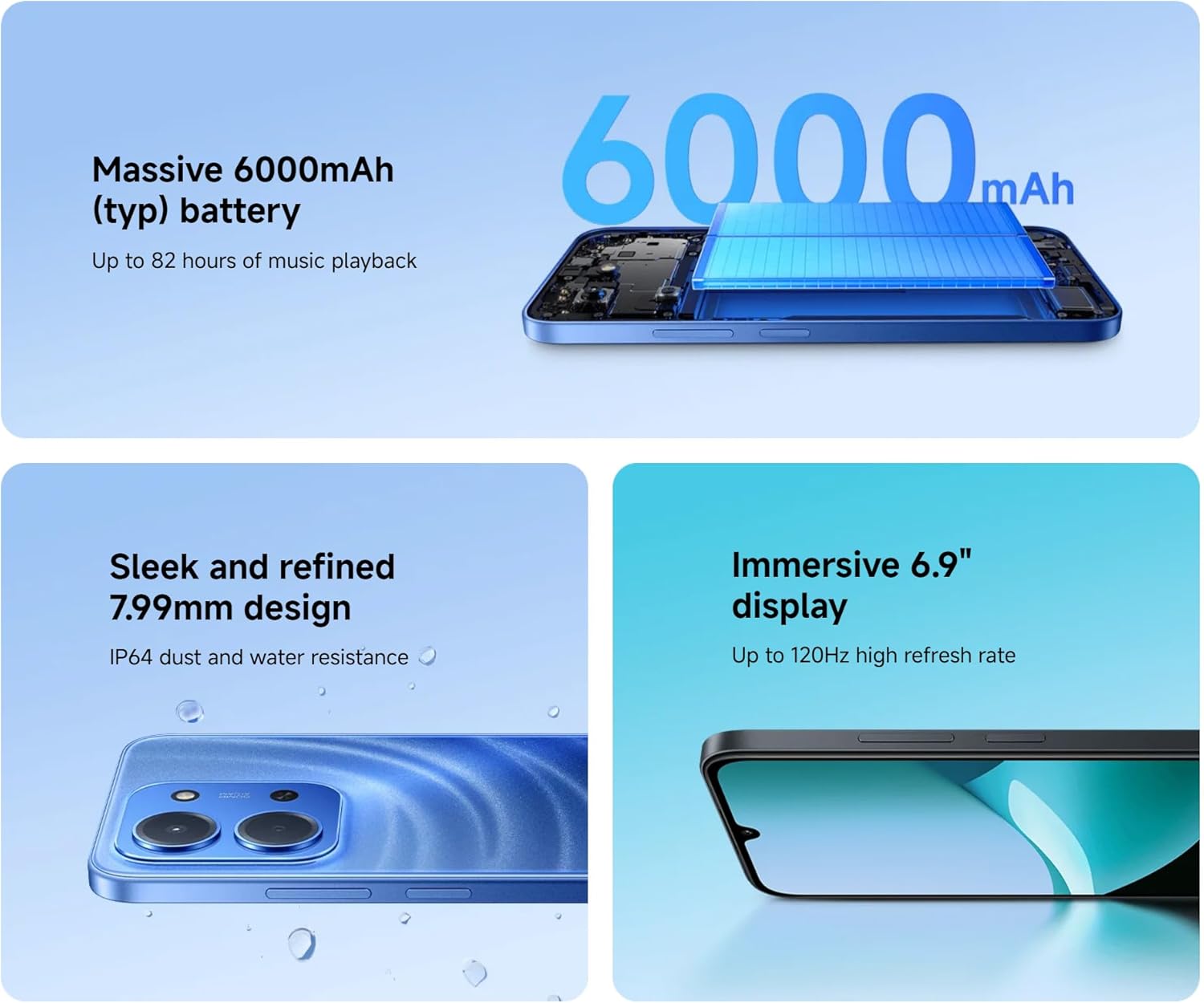
Image: An illustration of the XIAOMI Redmi 15C's internal structure, highlighting its massive 6000mAh battery.
3.6 프로세서 성능
The powerful octa-core processor ensures smooth multitasking and efficient app performance.

Image: A visual representation of the MediaTek Helio G81-Ultra octa-core processor, emphasizing its power and efficiency.
3.7 Google Gemini Integration
The Redmi 15C integrates with Google Gemini, your AI assistant from Google, to enhance productivity and creativity. Use Gemini for writing, brainstorming, learning, and more.
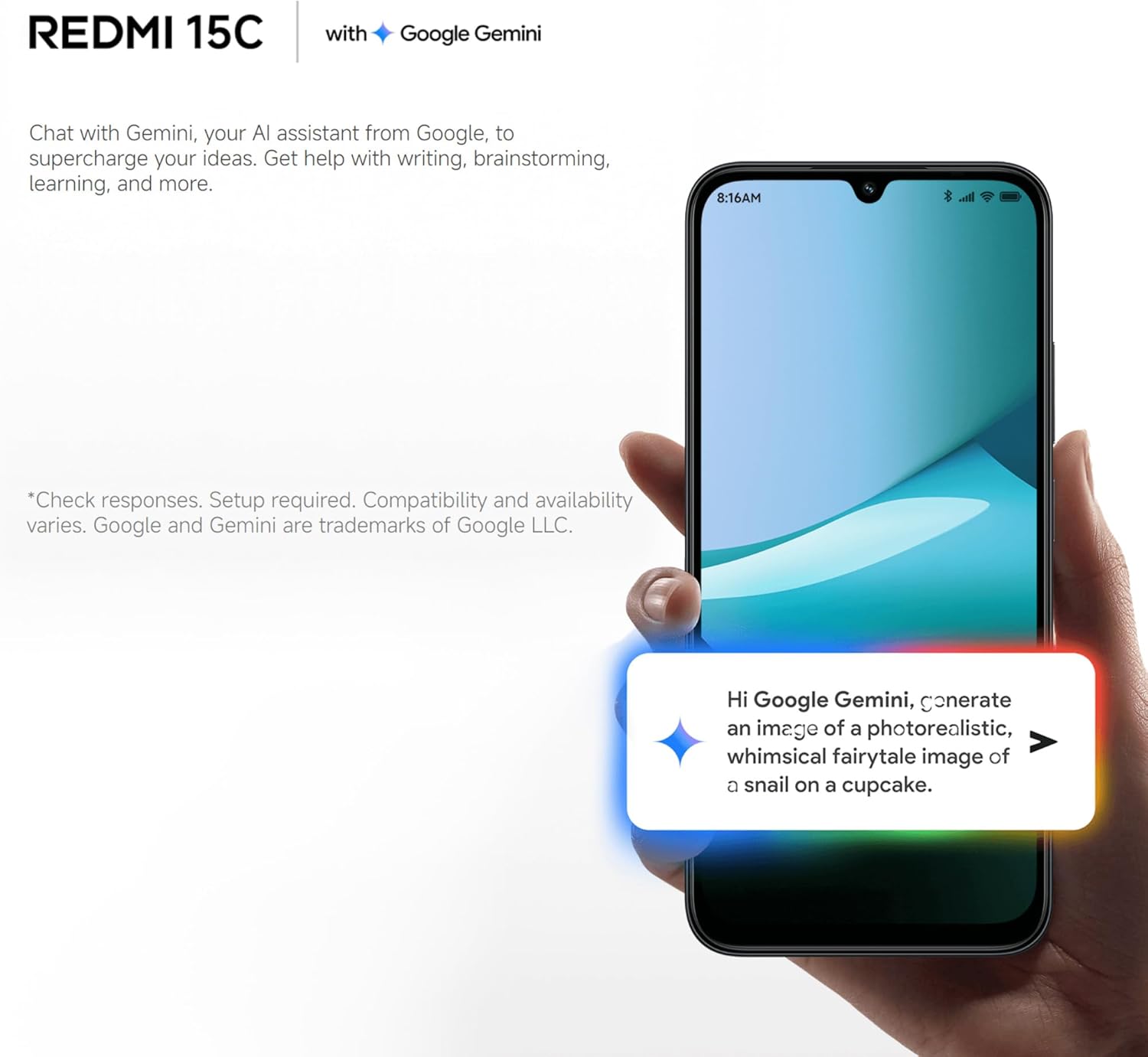
Image: A Redmi 15C displaying a chat interface with Google Gemini, demonstrating its AI capabilities.
4. 유지관리
4.1 장치 청소
- 부드럽고 보푸라기가 없는 천을 사용하여 화면과 본체를 닦으세요.
- 강한 화학 물질, 연마 세척제 또는 압축 공기의 사용을 피하세요.
- 포트에 먼지나 이물질이 없도록 하세요.
4.2 소프트웨어 업데이트
Regularly check for and install system updates to ensure your device has the latest features, security patches, and performance improvements. Go to 'Settings > About phone > MIUI version' to check for updates.
4.3 배터리 관리
- 극한의 온도는 배터리 수명을 단축시킬 수 있으므로 피하세요.
- 휴대전화를 완전히 충전한 후에도 장시간 충전 상태로 두지 마세요.
- 정품 또는 인증된 호환 충전기와 케이블만 사용하십시오.
4.4 스토리지 관리
To maintain optimal performance, regularly manage your device's storage:
- 불필요한 삭제 file사진, 비디오.
- 사용하지 않는 애플리케이션을 제거합니다.
- 앱의 캐시 데이터를 지웁니다.
5. 문제 해결
이 섹션에서는 Redmi 15C에서 발생할 수 있는 일반적인 문제에 대해 설명합니다.
| 문제 | 가능한 해결책 |
|---|---|
| 장치가 켜지지 않음 | Ensure the battery is charged. Connect to a charger for at least 30 minutes. If it still doesn't turn on, try a forced restart by holding the Power button for 10-15 seconds. |
| 성능 저하 / 앱 멈춤 현상 | Close background apps. Clear app caches. Restart the device. Check for system updates. If issues persist, consider a factory reset (back up data first). |
| 배터리가 빠르게 소모됩니다 | Reduce screen brightness. Disable unused features like GPS, Bluetooth, Wi-Fi when not needed. Check battery usage in settings to identify power-hungry apps. |
| Cannot connect to Wi-Fi / Mobile Data | Toggle Wi-Fi/Mobile Data off and on. Restart the device. Forget the Wi-Fi network and reconnect. Ensure SIM card is properly inserted and activated. |
| 카메라가 작동하지 않습니다 | Restart the device. Clear the Camera app's cache and data in 'Settings > Apps'. Ensure no other app is using the camera. |
5.1 공장 초기화(최후의 수단)
소프트웨어 문제가 지속적으로 발생하는 경우 공장 초기화를 통해 해결할 수 있습니다. Warning: This will erase all data on your device. Back up all important information before proceeding.
- Go to 'Settings > About phone > Factory reset'.
- 화면의 지시에 따라 재설정을 확인하십시오.
6. 사양
Below are the detailed technical specifications for the XIAOMI Redmi 15C:
| 특징 | 사양 |
|---|---|
| 모델명 | 레드미 15C |
| 운영 체제 | Hyper OS 2 |
| 프로세서 | MediaTek Helio Octa-core (20 GHz CPU speed) |
| 숫양 | 4GB (XNUMX기가바이트) |
| 저장 용량 | 256GB (XNUMX기가바이트) |
| 디스플레이 크기 | 6.9 인치 |
| 디스플레이 해상도 | 720 x 1560 |
| 새로 고침 빈도 | 120Hz |
| 배터리 용량 | 6000mAh |
| 충전 중 | 33W Fast Charging compatible |
| 후방 카메라 | 50 MP AI 듀얼 카메라 |
| 연결성 | 4G LTE, Wi-Fi, 블루투스, GPS |
| 치수 | 0.82 x 8.1 x 17.3cm |
| 무게 | 200g |
| 특별 기능 | Dual SIM, International Functionality, Wi-Fi Hotspot, Integrated GPS |
7. 보증 및 지원
자세한 보증 정보는 제품에 동봉된 보증 카드를 참조하거나 샤오미 공식 웹사이트를 방문하십시오. website. XIAOMI provides customer support for product inquiries, technical assistance, and service requests.
You can find support resources, FAQs, and contact information on the official XIAOMI support page. Please have your device's model number and purchase details ready when contacting support.
제공된 데이터에는 공식 제품 비디오가 없습니다.