
소개
This manual provides detailed instructions for the setup, operation, maintenance, and troubleshooting of your VLH 32 Inch Portable Smart TV. This device features a 1080P touchscreen, Android 15 operating system, 8GB RAM + 128GB storage, a movable base with wheels, a 5MP camera, and a 38,400 mAh battery. It offers versatile control options including touch, voice, remote, and airmouse functionality, along with a rotatable display for various view각도를 나타냅니다.
주요 특징:
- 32-inch FHD Touchscreen: Enjoy 1080P visuals with 100% sRGB color accuracy.
- 안드로이드 15 OS: Smooth navigation and access to Google Play Store applications.
- 5MP 카메라 : Integrated camera for video calls and streaming (compatibility with some apps may vary due to Android 15).
- 8GB RAM + 128GB ROM: Ample storage and memory for multitasking and app performance.
- 360° Mobile Base with Wheels: Easily move the TV between locations.
- 조정 가능한 디스플레이: 90° pivot, ±20° tilt, and 20cm height adjustment for optimal view주고받음.
- 다중 제어 옵션: Touch, voice commands ("Hey Google"), traditional remote, and airmouse gestures.
- 38,400mAh 배터리: Extended battery life for portable use.
패키지 내용
- VLH 32 inch Portable Smart TV
- 원격 제어
- 5MP Camera (detachable)
- 전원 어댑터
- 사용자 설명서
설치 지침
- 짐 풀기: 포장에서 모든 구성품을 조심스럽게 꺼내십시오. 포장 내용물 목록에 있는 모든 구성품이 있는지 확인하십시오.
- 스탠드 어셈블리: Attach the display panel to the mobile stand. Ensure all connections are secure. The stand is designed for stability and portability.

Image: The VLH Portable Smart TV is shown on its mobile stand, highlighting the screen and the stable base with universal wheels. The screen is in landscape orientation.
- 카메라 연결 : The 5MP camera is detachable. Plug it into the designated USB port at the top of the display if you intend to use it for video calls or streaming.
이미지: 클로즈업 view of the VLH Portable Smart TV screen, with the small, detachable camera clearly visible and plugged into the top edge of the display.
- 초기 충전: Connect the power adapter to the TV and a power outlet. Allow the device to fully charge before its first use to optimize battery life.
- 원격 제어 페어링: Insert two AAA batteries into the remote control. The remote should automatically pair with the TV when the USB switch is plugged into the TV's USB port. If not, follow the pairing instructions on the back of the remote or on the TV screen.
- 네트워크 연결 : Power on the TV. Navigate to the settings menu to connect to your Wi-Fi network.
작동 지침
1. 전원 켜기/끄기
- Press the power button on the TV or the remote control to turn the device on or off.
2. 항법 및 제어
- 터치스크린: Interact directly with the display like a tablet.
- 원격 제어: Use the provided remote for traditional navigation. The remote also functions as an airmouse; point and click to control the cursor on screen.
Video: A user demonstrates the airmouse functionality of the remote control, moving a cursor on the screen by pointing the remote. The video also shows the touchscreen being used for navigation, as well as the screen rotating and adjusting height.
- 음성 명령: Activate "Hey Google" for hands-free control and app launching.
3. Adjusting the Display
- 회전: The screen can pivot 90° between landscape and portrait orientations.

Image: The smart TV screen is shown rotating from a horizontal (landscape) orientation to a vertical (portrait) orientation, demonstrating its flexible display.
- 경사: Adjust the screen tilt by ±20° for comfortable view주고받음.
- 높이 조정: The screen height can be adjusted by up to 20cm.
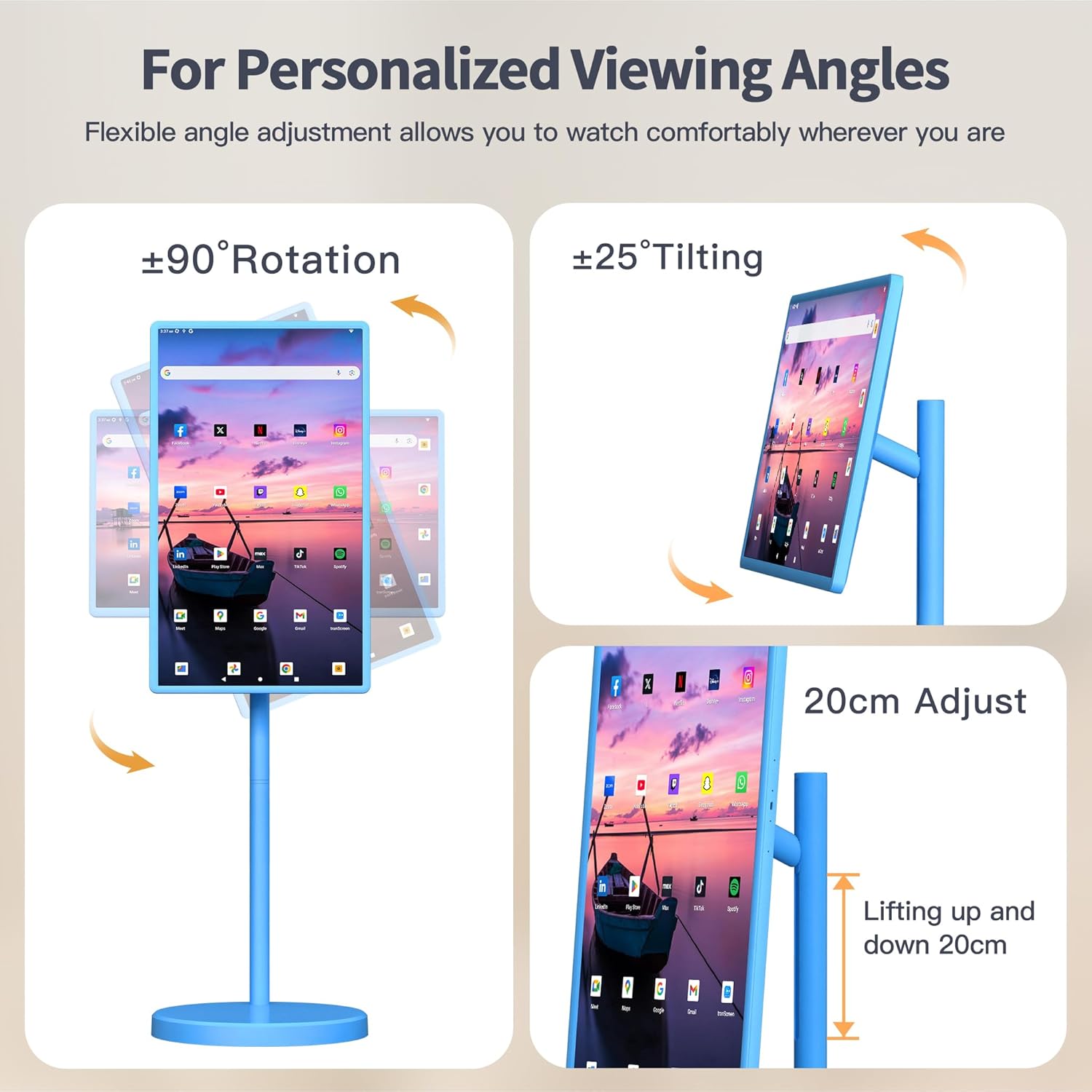
Image: This image illustrates the various adjustable features of the VLH Portable Smart TV, including 90-degree rotation, 25-degree tilting, and a 20cm height adjustment range.
4. 앱 사용
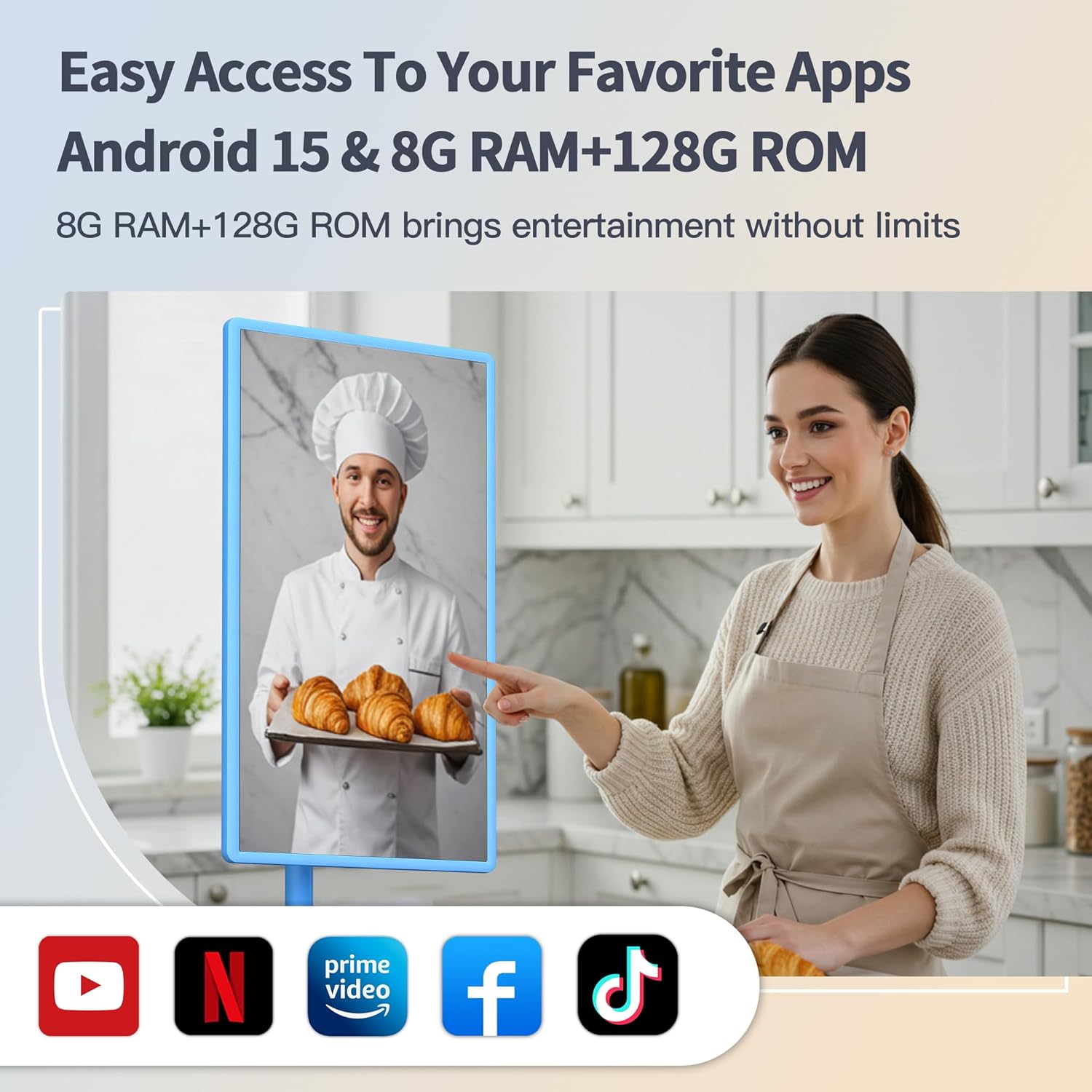
- Access the Google Play Store to download and install your favorite streaming, social media, and productivity applications.
- Pre-installed Google apps are available for immediate use.
- Screen mirroring from your phone is supported via the Android Switch app.
5. 휴대성
The VLH Smart TV is designed for easy movement around your home or even outdoors, thanks to its built-in battery and universal wheels. Simply unplug it from the charger and roll it to your desired location.
Video: This video demonstrates the portability of the VLH Smart TV, showing it being easily rolled between different rooms and used in various indoor and outdoor settings.
유지
- 청소: 부드럽고 마른 천을 사용하여 화면과 외부를 닦으세요. 연마성 세척제나 용제는 사용하지 마세요.
- 배터리 관리 : For optimal battery longevity, avoid fully discharging the battery frequently. Charge the device when the battery level is low.
- 소프트웨어 업데이트: 최적의 성능과 보안을 유지하려면 정기적으로 시스템 업데이트를 확인하고 설치하십시오.
문제 해결
- 리모콘이 응답하지 않음:
- Ensure the USB dongle for the remote is securely plugged into a USB port on the TV.
- 리모컨의 AAA 배터리를 확인하고 필요하면 새 배터리로 교체하세요.
- Refer to the pairing instructions on the back of the remote or in the TV's settings menu.
- 시스템 지연/멈춤:
- TV를 다시 시작하세요.
- 불필요한 백그라운드 애플리케이션을 닫습니다.
- 충분한 여유 저장 공간을 확보하세요.
- 사용 가능한 시스템 업데이트가 있는지 확인하고 설치하세요.
- Camera Incompatibility with Apps:
- Due to the latest Android 15 OS, some older applications may not be fully compatible with the camera. Check the app's requirements or look for updates.
- 전원 없음:
- Ensure the power adapter is correctly connected to both the TV and a working power outlet.
- 배터리가 충전되었는지 확인하십시오.
명세서
| 특징 | 세부 사항 |
|---|---|
| 화면 크기 | 32 인치 |
| 해결 | 1920 x 1080 픽셀(FHD 1080p) |
| 운영 체제 | 안드로이드 15 |
| 숫양 | 8GB |
| ROM(저장소) | 128GB |
| 카메라 | 5MP (detachable) |
| 배터리 용량 | 38,400mAh |
| 제품 치수 | 16.54 x 28.74 x 45.28 인치 |
| 품목 무게 | 45.2파운드 |
| 총 USB 포트 | 2 |
| 종횡비 | 16시 9분 |
| 이미지 밝기 | 300-350니트 |
보증 및 지원
Your VLH 32 Inch Portable Smart TV comes with a one-year product warranty. For any missing parts, installation assistance, or operational queries, please contact customer service. We are committed to providing a satisfactory solution for any issues you may encounter.
추가 보호 플랜을 구매할 수 있습니다.
- 4년 보호 계획
- 컴플리트 프로텍트(적격 구매를 보장하는 월간 구독 서비스)