
소개
Thank you for choosing the pTron Flick M2 Wireless Gaming Mouse. This manual provides detailed instructions for setting up, operating, and maintaining your device. Please read this manual carefully before use to ensure optimal performance and longevity of your mouse.
패키지 내용
- 1N Wireless Mouse
- 1N USB Receiver
- 1N 충전 케이블 (C 타입)
- 1N User Guide
제품 끝view
The pTron Flick M2 features an ergonomic design with RGB lighting and dual wireless connectivity. It is equipped with 6 buttons and adjustable DPI settings for precise control.

이미지: 이상view of the pTron Flick M2 Wireless Gaming Mouse with its 6 buttons labeled: Left Click, Right Click, Scroll Wheel, DPI Button, Forward Button, and Backward Button.
주요 특징:
- Dual Wireless Modes: Connect via 2.4GHz USB receiver or Bluetooth.
- RGB LED 조명: Dynamic multi-color lighting effects.
- 6버튼 디자인: Includes Left/Right-Click, Scroll Wheel, DPI Adjustment, Forward, and Backward buttons.
- 조정 가능한 DPI: Three levels (1000/1200/1600) for precision tracking.
- 인체공학적 디자인: 가볍고 장시간 사용해도 편안합니다.
- 충전식 배터리: Built-in battery with Type-C charging port.
설치 지침
1. 마우스 충전
Before first use, ensure the mouse is fully charged. Connect the provided Type-C charging cable to the mouse's charging port and the other end to a USB power source (e.g., computer, wall adapter).
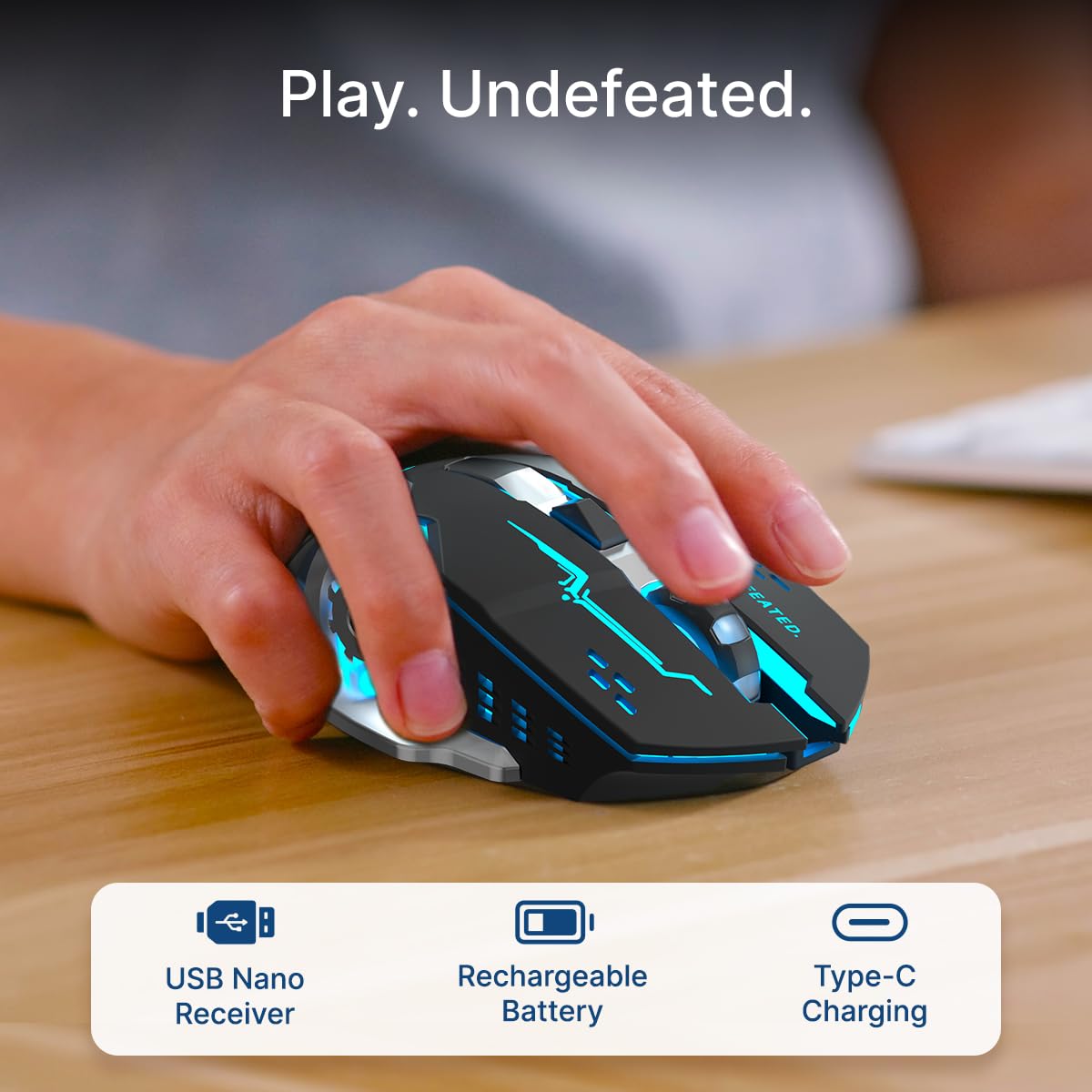
Image: A user's hand operating the pTron Flick M2 mouse, with icons indicating the USB Nano Receiver, Rechargeable Battery, and Type-C Charging features.
2. 마우스 연결
The pTron Flick M2 offers two wireless connection methods:
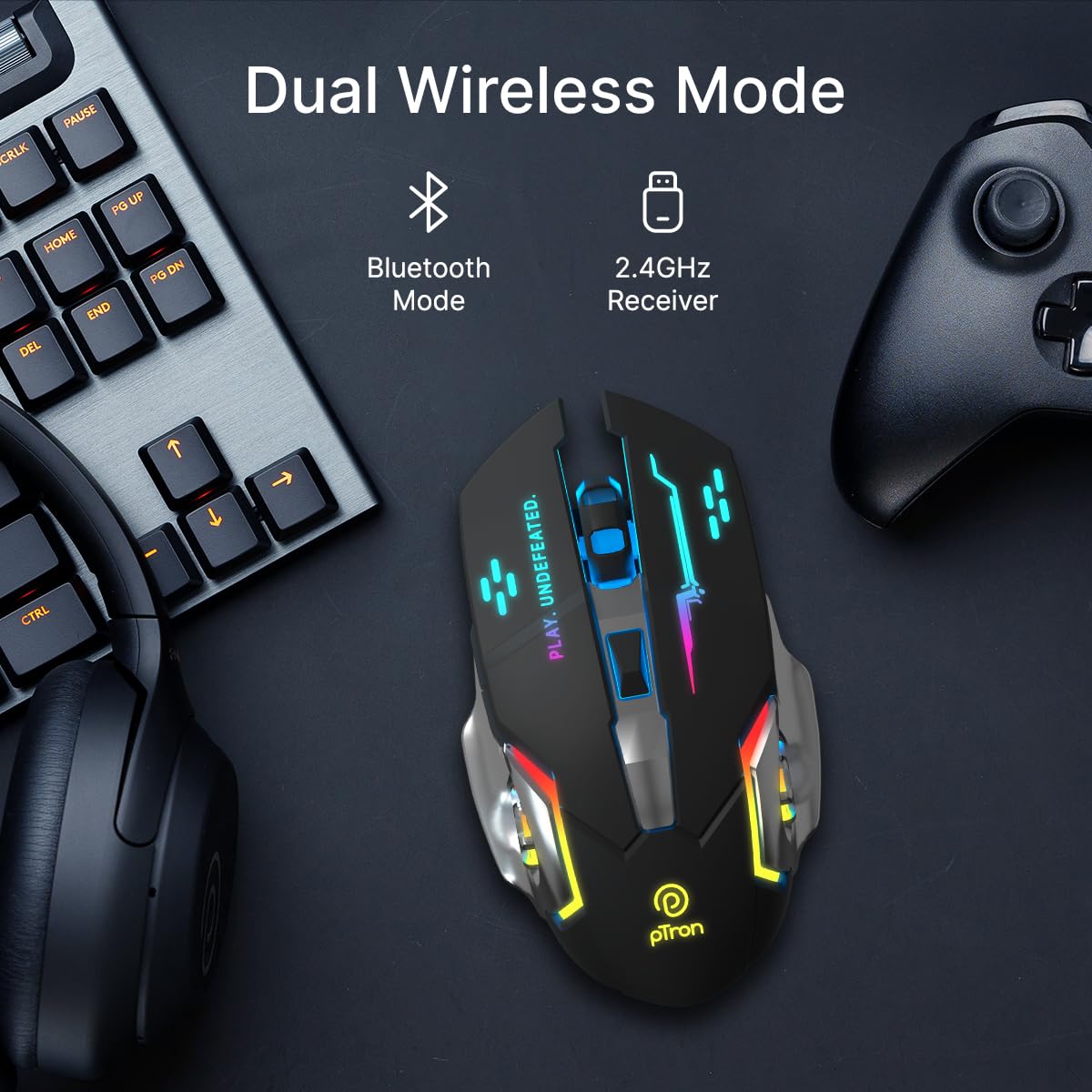
Image: The pTron Flick M2 mouse displayed with text indicating its Dual Wireless Mode capability, offering both Bluetooth and 2.4GHz Receiver options.
2.1. 2.4GHz 무선 모드 (USB 수신기)
- Locate the USB Nano Receiver, typically stored in a compartment on the underside of the mouse.
- Plug the USB Nano Receiver into an available USB port on your computer, laptop, or compatible device.
- 마우스 아랫면에 있는 전원 스위치를 사용하여 마우스를 켭니다.
- The mouse should automatically connect to your device. No additional drivers are usually required.
2.2. 블루투스 모드
- 마우스 밑면의 전원 스위치를 사용하여 마우스를 켭니다.
- On your device (computer, smartphone, tablet), enable Bluetooth and search for new devices.
- Select "pTron Flick M2" from the list of available Bluetooth devices to pair.
- 페어링이 완료되면 마우스를 바로 사용할 수 있습니다.
작동 지침
1. DPI 조정
The mouse features an adjustable DPI (Dots Per Inch) button to change cursor sensitivity. There are three preset DPI levels: 1000, 1200, and 1600.

Image: The pTron Flick M2 mouse with an overlay indicating its Adjustable DPI feature, offering 1000 DPI, 1200 DPI, and 1600 DPI options.
- 를 누르세요 DPI 버튼 (스크롤 휠 뒤쪽에 있는) 버튼을 사용하여 사용 가능한 DPI 설정을 순환하며 선택할 수 있습니다.
- Each press will change the sensitivity, allowing you to find the optimal speed for your tasks or games.
2. RGB 조명
The pTron Flick M2 features dynamic multi-color RGB LED lighting.

Image: The pTron Flick M2 mouse illuminated with vibrant multi-color lighting, showcasin미적 매력이 있습니다.
- The RGB lighting automatically cycles through various colors and effects when the mouse is active.
- The lighting enhances the gaming experience and provides visual feedback.
유지
To ensure the longevity and optimal performance of your pTron Flick M2 Wireless Gaming Mouse, follow these maintenance guidelines:
- 청소: 부드럽고 마른 천을 사용하여 마우스 표면을 닦으세요. 잘 지워지지 않는 오염의 경우, 살짝 damp천에 물이나 순한 세척액을 묻혀 닦아주세요. 강한 화학 물질이나 연마재는 사용하지 마세요.
- 센서 관리: 마우스 밑면의 광학 센서를 깨끗하고 먼지나 이물질이 없도록 유지하세요. 필요한 경우 면봉이나 압축 공기를 사용하세요.
- 저장: 사용하지 않을 때는 마우스를 직사광선과 극한의 온도를 피해 시원하고 건조한 곳에 보관하세요.
- 배터리: 배터리를 자주 완전히 방전하지 마세요. 배터리 수명을 유지하려면 마우스를 정기적으로 충전하세요.
문제 해결
If you encounter issues with your pTron Flick M2 Wireless Gaming Mouse, refer to the following common solutions:
| 문제 | 가능한 원인 | 해결책 |
|---|---|---|
| 마우스가 응답하지 않음 | Low battery; Mouse is off; Incorrect connection mode; USB receiver not detected. | Charge the mouse; Turn on the mouse; Ensure correct mode (2.4GHz/Bluetooth) is selected; Re-insert USB receiver or try a different USB port. |
| 지연 또는 간헐적 연결 | 간섭; 수신기/장치와의 거리; 배터리 부족. | Move closer to the receiver/device; Ensure no large metal objects are between mouse and receiver; Charge the mouse; Try a different USB port for the receiver. |
| DPI 버튼으로 감도를 변경할 수 없습니다. | 버튼 오작동; 소프트웨어 충돌. | Ensure the mouse is properly connected; Restart your device; If the issue persists, contact customer support. |
| RGB 조명이 작동하지 않습니다 | Mouse is off; Low battery; Malfunction. | Turn on the mouse; Charge the mouse; If the issue persists, contact customer support. |
명세서
| 특징 | 세부 사항 |
|---|---|
| 상표 | 피트론 |
| 모델 | 플릭 M2 |
| 연결성 | 2.4GHz 무선, 블루투스 |
| DPI 레벨 | 1000 / 1200 / 1600 |
| 버튼 | 6(왼쪽, 오른쪽, 스크롤 휠, DPI, 앞으로, 뒤로) |
| 센서 유형 | 광학 |
| 조명 | RGB LED |
| 전원 | 충전식 배터리(리튬 이온) |
| 충전 포트 | C타입 |
| 호환 장치 | 개인용 컴퓨터, 스마트폰, 태블릿 |
| 품목 무게 | 96g |
| 재료 | 플라스틱 |
공식 제품 영상
비디오: 공식 제품 소개 영상asing the pTron Flick M2 Wireless Gaming Mouse, its dual wireless capabilities, RGB lighting, adjustable DPI, and ergonomic design.
보증 및 지원
The pTron Flick M2 Wireless Gaming Mouse comes with a 6개월 제조사 보증 제조상의 결함에 대하여.
For warranty claims, technical support, or any other inquiries, please contact:
- 제조업체: 팔레드 일렉트로닉스 주식회사
- 고객 관리 연락처: 040-67138888
- 이메일 지원: support@ptron.in
- 주소: SY.NO. 56, 1층, 군들라포치AMPALLY VILLAGE, TECH PARK MTP, TSIIC-IALA NACHARAM, HYDERABAD - 500076, TELANGANA, INDIA