
CHROX 66510553-4GB+32GB
CHROX H96 MAX M9S Android 14 TV Box User Manual
Model: H96 MAX M9S (66510553-4GB+32GB)
1. 서론
Thank you for choosing the CHROX H96 MAX M9S Android 14 TV Box. This device is designed to transform your television into a smart entertainment hub, offering access to a wide range of streaming content, applications, and media playback capabilities. Powered by the latest Android 14 operating system and a robust RK3576 Quad-Core processor, it supports advanced features like 8K video decoding, WIFI6 connectivity, and Bluetooth 5.0.
패키지 내용
패키지에 모든 품목이 들어 있는지 확인하세요.
- 1 * Android 14.0 TV Box
- 1 * 적외선 원격 제어
- 1 * Power Adapter (DC 5V/2A)
- 1 * HDMI 케이블
- 1 * 사용자 설명서 (본 문서)

Image: The CHROX H96 MAX M9S Android TV Box, a compact black rectangular device, is shown alongside its infrared remote control. The remote features standard navigation buttons, volume controls, and dedicated app buttons.
2. 안전 정보
안전한 작동을 보장하고 장치의 손상을 방지하려면 다음 안전 지침을 읽고 준수하세요.
- 조심해서 다루세요: 장치를 떨어뜨리거나 강한 충격을 가하지 마십시오.
- 적절한 환기: 과열을 방지하려면 기기를 환기가 잘 되는 곳에 두십시오. 환기구를 막지 마십시오.
- 전원 공급 장치: 제공된 전원 어댑터만 사용하십시오. 승인되지 않은 어댑터를 사용하면 기기가 손상되고 보증이 무효화될 수 있습니다.
- 액체 노출: 기기를 물, 습기 및 기타 액체로부터 멀리하십시오.
- 청소: 청소하기 전에 전원을 분리하세요. 부드럽고 마른 천을 사용하세요. 액체 또는 에어로졸 세척제는 사용하지 마세요.
- 온도: Operate the device within recommended temperature ranges. Avoid extreme hot or cold environments.
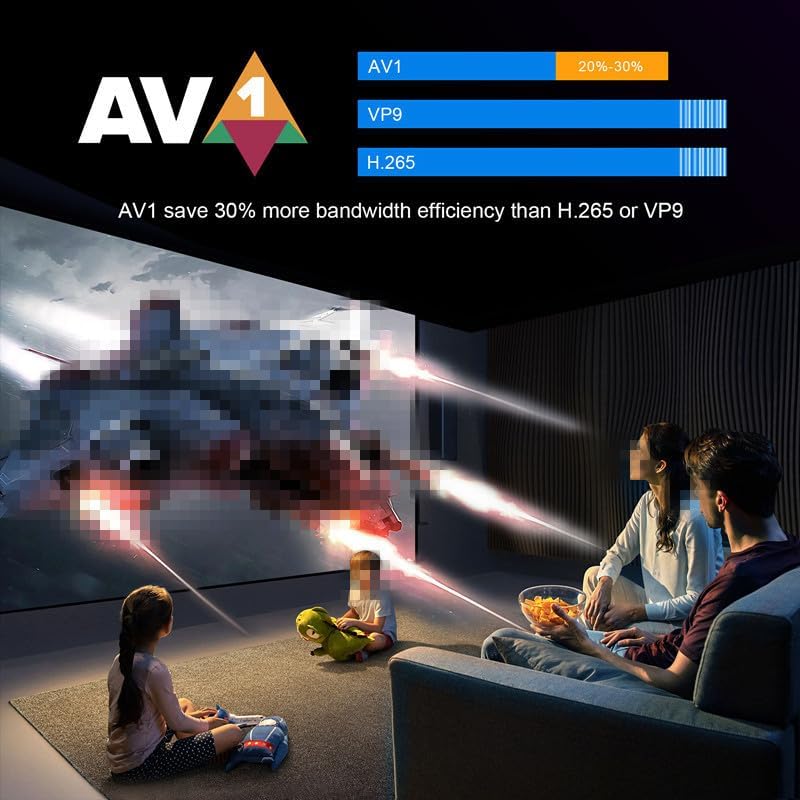
Image: A warning label on the product packaging advises users to "Handle with care and avoid drops and impacts!" and to "Please assemble the product securely before use!" This warning is provided in multiple languages.
3. 설정
3.1 TV 박스 연결
- TV에 연결: 제공된 HDMI 케이블의 한쪽 끝을 TV 박스의 HDMI 포트에 연결하고 다른 쪽 끝을 TV의 사용 가능한 HDMI 입력 단자에 연결하십시오.
- 전원에 연결: Plug the power adapter into the DC 5V/2A port on the TV Box, then plug the adapter into a wall outlet.
- 네트워크에 연결(선택 사항):
- 유선 연결: 안정적인 연결을 위해 라우터와 TV 박스의 LAN 포트에 이더넷 케이블을 연결하십시오.
- 무선 연결: The device supports 2.4G/5G dual-band Wi-Fi 6. You can configure this after initial boot-up.
- 전원 켜기: The TV Box should automatically power on once connected to power. If not, press the power button on the remote control.
- 입력 선택: 텔레비전에서 리모컨을 사용하여 올바른 HDMI 입력 소스를 선택하세요.
3.2 초기 설정 마법사
Upon first boot-up, the TV Box will guide you through an initial setup wizard. Follow the on-screen prompts to:
- 언어를 선택하세요.
- Wi-Fi 네트워크에 연결합니다(유선 연결을 사용하지 않는 경우).
- Sign in with your Google account (optional, but recommended for app downloads).
- 이용약관에 동의합니다.
4. 사용 설명서
4.1 인터페이스 탐색
Use the provided IR Remote Control to navigate the Android 14 interface. The remote features directional buttons, an OK button for selection, a Home button, Back button, Volume controls, and dedicated app buttons.
4.2 네트워크 연결
The H96 MAX M9S supports both wired Ethernet (10/100M) and wireless Wi-Fi 6 (2.4G/5G dual-band) connections. For optimal wireless performance, position the device near your router.

Image: The H96 Max M9S AI Smart TV Box is displayed with icons indicating its key features: Android 14.0, 8K video support, AI VisionPQ, WiFi6, 1000M Ethernet, RK3576 processor, and AV support.
4.3 Media Playback and Decoding
This TV Box supports advanced video decoding capabilities, including flawless 8K@60fps playback via H.265/HEVC/VP9. It also offers enhanced picture quality with vivid HDR contrast and optimized bandwidth efficiency.

Image: A large television screen displays a high-resolution image of a racing car, demonstrating the device's support for 8K video decoding. The text "Support 8K Video Decoding" is prominently featured.
The device also features AI-DC (Intelligent Denoising) and AI-SR (Super Resolution) technologies to enhance visual quality. AI-SR can upscale 720P/1080P video to 4K resolution.

Image: A split image demonstrating the effect of AI-DC (Intelligent Denoising). The left side shows a landscape image with noticeable noise, while the right side shows the same image with significantly reduced noise, labeled "AI-DC".
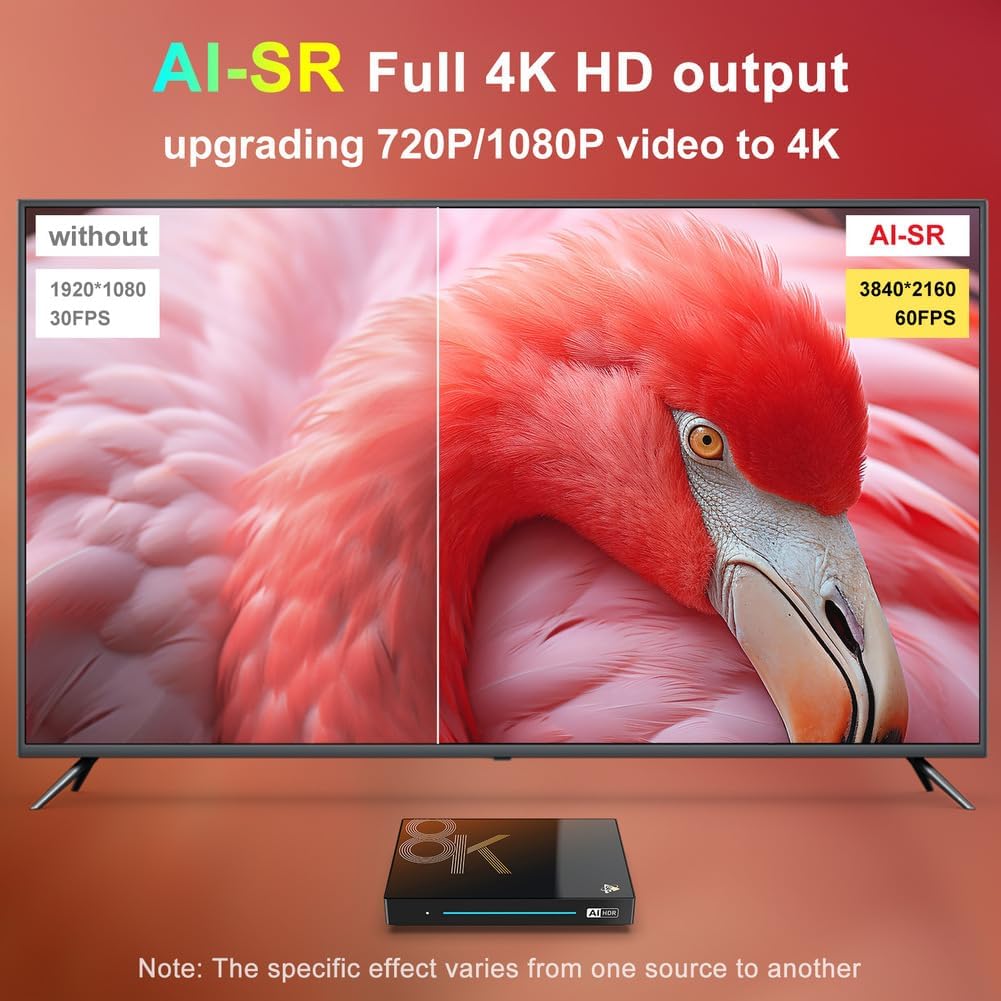
Image: A split image illustrating AI-SR (Super Resolution) technology. The left side shows a 1920x1080 30FPS image, while the right side shows the same content upscaled to 3840x2160 60FPS with improved clarity, labeled "AI-SR".
The device supports AV1 decoding, which can save up to 30% more bandwidth efficiency compared to H.265 or VP9, providing a smoother streaming experience.
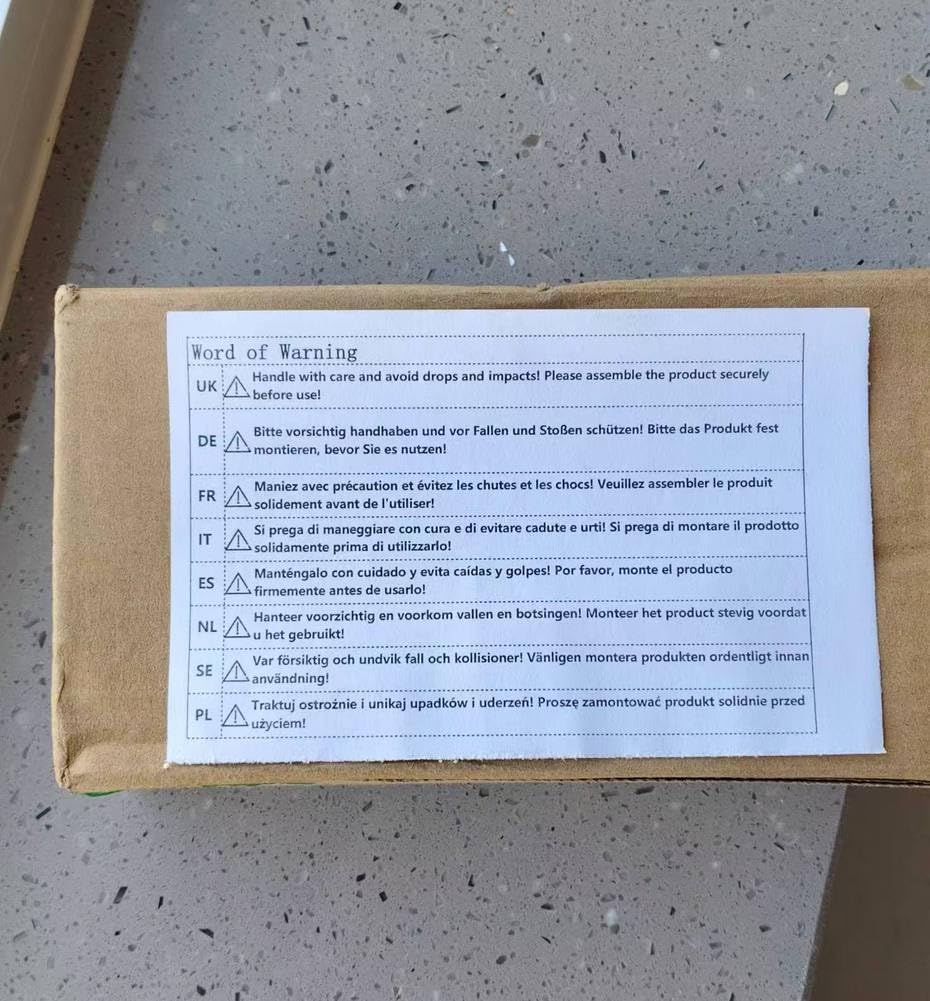
Image: A family is shown watching a movie projected onto a large screen, illustrating the benefit of AV1 codec. A graphic indicates that "AV1 save 30% more bandwidth efficiency than H.265 or VP9".
4.4 무선 프로젝션
The TV Box supports Aicscreen wireless mirroring, allowing you to project content from compatible devices (e.g., smartphones, tablets) onto your large display for fitness, gaming, or 4K streaming.
4.5 블루투스 연결
With Bluetooth 5.0, you can connect various wireless devices such as keyboards, mice, game controllers, and audio equipment to your TV Box for an enhanced user experience.
5. 유지관리
5.1 장치 청소
Ensure the TV Box is powered off and unplugged before cleaning. Use a soft, dry, lint-free cloth to wipe the exterior. Do not use abrasive cleaners, waxes, or solvents.
5.2 소프트웨어 업데이트
Periodically check for system updates through the device's settings menu. Keeping your software updated ensures optimal performance, security, and access to new features.
6. 문제 해결
If you encounter issues with your CHROX H96 MAX M9S TV Box, please refer to the following common solutions:
| 문제 | 가능한 원인 | 해결책 |
|---|---|---|
| 전원이 없습니다 | 전원 어댑터가 연결되지 않았습니다. 전원 콘센트에 결함이 있습니다. | 전원 어댑터가 기기와 작동하는 콘센트에 제대로 연결되어 있는지 확인하십시오. 다른 콘센트를 사용해 보십시오. |
| TV에 신호가 없습니다 | Incorrect HDMI input selected; HDMI cable loose or faulty. | Verify your TV is on the correct HDMI input. Reconnect or replace the HDMI cable. |
| Wi-Fi 연결 문제 | 잘못된 비밀번호; 라우터와의 거리가 너무 멀음; 간섭. | Double-check Wi-Fi password. Move the TV Box closer to the router. Restart your router and the TV Box. |
| 리모콘이 응답하지 않음 | Low batteries; Obstruction; Not paired (if Bluetooth remote). | Replace batteries. Ensure no obstructions between remote and TV Box. Point directly at the TV Box. |
| Apps Crashing/Freezing | Insufficient memory; App bug; Outdated software. | Close background apps. Clear app cache/data. Update the app or system software. Restart the device. |
이러한 해결 방법을 시도한 후에도 문제가 지속되면 보증 및 지원 섹션을 참조하여 추가 지원을 받으십시오.
7. 사양
Detailed technical specifications for the CHROX H96 MAX M9S Android 14 TV Box:
| 특징 | 세부 사항 |
|---|---|
| CPU | RK3576 쿼드 코어 64비트 Cortex-A53 |
| 그래픽 카드 | 말리 450 MP2 |
| 운영 체제 | 안드로이드 14 OS |
| 메모리(RAM) | 4GB / 8GB RAM (model dependent) |
| Storage (EMMC) | 32GB / 128GB ROM (model dependent), expandable via SD card (up to 64GB) |
| 와이파이 | 2.4G / 5G dual-band Wifi 802.11 a/b/g/n/ac/ax (Wi-Fi 6) |
| 랜 | 이더넷: 10/100M |
| 블루투스 | V5.0 |
| USB 포트 | 1 x Type-A USB3.0, 1 x Type-A USB2.0 |
| 전원 공급 장치 | INPUT: 100-240V 50/60HZ, OUTPUT: DC 5V/2A |
| AV 인터페이스 | 지원됨 |
| Decoder Formats | H.264/H.265/VP9 최대 8K@30fps |
| 미디어 형식 | Avi / Ts / Vob / Mkv / Mov / ISO / wmv / asf / flv / dat / mpg / mpeg |
| 사진 형식 | HD JPEG / BMP / GIF / PNG / TIFF |

이미지: 자세한 다이어그램을 보여줌asing the Rockchip RK3576 processor, highlighting its 8-core CPU, ARM Mali G52 MC3 GPU, AI 6TOPS NPU, and memory configurations (RAM: 4/8GB, ROM: 32/128GB).
8. 보증 및 지원
8.1 제품 보증
This CHROX product comes with a standard manufacturer's warranty. Please refer to the warranty card included in your package or contact the seller for specific details regarding warranty duration and coverage.
8.2 고객 지원
For technical assistance, troubleshooting beyond this manual, or warranty claims, please contact the seller or CHROX customer support through the platform where you purchased the product. Provide your model number and a detailed description of the issue for faster service.
Ask a question about this manual
Ask about setup, troubleshooting, compatibility, parts, safety, or missing instructions. Manuals+ will review the question and use this page’s manual context to help answer it.