
1. 서론
Thank you for choosing the CHROX Android TV Box 14.0, Model 66507595. This device transforms your television into a smart entertainment hub, offering access to a wide range of streaming services, applications, and media content. Powered by Android 14.0 and an Allwinner H313 Quad-Core processor, it delivers a fast and smooth user experience with support for 4K resolution.
This manual provides essential information for setting up, operating, and maintaining your TV Box. Please read it carefully before use to ensure proper functionality and to maximize your enjoyment of the product.

그림 1.1: The CHROX Android TV Box 14.0, showcasing its sleek design, remote control, and a typical Android TV interface with various streaming applications. This image highlights the device's capability to deliver a rich multimedia experience.
2. 패키지 내용
다음 항목에 대한 상자를 체크해 주세요.
- 1 x CHROX Android TV Box 14.0
- 1 x 원격 제어
- 1 x HD 케이블(HDMI)
- 1 x 전원 어댑터(DC 5V/2A)
3. 설정 가이드
Follow these steps to set up your CHROX Android TV Box:
- TV에 연결: Connect one end of the provided HD (HDMI) cable to the HDMI port on the TV Box and the other end to an available HDMI input on your television.
- 전원 연결: 전원 어댑터를 TV 박스의 DC 5V 포트에 꽂은 다음, 어댑터를 벽면 콘센트에 꽂습니다.
- 전원 켜기: TV 박스가 자동으로 켜질 것입니다. 그렇지 않으면 리모컨의 전원 버튼을 누르세요.
- 입력 선택: 텔레비전에서 리모컨을 사용하여 올바른 HDMI 입력 소스를 선택하세요.
- 초기 설정 : 화면의 지시에 따라 언어 선택, 네트워크 연결(Wi-Fi 또는 이더넷), Google 계정 로그인 등 초기 설정을 완료하세요.

그림 3.1: The CHROX Android TV Box 14.0 with its rear ports visible, including DC power, Ethernet, HDMI, AV, and IR. The image also displays the Android 14 interface, indicating the operating system version and connectivity options.
4. 사용 설명서
4.1 기본 탐색
Use the provided remote control to navigate the Android TV interface. The directional pad (up, down, left, right) allows you to move between icons and menus, while the 'OK' button confirms selections. The 'Back' button returns to the previous screen, and the 'Home' button takes you to the main home screen.
4.2 앱 설치
Access the Google Play Store from the home screen to download and install your favorite streaming applications, games, and utilities. A Google account is required for this process.
4.3 미디어 재생
The TV Box supports various media formats. You can play local media files from connected USB drives or stream content from online services. The device supports H.265 HEVC, H.264 AVC, VP9, and VP8 video decoding for high-quality playback.

그림 4.1: This image illustrates the versatile applications of the CHROX Android TV Box, including playing games, enjoying movies, listening to music, and watching sports, demonstrating its capability as a comprehensive entertainment device.
5. 연결성
The CHROX Android TV Box offers multiple connectivity options for network access and peripheral devices:
- 와이파이: Supports dual-band 2.4G and 5G Wi-Fi for high-speed wireless internet access.
- 이더넷: A standard 10/100M RJ-45 port for stable wired network connection.
- 블루투스: Features Bluetooth 4.1 for connecting wireless devices such as keyboards, mice, game controllers, and audio devices.
- USB 포트: Includes one USB 2.0 port and one USB 3.0 port for connecting external storage devices (e.g., USB flash drives, external hard drives) or other USB peripherals. The USB 3.0 port offers significantly faster data transfer speeds.
- HDMI : HDMI 2.0 output supports up to 4K@60fps resolution.
- SPDIF: Digital audio interface for high-quality audio output.

그림 5.1: This image illustrates the CHROX Android TV Box's advanced connectivity, featuring dual-band 2.4G and 5.8G Wi-Fi, along with Bluetooth 5.0. It emphasizes faster loading speeds and wider coverage for an enhanced user experience.
6. 사양
| 특징 | 사양 |
|---|---|
| 운영 체제 | 안드로이드 14.0 |
| CPU | Allwinner H313 Quad-Core A55 64-bit |
| 그래픽 카드 | G31 MP2 Processor |
| 숫양 | 2GB SD램 |
| 내부 저장소 | 16GB 플래시 |
| 확장 가능한 스토리지 | Supports TF cards up to 64 GB |
| 와이파이 | 2.4G & 5G Dual-Band Wi-Fi |
| 블루투스 | BT4.1 |
| 이더넷 | Standard 10/100M RJ-45 |
| HDMI 출력 | HDMI 2.0, 4K@60fps Max Resolution |
| 오디오 출력 | SPDIF Digital Audio Interface |
| USB 호스트 | 1 X USB 2.0, 1 X USB 3.0 |
| 비디오 디코더 | H.265 HEVC/MVC Main10, H.264 AVC/MVC Main10, VP9 Profile0/2, VP8 Version2 (up to 4096x2304@60fps) |
| 비디오 인코더 | H.264/AVC BP/MP/HP@level4.2 (up to 1920x1080@100fps), H.265/HEVC MP@level4.1 (4K) |
| JPEG Decoder | Supports YUV400/411/420/422/440/444 (up to 1920x1080@120fps), MJPEG |
| 모델 번호 | 66507595 |
| 원산지 | 중국 |
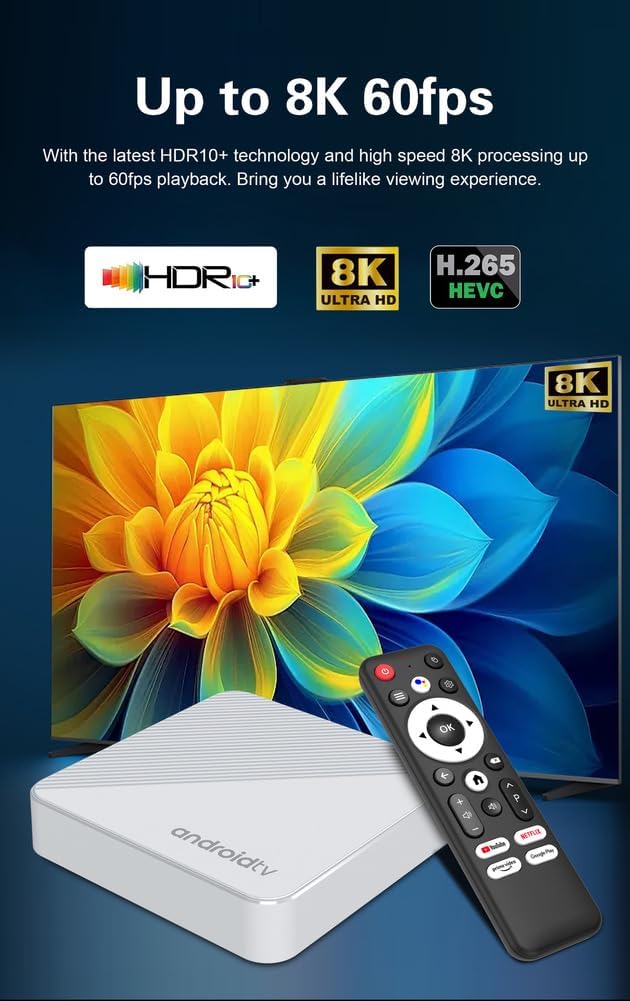
그림 6.1: This image highlights the advanced video capabilities of the CHROX Android TV Box, including support for up to 8K at 60 frames per second, HDR10+ technology, and H.265 HEVC decoding for a lifelike view경험.
7. 문제 해결
If you encounter issues with your CHROX Android TV Box, please refer to the following common solutions:
- 전원 없음:
- 전원 어댑터가 TV 박스와 작동하는 전원 콘센트에 안전하게 연결되어 있는지 확인하세요.
- Check if the power indicator light on the TV Box is on.
- TV에 영상이 나오지 않음:
- Verify that the HDMI cable is firmly connected to both the TV Box and the TV.
- TV가 올바른 HDMI 입력 소스로 설정되어 있는지 확인하세요.
- 다른 HDMI 케이블이나 TV의 HDMI 포트를 사용해 보세요.
- 소리 없음:
- TV 박스와 TV의 볼륨 레벨을 확인하세요.
- Ensure audio output settings on the TV Box are correctly configured (e.g., HDMI audio).
- Wi-Fi 연결 문제:
- 와이파이 공유기와 TV 박스를 재시작하세요.
- Wi-Fi 비밀번호가 올바르게 입력되었는지 확인하세요.
- Move the TV Box closer to the router or try a wired Ethernet connection.
- 리모콘이 응답하지 않음:
- 리모컨의 배터리를 교체하세요.
- 리모컨과 TV Box의 IR 수신기 사이에 장애물이 없는지 확인하세요.
- 시스템 지연 또는 멈춤 현상:
- 백그라운드에서 실행 중인 사용하지 않는 애플리케이션을 닫습니다.
- Clear cache for problematic applications.
- Consider performing a factory reset (Note: This will erase all data and settings).
8. 유지관리
To ensure the longevity and optimal performance of your CHROX Android TV Box, follow these maintenance guidelines:
- 청소: 부드럽고 마른 천을 사용하여 기기 외부를 닦으세요. 액체 세척제나 연마재를 사용하지 마세요.
- 통풍: 과열을 방지하려면 TV 박스를 통풍이 잘 되는 곳에 두세요. 통풍구를 막지 마세요.
- 전원 끄기 : When not in use for extended periods, it is recommended to power off the device and unplug the power adapter.
- 소프트웨어 업데이트: 시스템 업데이트를 정기적으로 확인하고 설치하여 최신 기능과 보안 패치를 확보하십시오.
9. 안전 정보 및 경고
기기 손상이나 부상을 방지하기 위해 다음 안전 수칙을 준수해 주십시오.
- 기기를 물, 습기 또는 극한 온도에 노출시키지 마세요.
- 장치를 떨어뜨리거나 강한 충격을 가하지 마십시오.
- 기기를 직접 열거나 수리하지 마십시오. 모든 정비는 자격을 갖춘 기술자에게 맡기십시오.
- 제공된 전원 어댑터만 사용하십시오. 승인되지 않은 어댑터를 사용하면 기기가 손상되고 보증이 무효화될 수 있습니다.
- 장치를 열원이나 직사광선으로부터 멀리 두십시오.
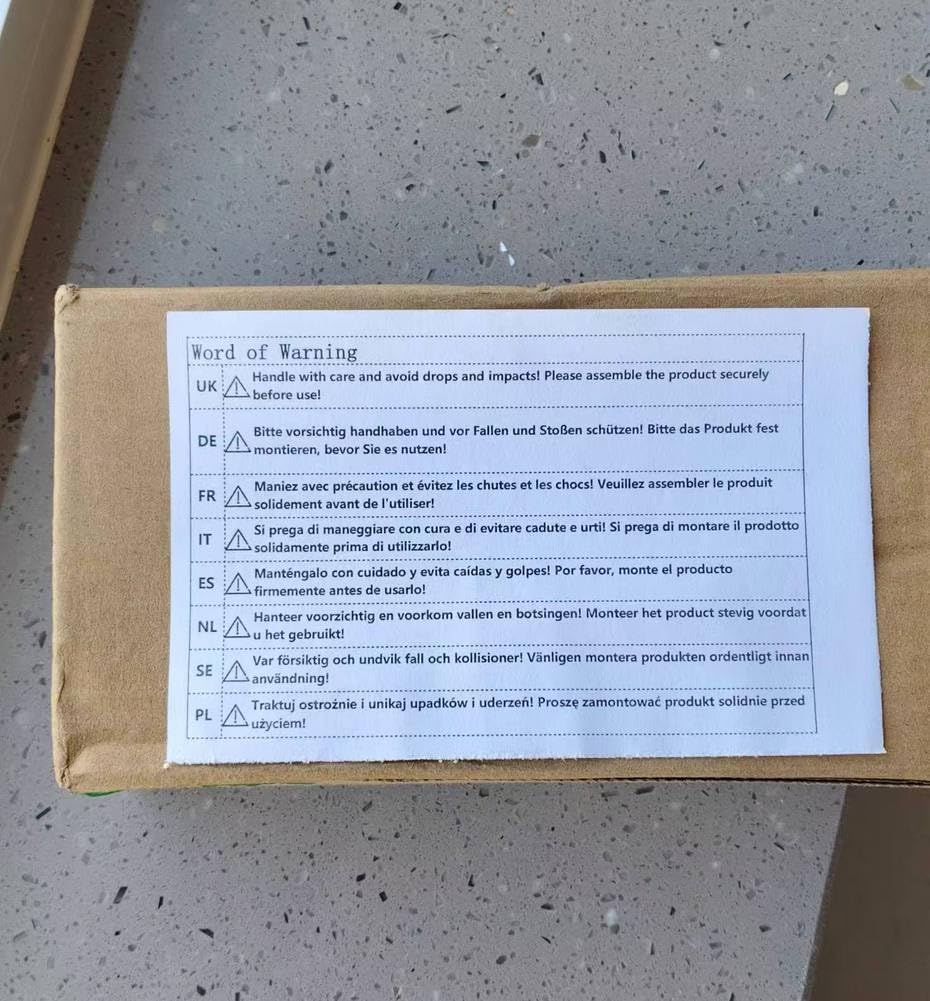
그림 9.1: A warning label emphasizing the importance of handling the product with care and avoiding drops and impacts. It advises users to securely assemble the product before use, with the message translated into multiple languages including English, German, French, Italian, Spanish, Dutch, Swedish, and Polish.
10. 보증 및 지원
CHROX products are designed for reliability and performance. For specific warranty information, please refer to the documentation included with your purchase or contact your retailer. If you require technical assistance or have questions not covered in this manual, please reach out to CHROX customer support through the contact information provided at the point of purchase.