
1. 서론
The PGST A519W-EU-F is a comprehensive wireless home alarm system designed to provide security and peace of mind. This system features a central siren unit, door/window sensors, remote controls, and an SOS button, all controllable via a mobile application through Wi-Fi connectivity. This manual provides detailed instructions for the installation, operation, and maintenance of your alarm system.

Image: The PGST Home Security System siren unit, highlighting its Wi-Fi connectivity for remote access and features such as >100dB volume, real-time alarm, quick response, and a built-in backup battery.
2. 패키지 내용
아래 나열된 모든 구성품이 패키지에 포함되어 있는지 확인해 주십시오. 구성품이 누락되었거나 손상된 경우 고객 지원팀으로 문의해 주십시오.
- 1 x Central Siren Unit
- 도어/창문 센서 5개
- 3 x 원격 제어
- 1 x SOS Button (integrated into remote control or separate, depending on kit version)
- 1 x Power Adapter for Siren Unit
- Mounting Accessories (e.g., adhesive pads, screws)
- 사용자 설명서

이미지: 완전히 덮임view of the PGST A519W-EU-F alarm kit components, including the central siren, a PIR motion sensor (if included in specific kits), multiple door/window sensors, and remote controls.
3. 제품 특징
- Powerful Siren: Integrated 130dB siren for effective intrusion deterrence.
- 백업 배터리: Built-in battery provides up to 24 hours of operation during power outag에스.
- 무선 연결 : Supports 2.4GHz Wi-Fi for remote control and notifications via mobile app.
- 문/창 센서: Detects unauthorized openings, triggering the alarm and sending alerts.
- 원격 제어: Convenient arming, disarming, and SOS functions.
- 모바일 앱 제어: Manage your system from anywhere with the dedicated smartphone application (compatible with Smart Life/Tuya Smart).
- 간편한 설치: Designed for quick and simple setup without complex wiring.

이미지: 내부 view of the PGST siren unit, illustrating its 24-hour backup battery feature, ensuring continuous protection even if the main power supply is interrupted.
4. 설정
4.1. 개봉 및 초기 점검
Carefully unpack all components and ensure they match the package contents list. Inspect each item for any visible damage.
4.2. Central Siren Unit Placement
Place the central siren unit in a central location within your home, ensuring it is within Wi-Fi range and can be heard throughout the protected area. Avoid placing it near large metal objects or other devices that may interfere with wireless signals.
4.3. 전원 연결
Connect the provided power adapter to the central siren unit and plug it into a standard electrical outlet. The unit will power on, and the internal backup battery will begin charging.
4.4. 모바일 애플리케이션 설치
- Scan the QR code in the manual or search for "Smart Life" or "Tuya Smart" in your smartphone's app store (iOS or Android).
- 응용 프로그램을 다운로드하여 설치하십시오.
- 새 계정을 등록하거나 이미 계정이 있는 경우 로그인하세요.
4.5. Wi-Fi 연결
The central siren unit connects to your home's 2.4GHz Wi-Fi network for remote control. Follow the in-app instructions to add the device:
- Open the Smart Life/Tuya Smart app and tap "Add Device" or the "+" icon.
- Select "Security & Video Surveillance" > "Alarm (Wi-Fi)" or similar category.
- Follow the on-screen prompts to put the siren unit into pairing mode (usually by pressing a button on the unit).
- 2.4GHz Wi-Fi 네트워크 이름과 비밀번호를 입력하세요.
- Wait for the device to connect. Once connected, you can rename the device in the app.
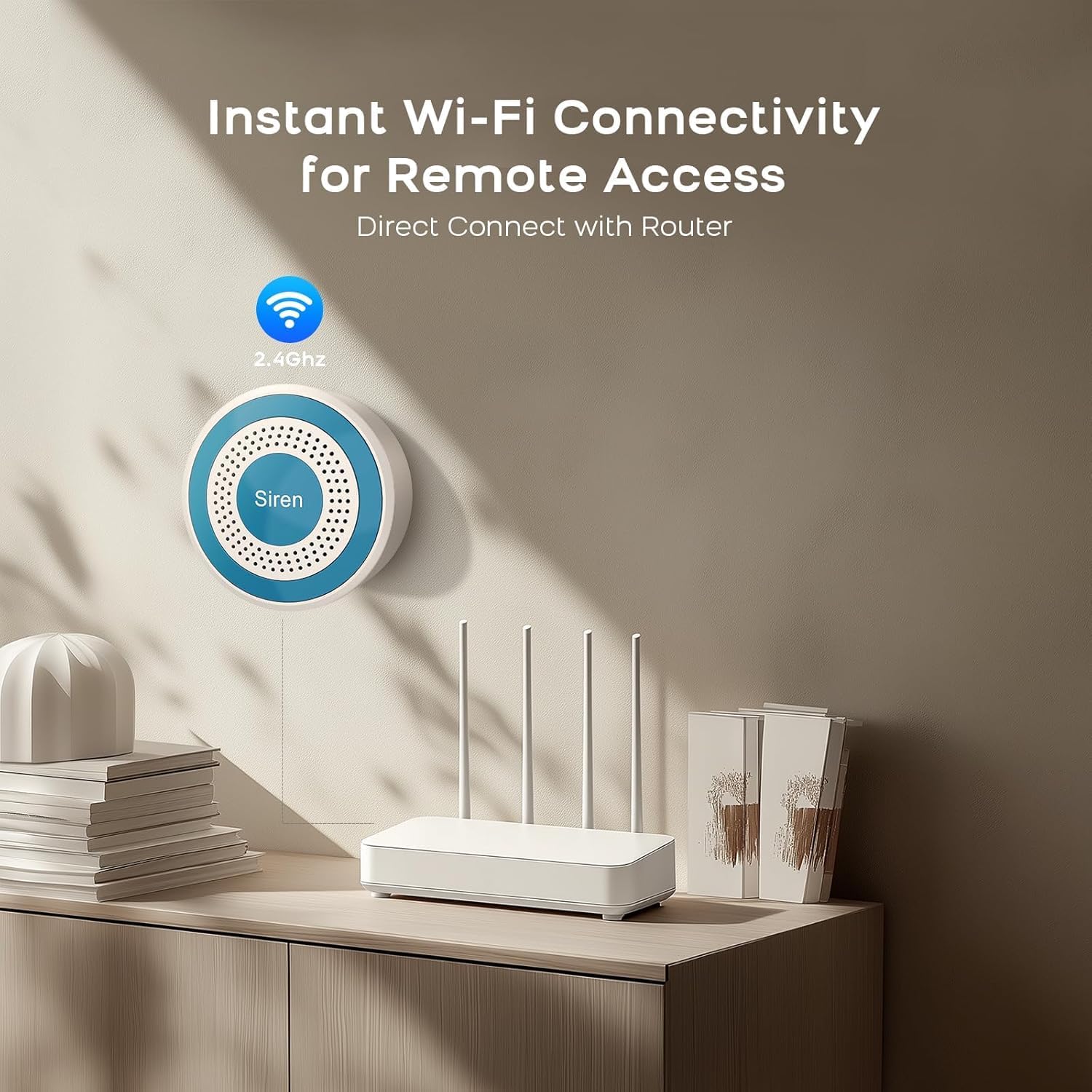
Image: The PGST siren unit mounted on a wall, demonstrating its instant Wi-Fi connectivity to a home router for remote access and control.
4.6. 센서 설치
The door/window sensors consist of two parts: a main sensor and a magnet. They should be installed on a door or window frame so that the two parts are aligned and close to each other (typically within 1-2 cm) when the door/window is closed.
- 센서를 부착할 표면을 깨끗하게 닦으십시오.
- Attach the main sensor part to the door/window frame and the magnet part to the moving door/window using the provided adhesive pads or screws.
- 양쪽 부품의 정렬 표시가 서로 마주보도록 하십시오.
- Test the sensor by opening and closing the door/window. The app should indicate the status change.
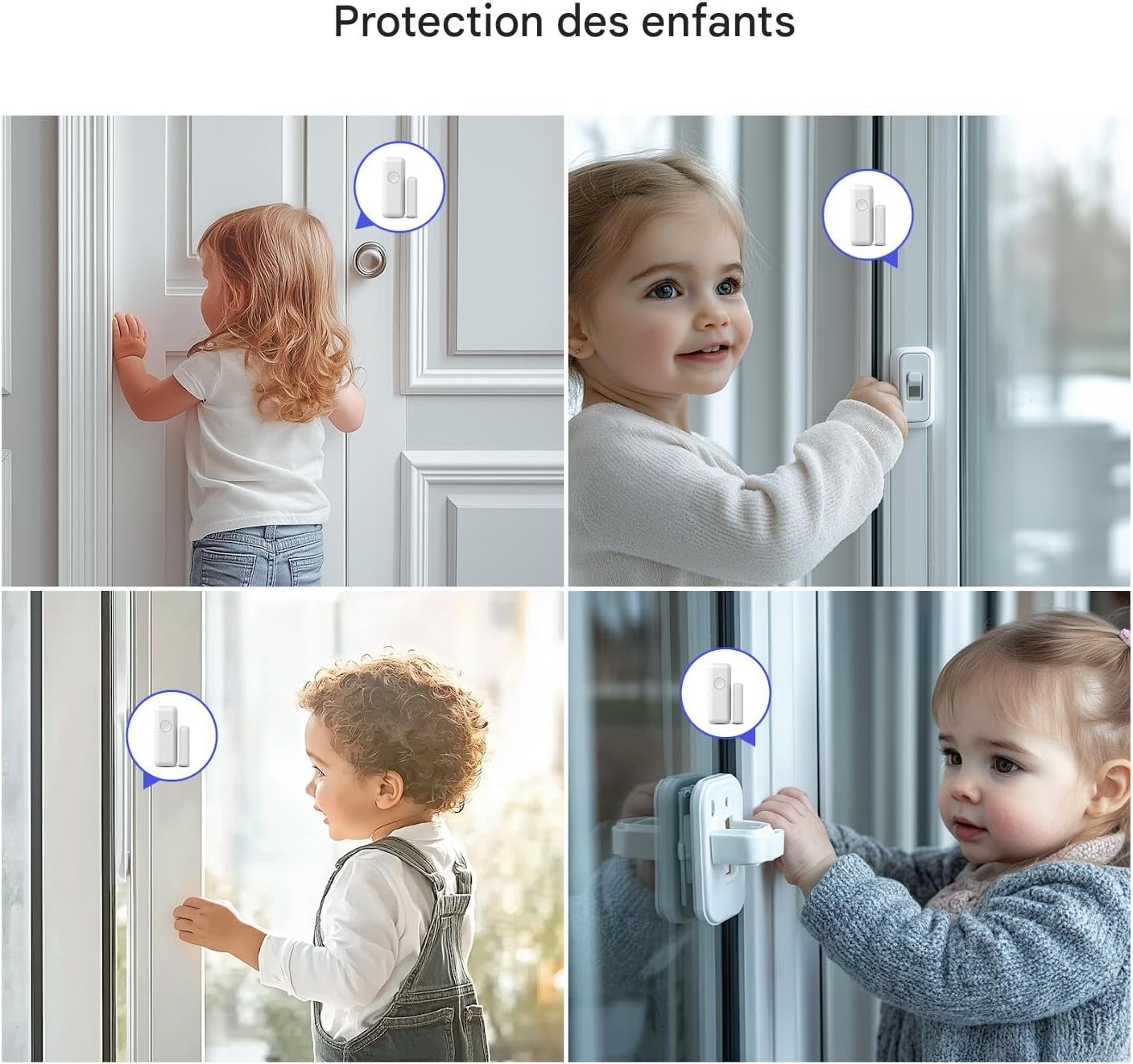
Image: Illustrates the placement of PGST door and window sensors in a home environment, showing children interacting with doors and windows where sensors are installed, emphasizing child protection.
4.7. 리모컨 페어링
The remote controls are typically pre-paired. If not, or if you need to add new ones, refer to the app's device management section or the siren unit's specific pairing instructions (often involves pressing a button on the siren while activating the remote).
5. 사용 설명서
5.1. 무장 및 무장 해제
- 무장(외출 모드): Press the 'Lock' button on the remote control or select 'Arm' in the mobile app. The siren will emit a confirmation sound, and the system will be fully armed.
- 무장 해제: Press the 'Unlock' button on the remote control or select 'Disarm' in the mobile app. The siren will emit a confirmation sound, and the system will be disarmed.
- 홈 암(스테이 모드): If available, this mode arms perimeter sensors (e.g., door/window sensors) while allowing movement inside. Press the 'Home' button on the remote or select 'Home Arm' in the app.
5.2. SOS 기능
In an emergency, press the 'SOS' button on the remote control. The siren will immediately sound, and emergency notifications will be sent to linked contacts via the mobile app.

Image: An elderly person on the floor, with a PGST remote control featuring an SOS button visible, and a smartphone displaying an emergency notification from the Smart Life app, highlighting the system's elderly protection feature.
5.3. 모바일 앱 제어
The Smart Life/Tuya Smart app provides comprehensive control over your alarm system:
- 무장/해제: Control the system status remotely.
- 알림: Receive instant alerts for alarms, low battery, or system status changes.
- 장치 관리: Add, remove, or configure sensors and remote controls.
- 설정: Adjust siren volume, alarm duration, entry/exit delays, and notification preferences.
- 오토메이션: Integrate with other smart home devices (e.g., Amazon Alexa, Google Assistant).
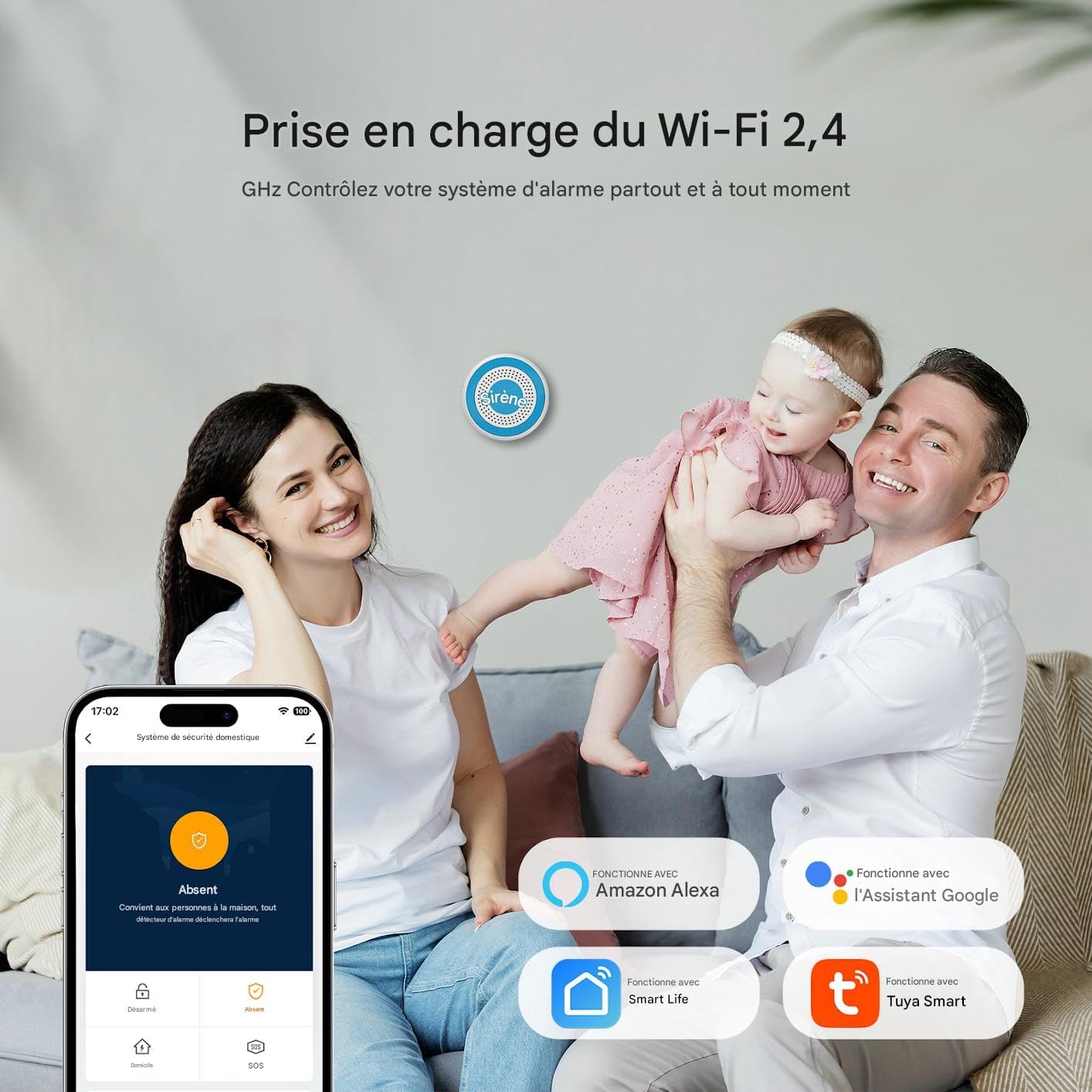
Image: A family interacting with the PGST alarm system, demonstrating its 2.4 GHz Wi-Fi support and control via a mobile app, with icons indicating compatibility with Amazon Alexa, Google Assistant, Smart Life, and Tuya Smart.
5.4. Delayed Arming and Disarming
You can customize entry and exit delays through the mobile application. This allows you sufficient time to leave or enter your home without triggering the alarm immediately.

Image: A smartphone screen displaying the PGST alarm system's app settings, specifically showing options for customizing delayed arming and disarming, allowing users to set entry and exit delays.
6. 유지관리
6.1. 배터리 확인
- 사이렌 장치: The internal Lithium-ion backup battery has a lifespan of approximately 500 days. The app will notify you if the main unit's battery is low.
- 센서: Door/window sensors are typically powered by coin cell batteries. Replace them when the app indicates a low battery status for a specific sensor.
- 원격 제어: Replace batteries in remote controls when their range or responsiveness decreases.
6.2. 청소
Wipe the siren unit and sensors with a soft, dry cloth. Do not use liquid cleaners or abrasive materials, as these can damage the devices.
6.3. 펌웨어 업데이트
Periodically check the mobile application for available firmware updates for your siren unit. Updates can improve performance and add new features.
7. 문제 해결
| 문제 | 가능한 원인 | 해결책 |
|---|---|---|
| Siren not responding/no power. | Power adapter disconnected; backup battery depleted. | Ensure power adapter is securely plugged in. Allow time for backup battery to charge. |
| Wi-Fi에 연결할 수 없습니다. | 와이파이 비밀번호가 잘못되었습니다. 5GHz 네트워크가 선택되었습니다. 신호가 약합니다. | Verify Wi-Fi password. Ensure you are connecting to a 2.4GHz network. Move siren closer to router. |
| 센서가 경보를 울리지 않습니다. | Sensor battery low; improper alignment; sensor not paired. | Check sensor battery status in app and replace if needed. Re-align sensor and magnet. Re-pair sensor if necessary. |
| 리모컨이 작동하지 않습니다. | Remote control battery low; out of range; not paired. | Replace remote control battery. Move closer to siren unit. Re-pair remote control. |
| 앱 알림이 수신되지 않습니다. | App permissions disabled; phone's notification settings. | Check app notification permissions in your phone's settings. Ensure app is running in the background. |
8. 사양
- 모델 번호: PGST103F
- 치수(길이 x 너비 x 높이): 26.5 x 26.5 x 6.7cm(10.4 x 10.4 x 2.6인치)
- 무게: 1213그램(2.67파운드)
- 색상: 하얀색
- 전원: AC Power with Backup Battery
- 권tage: 5 볼트
- 설치 방법: 무선 전화
- 사운드 레벨: 85-130 Decibels (Siren)
- 배터리 유형: 리튬이온(포함)
- Battery Life (Siren Backup): Approximately 500 days (standby)
- 연결 기술 : 2.4GHz Wi-Fi
- 호환 장치: 스마트폰 (iOS/안드로이드)
- 경고 유형: Audible and Mobile Notifications
9. 보증 및 지원
9.1. 보증 정보
This product typically comes with a manufacturer's warranty. Please refer to your purchase documentation or contact your retailer for specific warranty terms and duration. Spare parts availability is generally 2 years from the date of purchase.
9.2. 고객 지원
For technical assistance, troubleshooting, or warranty claims, please contact PGST customer support through their official website or the contact information provided with your product packaging. Ensure you have your model number (A519W-EU-F or PGST103F) and purchase details ready.