
1. 서론
This manual provides detailed instructions for the installation, operation, and maintenance of your Rraycom PoE Security Camera System. This system includes 4 wired 3MP outdoor IP cameras and a 4K 8-channel NVR with a pre-installed 1TB HDD for 24/7 recording. It features color night vision, AI human detection, and two-way audio, offering comprehensive surveillance without monthly fees.
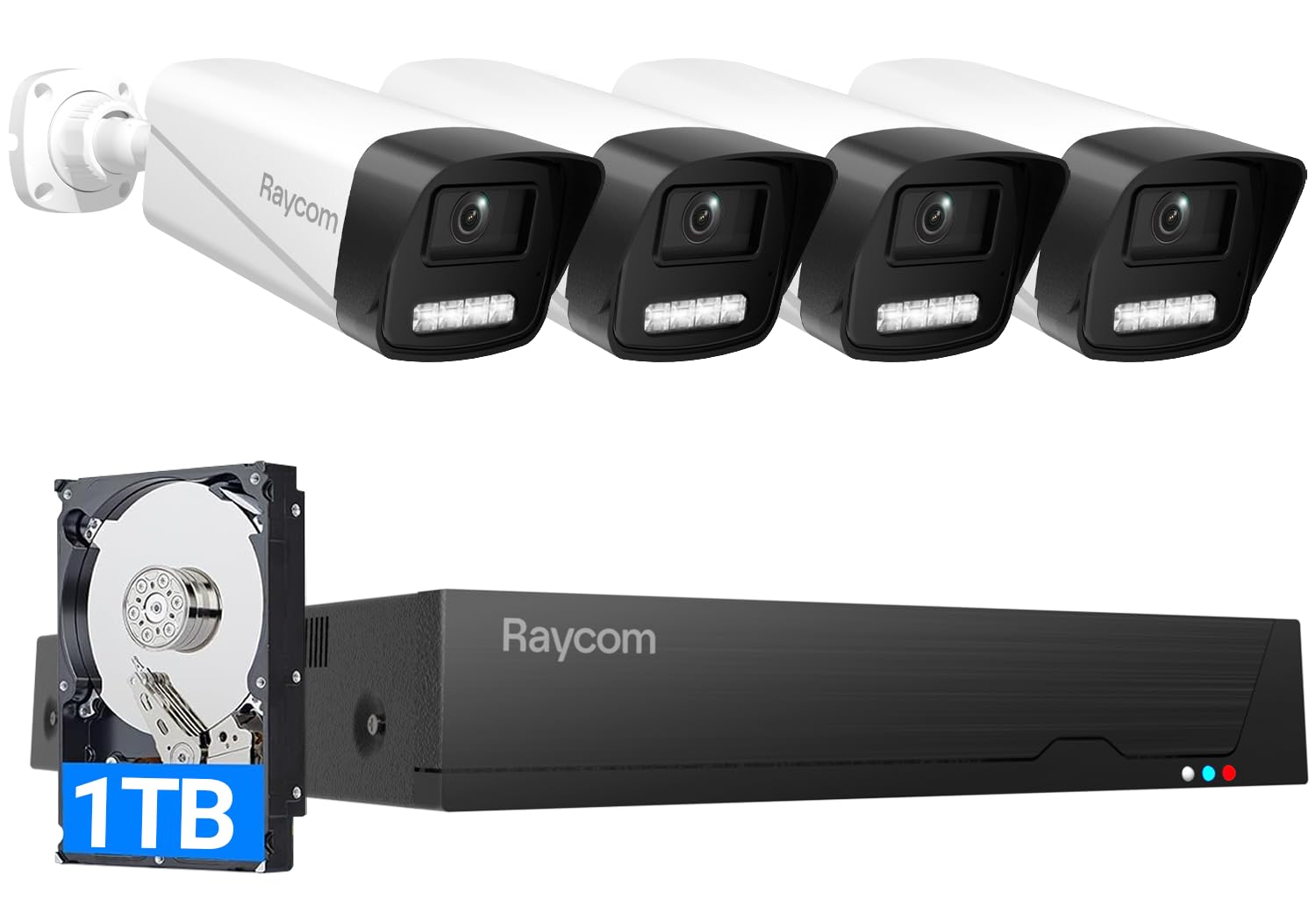
이미지: 이상view of the Rraycom PoE Security Camera System, showing the NVR and four cameras.
2. 상자 안에 무엇이 들어있나요?
패키지에 모든 품목이 들어 있는지 확인하세요.
- 4Ports PoE NVR × 1
- 3MP PoE Cameras × 4
- 1TB HDD (Pre-installed) × 1
- Power Adapter for NVR × 1
- 60ft Ethernet Cable × 4
- 3ft Ethernet Cable × 1
- HDMI 케이블 × 1
- Warning Sticker × 1
- Screws × 1 pack
- 사용 설명서 × 1
- USB 마우스 × 1

Image: Visual representation of all items included in the Rraycom PoE Security Camera System package.
3. 설정 가이드
3.1 시스템 연결
The Rraycom PoE Security Camera System is designed for plug-and-play installation. Follow these steps to connect your system:
- Connect the NVR's LAN port to your router's LAN port using the provided 3ft Ethernet cable.
- Connect the NVR to a monitor (TV or PC) using either the VGA or HDMI cable for real-time view주고받음.
- Connect the USB mouse to a USB port on the NVR for navigation.
- Connect each 3MP PoE camera to any of the PoE ports on the NVR using the provided 60ft Ethernet cables. The cameras will receive both power and data through these cables.
- Connect the 48V DC power adapter cable to the NVR, then plug it into an electrical outlet. The NVR will automatically boot on.

Image: A diagram illustrating the Power over Ethernet (PoE) connection setup, showing cameras connected to the NVR and the NVR connected to a router and monitor.
3.2 NVR 초기 설정
Upon the first boot, a setup wizard will appear on your connected monitor. Follow the on-screen prompts:
- Enter the NVR login password. The default account is 'admin' with the password '123456'. It is highly recommended to change this default password immediately for security.
- Configure network settings. The system supports DHCP for automatic IP address assignment.
- Save the settings to complete the initial setup.
3.3 App Binding and Remote Access
To access your security system remotely via your smartphone or tablet, you need to bind the NVR to the VistaFlow app:
- On the NVR interface, right-click to open the Main Menu.
- Navigate to the 'CloudService' menu.
- Check 'CloudService' to enable it. The system will generate an NVR Device ID QR code.
- Scan the VistaFlow APP QR code displayed on the NVR to download the app to your mobile device.
- Open the VistaFlow app, sign up for an account, and log in.
- In the app, tap 'Add Device' and use the app's scanner to scan the NVR Device ID QR code from your monitor.
- The NVR will be successfully added to your app, allowing remote monitoring and playback.
Video: A step-by-step guide on how to bind the Rraycom PoE Security Camera System to the VistaFlow phone application for remote access.
Video: An instructional video demonstrating the physical setup process for the Rraycom PoE Camera System.
4. 사용 설명서
4.1 라이브 View 및 재생
- 현지의 Viewing: Connect the NVR to a monitor via HDMI or VGA for real-time HD viewing of all camera feeds.
- 원격 Viewing: Use the VistaFlow app on your smartphone, tablet, or PC to view 라이브 피드 및 녹화된 음식tage from anywhere with an internet connection (Wi-Fi, 2G, 3G, or 4G). The app supports quad-view live streaming simultaneously.
- 스마트 재생: The NVR supports smart playback at 25 frames per second, allowing you to review 푸tag전자 효율적으로.

Image: A monitor connected to the NVR, showing a quad-view of live camera feeds from different locations around a property.
4.2 비디오 품질 및 야간 시야
The 3MP cameras provide crystal-clear 1440p HD video resolution. Advanced IR lights enable night vision up to 100ft, ensuring clear visibility even in complete darkness.
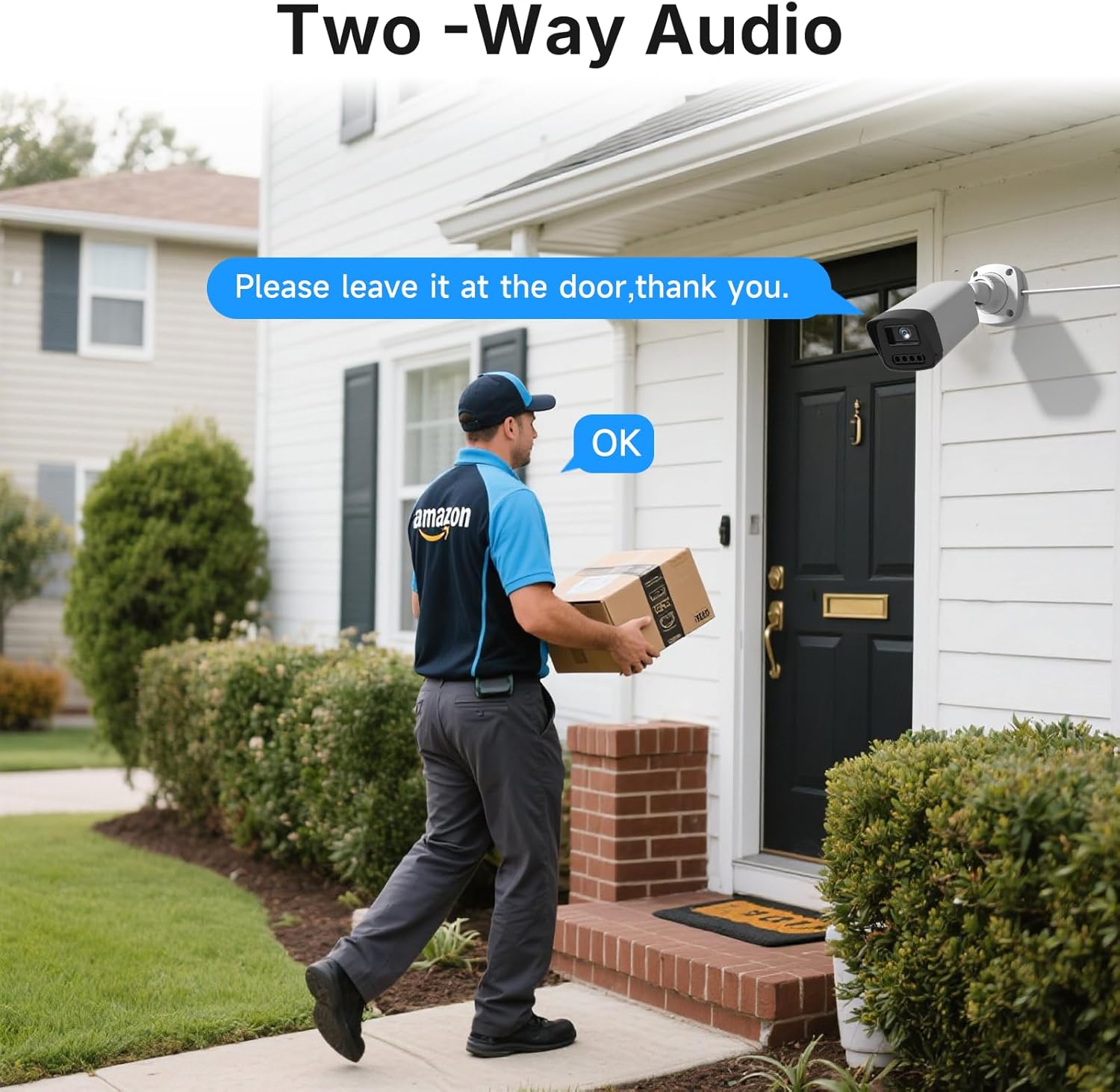
Image: A comparison showing the clear daytime and infrared night vision capabilities of the 3MP cameras, highlighting 100ft IR night vision.
Video: A demonstration of the excellent video quality provided by the Rraycom security cameras, showcasing clear imagery.
4.3 동작 감지 및 알림
The system features AI human detection to minimize false alarms. When suspicious motion is detected:
- You will receive real-time alerts on the free VistaFlow app.
- The camera's spotlight and siren will activate to deter intruders.
- You can customize recording schedules and adjust detection zones for each camera to focus on critical areas.

Image: An illustration of the motion detection feature, showing a spotlight and siren activating, and an app notification for detected motion.

Image: A house with blue overlay grids indicating customizable detection zones, allowing users to define specific areas for motion monitoring.
4.4 양방향 오디오
Each camera is equipped with a built-in microphone and speaker, enabling two-way audio communication. You can listen to surroundings and speak through the camera via the app, allowing you to interact with visitors or deter potential threats.

Image: A delivery person at a front door, with a speech bubble indicating communication through the camera's two-way audio feature.
4.5 기록 및 저장
The NVR comes with a pre-installed 1TB security-grade hard drive, supporting 24/7 continuous recording. The storage is expandable up to 10TB. The system utilizes H.265+ compression, which saves up to 50% more space compared to older formats, maximizing recording duration.
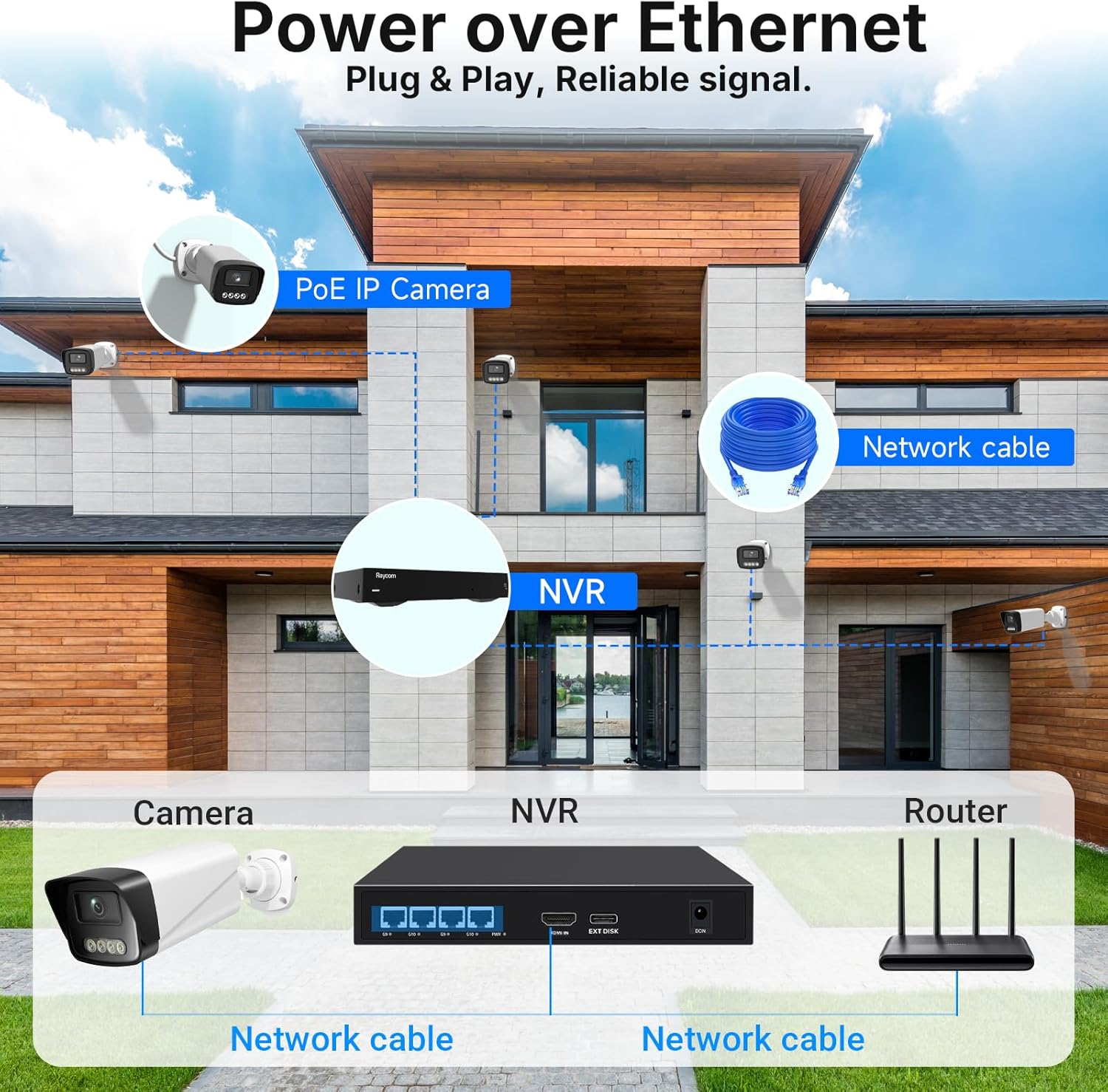
Image: A visual comparison demonstrating the efficiency of H.265+ compression over H.264, showing significant storage space savings.
5. 유지관리
5.1 하드 드라이브 관리
The NVR is configured to automatically overwrite the oldest footage when the hard drive is full, ensuring continuous recording. For long-term storage or specific events, you can easily transfer videos via USB to a memory stick or external hard drive.
5.2 카메라 관리
The cameras are IP66 weatherproof, designed to withstand harsh weather conditions. Periodically inspect camera lenses for dirt or debris and clean them gently with a soft cloth to maintain optimal image clarity.

Image: An Rraycom camera mounted outdoors, with rain falling, illustrating its IP66 weatherproof rating and durability in various temperatures.
6. 문제 해결
If you encounter issues with your Rraycom PoE Security Camera System, consider the following common solutions:
- 영상이 나오지 않습니다: Ensure all Ethernet cables are securely connected between the cameras and the NVR, and between the NVR and the monitor/router. Verify the NVR is powered on.
- 원격 접속 불가: Check your internet connection. Ensure the NVR's CloudService is enabled and correctly bound to the VistaFlow app. Confirm your mobile device has a stable internet connection.
- 이미지 품질이 좋지 않음: Clean the camera lenses. Ensure cameras are positioned correctly and not obstructed. Check for sufficient lighting, especially at night.
- 허위 모션 경고: Adjust the detection zones and sensitivity settings within the NVR or app to reduce unwanted triggers. Utilize AI human detection if available.
- 녹음 안함: Verify the 1TB HDD is properly installed and functioning. Check recording schedules in the NVR settings.
추가적인 도움이 필요하시면 지원 섹션의 연락처 정보를 참조하십시오.
7. 사양
| 특징 | 세부 사항 |
|---|---|
| 상표 | Rraycom |
| 모델 번호 | POE-4PC/3MP |
| 연결 기술 | 유선(PoE) |
| 비디오 캡처 해상도 | 1440p(3MP) |
| 채널 수 | 4 |
| 메모리 저장 용량 | 1TB (10TB까지 확장 가능) |
| 전원 | 코드식 전기 |
| 운영 체제 | Personal Computers, Smartphones, TV, Tablets, Vistaflow |
| 하드웨어 인터페이스 | HDMI, VGA, RJ45, USB |
| 나이트 비전 범위 | 100 피트 |
| View잉 각도 | 130도 |
| 녹화 모드 | 24-7 녹음 |
| 특별 기능 | Audio Recording, Automatic Overwrite, Siren Alarm, Smart Playback, Two-Way Audio, AI Human Detection, Color Night Vision, IP66 Weatherproof |
8. 지원
For any questions, technical support, or warranty inquiries, please contact Rraycom customer support:
- 이메일: aftersale@rraycom.com
- 온라인 리소스: 방문하세요 Rraycom Store on Amazon 추가 제품 정보 및 FAQ를 참조하십시오.
8.1 Data Security and Privacy
Rraycom is committed to protecting your privacy. Your videos are encrypted using AES to ensure data confidentiality, while RSA/ECDHE handles secure key exchange to keep your private data secure at all times.