
1. 서론
This manual provides essential information for the safe and effective operation of your Digitek LED-D432 Bi-Color LED Video Light Studio. Please read this manual thoroughly before using the product and retain it for future reference. The Digitek LED-D432 is a versatile lighting solution designed for photography, videography, and content creation, offering adjustable color temperature and brightness control.
2. 안전 정보
제품 손상이나 본인 또는 타인의 부상을 방지하기 위해 다음 안전 수칙을 준수하십시오.
- 전기 안전: Do not operate the light with wet hands. Ensure the power adapter and cables are undamaged. Disconnect power before cleaning or maintenance.
- 열: The LED panel may become warm during extended use. Do not block ventilation openings. Avoid touching the LED surface directly when hot.
- 눈 보호: Do not look directly into the illuminated LED panel for prolonged periods, as it may cause eye strain or damage.
- 배터리 사용: If using external batteries (F-960/F-770 type), ensure they are compatible and correctly installed. Do not short-circuit, disassemble, or expose batteries to extreme temperatures.
- 환경: Use the light in a dry environment. Protect it from water, moisture, and corrosive liquids. Avoid dropping or subjecting the light to strong impacts.
- 어린이들: 제품을 어린이의 손이 닿지 않는 곳에 보관하세요.
3. 패키지 내용
아래 나열된 모든 품목이 패키지에 포함되어 있는지 확인하세요.
- Digitek LED-D432 Bi-Color Light
- 콜드 슈 어댑터
- 사용자 설명서
Note: Battery is not included with this product and must be purchased separately.

Image: The package includes the LED D432 Bi-Color Light, a Cold Shoe Adapter, and this User Manual. Batteries are sold separately.
4. 제품 오버view
The Digitek LED-D432 Bi-Color LED Video Light features 432 high-quality LEDs, providing a powerful 35W output. It is designed for consistent and bright illumination, suitable for various shooting conditions.
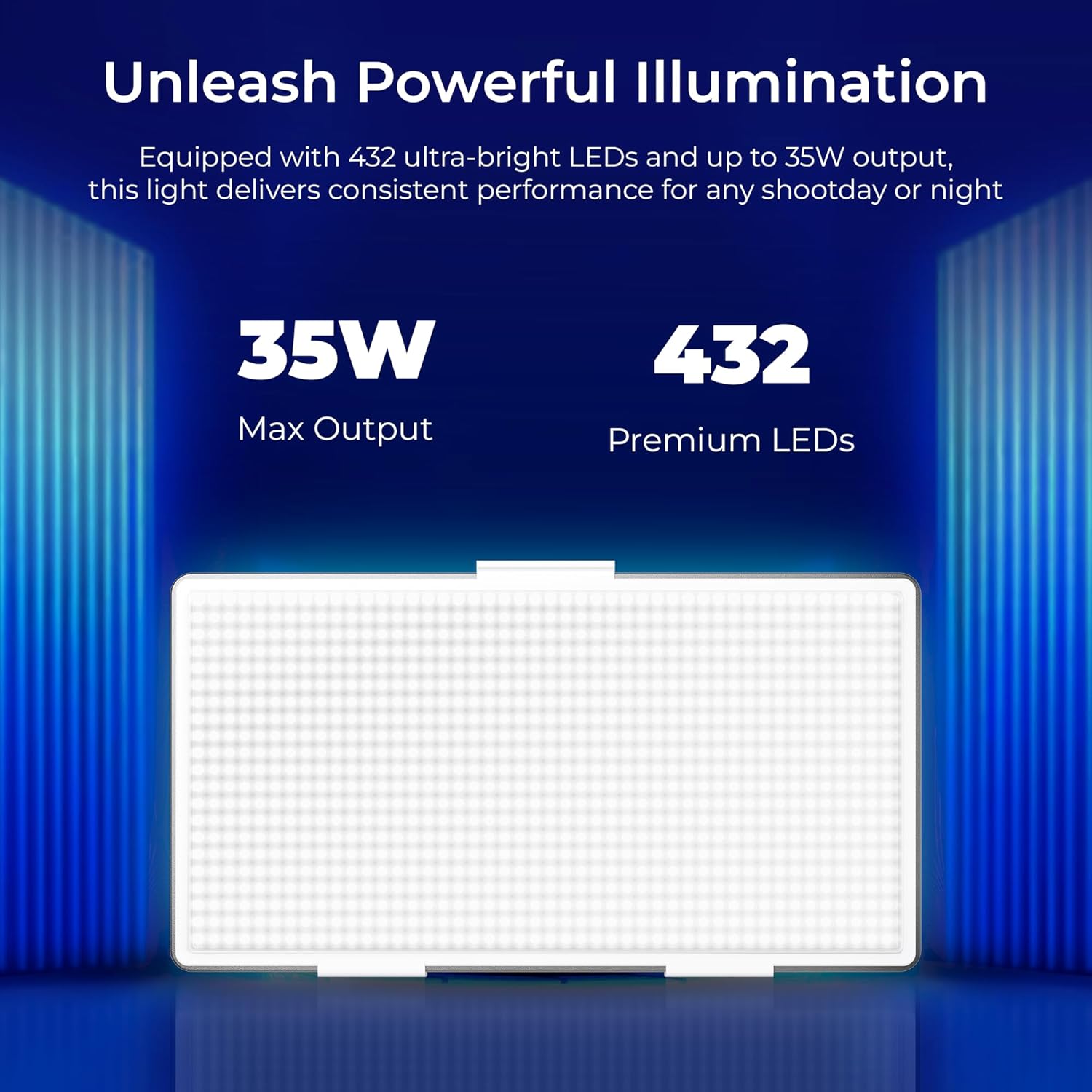
Image: The Digitek LED-D432 light delivers a maximum output of 35W using 432 premium LEDs for powerful illumination.
주요 특징:
- 강력한 조명: 35W output with 432 LEDs.
- 조절 가능한 색온도: Range from 2500K (warm) to 9900K (cool daylight).
- 밝기 조절: 1%에서 100%까지 부드럽게 밝기가 조절됩니다.
- 장착 옵션: Integrated 1/4" screw port for tripods, light stands, or camera rigs.
- 전력 다양성: Compatible with F-960 and F-770 external batteries (not included) for portable use.
- 넓은 빔 각도: 120° for uniform lighting.
- 내구성 있는 디자인: Constructed from ABS+PC material for portability and resilience.
5. 설정
5.1 조명 장착
The LED-D432 features a standard 1/4" screw port for easy attachment to various photographic accessories.
- Locate the 1/4" screw port at the bottom of the light unit.
- Attach the light to a compatible tripod, light stand, or camera rig by screwing it onto the 1/4" mounting screw until secure.
- If using the cold shoe adapter, attach it to the 1/4" screw port first, then mount it onto a camera's hot shoe or cold shoe mount.

Image: The Digitek LED-D432 light can be mounted on a light stand or tripod using its built-in 1/4" screw port.
5.2 조명에 전원 공급
The LED-D432 can be powered using either an AC adapter (not included) or compatible external batteries.
- AC 전원 사용: Connect a compatible DC power adapter (check product specifications for voltage and current requirements) to the DC input port on the light. Plug the adapter into a wall outlet.
- 배터리 사용: Insert a fully charged F-960 or F-770 type battery (not included) into the battery slot on the back of the light, ensuring correct polarity.
6. 사용 설명서
6.1 전원 켜기/끄기
Locate the power switch on the side or back of the unit. Toggle the switch to the 'ON' position to turn on the light. Toggle to 'OFF' to power down.
6.2 밝기 조정
The LED-D432 offers precise brightness control from 1% to 100%.
- Once the light is on, locate the brightness control knob (often labeled 'DIM' or with a brightness icon).
- Rotate the knob clockwise to increase brightness and counter-clockwise to decrease brightness.
- The current brightness level will be displayed on the unit's screen (if available).

Image: The Digitek LED-D432 provides full dimming from 0% to 100% with uniform brightness and no flickering.
6.3 색온도 조정
The bi-color feature allows you to adjust the color temperature from warm (2500K) to cool daylight (9900K).
- Locate the color temperature control knob (often labeled 'CCT' or with a color temperature icon).
- Rotate the knob to adjust the color temperature. Turning it towards lower Kelvin values will produce warmer light, while higher Kelvin values will produce cooler light.
- The selected color temperature will be displayed on the unit's screen (if available).
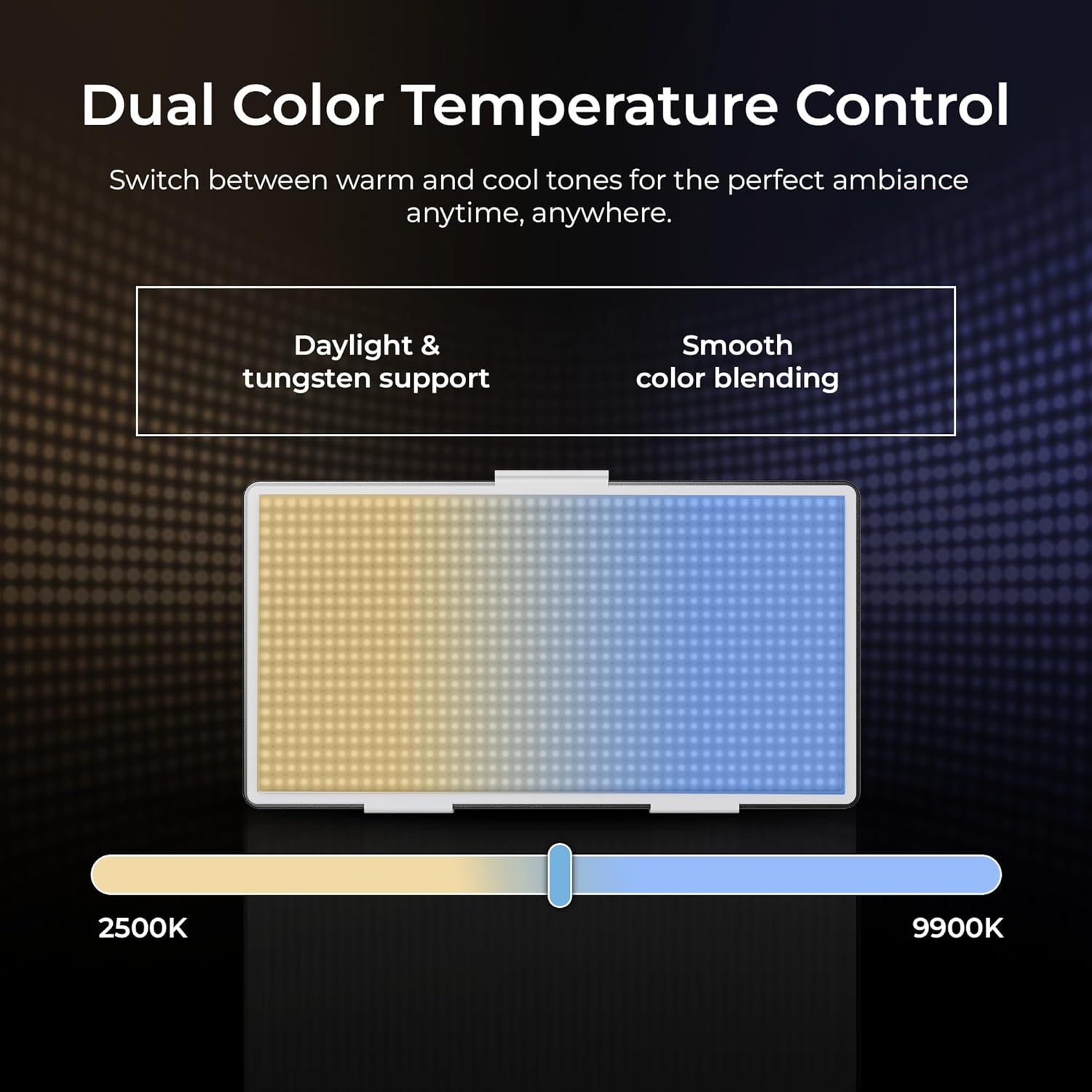
Image: The Digitek LED-D432 allows dual color temperature control, switching between warm (2500K) and cool (9900K) tones for versatile lighting.
6.4 다양한 응용 프로그램
The LED-D432 is suitable for a variety of uses, including portrait photography, product photography, and video production, providing consistent and controllable illumination.

Image: The Digitek LED-D432 is ideal for various applications such as portrait shoots, product photography, and video production.
7. 유지관리
7.1 청소
최적의 성능과 외관을 유지하려면:
- Ensure the light is turned off and disconnected from power before cleaning.
- Use a soft, dry cloth to wipe the exterior of the light.
- 완고한 먼지의 경우 약간 damp 천을 사용한 후 마른 천으로 닦아낼 수 있습니다.
- Do not use harsh chemicals, solvents, or abrasive cleaners, as these can damage the finish or internal components.
7.2 보관
When not in use, store the light in a cool, dry place, away from direct sunlight and extreme temperatures. If using external batteries, remove them from the unit before long-term storage.
8. 문제 해결
If you encounter issues with your Digitek LED-D432, refer to the following common problems and solutions:
| 문제 | 가능한 원인 | 해결책 |
|---|---|---|
| 조명이 켜지지 않습니다. | No power, battery depleted, or power switch off. | Ensure power adapter is connected or battery is charged and inserted correctly. Check power switch position. |
| 빛이 깜빡이거나 불안정합니다. | Low battery power or faulty power connection. | Recharge or replace battery. Check power cable connection. |
| 밝기/색온도를 조절할 수 없습니다. | Control knob malfunction or unit locked. | Ensure no lock function is active (if applicable). Try restarting the unit. If problem persists, contact support. |
| 빛이 지나치게 뜨거워집니다. | Blocked ventilation or prolonged high-power use. | Ensure ventilation openings are clear. Reduce brightness or allow the unit to cool down. |
If the problem persists after attempting these solutions, please contact Digitek customer support.
9. 사양
Technical specifications for the Digitek LED-D432 Bi-Color LED Video Light Studio:
| 특징 | 사양 |
|---|---|
| 모델 번호 | LED-D432 Bi-Color |
| 출력 전력 | 35와트 |
| LED의 수 | 432 |
| 색온도 범위 | 2500K - 9900K |
| 밝기 조절 | 1% - 100% |
| 설치 | 1/4-inch Screw Port |
| 호환 배터리 | F-960 / F-770 series (not included) |
| 제품 치수 | 18.1 x 4.8 x 20.6cm |
| 품목 무게 | 1.5kg |
| 재료 | ABS+PC |
10. 보증 및 지원
10.1 보증 정보
Digitek products are manufactured under strict quality standards. This product is covered by a limited warranty against manufacturing defects. Please refer to the warranty card included with your purchase or visit the official Digitek web자세한 보증 약관은 해당 사이트에서 확인하세요.
10.2 고객 지원
For technical assistance, service, or inquiries, please contact IMS Mercantiles Limited, the manufacturer and importer of Digitek products.
- 제조업체: IMS Mercantiles Limited
- 주소: 704, 7th floor, Ring Road Mall, Sec-3, Rohini, Delhi 110085
- Customer Helpline (Toll Free): 1800-123-544-444
- 이메일: support@digitek.net.in