
소개
This manual provides detailed instructions for the setup, operation, and maintenance of your NiTHO NEXUS Wireless Controller. Please read this manual thoroughly before using the product to ensure proper functionality and to prevent damage.
제품 끝view
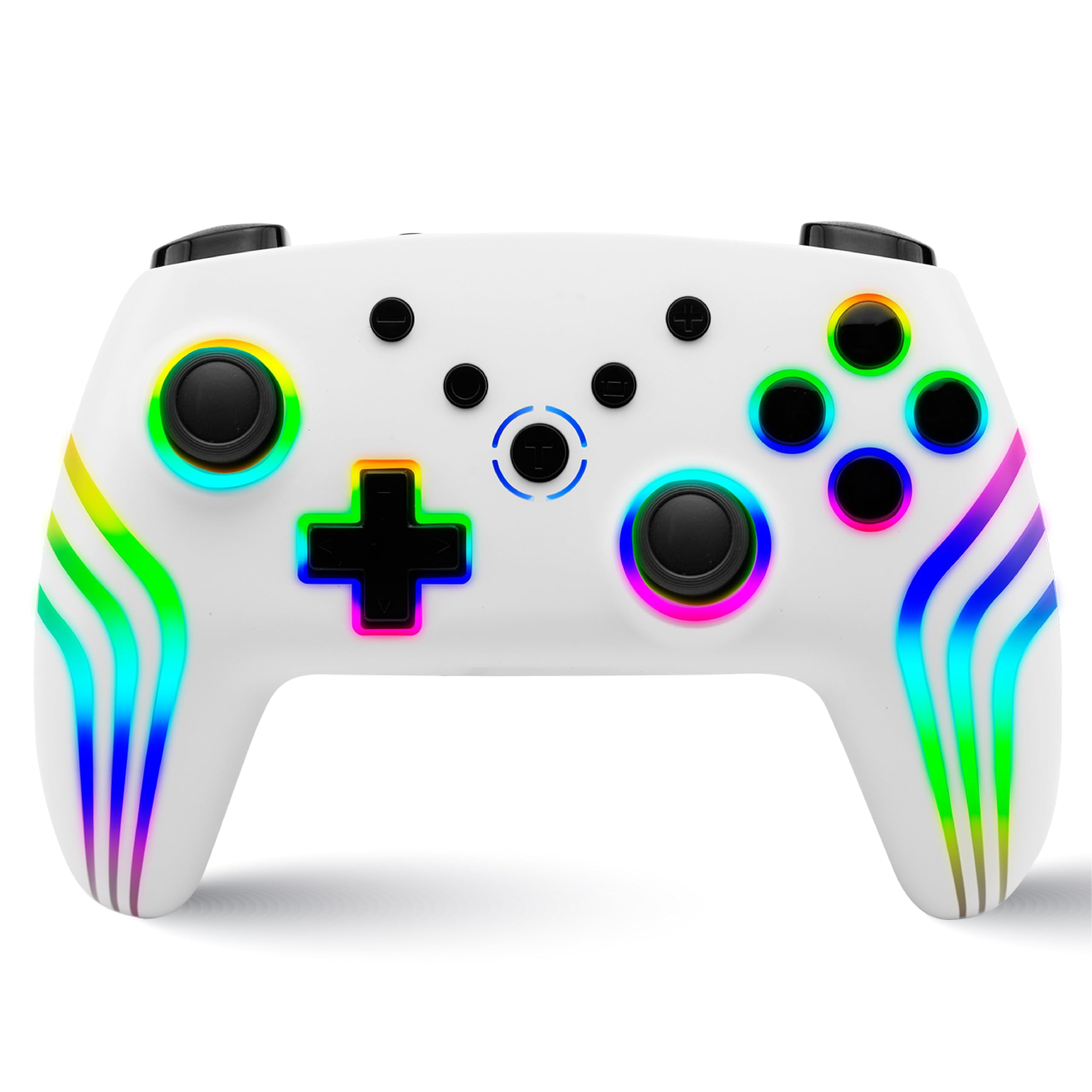
The NiTHO NEXUS Wireless Controller is designed for multi-platform gaming, offering compatibility with PC (Windows), Switch 2, Switch / Lite / OLED, Android, and iOS devices. It features Hall Effect triggers, a 6-axis gyro, adjustable vibration, and customizable RGB lighting.
컨트롤러 레이아웃
영상: 앞면과 뒷면 view of the NiTHO NEXUS Wireless Controller with all buttons and ports clearly labeled. Key labels include HOME button, Screenshot key, +/- keys, Pairing button, Left Rockers, Cross arrow key, TURBO button, Mode Indicator Light, A/B/X/Y Keys, Right Rockers, R1, R2, L1, L2, TYPE-C charging port, and Force Online button.
설정
컨트롤러 충전하기
Before initial use, fully charge the controller. Connect the supplied USB Type-C cable to the controller's charging port and the other end to a USB power source (e.g., PC, USB wall adapter). The charging indicator will show the charging status and turn off when fully charged. A full charge takes approximately 2.5 hours and provides up to 9 hours of gameplay.

영상: Illustration showing the controller's 800mAh battery capacity, indicating up to 9 hours of gameplay and a 2.5-hour charging time.
장치와 페어링
The NiTHO NEXUS controller supports wireless connection via Bluetooth to various platforms.

영상: The NiTHO NEXUS controller highlighting its universal compatibility with Switch 1 & 2, PC, Android, and iOS devices.
- 닌텐도 스위치 / 스위치 2: Turn on your Switch console. Go to "Controllers" > "Change Grip/Order". Press and hold the Pairing button on the top of the NEXUS controller until the indicator lights flash rapidly. Once paired, the indicator light will become solid.
- PC(윈도우): Ensure your PC has Bluetooth enabled. Go to "Bluetooth & other devices" settings, click "Add Bluetooth or other device", then "Bluetooth". Press and hold the Pairing button on the controller. Select "Nitho NEXUS" from the list of available devices.
- 안드로이드/iOS: Enable Bluetooth on your mobile device. Press and hold the Pairing button on the controller. Select "Nitho NEXUS" from the list of available Bluetooth devices.
작동 지침
진동 설정
The controller features dual motor vibration with four adjustable levels: Off, Low, Medium, and High. These can be adjusted to suit your preference during gameplay.

영상: The controller with visual cues for dual motor vibration, showing 0%, 50%, 75%, and 100% intensity levels.
터보 기능
The programmable turbo function allows for rapid, repeated button presses. It has three speed settings: 5, 10, or 15 shots per second.
- 터보를 활성화하려면: Press and hold the TURBO button, then press the desired action button (e.g., A, B, X, Y, L1, R1, L2, R2). The button will now continuously register presses when held.
- 터보 속도를 조정하려면: With Turbo active, press and hold the TURBO button, then move the Right Rocker (right analog stick) Up or Down to cycle through the speeds.
- 터보 기능을 비활성화하려면: Press and hold the TURBO button, then press the action button again.

영상: The controller highlighting the Turbo function, showing options for 5, 10, and 15 shots per second.
RGB 조명 모드
The controller features customizable RGB lighting with 7 vibrant colors and 4 dynamic lighting modes.
- Jumping Light Effect: Colors change rapidly.
- Colorful Constant Light Effect: A single color remains constant.
- Rainbow Color Mixing Light Effect: Colors blend and transition smoothly.
- 숨쉬는 듯한 빛 효과: 색상이 서서히 나타났다 사라진다.
Refer to the controller's specific button combinations (usually a dedicated RGB button or a combination with the HOME button) to cycle through these modes and colors.

영상: The controller displaying various RGB LED light multi-effects, including Jumping Light, Colorful Constant Light, Rainbow Color Mixing Light, and Breathing Light.
6-Axis Gyro Motion Sensor
The integrated 6-axis gyro sensor allows for precise motion control in compatible games, capturing tilts and rotations for responsive gameplay, particularly in racing, action, and adventure titles.

영상: The controller with an overlay demonstrating its 6-axis motion sensing capabilities, showing rotational movement.
홀 효과 트리거
The magnetic Hall Effect triggers provide smooth and accurate input, reducing wear and preventing common issues like stick drift, ensuring long-lasting precision.

영상: Close-up of the controller's trigger area, emphasizing the Hall Effect Trigger technology.
유지
- 부드럽고 마른 천으로 닦아 컨트롤러를 깨끗하게 유지하세요.
- 컨트롤러를 극한 온도, 직사광선 또는 습기에 노출시키지 마세요.
- 컨트롤러를 분해하려고 시도하지 마십시오. 분해하면 보증이 무효화됩니다.
- 컨트롤러를 사용하지 않을 때는 물리적 손상을 방지하기 위해 안전한 장소에 보관하십시오.
문제 해결
- 컨트롤러가 페어링되지 않음: Ensure the controller is charged. Make sure Bluetooth is enabled on your device and the controller is in pairing mode (indicator lights flashing). Try restarting both the controller and the device.
- 입력 지연 또는 연결 끊김: 컨트롤러와 기기 사이에 장애물이 없는지 확인하십시오. 기기에 더 가까이 이동하십시오. 다른 무선 기기와의 간섭을 줄이십시오.
- 버튼이 반응하지 않음: Check if the controller is charged. If specific buttons are unresponsive, try resetting the controller (refer to the "Force Online button" or a small reset pinhole if available, not explicitly mentioned but common).
- 진동이 작동하지 않습니다: Check in-game settings to ensure vibration is enabled. Verify the controller's vibration level is not set to "Off".
- 스틱 드리프트: The NiTHO NEXUS features Hall Effect triggers designed to prevent stick drift. If you experience this issue, ensure the controller's firmware is up to date (check manufacturer's website) or contact support.
명세서
| 특징 | 세부 사항 |
|---|---|
| 모델 번호 | NEXUS |
| 호환성 | PC (Windows), Switch 2, Switch / Lite / OLED, Android, iOS |
| 연결성 | 무선(블루투스) |
| 배터리 | 800mAh 비표준 배터리(포함) |
| 배터리 수명 | 최대 9시간 |
| 충전 시간 | 약 2.5시간 |
| 트리거 | Magnetic Hall Effect Triggers |
| 모션 센서 | 6축 자이로 |
| 진동 | Dual Motor, 4 adjustable levels |
| 터보 기능 | 3 speeds (5, 10, 15 shots/sec) |
| RGB 조명 | 7 colors, 4 dynamic modes |
| 제품 치수 | 16.1 x 6.5 x 11.1cm |
| 품목 무게 | 270g |
| 원산지 | 중국 |
보증 및 지원
For warranty information and technical support, please refer to the official Nitho website or contact their customer service directly. The manufacturer's contact email is: nithoamazonin@mtm-t.com.
For support in India, you may also contact the importer: Marketgate Technologies Private Limited, India, email: marketgateindia@gmail.com.
보증 청구를 위해 구매 증명서를 보관하십시오.