
LongPlus X84
LongPlus 2K Vicohome Wireless Outdoor Security Camera Instruction Manual
모델 : X84
소개
This manual provides detailed instructions for the installation, operation, and maintenance of your LongPlus 2K Vicohome Wireless Outdoor Security Camera. Please read this manual thoroughly before using the product to ensure proper functionality and safety.

Image: Two LongPlus 2K Vicohome Wireless Outdoor Security Cameras, black, with water droplets, mounted on a wall bracket.
패키지 내용
아래 나열된 모든 품목이 패키지에 포함되어 있는지 확인하세요.
- Security Camera with Bracket
- 나사 팩
- 바늘 재설정
- USB 케이블
- 빠른 시작 가이드
제품 특징
- AI Event Analysis: Identifies and differentiates between people, pets, vehicles, and packages to reduce false alarms.
- 3MP Color Night Vision: Captures clear color images in low light conditions up to 33 feet.
- PIR Motion Detection & Siren Alarm: Triggers an audio and strobe light alarm upon detecting humanoid motion.
- 유연한 스토리지: Supports up to 128GB Micro SD card (not included) and optional cloud storage.
- 양방향 통화: Allows communication through the Vicohome app.
- 100% Wire-free: Battery-operated design for easy installation without wiring.
- 스마트 홈 통합: 아마존 알렉사와 호환됩니다.
- 넓은 분야 View: 125도 view잉 각도.
- 비바람에 견디는 디자인: IP65 등급으로 실외 사용에 적합합니다.
설정
1. 카메라 충전
Before initial use, fully charge the camera using the provided USB cable. The charging indicator light will show the charging status.
2. 앱 설치 및 계정 생성
- Download the "Vicohome" app from your smartphone's app store (iOS or Android).
- 앱을 열고 화면의 지시에 따라 계정을 만들고 로그인하세요.
3. Wi-Fi에 연결하기
- Ensure your camera is powered on and near your Wi-Fi router.
- Vicohome 앱에서 "+" 아이콘을 탭하여 새 기기를 추가하세요.
- Follow the app's instructions to connect the camera to your 2.4GHz Wi-Fi network. 5GHz networks are not supported.
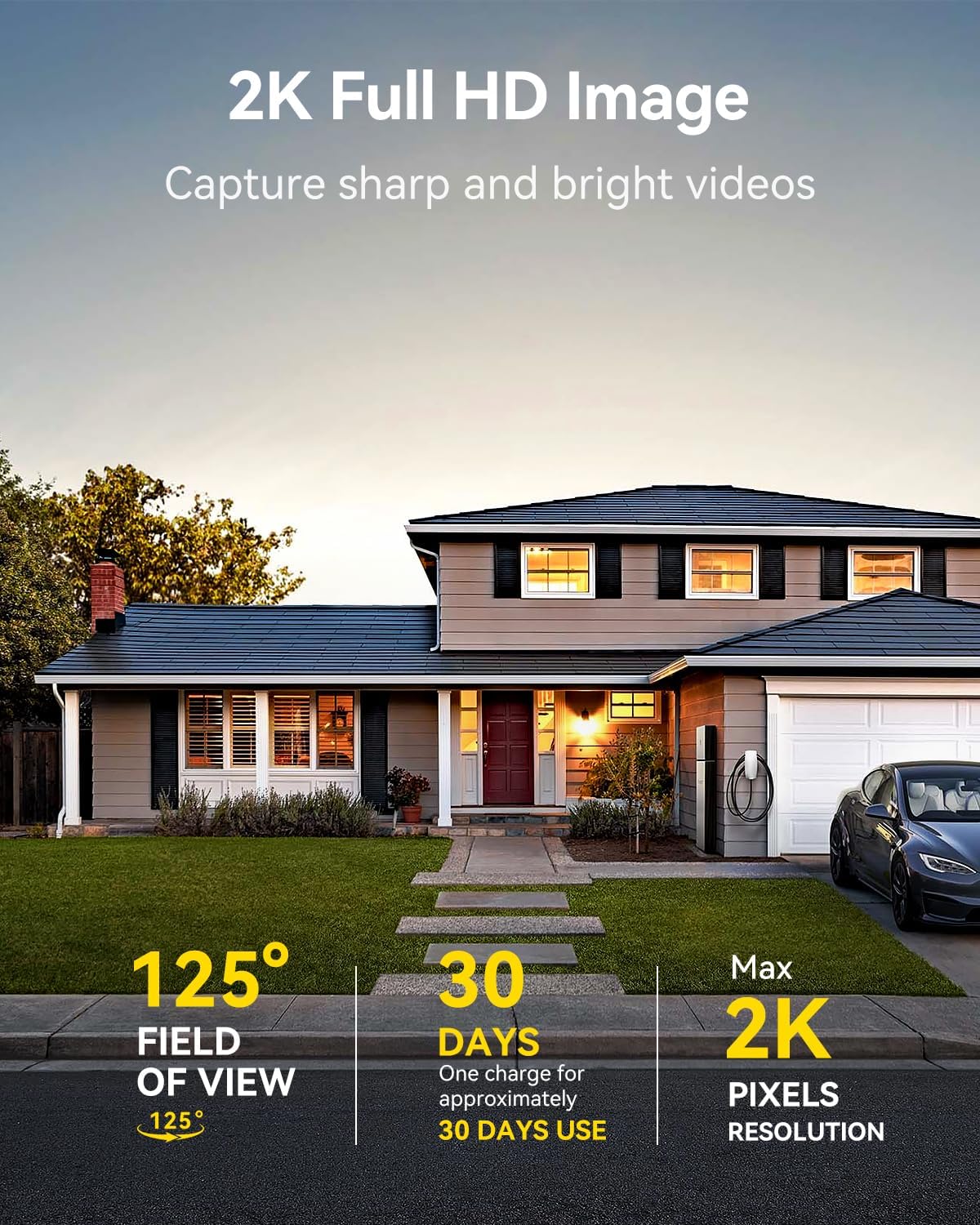
Image: A LongPlus security camera on a wooden table, illustrating its 2.4GHz WiFi connectivity.
4. 카메라 장착
The camera can be mounted on a ceiling or wall. Choose a location that provides the desired view각도가 조정되고 있으며 Wi-Fi 범위 내에 있습니다.
- Mark the positions for drilling using the camera bracket as a template.
- 필요한 경우 파일럿 구멍을 뚫고 벽 앵커를 삽입합니다.
- 제공된 나사를 사용하여 브래킷을 표면에 고정하십시오.
- 카메라를 브래킷에 부착하고 각도를 조절하세요.

Image: A LongPlus security camera mounted on an outdoor wall, demonstrating its wire-free installation.
작업
1. 라이브 View
Open the Vicohome app and select your camera to view the live feed. You can monitor your surroundings in real-time.

Image: A smartphone displaying the live feed from a LongPlus security camera, showing children playing in a yard.
2. 양방향 대화
라이브에서 view screen in the app, tap the microphone icon to initiate two-way communication. Speak into your phone to communicate with individuals near the camera.

Image: A person receiving a package at their front door, demonstrating the two-way talk feature of the LongPlus camera.
3. 동작 감지 설정
Configure motion detection sensitivity and define detection zones within the Vicohome app settings for your camera. This helps in reducing unwanted alerts.

Image: A man walking past a LongPlus security camera, illustrating motion detection and app alerts.

이미지: 항공 사진 view of a house with a pool, illustrating customizable motion detection zones for different objects.

Image: A house with a lawn, demonstrating the ability to set specific motion detection zones.
4. 야간 투시경
The camera automatically switches to color night vision in low light conditions, providing clear visibility.

Image: A LongPlus security camera mounted outdoors at night, showing its color night vision capability on a smartphone screen.
5. 녹음 및 재생
Recordings are stored on a Micro SD card (if installed) or in the cloud (subscription may be required). Access and playback recorded events through the Vicohome app's library section.

Image: A LongPlus camera with an SD card being inserted, illustrating local and cloud storage options.
6. 장치 공유
You can share access to your camera with other users through the Vicohome app, allowing multiple individuals to monitor the feed simultaneously.
7. 스마트 홈 통합
The camera is compatible with Amazon Alexa. Follow the instructions in the Vicohome app or Alexa app to link your devices and use voice commands for monitoring.

Image: A person using an Amazon Echo Show to view the camera feed via Alexa voice commands.
유지
1. 배터리 충전
Monitor the battery level through the Vicohome app. Recharge the camera when the battery is low to ensure continuous operation. If the camera is installed in a hard-to-reach location, consider using a compatible solar panel charger (sold separately) to reduce the frequency of manual charging.
2. SD 카드 관리
If using a Micro SD card, ensure it is a genuine card and inserted correctly. Periodically review 저장된 foo를 관리합니다.tage. The card can be ejected with a gentle press.
3. 청소
Gently wipe the camera lens and body with a soft, dry cloth to remove dust and debris. Avoid using harsh chemicals or abrasive materials.
문제 해결
| 문제 | 가능한 원인 | 해결책 |
|---|---|---|
| 카메라가 Wi-Fi에 연결되지 않음 | Incorrect Wi-Fi password; camera too far from router; 5GHz Wi-Fi network used. | Verify Wi-Fi password. Move camera closer to router. Ensure you are connecting to a 2.4GHz Wi-Fi network. Reset the camera using the reset needle and try pairing again. |
| 빈번한 허위 경보 | High motion detection sensitivity; environmental factors (e.g., moving branches, insects). | Reduce motion detection sensitivity in the Vicohome app. Define specific detection zones to exclude irrelevant areas. |
| 배터리 수명이 짧음 | Frequent motion detection events; cold weather; continuous live view 용법. | Reduce motion detection sensitivity. Limit live view sessions. Consider purchasing a solar panel charger for continuous power. Ensure the camera is fully charged before deployment. |
| 야간 화질이 좋지 않음 | Obstructions near the lens; insufficient ambient light for color night vision. | Ensure the camera lens is clean and free from obstructions. Verify that the night vision mode is active in the app settings. |
| SD 카드가 녹화되지 않습니다 | SD card not inserted correctly; incompatible SD card; SD card full or corrupted. | Reinsert the SD card carefully. Use a genuine Micro SD card up to 128GB. Format the SD card through the app. Replace the SD card if corrupted. |
명세서
| 특징 | 세부 사항 |
|---|---|
| 모델 번호 | X84 |
| 실내/실외 사용 | 실내, 실외 |
| 전원 | 배터리 구동 |
| 연결 프로토콜 | 와이파이(2.4GHz) |
| 컨트롤러 유형 | Amazon Alexa, Vicohome App |
| 비디오 캡처 해상도 | 1440p(2K) |
| 효과적인 스틸 해상도 | 3 MP |
| View잉 각도 | 130도 |
| 나이트 비전 범위 | 33 피트 |
| 프레임 속도 | 초당 15프레임 |
| 재료 | 고품질 ABS |
| 방수 레벨 | IP65 (방수) |
| 플래시 메모리 지원 크기 최대 | 128GB(마이크로SD) |
| 품목 치수(L x W x H) | 2.36 x 2.16 x 4 인치 |
| 품목 무게 | 1.59파운드(0.72킬로그램) |
| 배터리 | 1개의 리튬 이온 배터리 필요(포함) |
지원하다
For technical assistance, troubleshooting beyond this manual, or warranty inquiries, please contact LongPlus customer support. Refer to the product packaging or the official LongPlus web연락처 정보 사이트.
또한 다음을 방문할 수도 있습니다. LongPlus Store on Amazon 추가 제품 정보 및 리소스를 확인하세요.
Ask a question about this manual
Ask about setup, troubleshooting, compatibility, parts, safety, or missing instructions. Manuals+ will review the question and use this page’s manual context to help answer it.