
소개
Thank you for choosing the Rii RK211 Wireless Keyboard and Mouse Combo. This product provides a reliable 2.4G wireless connection for your computer, laptop, or other compatible devices. This manual will guide you through the setup, operation, maintenance, and troubleshooting of your new wireless keyboard and mouse.
설치 지침
Follow these steps to set up your Rii RK211 Wireless Keyboard and Mouse Combo:
- 배터리 설치: The keyboard requires 1 AAA battery, and the mouse requires 1 AA battery. Open the battery compartments on both devices and insert the batteries, ensuring correct polarity.
- USB 수신기를 찾으세요: The tiny nano USB receiver is stored in the compartment next to the mouse battery slot. Open the mouse battery cover to find it.
- 수신기를 연결하십시오: USB 수신기를 컴퓨터나 노트북의 사용 가능한 USB 포트에 연결합니다.
- 전원 켜기: Turn on the mouse using the ON/OFF switch located on its underside. The keyboard does not have a separate power switch and will activate upon battery installation and key press.
- 자동 연결: The keyboard and mouse will automatically connect to your device. No additional drivers are required for most operating systems.
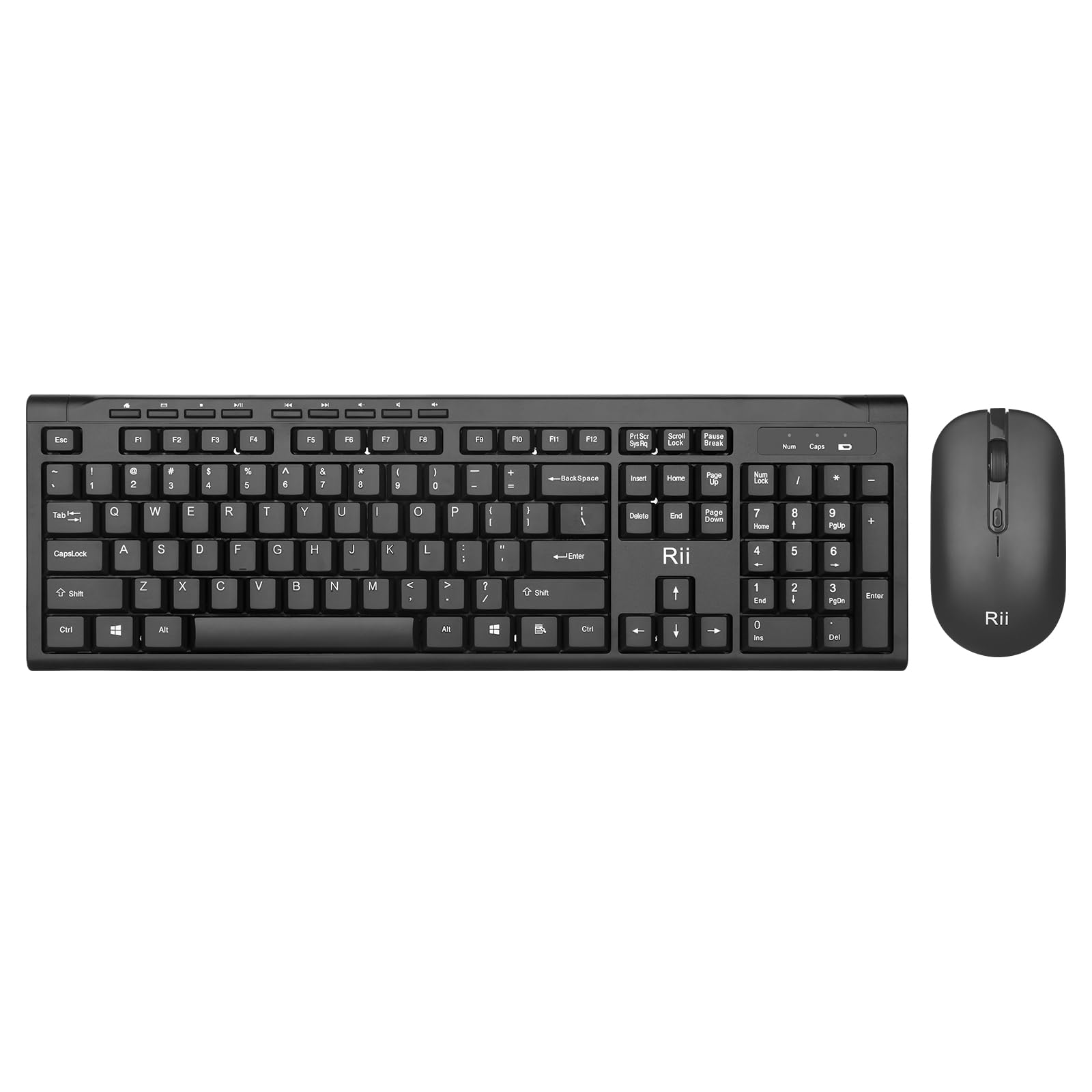
Image: The Rii RK211 wireless keyboard and mouse connected to a laptop using a single unifying nano receiver for plug-and-play functionality.

Image: The USB receiver is conveniently stored inside the mouse's battery compartment for safekeeping.
작동 지침
This section details the usage of your Rii RK211 Wireless Keyboard and Mouse Combo.
키보드 기능:
- Full-Sized Layout: The keyboard features a standard US QWERTY layout with a numeric keypad for efficient typing.
- 조정 가능한 기울기 각도: Utilize the adjustable legs on the underside of the keyboard to set a comfortable typing position and reduce wrist fatigue.
- 멀티미디어 단축키: Access 9 dedicated multimedia hotkeys for quick control over media playback, email, internet browser, volume, and more. Note: These shortcuts may have limited compatibility with Mac operating systems.

Image: The keyboard features an ergonomic design with adjustable legs to enhance typing comfort.
마우스 기능:
- 인체공학적 디자인: The mouse is contoured to fit comfortably in your hand, supporting extended use.
- 조정 가능한 DPI: Cycle through DPI settings of 800, 1000, 1200, and 1600 to adjust cursor sensitivity and precision on various surfaces. The DPI button is typically located near the scroll wheel.

이미지: 이 마우스는 편안한 사용을 위해 인체공학적 디자인을 특징으로 합니다.
유지
적절한 유지 관리는 무선 콤보 제품의 수명과 최적의 성능을 보장합니다.
- 배터리 교체: Replace batteries when performance degrades. The keyboard uses 1 AAA battery, and the mouse uses 1 AA battery.
- 청소: 부드럽고 마른 천을 사용하여 키보드와 마우스 표면을 닦으세요. 잘 지워지지 않는 먼지의 경우, 약간amp 천을 사용하여 내부 부품에 습기가 들어가지 않도록 하십시오. 강한 화학 물질은 사용하지 마십시오.
- 저장: 장기간 사용하지 않을 때는 배터리 수명 절약을 위해 마우스 전원을 끄십시오. USB 수신기는 분실을 방지하기 위해 마우스 배터리 칸에 보관하십시오.
- 자동 절전: Both devices feature an automatic sleep function. If inactive for more than 10 minutes, they will enter sleep mode. To reactivate, simply click any mouse button or press any key on the keyboard.
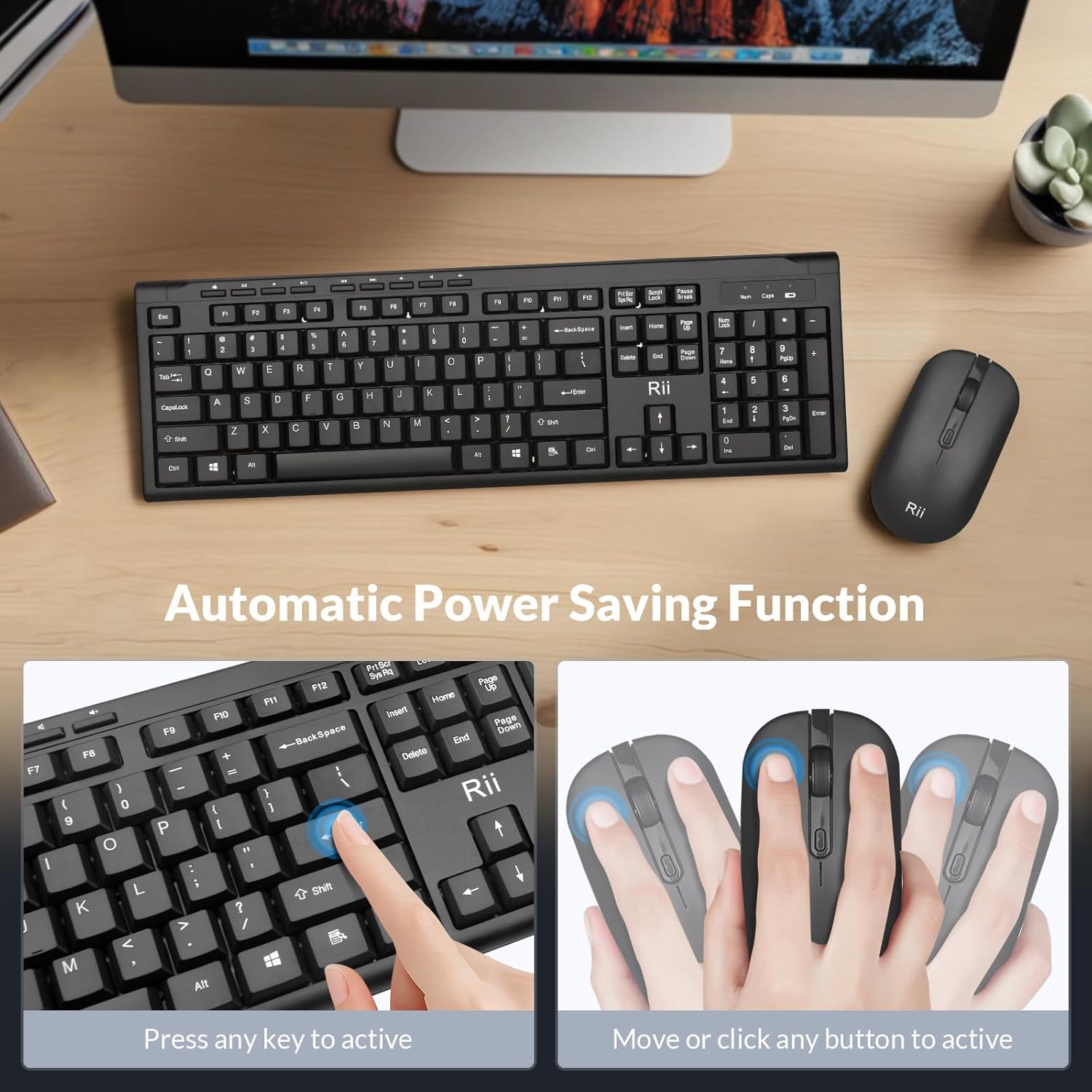
Image: The keyboard and mouse feature an automatic power saving function, activated by pressing any key or moving/clicking the mouse.
문제 해결
If you encounter issues, refer to the following troubleshooting tips:
- 연결 안 됨/지연:
- USB 수신기가 작동하는 USB 포트에 단단히 꽂혀 있는지 확인하세요.
- Check if the mouse is turned ON.
- 키보드와 마우스의 배터리를 모두 교체하세요.
- Move the devices closer to the USB receiver to rule out range issues (max 33 ft).
- USB 수신기를 컴퓨터의 다른 USB 포트에 꽂아보세요.
- 마우스 커서가 튀거나 정확도가 떨어짐:
- 마우스의 DPI 버튼을 사용하여 DPI 설정을 변경하세요.
- 마우스를 사용할 때는 적절한 표면(반사율이 높거나 투명한 표면은 피하십시오)에서 사용하십시오.
- 마우스 밑면의 광학 센서를 청소하세요.
- Keyboard Not Typing:
- 키보드를 절전 모드에서 깨우려면 아무 키나 누르십시오.
- Replace the AAA battery in the keyboard.
- Ensure the USB receiver is connected.
- 맥에서 멀티미디어 키가 작동하지 않습니다:
- Some multimedia shortcuts may not be fully compatible with Mac OS. This is expected behavior.
명세서
| 상표 | Rii |
| 모델 번호 | RK211 |
| 색상 | 검은색 |
| 연결 기술 | 2.4G 무선 |
| 특징 | 인체공학적 디자인 |
| 호환 장치 | Laptop, Desktop, PC, Chromebook, Notebook (Windows 11/10/8/7/Vista/XP, Chrome OS, Linux, Mac OS) |
| 필요한 배터리 | Yes (1 AAA for keyboard, 1 AA for mouse - Not Included) |
| 품목 무게 | 0.7 킬로그램 |
| 키보드 설명 | 멀티미디어 |
| 마우스 DPI 설정 | 800-1000-1200-1600DPI |

Image: Detailed dimensions of the Rii RK211 keyboard and mouse.
보증 정보
The Rii RK211 Wireless Keyboard and Mouse Combo comes with a 365일 보증 구매일로부터. 본 보증은 제조상의 결함에 대한 보증이며, 정상적인 사용 환경에서 제품이 의도한 대로 작동하는지 확인합니다. 보증 청구를 위해 구매 증빙 자료를 보관해 주십시오.
지원하다
For further assistance, technical support, or warranty inquiries, please refer to the contact information provided with your product packaging or visit the official Rii web대지. 다음을 방문할 수도 있습니다. 아마존에서 Rii 스토어를 만나보세요 자세한 정보와 제품 리소스를 확인하세요.