
소개
The NEWSKILL Aton V2 Gaming Headset offers versatile connectivity options including 2.4G wireless, Bluetooth 5.0, and a wired USB-C connection, ensuring compatibility across multiple platforms. Designed for an immersive audio experience, it features 50mm neodymium drivers, a flexible retractable microphone for clear communication, and customizable RGB lighting. This manual provides essential information for setting up, operating, and maintaining your headset.
1. 패키지 내용
- NEWSKILL Aton V2 Gaming Headset
- USB-C-USB-A 충전/데이터 케이블
- 2.4G USB 무선 동글
- 사용자 설명서
2. 제품 오버view (제어 및 포트)
Familiarize yourself with the various controls and ports on your NEWSKILL Aton V2 headset for optimal use.

This image displays the control layout on the left earcup, including the volume adjustment wheel, power button, microphone mute switch, and a button for managing RGB lighting effects.

The underside of the left earcup features the USB-C port for charging and wired connection, alongside the dedicated port for the retractable microphone.
- 전원 버튼: Located on the left earcup. Used to power the headset on/off and enter Bluetooth pairing mode.
- 볼륨 롤러: A scroll wheel on the left earcup for adjusting audio output volume.
- 마이크 음소거 버튼: A dedicated button on the left earcup to quickly mute or unmute the microphone.
- RGB 제어 버튼: Cycles through RGB lighting modes or turns the lighting off.
- USB-C 포트: For charging the headset and establishing a wired connection.
- 마이크 포트: Where the retractable microphone extends from.
3. 설정 및 연결
3.1. 2.4G Wireless Connection (PC, PS5, Nintendo Switch Docked)
- Insert the 2.4G USB wireless dongle into an available USB port on your device (PC, PS5, or Nintendo Switch dock).
- 를 누르고 계세요 전원 버튼 on the headset for 3 seconds to turn it on.
- The headset will automatically attempt to connect to the dongle. A solid indicator light on the headset signifies a successful connection.
- 시스템 설정에서 헤드셋이 오디오 출력 및 입력 장치로 선택되어 있는지 확인하십시오.
3.2. Bluetooth 5.0 Connection (Mobile Devices, Nintendo Switch Handheld)
- 를 누르고 계세요 전원 버튼 on the headset for 3 seconds to turn it on.
- To enter Bluetooth pairing mode, press and hold the 전원 버튼 for an additional 5 seconds until the indicator light flashes rapidly (usually blue/red).
- On your mobile device or Nintendo Switch (in handheld mode), navigate to the Bluetooth settings and search for available devices.
- Select "NEWSKILL Aton V2" from the list to pair. A solid blue indicator light confirms a successful connection.
3.3. 유선 연결(USB-C)
- Connect one end of the provided USB-C cable to the USB-C port on the headset.
- Connect the other end of the USB-C cable to an available USB-C port on your device.
- The headset will function as a wired audio device. No battery power is required for wired operation.
4. 사용 설명서
4.1. 전원 켜기/끄기
- 전원 켜기: 를 누르고 계세요 전원 버튼 3초 동안.
- 전원 끄기 : 를 누르고 계세요 전원 버튼 for 5 seconds until the indicator light turns off.
4.2. 볼륨 조절
- 회전하다 볼륨 롤러 upwards to increase the volume.
- 회전하다 볼륨 롤러 downwards to decrease the volume.
4.3. 마이크 사용
- 마이크 확장: Gently pull the microphone out from its port on the left earcup. Adjust its position for optimal voice pickup.
- 마이크 수납: Push the microphone back into its port until it is fully stored.
- 음소거/음소거 해제: 를 누르세요 마이크 음소거 버튼 once to toggle mute on or off. An indicator light (if present) may show the mute status.
This image shows the headset with its flexible, omnidirectional microphone extended from the left earcup, positioned for clear voice communication.

The headset is shown with the microphone retracted, demonstrating its discreet storage when not in use.
4.4. RGB 조명 제어
- 를 누르세요 RGB 제어 버튼 to cycle through various lighting effects or to turn the RGB lighting off.

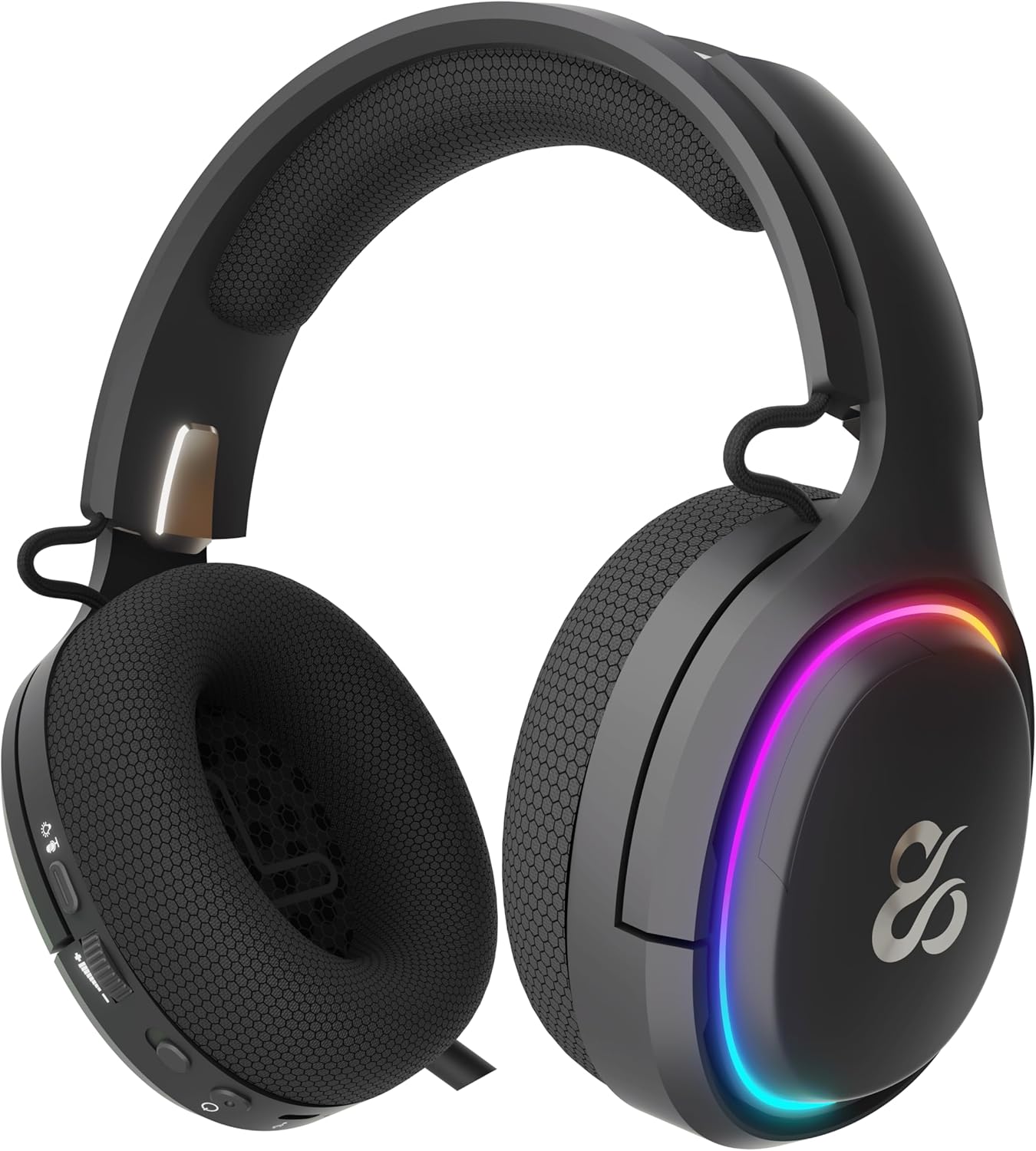
The earcup's outer ring illuminates with a colorful RGB light effect, customizable via the dedicated control button.
4.5. 충전
- Connect the provided USB-C cable to the headset's USB-C port and to a power source (e.g., computer USB port, USB wall adapter).
- The indicator light will show the charging status (e.g., red for charging, off or green for fully charged).
- A full charge provides up to 60 hours of use without RGB lighting, or 38 hours with RGB lighting enabled.
5. 유지관리
5.1. 청소
- Use a soft, dry, lint-free cloth to clean the headset.
- 독한 화학 물질, 세척 용제 또는 강한 세제를 사용하지 마십시오.
- Do not immerse the headset in water or expose it to excessive moisture.
5.2. 보관
- 헤드셋은 직사광선과 극한의 온도를 피해 서늘하고 건조한 곳에 보관하세요.
- 헤드셋 손상을 방지하기 위해 헤드셋 위에 무거운 물건을 올려놓지 마십시오.
6. 문제 해결
- 소리 없음:
- Check the headset's volume roller and ensure it is not at the minimum setting.
- Verify the headset is properly connected (2.4G dongle inserted, Bluetooth paired, or USB-C cable secure).
- Confirm the correct audio output device is selected in your computer or console's sound settings.
- 헤드셋이 충전되어 있는지 확인하세요.
- 마이크가 작동하지 않음:
- 마이크가 나와 있고 음소거되어 있지 않은지 확인하십시오(음소거 버튼을 확인하세요).
- Verify the correct audio input device is selected in your computer or console's sound settings.
- 다른 애플리케이션이나 장치로 마이크를 테스트해 보세요.
- 연결 문제:
- For 2.4G wireless, try re-inserting the USB dongle and restarting the headset.
- For Bluetooth, unpair the headset from your device and then re-pair it. Ensure no other Bluetooth devices are interfering.
- For wired connection, ensure the USB-C cable is fully inserted at both ends.
- 충전 문제:
- Ensure the USB-C cable is not damaged and is securely connected.
- 다른 USB 포트나 전원 어댑터를 사용해 보세요.
7. 사양
- 모델 번호:
- NS-HS-ATONV2
- 연결성:
- 2.4G 무선, 블루투스 5.0, USB-C 유선
- 운전자:
- 50mm Neodymium Magnets
- 마이크로폰:
- 전방향, 접이식
- 배터리 수명:
- RGB 미사용 시 최대 60시간, RGB 사용 시 최대 38시간
- 충전 포트:
- USB-C
- 호환 장치:
- PC, PlayStation 5 (PS5), Nintendo Switch, Mobile Phones
- 치수:
- 10 x 270 x 21cm
- 무게:
- 860g
8. 안전 정보
- 청력 손상을 예방하려면 볼륨을 높여 장시간 듣는 것을 피하세요.
- 헤드셋을 물, 습기 또는 극한 온도에 노출시키지 마십시오.
- 헤드셋을 분해하거나 개조하지 마십시오. 보증이 무효화되고 손상이 발생할 수 있습니다.
- 헤드셋과 액세서리는 어린이와 반려동물의 손이 닿지 않는 곳에 보관하십시오.
- 배터리는 현지 규정에 따라 책임감 있게 폐기하십시오.
9. 보증 및 지원
This product is covered by a manufacturer's warranty. For detailed warranty information, technical support, or service inquiries, please refer to the official NEWSKILL web해당 웹사이트를 방문하시거나 고객 서비스 부서에 문의하십시오. 보증 청구를 위해 구매 증빙 자료를 보관해 주십시오.