소개
This manual provides essential information for setting up, operating, and maintaining your HP 327pf 27-inch Full HD LCD Monitor. Please read these instructions carefully before using your monitor to ensure optimal performance and safety.
The HP 327pf monitor offers a 27-inch Full HD display with IPS technology, providing wide viewing angles and consistent image accuracy. Key features include a 100 Hz refresh rate for smooth visuals, HP Eye Ease for reduced blue light emission without color shift, and multiple connectivity options.
상자 안에 무엇이 들어있나요?
패키지에 모든 구성 요소가 들어 있는지 확인하세요.
- HP 327pf 27-inch Full HD Monitor
- DisplayPort 케이블
- HDMI 케이블
- AC 전원 케이블
- 모니터 스탠드(베이스 및 넥)
- 빠른 설치 포스터
- 보증 카드
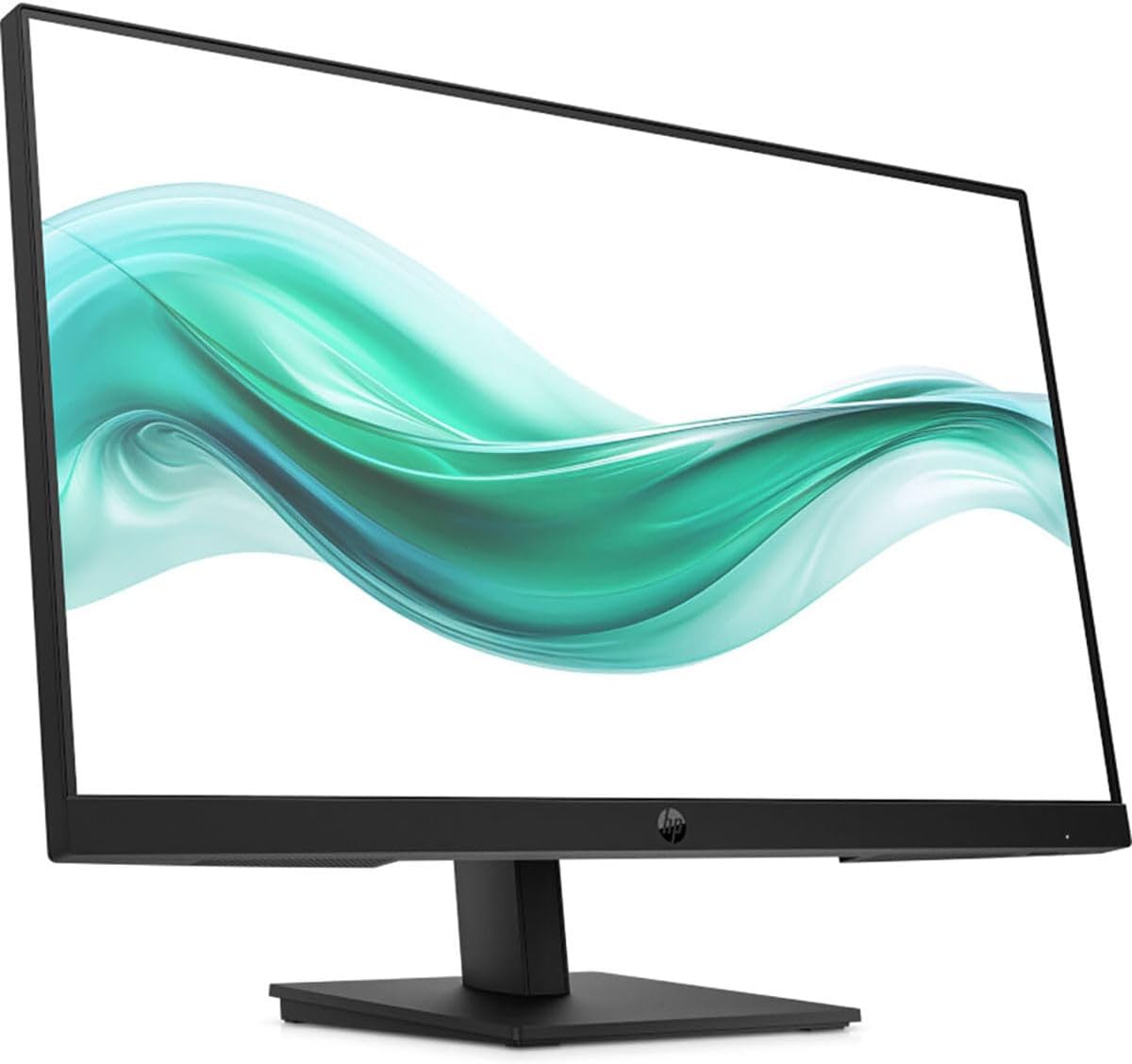
이미지: 앞면 view of the HP 327pf monitor, showcasin얇은 베젤과 스탠드를 갖추고 있습니다.
설치 지침
1. 모니터 스탠드 조립
- 모니터와 스탠드 구성품을 포장에서 조심스럽게 꺼내세요.
- 스탠드 넥을 모니터 패널에 부착하세요. 제자리에 딸깍 소리가 나도록 단단히 고정하세요.
- Attach the stand base to the stand neck. Tighten any screws if provided, typically by hand or with a coin.
- 조립된 모니터를 안정적이고 평평한 표면에 놓으세요.

이미지: 측면 view of the HP 327pf monitor, illustrating the slim profile and how the stand connects to the display panel.
2. 케이블 연결하기
The monitor supports HDMI, DisplayPort, and VGA connections.
- 전원 케이블 : Connect the AC power cable to the monitor's power input and then to a wall outlet.
- 비디오 케이블:
- For optimal performance, use the provided HDMI or DisplayPort cable. Connect one end to the corresponding port on the monitor and the other end to your computer's video output port.
- Alternatively, connect a VGA cable from the monitor to your computer's VGA port.

이미지: 후면 view of the HP 327pf monitor, highlighting the various input ports including HDMI, DisplayPort, and VGA, along with the power input.
3. 전원 켜기
Press the power button located on the monitor to turn it on. Ensure your computer is also powered on.
모니터 작동
온스크린 디스플레이(OSD) 메뉴
The monitor features an intuitive joypad OSD button for navigating and adjusting settings. This button is typically located on the bottom or back of the monitor.
- OSD에 접근하기: Press the joypad button to open the OSD menu.
- 항해: Use the joypad to move through menu options (up, down, left, right).
- 선택: Press the joypad button to select an option or confirm a setting.
- 종료: Navigate to the 'Exit' option or press the joypad button repeatedly to go back through menus and eventually exit.
주요 특징
- IPS 기술: 178도의 넓은 시야각을 제공합니다 viewing angles, ensuring consistent image accuracy from almost any perspective.
- 100Hz 재생률: Delivers smoother motion and clearer detail, beneficial for general use and casual gaming.
- HP Eye Ease: An always-on hardware low-blue light filter designed to reduce eye strain without affecting color accuracy. This feature is active by default and does not require manual adjustment.
- 조정 가능한 기울기: The monitor stand allows for tilt adjustments to help you find a comfortable viewing angle. Gently tilt the monitor panel forward or backward to your desired position.
유지 보수 및 관리
- 화면 청소:
- 모니터를 끄고 전원 코드를 뽑습니다.
- 부드럽고 보푸라기가 없는 천으로 화면을 부드럽게 닦습니다.
- 완고한 자국의 경우 가볍게 damp천에 물이나 비연마성 화면 세척제를 묻혀 닦아주세요. 화면에 직접 액체를 분사하지 마세요.
- C 청소asing: 부드럽고 마른 천을 사용하여 모니터를 닦으세요.asing. 독한 화학 물질이나 연마성 세척제 사용을 피하십시오.
- 통풍: 과열을 방지하려면 모니터의 통풍구가 막히지 않았는지 확인하세요.
- 저장: 장기간 사용하지 않을 경우 모니터를 서늘하고 건조한 곳에, 가급적 원래 포장 상태로 보관하십시오.
문제 해결
| 문제 | 가능한 해결책 |
|---|---|
| 화면에 이미지가 없습니다. |
|
| 이미지가 흐릿하거나 왜곡됩니다. |
|
| 색상이 잘못 표시됩니다 |
|
| 모니터가 깜빡거립니다 |
|
명세서
| 모델명 | HP 327pf |
| 모델 번호 | B0CG3UT#ABA |
| 화면 크기 | 27 인치 |
| 패널 기술 | 평면 내 스위칭(IPS) |
| 해결 | 1920 x 1080(풀HD) |
| 종횡비 | 16시 9분 |
| 새로 고침 빈도 | 최대 100Hz |
| 응답 시간 | 5밀리초 |
| 명도 | 250 니트 |
| 색상 지원 | 16.7 만 색상 |
| View잉 각도 | 수평 178°, 수직 178° |
| 연결성 | 1x HDMI 1.4, 1x VGA, 1x 디스플레이포트 1.2 |
| VESA 마운트 호환 | 예 |
| 치수(길이x너비x높이) | 2.3 x 24.1 x 14.4인치(스탠드 제외) |
| 무게 | 9.77파운드 |
| 색상 | 검은색 |
보증 및 지원
Your HP 327pf monitor comes with a standard limited warranty. Please refer to the included Warranty Card for detailed terms and conditions, including warranty period and coverage.
For technical support, service, or additional product information, please visit the official HP support website or contact HP customer service. You can typically find support resources by searching for "HP Support" online and entering your product model number (327pf or B0CG3UT).
온라인 지원: 지원.hp.com