
소개
Welcome to the user manual for your new DORO Leva E30 4G Flip Phone. This guide provides essential information on how to set up, operate, maintain, and troubleshoot your device. The DORO Leva E30 is designed for ease of use, featuring a large 2.8-inch main screen, an external display, high-contrast keys, clear sound, and a dedicated Doro Secure button for emergencies. Please read this manual carefully to ensure optimal performance and safety.

Image: The DORO Leva E30 4G Flip Phone highlighting its simple, user-friendly design, dual screen, Doro Secure button, clear sound, hearing aid compatibility, large keys with voice feedback, and three speed dial keys.
안전 정보
- Always follow local regulations for mobile phone use, especially in hospitals, aircraft, or near medical devices.
- 운전 중에는 전화를 사용하지 마십시오.
- 휴대전화를 극한 온도, 직사광선 및 습기로부터 멀리하십시오.
- Use only Doro-approved batteries, chargers, and accessories.
- Avoid exposing the phone to strong magnetic fields.
- 휴대전화를 직접 분해하거나 수리하려고 하지 마십시오. 자격을 갖춘 서비스 담당자에게 문의하십시오.
패키지 내용
Your DORO Leva E30 package typically includes:
- DORO Leva E30 4G Flip Phone
- 배터리
- 충전 크래들
- 빠른 시작 가이드
- Note: A USB-C charging cable and power adapter may not be included and might need to be purchased separately.
설정
1. SIM 카드 및 배터리 삽입
- 휴대폰의 뒷면 커버를 조심스럽게 제거하세요.
- Insert your Nano SIM card into the designated slot, ensuring the gold contacts face downwards and the cut corner is correctly aligned.
- 배터리를 삽입하고, 접점을 휴대폰의 접점과 맞춥니다.
- 뒤쪽 덮개를 제자리에 딸깍 소리가 날 때까지 다시 끼웁니다.
2. 휴대폰 충전
- Connect the USB-C cable (if included or purchased separately) to the charging cradle and then to a power adapter.
- Place the phone in the charging cradle. Ensure it is seated correctly and the charging indicator appears on the screen.
- Allow the phone to charge fully before its first use.
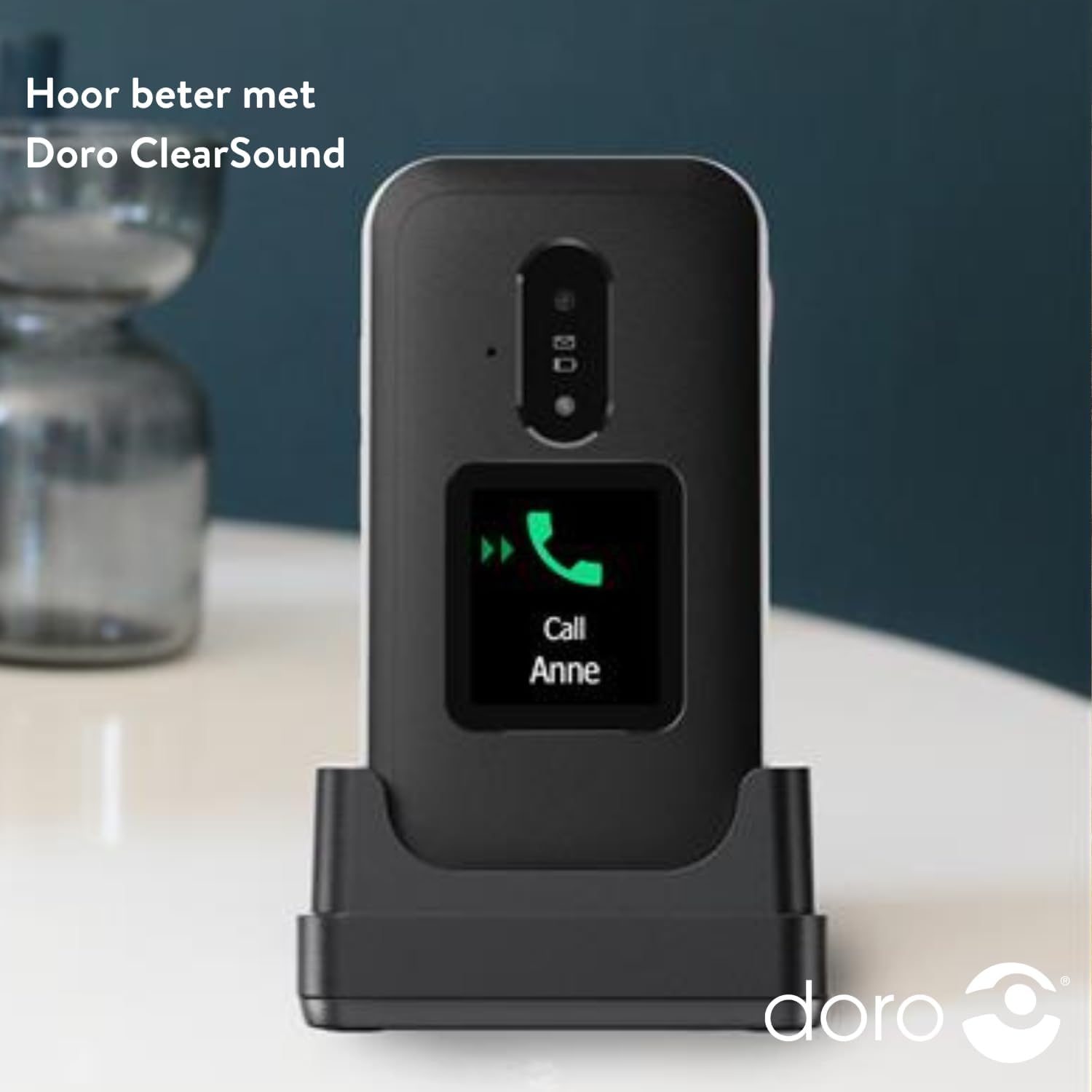
Image: The DORO Leva E30 phone resting in its charging cradle, demonstrating how to charge the device. The image also mentions "Hear better with Doro ClearSound".
3. 전원 켜기 / 끄기
- To power on, press and hold the red End Call/Power button until the Doro logo appears.
- To power off, press and hold the red End Call/Power button, then select 'Power off' from the options.
작동 지침
기본 호출 함수
- 전화 걸기: 키패드를 사용하여 전화번호를 입력하고 초록색 통화 버튼을 누르세요.
- 전화 받기 : When the phone rings, open the flip to answer, or press the green Call button. The external screen will display caller ID.
- 통화 종료: 덮개를 닫거나 빨간색 통화 종료 버튼을 누르세요.
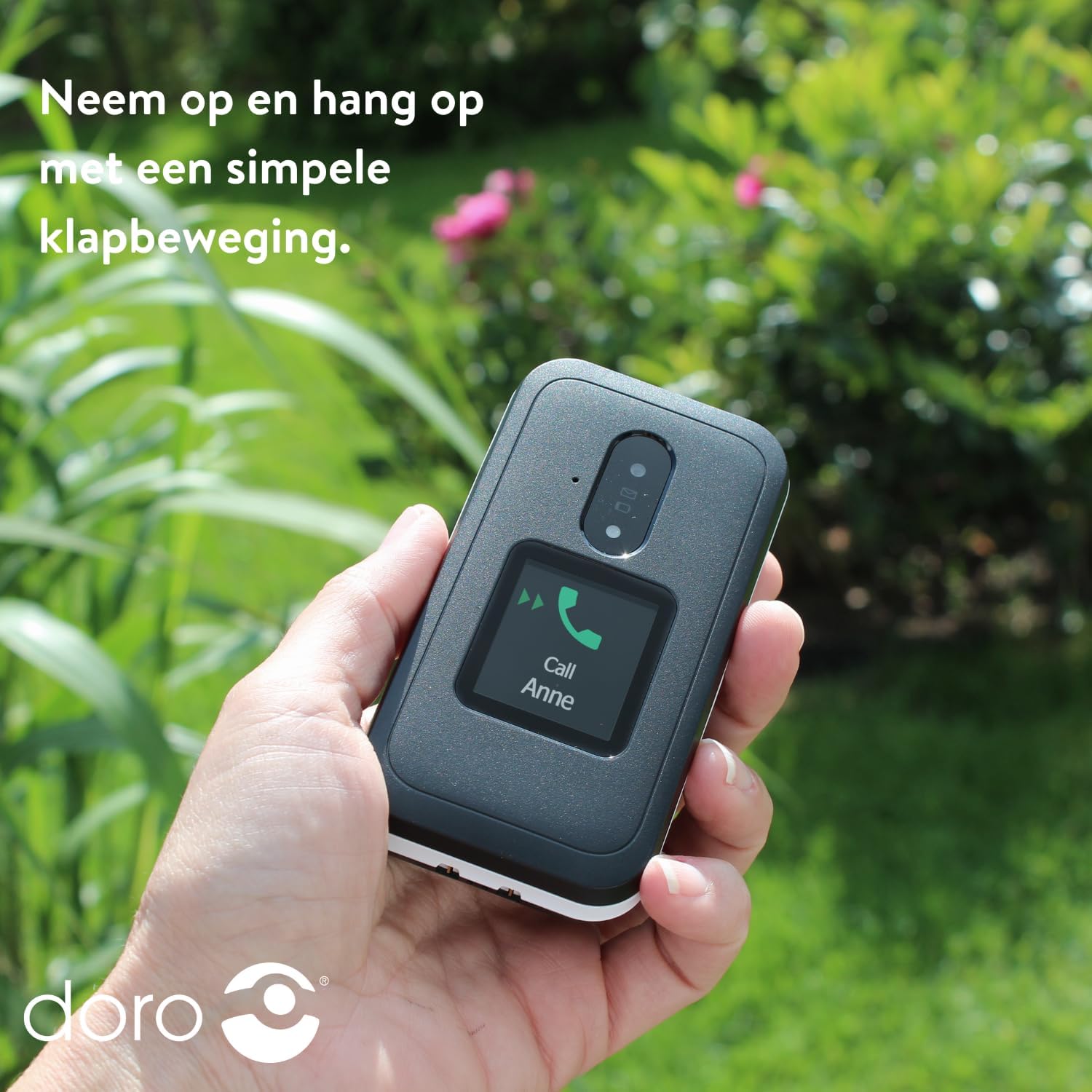
Image: A hand holding the DORO Leva E30, illustrating how to answer and end calls with a simple flip motion. The external screen shows an incoming call from "Anne".
메시징
To send and receive text messages, navigate to the 'Messages' menu using the navigation keys and the 'OK' button. The large, high-contrast keys make typing easier.

Image: The DORO Leva E30 displaying its simple menu interface, with the 'Messages' icon prominently visible. Other icons for Doro Secure, Camera, Flashlight, and Splash-proof (IP54) are also shown.
카메라 사용
The phone includes a camera for taking photos. Access the camera from the main menu. Point the camera at your subject and press the designated button to capture an image.
Doro 보안 버튼
The Doro Secure button (often located on the back of the phone) is a key safety feature. When pressed and held, it can automatically call and send an SMS alert to pre-set emergency contacts. Ensure your emergency contacts are configured correctly in the phone settings.

Image: The DORO Leva E30, emphasizing its ergonomic design and the prominent Doro Secure button. The image also illustrates how the phone's well-spaced, high-contrast keys and large screen facilitate easy calling, texting, and photo-taking, and mentions the included charging station.
외부 디스플레이
The external display shows important information such as time, date, battery status, and caller ID for incoming calls without needing to open the phone.
볼륨 조절
Adjust the call volume using the dedicated volume buttons located on the side of the phone. Be mindful that these buttons can sometimes be accidentally pressed, so ensure the volume is set to your preferred level before and during calls.
보청기 호환성
The DORO Leva E30 is designed to be compatible with hearing aids, providing a clearer audio experience for users with hearing impairments.
플래시
Activate the built-in flashlight feature from the phone's menu for convenient illumination when needed.
Splash Resistance (IP54)
The phone has an IP54 rating, meaning it is protected against dust ingress and splashing water from any direction. This does not mean it is waterproof; avoid submerging the phone in water.
유지
- 청소: 부드럽고 마른 천으로 휴대폰 표면을 닦으세요. 강한 화학 약품이나 연마성 재질은 사용하지 마세요.
- 배터리 관리 : To prolong battery life, avoid fully discharging the battery frequently. Charge the phone regularly, preferably using the provided charging cradle.
- 저장: 장시간 사용하지 않을 때는 휴대전화를 시원하고 건조한 곳에 보관하세요.
문제 해결
| 문제 | 해결책 |
|---|---|
| 전화기가 켜지지 않습니다. | 배터리가 올바르게 삽입되었는지, 완전히 충전되었는지 확인하십시오. 최소 30분 동안 휴대폰을 충전해 보세요. |
| 전화를 걸거나 받을 수 없습니다. | Check if the SIM card is properly inserted. Ensure you have network coverage. Contact your service provider if the issue persists. |
| 통화 품질이 좋지 않습니다. | Move to an area with better network reception. Adjust the call volume. Ensure the speaker/microphone is not obstructed. |
| 배터리가 빨리 소모됩니다. | Reduce screen brightness. Close unused applications. Limit background data usage. Ensure the phone is not in an area with poor signal, which can increase battery consumption. |
| 휴대전화가 응답하지 않습니다. | 배터리를 분리한 후 몇 초간 기다렸다가 다시 장착하면 소프트 리셋이 수행됩니다. |
명세서
| 특징 | 세부 사항 |
|---|---|
| 상표 | 도로 |
| 모델명 | 레바 E30 |
| 운영 체제 | Mocor OS |
| 화면 크기 | 2.8인치 (메인 디스플레이) |
| 해결 | 320 x 240 픽셀 |
| 연결성 | 4G |
| 메모리 저장 용량 | 17 GB (Internal, likely including OS) |
| 색상 | 블랙/화이트 |
| 방수성 | IP54(방말) |
보증 및 지원
For detailed warranty information and customer support, please refer to the documentation included with your purchase or visit the official Doro web사이트. 보증 약관은 지역 및 소매업체에 따라 다를 수 있습니다.
You can often find additional support, FAQs, and contact information on the manufacturer's web대지: www.doro.com


