
1. 서론
This manual provides essential information for the safe and efficient use of your Doro Leva E20 4G Flip Phone. Designed with seniors in mind, this phone features a large 2.8-inch display, contrasting keys, loud and clear sound, HD voice, a camera, and a dedicated assistance button. Please read these instructions carefully before using your new phone.

Image 1: Doro Leva E20 highlighting key features such as 4G connectivity, large display, clear sound, and hearing aid compatibility.
2. 설정
2.1. SIM 카드 및 배터리 삽입
Before using your phone, you must insert a SIM card (provided by your mobile network operator) and the battery.
- Open the phone: Gently open the flip phone to access the battery compartment.
- 배터리 커버를 제거하세요: Locate the notch on the back cover and carefully lift it off.
- SIM 카드 삽입: Slide the SIM card into the designated slot with the gold contacts facing down and the cut corner aligned as shown in the diagram (refer to your quick start guide for a visual).
- 배터리 삽입: Place the battery into its compartment, ensuring the contacts align with those in the phone.
- 커버 교체: Snap the battery cover back into place until it clicks.
2.2. 휴대폰 충전
Your phone's battery may not be fully charged upon purchase. It is recommended to fully charge the battery before first use.
- 충전기를 연결하세요: Plug the USB Type-C cable into the charging port on the phone.
- 전원에 연결: Plug the other end of the charger into a wall outlet.
- 충전 표시기: The charging indicator on the screen will show the charging status. The phone is fully charged when the indicator shows a full battery icon.
2.3. 전원 켜기 / 끄기
- 전원을 켜려면 : 빨간색을 길게 누르세요. 통화 종료/전원 button until the Doro logo appears.
- 전원을 끄려면: 빨간색을 길게 누르세요. 통화 종료/전원 버튼을 누른 다음, 화면의 옵션에서 '전원 끄기'를 선택하세요.
3. 사용 설명서
3.1. 기본 기능
- 전화 걸기:
- 키패드를 사용하여 전화번호를 입력하세요.
- 녹색을 누르세요 부르다 통화를 시작하려면 버튼을 클릭하세요.
- 전화 받기 : Simply open the flip phone to answer an incoming call. Alternatively, press the green 부르다 단추.
- 통화 종료: Close the flip phone or press the red 통화 종료 단추.
- 볼륨 조절: Use the volume buttons located on the side of the phone during a call or when playing media.
3.2. 문자 메시지(SMS) 송수신
- 메인 메뉴에서 다음으로 이동합니다. 메시지.
- 선택하다 새로운 메시지.
- 수신자의 전화번호를 입력하거나 연락처에서 선택하세요.
- 키패드를 사용하여 메시지를 입력합니다.
- 누르다 보내다.
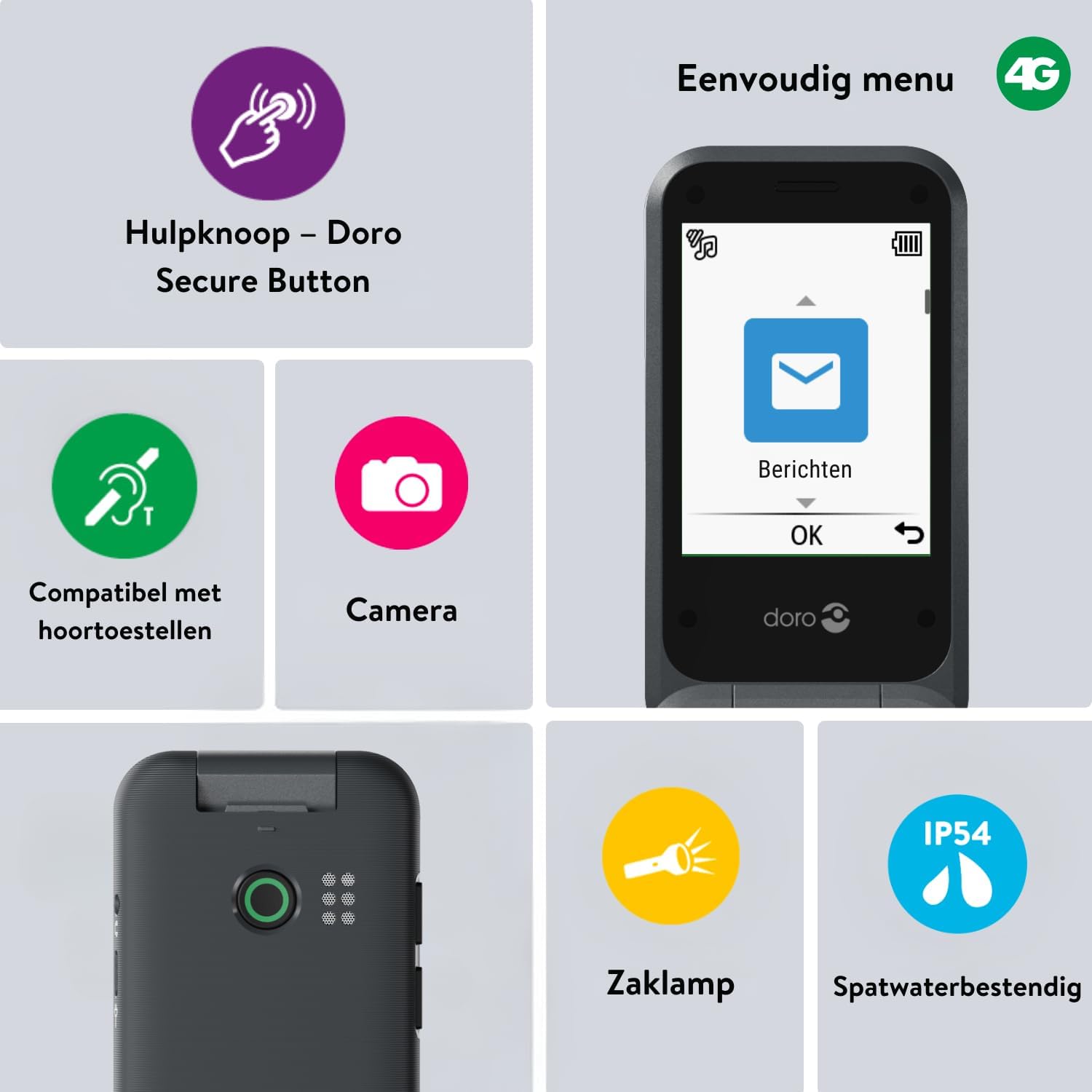
Image 2: The Doro Leva E20's simple menu interface, showing the 'Messages' icon, along with other features like the assistance button, camera, flashlight, and IP54 splash resistance.
3.3. 카메라
The Doro Leva E20 includes a basic camera for capturing photos.
- 메인 메뉴에서 선택하세요 카메라.
- 화면을 사용하여 샷을 구성하세요 view파인더.
- 를 누르세요 OK 버튼을 눌러 사진을 찍으세요.
3.4. Assistance Button (Doro Secure Button)
The dedicated assistance button is a key safety feature, allowing you to quickly contact pre-set emergency numbers.
- 설정: Refer to the phone's settings menu under 'Assistance' to program emergency contacts.
- 활성화: Press and hold the assistance button (located on the back of the phone) for a few seconds. The phone will automatically call and send an SMS to your pre-programmed emergency contacts.

Image 3: The Doro Leva E20's Doro Secure Button, designed for quick access to emergency contacts.
3.5. 손전등
To activate the built-in flashlight:
- Locate the flashlight icon or dedicated button (if available) on the phone or in the quick settings menu.
- Press the corresponding key or navigate to the option to turn the flashlight on/off.
3.6. 빠른 접근 버튼
The Doro Leva E20 features quick access buttons for frequently used functions.
- 즐겨찾는 연락처: Assign frequently called numbers to speed dial keys.
- 카메라: A dedicated button or menu option for quick camera access.
- 메시지: A dedicated button or menu option for quick message access.

Image 4: The Doro Leva E20 in hand, showcasing the keypad with quick access buttons for favorite contacts, camera, and messages.
4. 유지관리
4.1. 장치 청소
휴대폰을 최적의 상태로 유지하려면:
- Use a soft, dry, lint-free cloth to clean the screen and body of the phone.
- 독한 화학 물질, 세척 용제 또는 강한 세제를 사용하지 마십시오.
- 휴대전화를 과도한 습기에 노출시키지 마세요.
4.2. 배터리 관리
The Doro Leva E20 is powered by a rechargeable battery. To maximize battery life and performance:
- Charge the phone regularly. Avoid letting the battery drain completely before recharging.
- 배터리를 극한의 온도에 노출시키지 마십시오.
- 장기간 휴대전화를 사용하지 않을 경우, 보관하기 전에 배터리를 약 50% 정도 충전해 두세요.
4.3. 방수성
The Doro Leva E20 has an IP54 rating, meaning it is protected against dust ingress and splashing water from any direction. It is not designed to be submerged in water.
5. 문제 해결
Doro Leva E20 사용 중 문제가 발생하면 다음 해결 방법을 시도해 보세요.
| 문제 | 가능한 해결책 |
|---|---|
| 전화가 켜지지 않습니다 | Ensure the battery is charged. Connect the charger and try again. Check if the battery is correctly inserted. |
| 전화를 걸거나 받을 수 없습니다 | Check if the SIM card is correctly inserted. Ensure you have network coverage. Contact your service provider if the issue persists. |
| 음질이 좋지 않음 | Adjust the volume. Ensure the speaker/microphone is not blocked. If using a hearing aid, ensure compatibility settings are correct. |
| 배터리가 빨리 소모됩니다 | Reduce screen brightness. Close unused applications. Limit background data usage. Ensure the phone is not in an area with poor network signal, which can increase battery consumption. |
If these steps do not resolve the issue, please contact Doro customer support.
6. 사양
- 모델 이름: 레바 E20
- 운영 체제: Mocor OS
- CPU 모델: 코텍스 A7
- 화면 크기: 2.8 인치
- 해결: 320 x 240
- 셀룰러 기술: 4G
- 연결성: USB 타입 C
- 메모리 저장 용량: 17GB (XNUMX기가바이트)
- 색상: 검은색
- 방수 기능: IP54(방수)
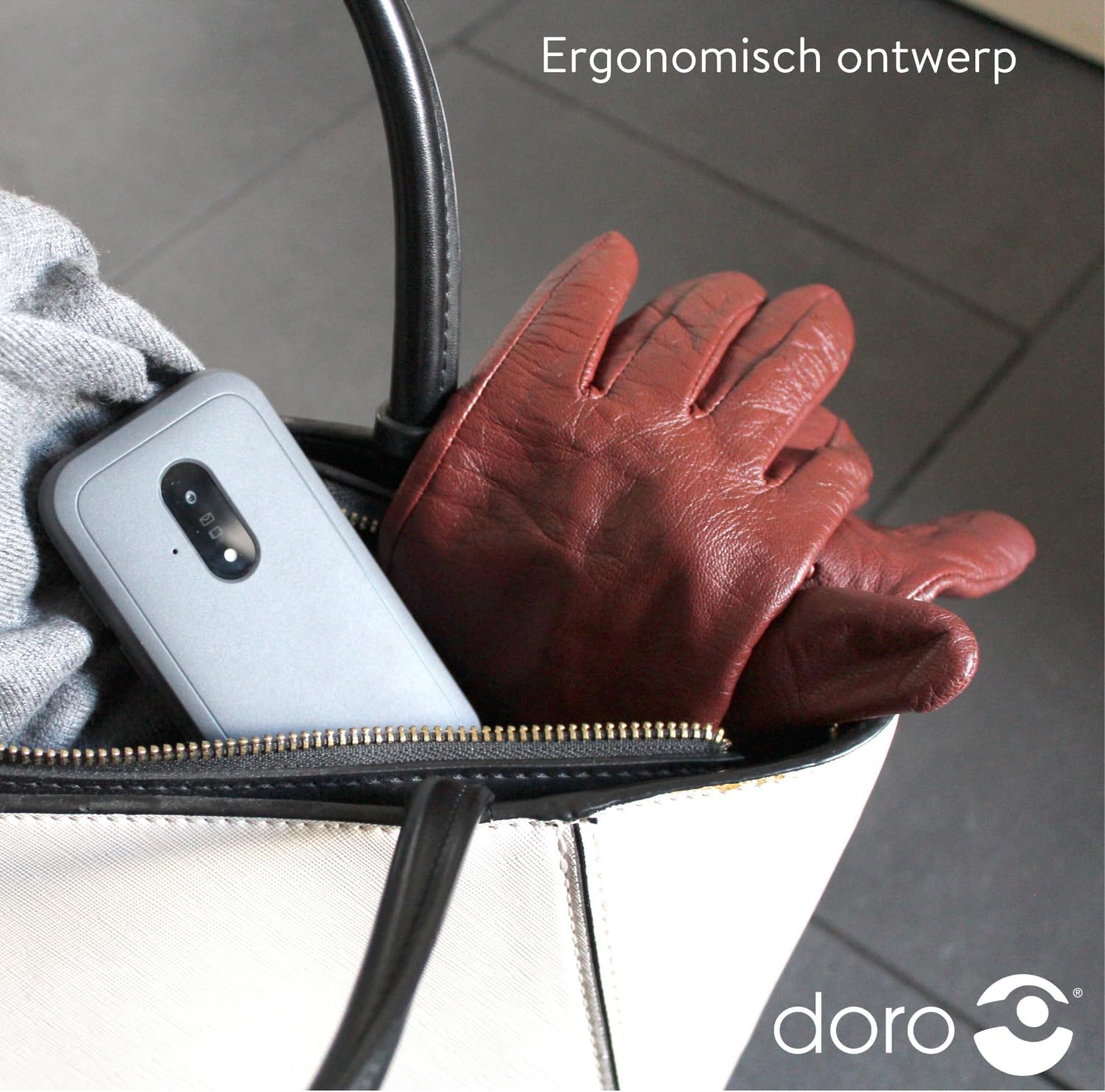
Image 5: The Doro Leva E20's ergonomic design allows for easy portability, fitting comfortably in a bag.
7. 보증 및 지원
Your Doro Leva E20 is manufactured by Doro. For specific warranty information, including terms and conditions, please refer to the warranty card included with your product or visit the official Doro website. For technical support, troubleshooting assistance beyond this manual, or service inquiries, please contact Doro customer support directly.
제조업체: 도로
Web대지: www.doro.com (Please check your regional Doro website for local support contact details.)


