1. 서론
This manual provides comprehensive instructions for the installation, configuration, and operation of the Generic WiFi Module, designed specifically for the 3600VA Hybrid Solar Inverter. This module enables remote monitoring and control of your solar inverter system via a smartphone application, enhancing convenience and system management.
호환성 참고: This Wi-Fi module is specifically designed for the 24V 3600VA hybrid inverter. Compatibility with inverters from other brands is not guaranteed. Please ensure your inverter model matches the specified requirement for optimal performance.
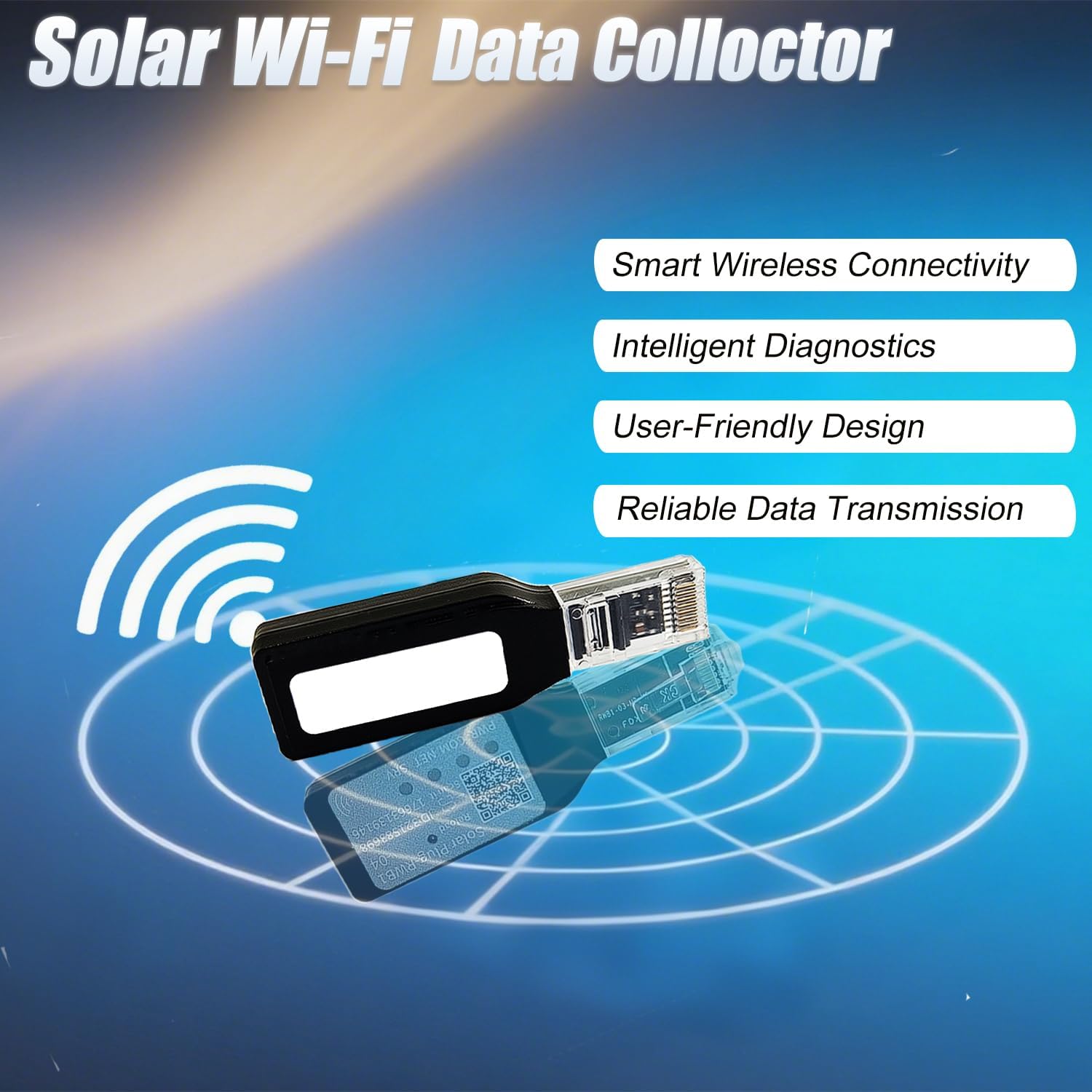
Image 1.1: The Generic WiFi Module, highlighting its compact design and purpose as a solar Wi-Fi data collector for smart wireless connectivity, intelligent diagnostics, user-friendly design, and reliable data transmission.
2. 안전 정보
- 설치 및 작동 전에 모든 지침을 주의 깊게 읽으십시오.
- Ensure the inverter is powered off and disconnected from all power sources before installing the Wi-Fi module.
- Do not expose the module to water, moisture, or extreme temperatures.
- Do not attempt to disassemble or repair the module yourself. Contact qualified personnel for service.
- Keep the module away from children and pets.
- 제공된 액세서리와 케이블만 사용하십시오.
3. 패키지 내용
아래 나열된 모든 품목이 패키지에 포함되어 있는지 확인하세요.
- WiFi 모듈
- Rubber-stick antenna
- 통신케이블
- 나사
- 사용 설명서(본 문서)
4. 제품 오버view
The Generic WiFi Module is a compact and lightweight device designed for seamless integration with your 3600VA Hybrid Solar Inverter. It features an integrated RJ45 connector for plug-and-play installation, eliminating the need for complex wiring.

Image 4.1: The WiFi module, illustrating its Bluetooth and WiFi capabilities, emphasizing hardware compatibility, user-friendly usability, and high maintainability.
This module acts as a data collector, enabling network connection, data transmission, and status monitoring of your inverter. It supports real-time fault diagnosis and helps quickly locate problems within your solar power generation system.

Image 4.2: The WiFi module demonstrating its "ALL IN ONE" functionality for network connection, data transmission, and status monitoring, including real-time fault diagnosis.
The module is equipped with four indicator lights to provide clear visual feedback on its operational status.
5. 설정 및 설치
5.1 물리적 설치
- 인버터 전원 끄기: Ensure your 3600VA Hybrid Solar Inverter is completely powered off and disconnected from all AC and DC power sources before proceeding.
- RJ45 포트를 찾으십시오: Identify the dedicated RJ45 communication port on your inverter.
- Connect WiFi Module: Insert the RJ45 connector of the WiFi module firmly into the inverter's RJ45 port. The plug-and-play design means no additional wiring is required.
- 안테나 부착: Screw the rubber-stick antenna onto the designated antenna connector on the WiFi module.
- Secure Module (Optional): If desired, use the provided screws to secure the module to a stable surface near the inverter.
- 인버터 전원 켜기: Once the module is securely connected, you may power on your inverter.

Image 5.1: The WiFi module with its RJ45 connector, ready for plug-and-play installation into the inverter's communication port.
5.2 앱 다운로드 및 초기 설정
To monitor and control your inverter remotely, you need to download and install the companion smartphone application. Follow these steps:
- 앱 다운로드 : Scan the QR code provided on the module or packaging, or visit the official app download link: http://sqr.app.siseli.com?c=sl&i=dl&dsn=32158369817663139146&mac=74E9D835B750.
- 앱을 설치: Follow the on-screen instructions to install the application on your smartphone (iOS or Android).
- 계정 등록: Open the app and register a new user account if you don't already have one.
- 장치 추가: Within the app, follow the prompts to "Add Device" or "Scan Device." The app will guide you through connecting the WiFi module to your home or local Wi-Fi network.
- 네트워크 구성: During the app setup, you will be prompted to enter your Wi-Fi network name (SSID) and password. Ensure your smartphone is connected to the same Wi-Fi network you intend to use for the module.
The app provides a multi-channel download option for different device compatibility. The process is designed to be simple, allowing device addition in just three easy steps.
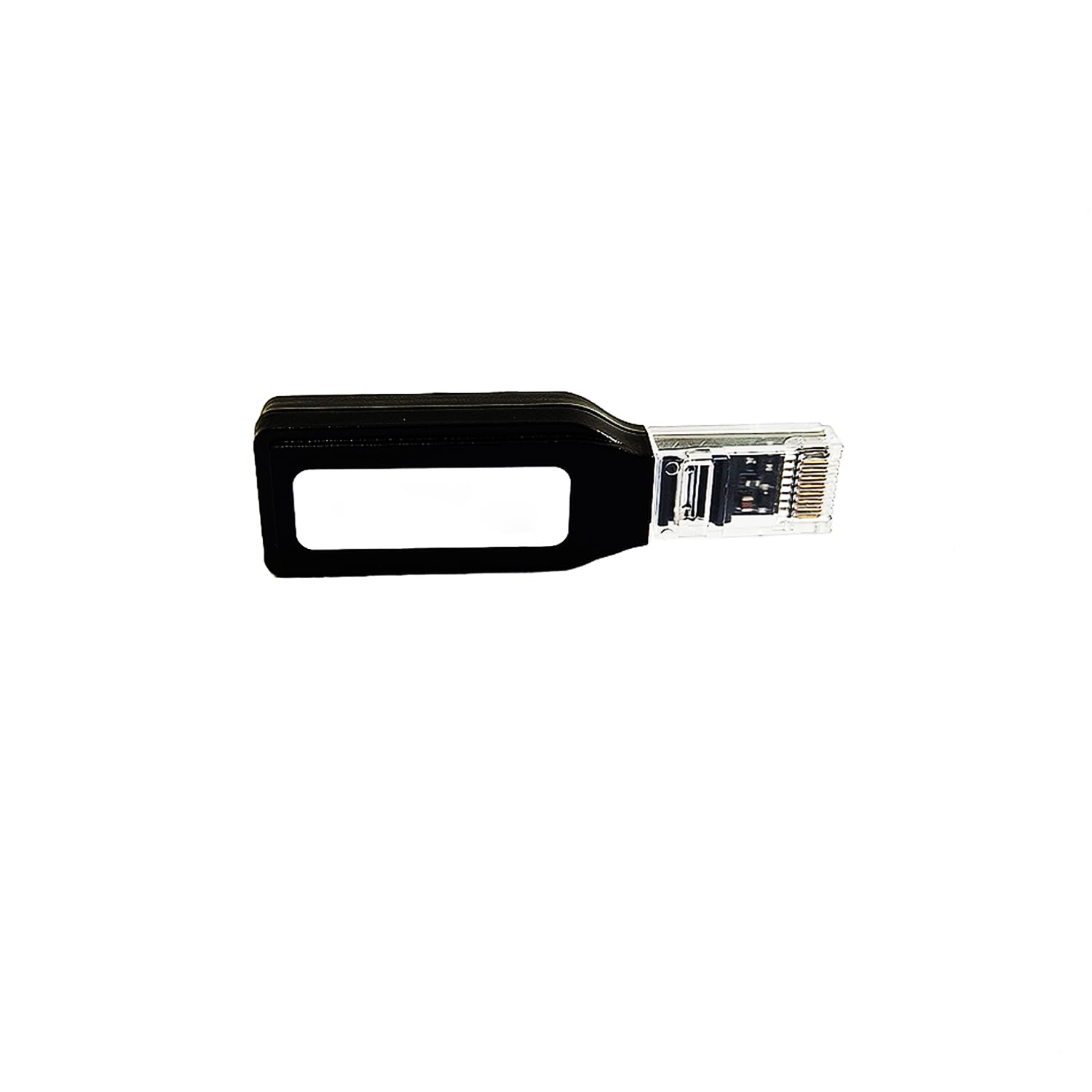
Image 5.2: Visual representation of the wireless Wi-Fi distribution network setup, showing the module connecting to a smartphone app for remote monitoring.
6. 운영
6.1 앱을 통한 원격 모니터링
Once the WiFi module is successfully connected to your network and linked to the app, you can access various monitoring and control features:
- View real-time operational data of your inverter (e.g., power output, battery status, grid status).
- Access historical data and performance reports.
- Receive alerts and notifications regarding system status or faults.
- Adjust certain inverter settings remotely (if supported by the inverter and app).
6.2 표시등 이해
The WiFi module features four indicator lights that provide immediate visual feedback on its status:
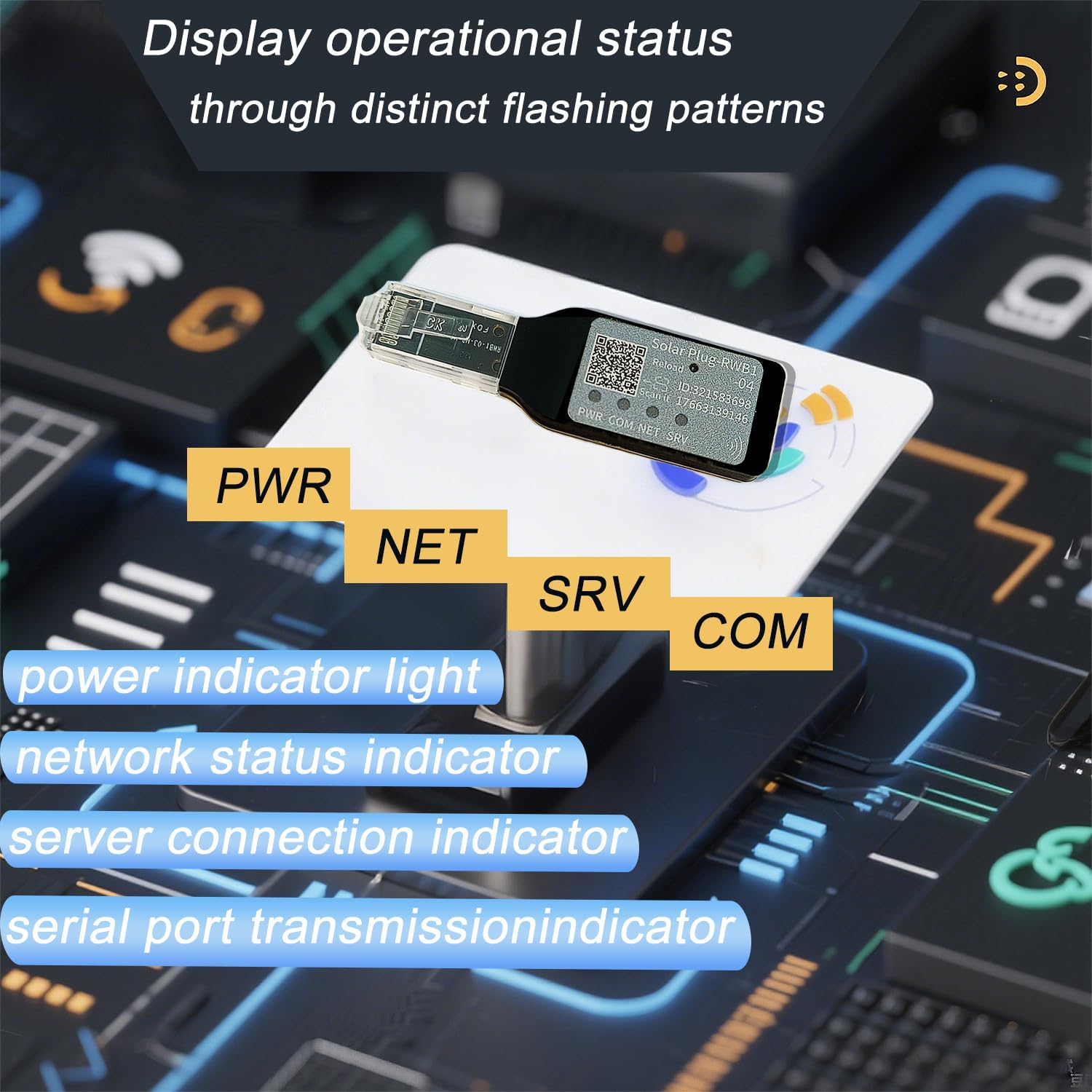
Image 6.1: The WiFi module with labels indicating the function of each of its four status lights: PWR, NET, SRV, and COM.
| 지시자 | 설명 | 상태 |
|---|---|---|
| PWR (힘) | Indicates power supply to the module. | Solid ON: Module is powered. |
| 그물 (회로망) | Indicates Wi-Fi network connection status. | Flashing: Attempting to connect to Wi-Fi. Solid ON: Connected to Wi-Fi network. |
| SRV (섬기는 사람) | Indicates connection status to the remote server. | Flashing: Attempting to connect to server. Solid ON: Connected to server. |
| 코. (의사소통) | Indicates communication with the inverter. | Flashing: Data transmission with inverter. Solid ON: Stable communication with inverter. |
Refer to the app for detailed status and error messages if any indicator shows an unexpected pattern.
7. 유지관리
- 청소: Gently wipe the module with a dry, soft cloth to remove dust. Do not use liquid cleaners or solvents.
- 펌웨어 업데이트: Periodically check the companion app for available firmware updates for the WiFi module. Keeping the firmware updated ensures optimal performance and security.
- 환경 조건: Ensure the module is kept within its specified operating temperature and humidity ranges. Avoid direct sunlight and excessive heat.
8. 문제 해결
| 문제 | 가능한 원인 | 해결책 |
|---|---|---|
| PWR indicator OFF | No power supply to the module. | Ensure the inverter is powered on and the module is correctly inserted into the RJ45 port. |
| NET indicator flashing continuously | Wi-Fi 네트워크에 연결할 수 없습니다. | Check Wi-Fi network name (SSID) and password in the app. Ensure the Wi-Fi signal is strong enough at the module's location. Restart your Wi-Fi router. |
| SRV indicator flashing continuously | Unable to connect to the remote server. | Ensure your internet connection is active. Check for any firewall settings that might block the connection. The server might be temporarily down (rare). |
| COM indicator flashing or OFF | 인버터와 통신이 되지 않습니다. | Ensure the module is fully seated in the inverter's RJ45 port. Verify the inverter is operational. Check inverter settings for communication port activation. |
| App shows "Device Offline" | Module is not connected to the internet or server. | Check NET and SRV indicators. Follow troubleshooting steps for those indicators. Ensure your smartphone has an active internet connection. |
위 단계를 따른 후에도 문제가 지속되면 고객 지원팀에 문의하십시오.
9. 사양
| 모델명 | 3600VA Hybrid Solar Inverter (Module Compatible) |
| 제품 치수 | 6.3 x 1.92 x 1 인치 |
| 품목 무게 | 0.88 온스 |
| 연결성 | 와이파이, RJ45 |
| 적용범위 | Grid-tied inverters in solar photovoltaic power generation systems |
| 특징 | Remote monitoring, Plug-and-Play, 4 indicator lights, Compact design |
| 제조업체 | CNSWIPOWER |
10. 보증 및 지원
For warranty information, please refer to the documentation provided with your original purchase or contact the retailer. For technical support, troubleshooting assistance beyond this manual, or to inquire about service, please contact the manufacturer or your authorized dealer.
Please have your product model number (3600VA) and purchase details ready when contacting support.
