1. 서론
Thank you for choosing the Gtheos Captain 370 Wireless Gaming Headset. This manual provides essential information for setting up, operating, and maintaining your new headset. Designed for an immersive audio experience, the Captain 370 offers versatile connectivity and comfortable wear for extended gaming sessions and communication.
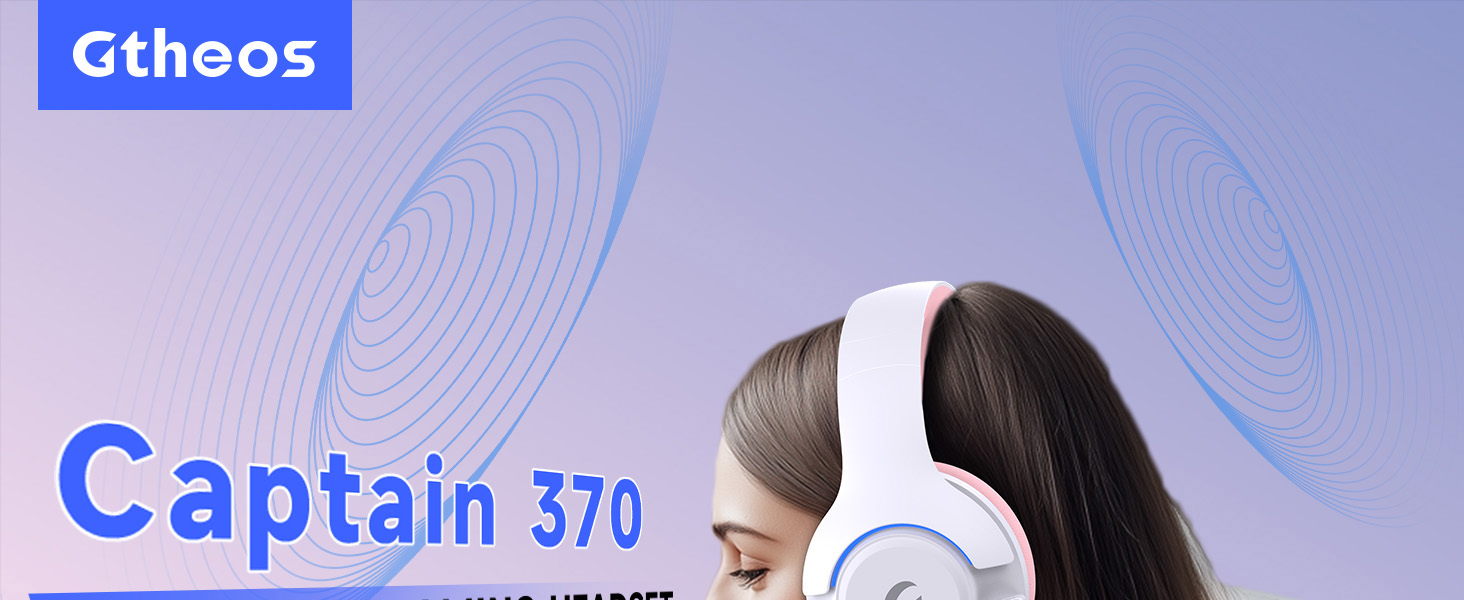
Image 1: The Gtheos Captain 370 Wireless Gaming Headset, showcasin세련된 디자인과 편안한 이어컵이 특징입니다.
주요 특징:
- 4-in-1 연결성: Seamlessly switch between 2.4GHz wireless, Bluetooth 5.3, and 3.5mm wired modes for broad device compatibility.
- 50mm 동적 드라이버: Experience realistic and immersive sound quality for gaming and multimedia.
- 소음 제거 마이크: Detachable microphone designed to reduce background noise for clear communication.
- 배터리 수명 연장: 한 번 충전으로 최대 45시간 연속 사용이 가능합니다.
- 편안한 디자인: Ergonomically designed earcups and headband for prolonged comfort during use.
- RGB 조명: Customizable LED lighting effects on the earcups.
2. 설정
2.1 상자 내용물
- 1 x Gtheos Captain 370 Gaming Headset
- 1 x Detachable Noise Cancelling Microphone
- 1 x Type-C 충전 케이블
- 1 x USB Transmitter (2.4GHz dongle)
- 1 x 3.5mm 오디오 케이블
- 1 x 사용자 설명서
2.2 헤드셋 충전
Before first use, fully charge the headset. Connect the Type-C charging cable to the headset's charging port and the other end to a USB power source (e.g., computer USB port, USB wall adapter). The LED indicator will show charging status and turn off when fully charged.

Image 2: Headset highlighting the 45-hour battery life and charging port.
2.3 마이크 부착
The Captain 370 comes with a detachable noise-canceling microphone. Insert the microphone into the dedicated port on the left earcup until it clicks into place. Ensure it is securely connected for optimal voice pickup.

Image 3: Close-up of the headset showing the detachable noise-canceling microphone.
3. 사용 설명서
3.1 전원 켜기/끄기
To power on the headset, press and hold the Power button located on the earcup until the LED indicator lights up. To power off, press and hold the Power button again until the LED indicator turns off.
3.2 연결 모드
The Gtheos Captain 370 supports four connectivity modes:
- 2.4GHz 무선 모드: For PS4, PS5, PC, Mac, Nintendo Switch (via Type-C), and Phones/Pads (via Type-C). Insert the USB transmitter into your device. The headset will automatically connect.
- Bluetooth 5.3 모드: For Phones, Pads, and Notebooks. Enable Bluetooth on your device, put the headset into pairing mode (refer to device-specific instructions if needed), and select "Gtheos Captain 370" from the available devices.
- 3.5mm 유선 모드: For PS4, PS5, Xbox, PC, Mac, and Laptops/Tablets with a 3.5mm jack. Connect the included 3.5mm audio cable to the headset and your device.
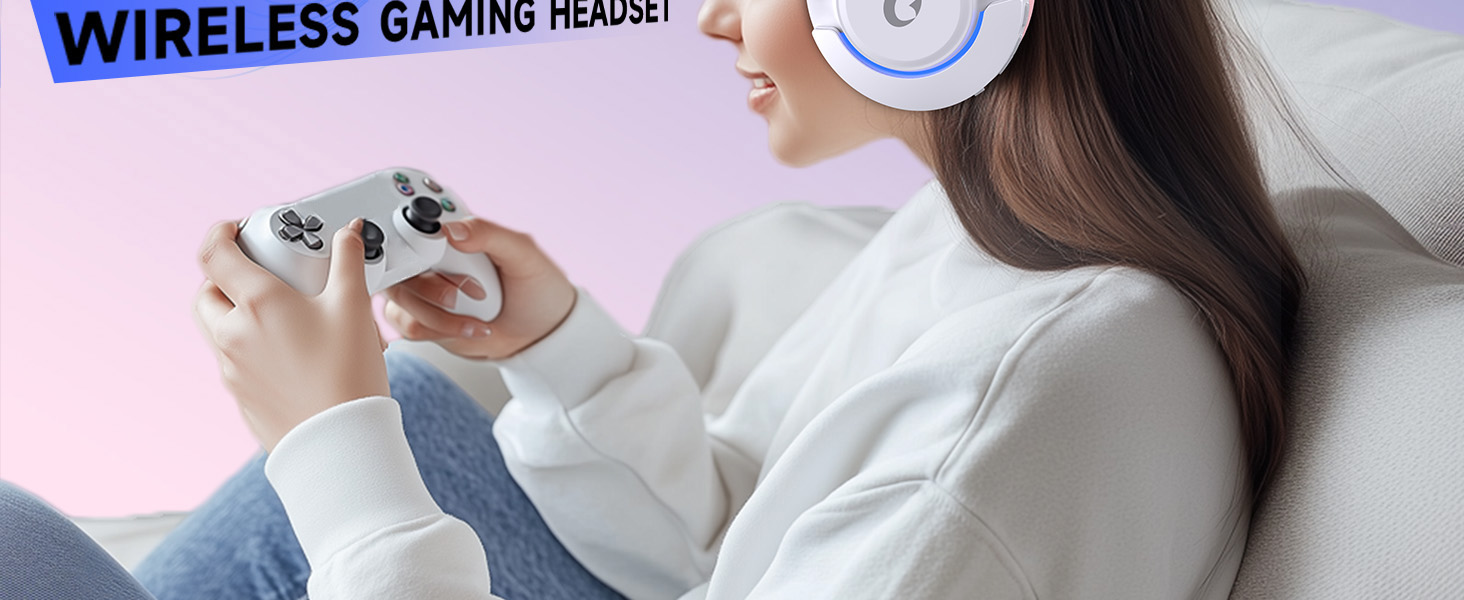
Image 4: Visual representation of the four connectivity modes and compatible devices.

Image 5: Detailed compatibility matrix for voice and microphone functions across 2.4G, Bluetooth, and 3.5mm wired modes.
3.3 볼륨 조절
Adjust the volume using the dedicated volume roller or buttons on the headset's earcup. For optimal sound, also check the volume settings on your connected device.
3.4 마이크 음소거
Press the Microphone Mute button on the headset to toggle the microphone on or off. An indicator light (often red) will typically show when the microphone is muted.
3.5 LED 조명 제어
The headset features customizable RGB lighting. Press the dedicated LED control button (often integrated with the mic mute button or a separate button) to cycle through different lighting effects or turn them off. A quick press may change colors, while a long press might toggle the lights on/off.
4. 유지관리
To ensure the longevity and performance of your Gtheos Captain 370 headset, follow these maintenance guidelines:
- 청소: 헤드셋을 닦을 때는 부드럽고 마른 천을 사용하세요. 강한 화학 물질이나 연마재는 사용하지 마세요. 이어컵은 부드러운 천으로 부드럽게 닦아주세요.amp 천을 덮고 공기 중에 완전히 건조시키세요.
- 저장: 헤드셋은 직사광선과 극한의 온도를 피해 서늘하고 건조한 곳에 보관하세요.
- 손질: Avoid dropping the headset or exposing it to excessive force. Do not pull on cables forcefully.
- 배터리 관리 : 최적의 배터리 수명을 위해 헤드셋을 자주 완전히 방전시키지 마십시오. 계속 사용하지 않더라도 정기적으로 충전하십시오.
5. 문제 해결
5.1 소리가 나지 않거나 볼륨이 낮음
- 헤드셋의 전원이 켜져 있고 완전히 충전되어 있는지 확인하세요.
- 헤드셋과 연결된 기기의 볼륨 레벨을 확인하세요.
- 기기의 소리 설정에서 올바른 오디오 출력 장치가 선택되어 있는지 확인하십시오.
- If using 2.4GHz wireless, ensure the USB transmitter is securely plugged in and recognized by your device.
- If using Bluetooth, ensure the headset is properly paired and connected.
- If using 3.5mm wired, ensure the cable is fully inserted into both the headset and the device.
5.2 마이크가 작동하지 않음
- 마이크가 헤드셋에 단단히 부착되었는지 확인하세요.
- 헤드셋의 음소거 버튼을 사용하여 마이크가 음소거되어 있는지 확인하십시오.
- 기기의 소리 설정에서 올바른 마이크 입력 장치가 선택되어 있는지 확인하십시오.
- Test the microphone in different applications or with another device.
5.3 연결 문제
- 2.4GHz: Try unplugging and re-plugging the USB transmitter. Ensure no other 2.4GHz devices are causing interference.
- 블루투스: Unpair and re-pair the headset with your device. Ensure the headset is within the Bluetooth range (10 meters).
- 일반적인: 헤드셋과 연결된 장치를 모두 다시 시작하세요.
6. 사양
| 특징 | 세부 사항 |
|---|---|
| 모델명 | 캡틴 370 |
| 상표 | 그테오스 |
| 연결 기술 | 2.4GHz 무선, 블루투스 5.3, 3.5mm 유선 |
| 오디오 드라이버 크기 | 50 밀리미터 |
| 오디오 드라이버 유형 | 동적 드라이버 |
| 주파수 응답 | 20 kHz (XNUMX kHz) |
| 임피던스 | 32옴 |
| 소음 제어 | 소음 차단, 노이즈 캔슬링(마이크) |
| 배터리 수명 | 최대 45시간 |
| 블루투스 버전 | 5.3 |
| 블루투스 범위 | 10 미터 |
| 오디오 지연 | 20밀리초 |
| 호환 장치 | PS5, PS4, PC, Mac, Laptop, Tablets, Phones, Nintendo Switch, Xbox (wired) |
| 재료 | ABS, Leather, PC |
| 품목 무게 | 0.51킬로그램(1.12파운드) |
| 색상 | 다크 핑크 |
7. 보증 및 지원
7.1 보증 정보
The Gtheos Captain 370 Wireless Gaming Headset comes with a standard manufacturer's warranty. Please refer to the warranty card included in your product packaging for specific terms and conditions, including warranty period and coverage details.
7.2 고객 지원
For technical assistance, troubleshooting, or any questions regarding your Gtheos Captain 370 headset, please contact Gtheos customer support. You can find contact information on the official Gtheos web해당 사이트를 통해서나 제품을 구매한 소매업체를 통해서도 구매가 가능합니다.
방문하세요 Gtheos Store on Amazon 자세한 정보와 제품 업데이트를 확인하세요.