
1. 소개 및 이상view
The KKB G500 is a 4G LTE cellular solar security camera designed for outdoor use where WiFi and traditional power sources are unavailable. This camera features a built-in solar panel and a 5200mAh battery for continuous operation, providing 2K video resolution, color night vision, PIR motion detection, and two-way audio communication. It operates via a built-in SIM card, requiring a 4G LTE data plan for remote access and monitoring through the iCam365 application.
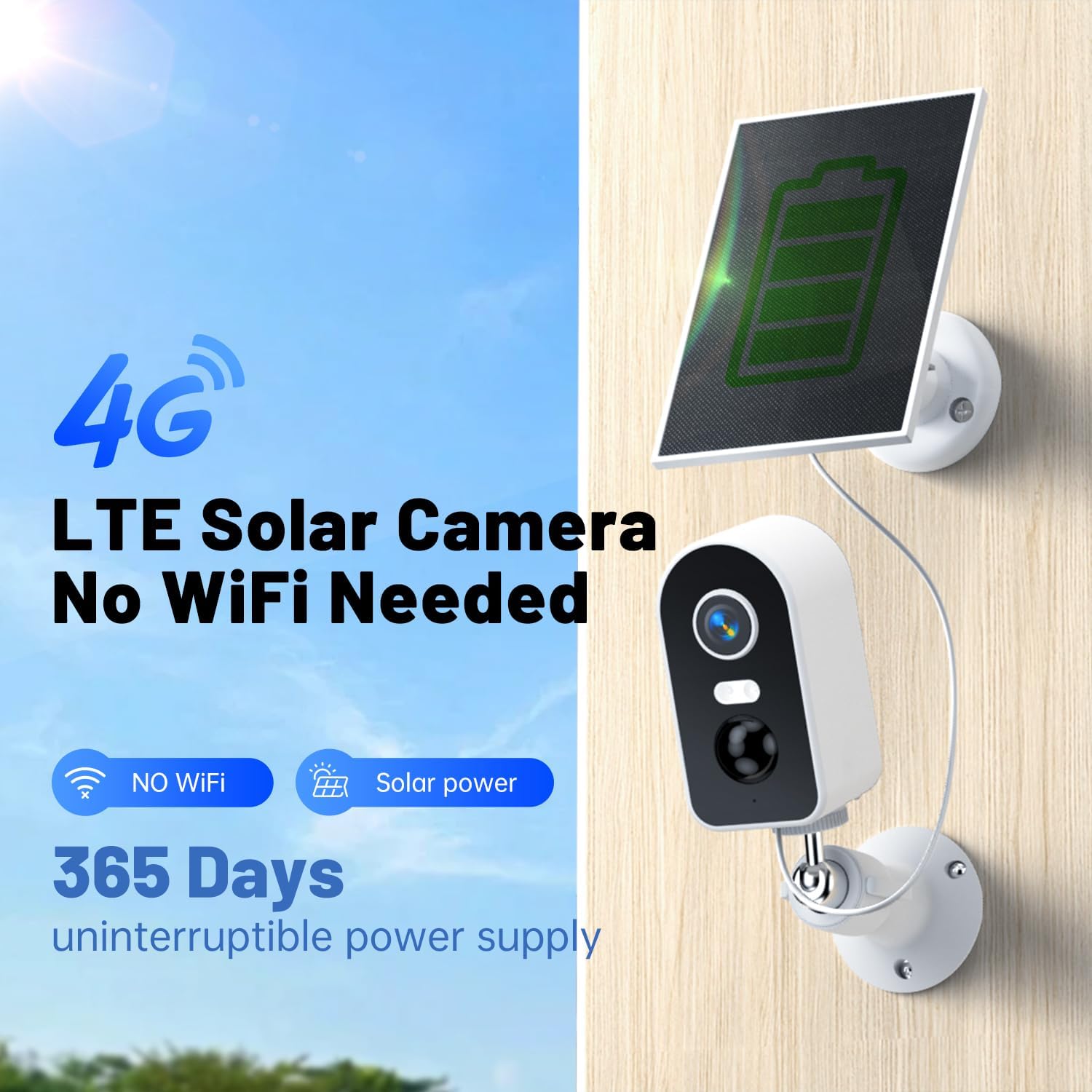
Image: The KKB G500 camera with its integrated solar panel, designed for off-grid security.
2. 상자 안에 무엇이 들어있나요?
상자를 풀 때 모든 구성품이 들어 있는지 확인하세요.
- KKB 4G Security Camera (Model G500)
- 태양광 패널
- 장착 나사
- 사용 설명서
3. 제품 특징
3.1 Solar Charging & Battery Power
The camera is equipped with a 3W solar panel and a 5200mAh rechargeable battery, providing continuous power without external electrical wiring. This design ensures uninterrupted operation in remote locations.

Image: Banner highlighting the 4G LTE cellular and solar-powered features of the camera.
3.2 Cellular Operation (No WiFi Required)
The camera utilizes a built-in, non-removable SIM card for 4G LTE connectivity, eliminating the need for WiFi. A data plan is required for operation (e.g., $14.9/month or $149.9/year).

Image: Illustration demonstrating the camera's 4G signal connection and inability to connect to WiFi.
3.3 2K Video Resolution & Night Vision
선명한 음식을 캡처하세요tage in 2K resolution. The camera supports both infrared (IR) and full-color night vision, allowing monitoring up to 50 feet in low-light conditions.

Image: A scene of a child and a dog on a beach, representing the clear 2K image quality.

Image: A split image showing the difference between full-color night vision and infrared night vision.
3.4 리모컨 Viewing with iCam365 App
Access live streams, review 기록된 footage, and download videos remotely using the iCam365 mobile application (available for Android and iOS). The app also provides real-time alerts and enables two-way communication.

Image: A smartphone screen showing the iCam365 app interface, demonstrating multi-person sharing capabilities.
3.5 PIR Motion Detection & Two-Way Audio
The integrated Passive Infrared (PIR) sensor detects motion and sends instant push notifications to your device. The built-in microphone and speaker facilitate two-way audio communication, allowing you to speak with visitors or deter intruders.

Image: A visual representation of smart detection capturing an abnormal status and pushing a real-time message via the app.
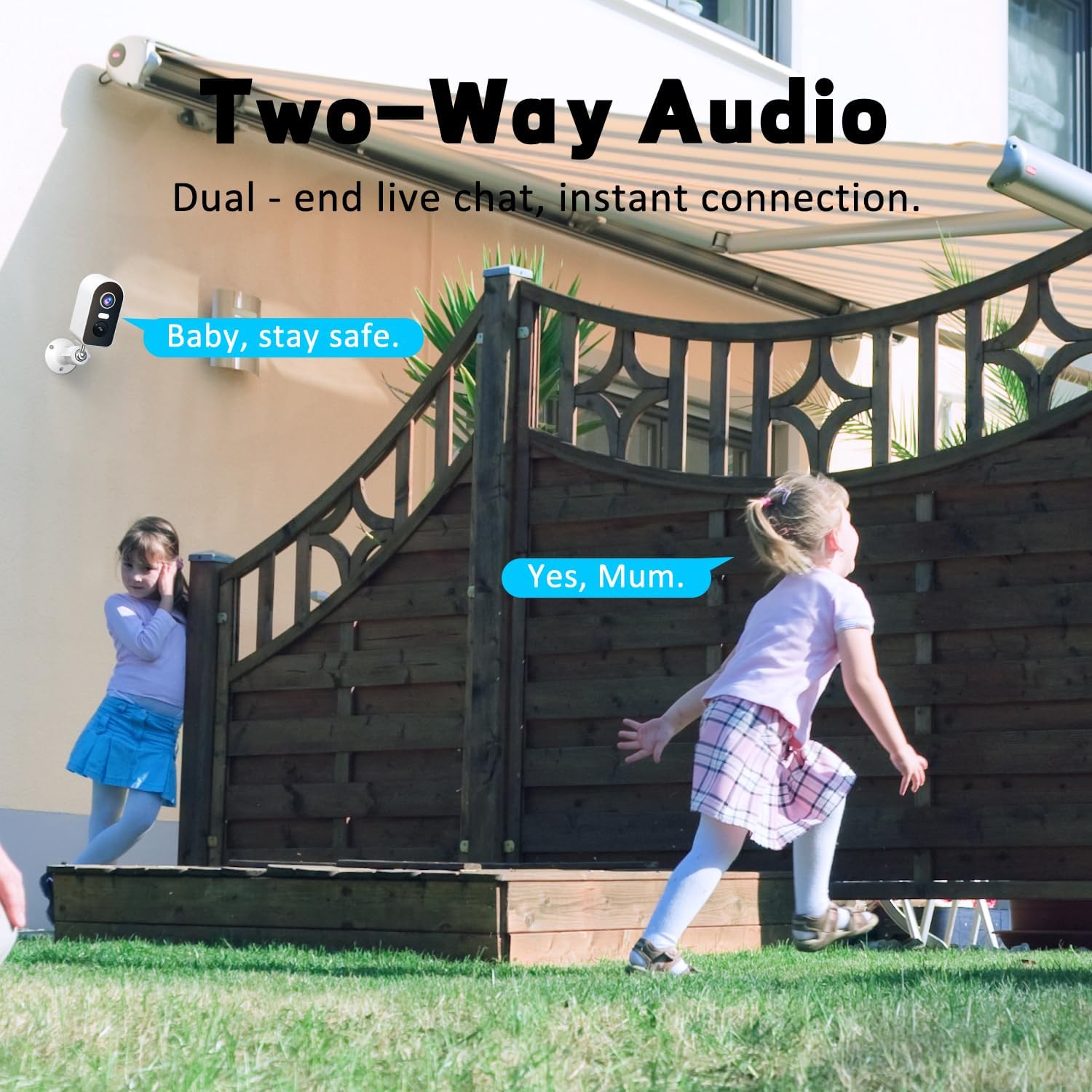
Image: Two children playing in a yard, illustrating the two-way audio feature for live communication.
3.6 IP65 방수 등급
The camera is rated IP65 waterproof, ensuring protection against dust and water jets. This makes it suitable for various outdoor weather conditions, including rain, sun, and snow.

Image: The camera and solar panel shown in a rainy outdoor setting, emphasizing its IP65 waterproof capabilities.
3.7 다양한 저장 옵션
Recordings can be stored locally on a Micro SD card (up to 128GB, not included) or via cloud storage services (subscription may be required). Message encryption ensures privacy.

Image: Visual representation of flexible storage options, including TF card and cloud storage.
4. 설정 가이드
4.1 초기 충전
Before first use, ensure the camera's internal battery is sufficiently charged. Connect the solar panel to the camera and place it in direct sunlight for several hours, or charge via a USB power adapter (not included) if available.
4.2 SIM Card Activation and Data Plan
The camera comes with a built-in SIM card. To activate cellular service, you must subscribe to a 4G LTE data plan through the iCam365 app. Available plans include monthly ($14.9) or annual ($149.9) options. The SIM card provides 300MB of data for initial testing.

Image: Details on the built-in SIM card and available 4G data subscription plans.
4.3 iCam365 App Download and Pairing
- 다운로드 아이캠365 app from your smartphone's app store (Android or iOS).
- 계정을 등록하고 로그인하세요.
- Follow the in-app instructions to add your KKB G500 camera. This typically involves scanning a QR code on the camera or entering its device ID.
- Ensure the camera is powered on and within 4G network coverage during the pairing process.
4.4 카메라 및 태양광 패널 장착
The camera can be wall-mounted or placed freestanding. For optimal solar charging, install the solar panel in a location that receives direct sunlight for most of the day. Avoid shaded areas.

이미지: 전amples of proper and improper solar panel installation to ensure effective charging.

Image: Various installation methods for the camera, including ceiling, wall, and tabletop placement.
5. 사용 설명서
5.1 라이브 View
Open the iCam365 app and select your camera to view the live feed. You can pan, tilt, and zoom digitally within the app to adjust the view지역입니다.
5.2 양방향 오디오
라이브 중 view, tap the microphone icon in the app to speak through the camera's speaker. Tap the speaker icon to listen to audio from the camera's microphone.
5.3 동작 감지 알림
When motion is detected, the camera will send a push notification to your smartphone. You can adjust motion detection sensitivity and schedule alert times within the app settings.
5.4 비디오 재생 및 녹화
기록된 foo에 액세스tage through the iCam365 app. You can review event-triggered recordings or continuous recordings if a Micro SD card is installed and configured. Options to download clips are available.
5.5 야간 투시 모드
The camera automatically switches to night vision in low light. You can typically choose between infrared (black and white) and full-color night vision modes in the app settings, depending on environmental conditions and preference.
6. 유지관리
6.1 태양광 패널 청소
태양광 패널 표면을 주기적으로 부드러운 천으로 닦아주세요.amp 먼지, 오물 또는 이물질을 제거하는 천입니다. 패널이 깨끗해야 충전 효율이 극대화됩니다.
6.2 배터리 관리
Monitor the battery level through the iCam365 app. While the solar panel provides continuous charging, prolonged periods of low sunlight or high usage may deplete the battery. Ensure the solar panel is optimally positioned.
6.3 펌웨어 업데이트
Check the iCam365 app regularly for available firmware updates. Keeping the camera's firmware updated ensures optimal performance, security, and access to new features.
7. 문제 해결
- 카메라가 4G 네트워크에 연결되지 않습니다:
- Ensure your data plan is active and has sufficient data. Check the camera's location for adequate 4G signal strength. Restart the camera.
- 배터리가 충전되지 않음:
- Verify the solar panel is clean and positioned in direct sunlight. Check the connection cable between the solar panel and the camera. Ensure the ambient temperature is within the operating range for charging.
- 동작 감지 알림 없음:
- Check the motion detection settings in the iCam365 app. Ensure the sensitivity is set appropriately and that alert schedules are correctly configured. Verify the camera's field of view 명확합니다.
- 비디오 품질이 좋지 않음:
- Ensure the camera lens is clean. Check the 4G signal strength, as a weak signal can affect streaming quality. Adjust video resolution settings in the app if available.
- 양방향 오디오가 작동하지 않습니다.
- Check the microphone and speaker permissions for the iCam365 app on your smartphone. Ensure the camera's microphone and speaker are not obstructed.
8. 사양
| 모델명 | G500 (4G-RF-11) |
| 연결 기술 | 무선(4G LTE 셀룰러) |
| 전원 | Solar Powered (3W panel), 5200mAh Battery |
| 비디오 캡처 해상도 | 2K |
| 나이트 비전 범위 | 30-50 Feet (IR and Color Night Vision) |
| 특별 기능 | 2-Way Audio, HD Resolution, Motion Sensor (PIR), Night Vision, Weatherproof |
| 실내/실외 사용 | 실내, 실외 |
| 방수 레벨 | IP65 방수 |
| 저장 옵션 | Micro SD (Max 128GB), Cloud Storage |
| 호환 장치 | 스마트폰(안드로이드, iOS) |
| 치수(길이 x 너비 x 높이) | 7.1 x 5.12 x 3.54 인치 |
| 품목 무게 | 1.36파운드 |
9. 보증 및 지원
KKB provides comprehensive customer support for the G500 camera. For technical assistance, troubleshooting, or warranty inquiries, please utilize the following resources:
- APP Online Contact: Access multi-channel service directly through the iCam365 application.
- 이메일 지원: Contact customer service via email for detailed inquiries.
- 7x24 Hours Professional Technical Support: Dedicated support is available around the clock to assist you.

Image: KKB customer service team offering multi-channel and 24/7 technical support.