
1. 서론
This manual provides instructions for setting up, operating, and maintaining your Cudy AX1500 WiFi 6 Mesh Wi-Fi System. The M1500 system is designed to provide seamless whole-home Wi-Fi coverage, replacing traditional routers and extenders.
2. 패키지 내용
패키지에 다음 품목이 포함되어 있는지 확인하십시오.
- M1500 Mesh Units (3 units for the 3-Pack)
- Power Adapters (one for each M1500 unit)
- 이더넷 케이블
- 설치 가이드
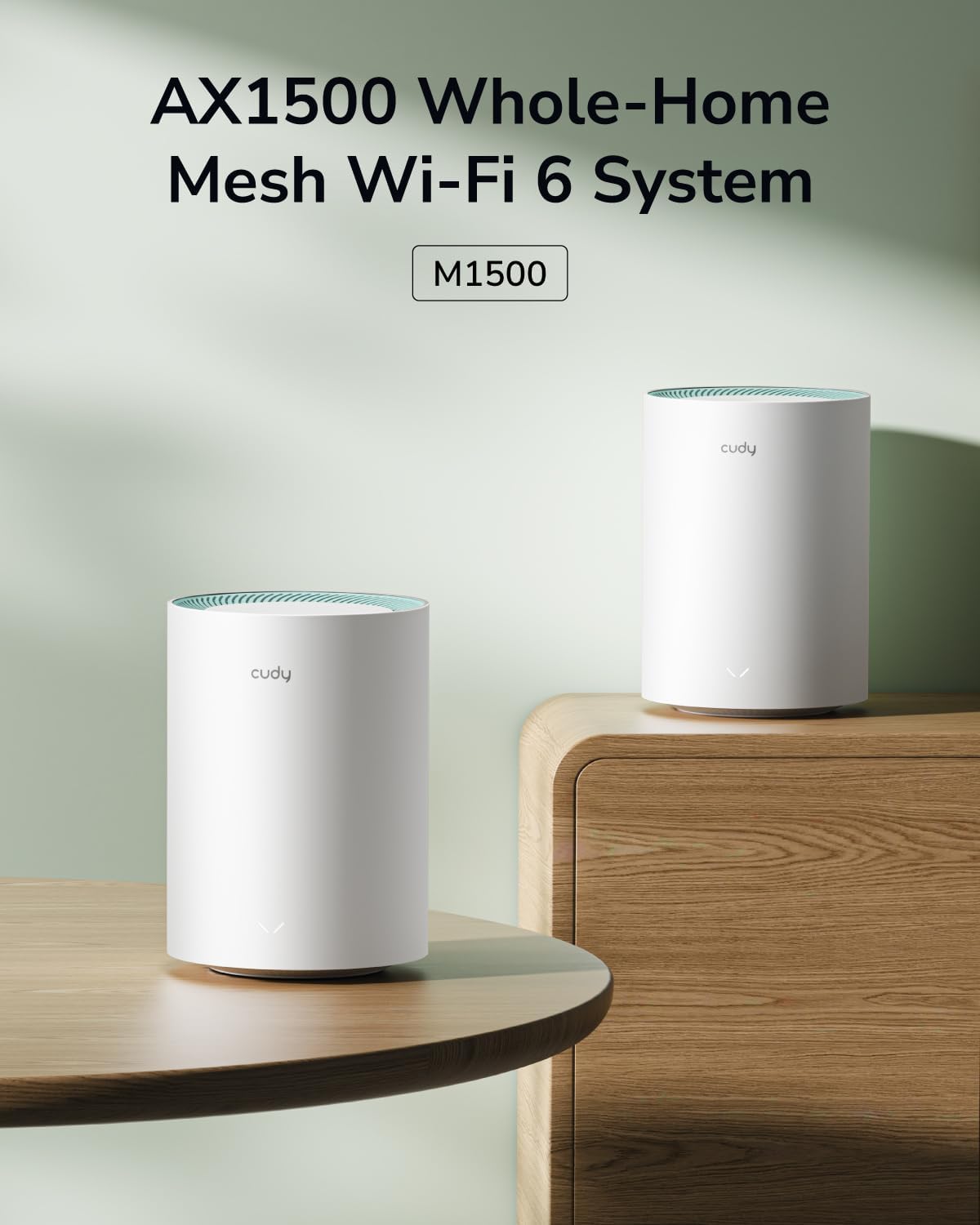
Image: Contents of the Cudy M1500 3-Pack, including three mesh units, power adapters, an Ethernet cable, and an installation guide.
3. 설정 가이드
Follow these steps to set up your Cudy M1500 Mesh Wi-Fi System:
- Cudy 앱을 다운로드하세요: 검색 "Cudy" in your mobile app store (iOS or Android) and download the official Cudy application.
- 기본 장치를 연결하세요:
- Connect one M1500 unit to your modem using the provided Ethernet cable. Plug one end into the WAN/LAN port of the M1500 unit and the other end into your modem's Ethernet port.
- Connect the power adapter to the M1500 unit and plug it into a power outlet.
- Wait for the unit to power on and the LED indicator to show a stable status (refer to the LED indicator section in the full manual for specific status meanings).
- 앱을 통한 초기 설정:
- Open the Cudy app on your smartphone.
- Follow the on-screen instructions to create a Cudy account or log in.
- The app will guide you through detecting the primary M1500 unit and configuring your new Wi-Fi network name (SSID) and password.
- Add Additional Mesh Units:
- Place the remaining M1500 units in desired locations within your home, ensuring they are within range of each other and the primary unit for optimal signal.
- Connect power adapters to these units and plug them into power outlets.
- In the Cudy app, select the option to add new mesh units. The app will automatically detect and pair the new units with your existing mesh network. Alternatively, you can use the WPS/Pair button on the units for synchronization.

Image: Screenshot of the Cudy App, illustrating the user-friendly interface for setting up and managing the mesh Wi-Fi system.
4. 사용 설명서
4.1. 끊김 없는 전 가정 Wi-Fi
The Cudy M1500 Mesh Wi-Fi System creates a unified network with a single Wi-Fi name (SSID) throughout your home. Devices automatically connect to the strongest signal as you move, ensuring uninterrupted connectivity.

Image: A diagram illustrating how Cudy Mesh units provide seamless Wi-Fi coverage across multiple rooms in a home.
4.2. Dual-Band Wi-Fi 6 Performance
The system operates on dual bands (2.4 GHz and 5 GHz) with Wi-Fi 6 (802.11ax) technology, offering speeds up to 300 Mbps on 2.4 GHz and 1201 Mbps on 5 GHz. This allows for efficient handling of multiple connected devices and high-bandwidth activities like streaming and gaming.

Image: A Cudy M1500 unit displayed with graphical indicators showing 1201 Mbps on 5 GHz and 300 Mbps on 2.4 GHz, highlighting its Wi-Fi 6 capabilities.
4.3. 기가비트 이더넷 포트
Each M1500 unit is equipped with three Gigabit Ethernet ports. These ports can be used for wired connections to devices such as PCs, gaming consoles, or smart TVs, providing stable and high-speed internet access. The system also supports Ethernet backhaul, allowing units to connect to each other via Ethernet for improved performance.

이미지: 후면 view of a Cudy M1500 unit, clearly showing the Gigabit Ethernet ports (LAN/WAN) and the power input.
4.4. 고급 기능
- 액세스 포인트 모드 : Configure the M1500 units to function as access points to extend an existing wired network.
- 빔포밍: Focuses Wi-Fi signals directly towards connected devices for stronger, more reliable connections.
- 보호자 관리: Manage internet access for specific devices or users, including time limits and content filtering.
- 서비스 품질(QoS): Prioritize network traffic for specific applications or devices to ensure optimal performance for critical tasks.
- 원격 접속: Manage your network settings and connected devices remotely via the Cudy app.
- VPN 클라이언트 지원: Supports PPTP, L2TP, and WireGuard VPN protocols for secure and private network access.

Image: Icons representing VPN client support, including WireGuard, PPTP, and L2TP protocols.
5. 유지관리
To ensure optimal performance and longevity of your Cudy M1500 Mesh Wi-Fi System:
- 펌웨어 업데이트: Regularly check for and install firmware updates via the Cudy app or web 인터페이스. 업데이트에는 성능 개선, 보안 패치, 새로운 기능이 포함되는 경우가 많습니다.
- 놓기: Place units in open areas, away from obstructions like large metal objects, thick walls, and other electronic devices that may cause interference. Cudy recommends placing units centrally in your home.
- 청소: Keep the units clean and dust-free. Use a soft, dry cloth to wipe the exterior. Do not use liquid cleaners.
- 전원 주기: If you experience network issues, try power cycling the units (unplug from power, wait 10 seconds, then plug back in).
6. 문제 해결
If you encounter issues with your Cudy M1500 Mesh Wi-Fi System, refer to the following common solutions:
| 문제 | 해결책 |
|---|---|
| 인터넷 접속 불가 |
|
| 와이파이 신호가 약하거나 와이파이 음영 지역이 있습니다. |
|
| 느린 속도 |
|
| Difficulty Setting Up via App |
|
7. 사양
| 특징 | 세부 사항 |
|---|---|
| 상표 | 쿠디 |
| 모델명 | M1500 3개입 |
| 주파수 대역 클래스 | 듀얼 밴드 |
| 무선 통신 표준 | 802.11ac, 802.11ax (Wi-Fi 6) |
| 데이터 전송 속도 | AX1500(5GHz에서 1201Mbps, 2.4GHz에서 300Mbps) |
| 연결 기술 | 이더넷, Wi-Fi |
| 포트 수 | 유닛당 3개의 기가비트 이더넷 포트 |
| LAN 포트 대역폭 | 1000Mbps |
| 적용 범위 | Up to 2500 square feet (for 3-Pack) |
| 제어 방법 | 앱 |
| 보안 프로토콜 | WPA/WPA2/WPA3 |
| 운영 체제 | 오픈WRT |
| 특별 기능 | Access Point Mode, Beamforming, Parental Control, QoS, Remote Access, Multi-VPN Support (PPTP/L2TP/WireGuard) |
| 호환 장치 | PC, Smartphone, Security camera, Tablet |
| 품목 치수(L x W x H) | 4.33인치 길이 x 4.33인치 너비 x 6.08인치 높이 |
| 품목 무게 | 900그램 |
8. 보증 및 지원
The Cudy M1500 Mesh Wi-Fi System comes with a 2년 보증.
For technical support, troubleshooting assistance, or warranty claims, please visit the official Cudy website or contact Cudy customer support. The Cudy app also provides resources and direct support options.