
PGST PG-M18
PGST 2K Wireless Video Doorbell Camera (Model PG-M18) User Manual
설치, 작동, 유지관리에 대한 가이드입니다.
1. 서론
Thank you for choosing the PGST 2K Wireless Video Doorbell Camera. This device provides advanced home security with crystal-clear 2K video, AI motion detection, and convenient two-way audio communication. Designed for easy installation and reliable performance, it ensures you stay connected to your front door from anywhere.
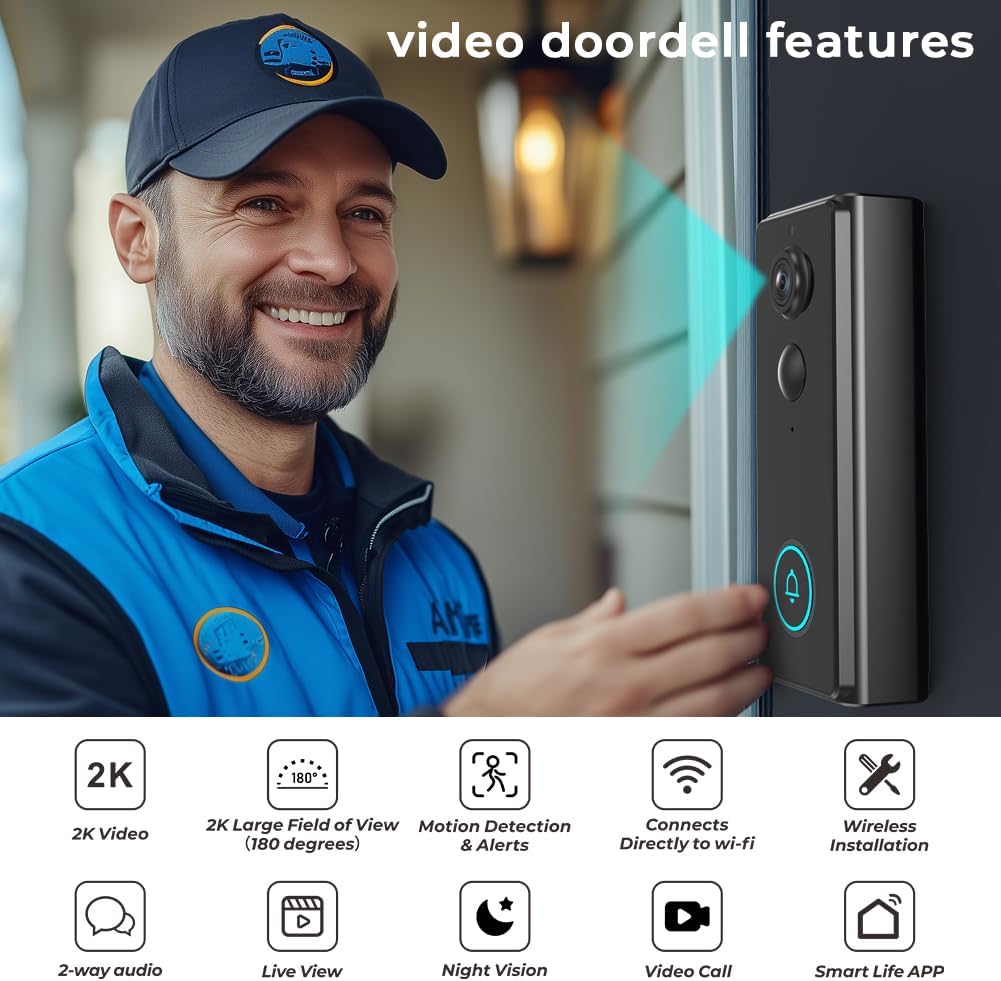
이미지 1.1: The PGST 2K Wireless Video Doorbell Camera, showcasing its key features including 2K video, 180-degree field of view, motion detection, Wi-Fi connectivity, wireless installation, 2-way audio, live view, night vision, video call, and Smart Life App compatibility.
주요 특징:
- 2K High Resolution Video: Capture clear details with 2K resolution and 2x digital zoom.
- AI 동작 감지: Receive instant alerts and snapshots when motion is detected.
- 머리부터 발끝까지 View & Night Vision: A wide 180-degree viewing angle and up to 32 feet of night vision for comprehensive coverage.
- 무선 설치: Built-in 4000mAh battery for wire-free setup.
- Two-Way Audio & Live View: Communicate with visitors and monitor your doorstep in real-time via the app.
- IP65 방수: 다양한 기상 조건에서 야외 사용에 적합한 내구성 있는 디자인입니다.
- 월 수수료 없음: Local storage options available.
2. 패키지 내용
모든 품목이 들어 있고 상태가 양호한지 확인하기 위해 패키지를 주의 깊게 확인하세요.
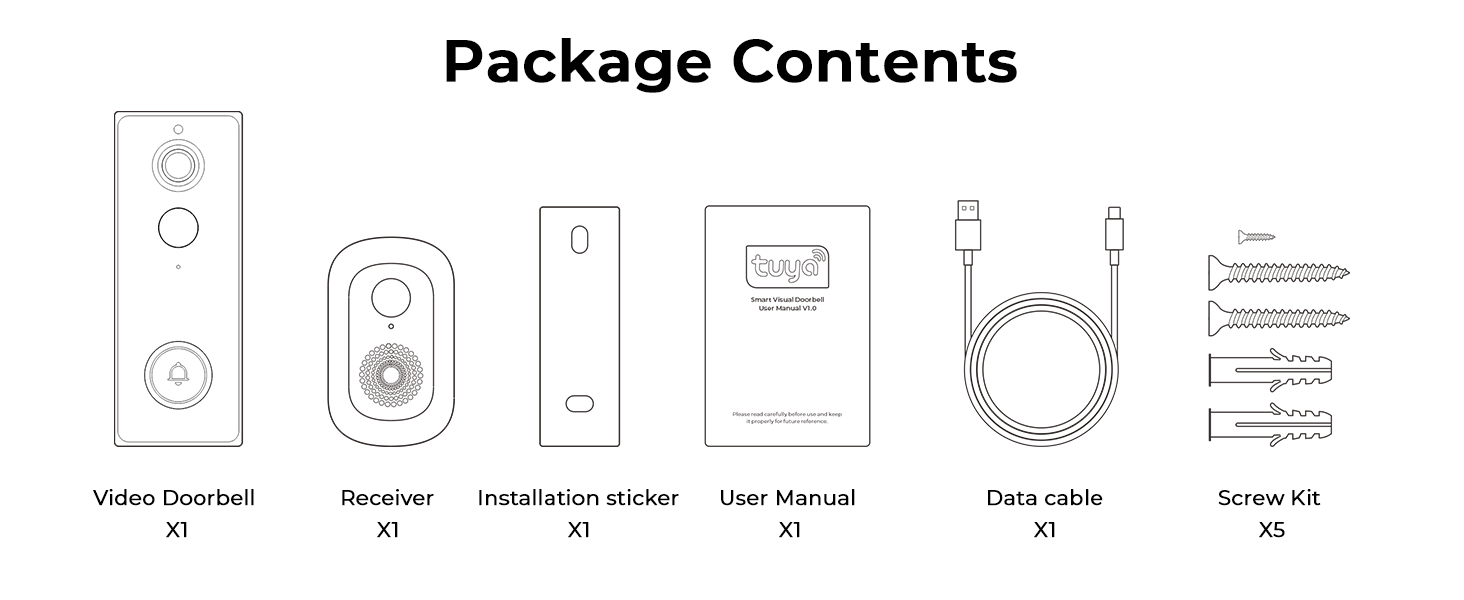
이미지 2.1: Contents of the PGST Video Doorbell package, including the Video Doorbell, Receiver (Chime), Installation Sticker, User Manual, Data Cable (Type-C), and Screw Kit.
- Video Doorbell (x1)
- Chime (Receiver) (x1)
- Installation Hardware (Screws, Wall Anchors) (x1 set)
- 사용 설명서(x1)
- 충전 케이블(C 타입) (1개)
3. 설정 및 설치
3.1. 도어벨 충전
Before installation, fully charge the doorbell using the provided Type-C charging cable. The built-in 4000mAh battery ensures long-lasting performance.
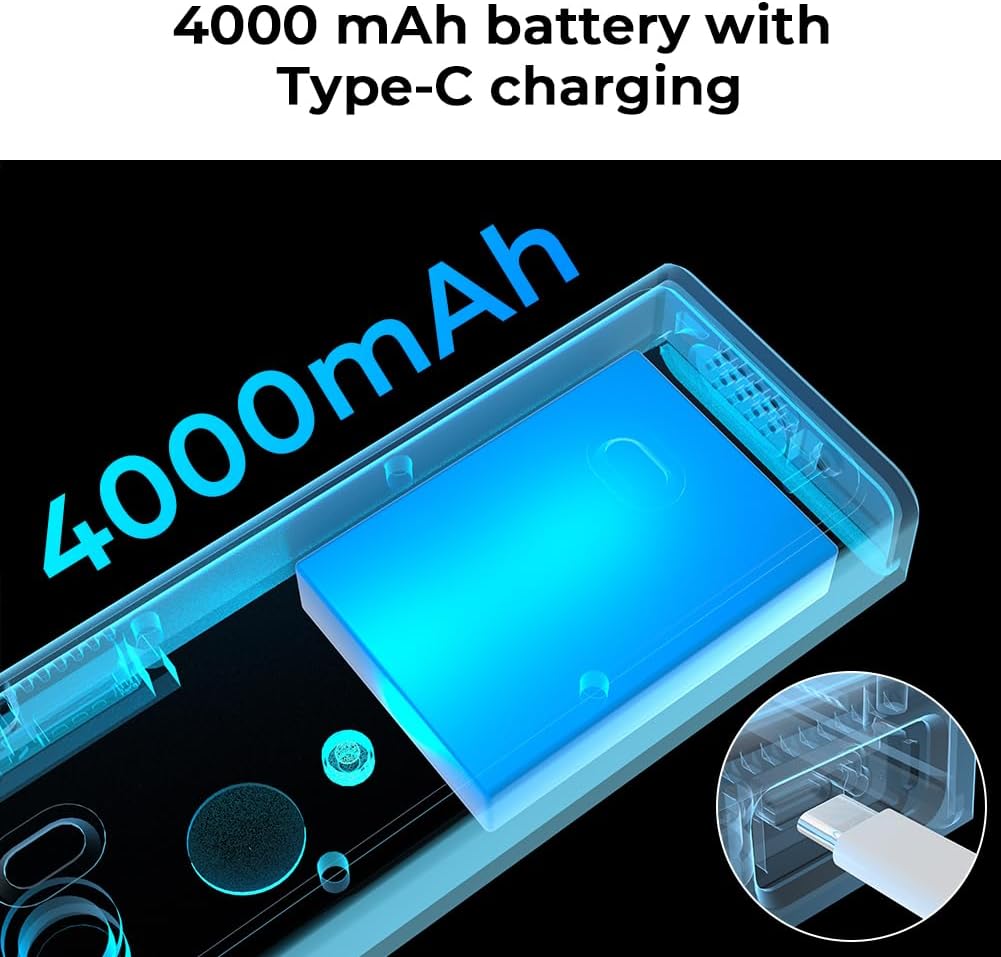
이미지 3.1: Illustration of the doorbell's internal 4000mAh battery and its Type-C charging capability.
3.2. 앱 다운로드 및 페어링
- 다운로드 스마트 라이프 app from your smartphone's app store (available on Android and iOS).
- Smart Life 계정에 등록하거나 로그인하세요.
- Follow the in-app instructions to add your new PGST Video Doorbell. Ensure your phone is connected to a 2.4GHz Wi-Fi network during pairing.
3.3. 초인종 설치
The doorbell offers two installation methods: screw mounting or self-adhesive mounting.
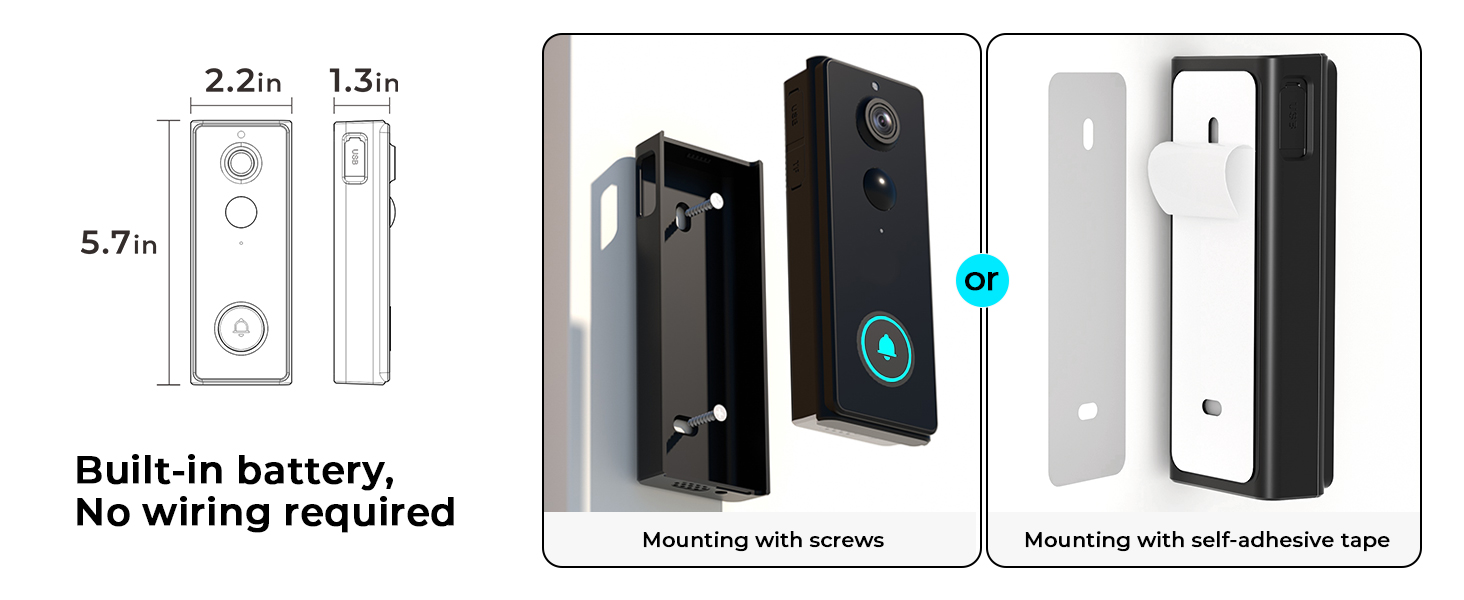
이미지 3.2: Two mounting options for the doorbell: using screws for a permanent fixture or self-adhesive tape for easier installation.
- 나사 장착: Use the provided installation hardware to securely attach the doorbell to your wall. This method is recommended for long-term stability.
- 접착식 부착: For a less permanent solution, use the strong adhesive tape to attach the doorbell to a clean, flat surface.
3.4. 차임벨 설정
Plug the Chime into a standard wall outlet inside your home. It will automatically pair with your doorbell. The chime extends connectivity and provides an audible notification when the doorbell is pressed.

이미지 3.3: The doorbell chime plugged into a wall socket, indicating its role in providing audible notifications.
4. 사용 설명서
4.1. 라이브 View 및 양방향 오디오
Access the live feed from your doorbell camera anytime through the Smart Life app. When a visitor presses the doorbell or motion is detected, you can initiate a two-way conversation directly from your smartphone.

이미지 4.1: A user engaging in two-way audio communication with a visitor at their door using the smartphone app.
4.2. 동작 감지 및 알림
The doorbell features advanced AI motion detection. When movement is detected at your door, the camera captures a snapshot or video and sends an immediate alert to your Smart Life app, reducing false alarms.

이미지 4.2: A smartphone screen showing a real-time motion detection alert with a live view 현관 카메라 영상입니다.
4.3. 2K Video and Zoom
The doorbell records in 2K resolution, providing clear and detailed footage. You can use the 2x digital zoom feature within the app to get a closer look at specific areas.
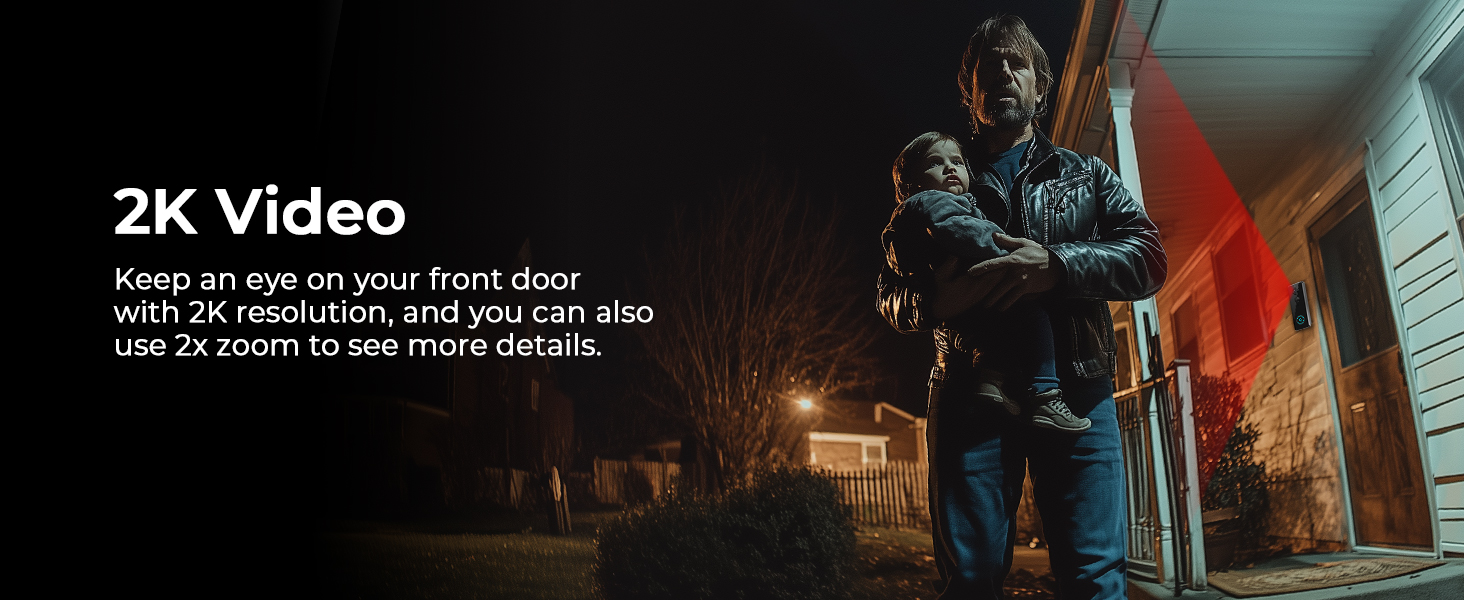
이미지 4.3: 전ample of 2K video quality, showing a clear image of a person at the doorstep even in low light conditions.
4.4. 야간 투시경
Equipped with advanced night vision technology, the doorbell provides clear visibility up to 32 feet, even in complete darkness, ensuring your property is monitored 24/7.

이미지 4.4: A clear night vision view of a visitor at the door, highlighting the doorbell's ability to capture images in low-light environments.
4.5. Voice Simulation
Utilize the voice simulation feature to protect your privacy or deter unwanted visitors by using pre-recorded messages or a modified voice during two-way communication.
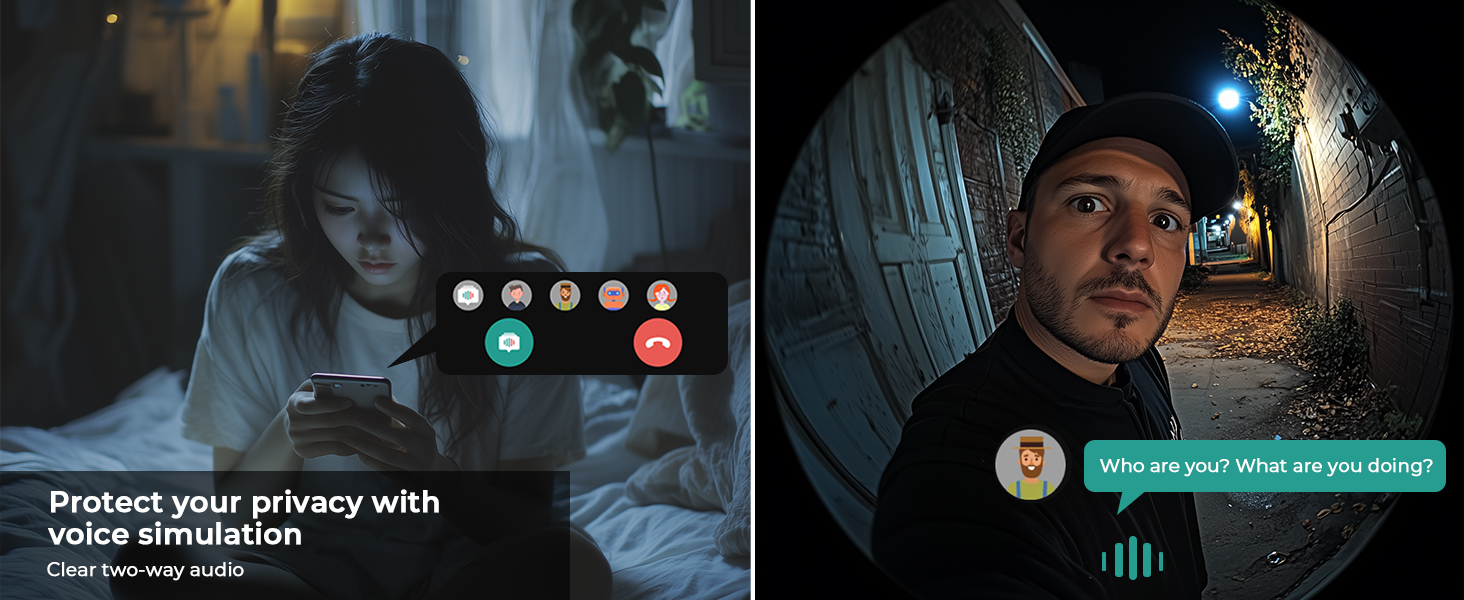
이미지 4.5: A visual representation of the voice simulation feature, allowing users to communicate with visitors while maintaining privacy.
4.6. Visitor History
The Smart Life app stores a history of visitors and events, allowing you to review 푸tage from the past 30 days at your convenience.

이미지 4.6: Multiple smartphone views illustrating the visitor history log, showing different individuals captured by the doorbell over time.
4.7. 장치 공유
Share access to your doorbell camera with family members through the Smart Life app, allowing multiple users to monitor and interact with visitors.

이미지 4.7: An illustration of the device sharing feature, enabling multiple family members to access and control the doorbell camera from different locations.
4.8. 저장 옵션
The doorbell supports local storage for photos without a monthly fee. Cloud storage for video recordings is available separately.

이미지 4.8: A visual representation emphasizing that local security features come with no monthly fees.
5. 유지관리
5.1. 배터리 관리
- Recharge the doorbell's built-in 4000mAh battery using the provided Type-C cable when the battery level is low.
- Avoid exposing the doorbell to extreme temperatures for prolonged periods, as this can affect battery life.
5.2. 청소
- 카메라 렌즈와 초인종 표면을 부드러운 천으로 닦으세요.amp 먼지와 흙을 제거하는 천.
- Do not use harsh chemicals or abrasive cleaners, as they may damage the device.
5.3. 방수 처리
The PGST Video Doorbell is rated IP65 weatherproof, meaning it is protected against dust and water jets. It is designed to withstand various outdoor conditions.

이미지 5.1: The doorbell camera installed outdoors during rainfall, demonstrating its IP65 waterproof rating and resistance to various weather conditions.
6. 문제 해결
If you encounter issues with your PGST Video Doorbell, please refer to the following common solutions:
| 문제 | 가능한 원인 | 해결책 |
|---|---|---|
| 도어벨이 Wi-Fi에 연결되지 않습니다 | 와이파이 비밀번호가 잘못되었습니다. 5GHz 와이파이 네트워크를 사용하고 있습니다. 라우터에서 너무 멀리 떨어져 있습니다. | Ensure correct 2.4GHz Wi-Fi password. Move doorbell closer to router. Restart router and doorbell. |
| 모션 감지 알림 없음 | Motion detection disabled; app notifications off; low battery. | Check app settings for motion detection and notification preferences. Ensure doorbell battery is charged. |
| 비디오 품질이 좋지 않음 | Dirty lens; weak Wi-Fi signal; network congestion. | Clean the camera lens. Improve Wi-Fi signal strength. Reduce network traffic. |
| 차임벨이 울리지 않습니다 | Chime unplugged; not paired; volume too low. | Ensure chime is plugged in. Re-pair chime if necessary (refer to chime manual). Adjust chime volume. |
| App not available in my region | Regional restrictions for the Smart Life app. | Verify that the Smart Life app is available in your country's app store. Contact PGST support if issues persist. |
7. 사양
Detailed technical specifications for the PGST 2K Wireless Video Doorbell Camera (Model PG-M18).
| 특징 | 세부 사항 |
|---|---|
| 모델 번호 | PG-M18 |
| 비디오 해상도 | 2K (최대 5MP) Web캠 이미지 해상도) |
| View잉 각도 | 180도 |
| 나이트 비전 범위 | Up to 32 Feet (Night Color Technology) |
| 줌 비율 | 2배 디지털 줌 |
| 연결성 | 2.4GHz 와이파이 |
| 전원 | 4000mAh 내장 배터리, Type-C 충전 |
| 내후성 | IP65 비바람에 잘 견디는 |
| 오디오 | Two-Way Audio with Voice Simulation |
| 저장 | Local (Photos), Cloud (Videos - separate subscription) |
| 치수(길이 x 너비 x 높이) | 1.25 x 2.8 x 5.5 인치 |
| 무게 | 11.2 온스 |
| 포함된 구성 요소 | Video Doorbell, Chime, Installation Hardware, User Manual, Charging Cable |
8. 보증 및 지원
8.1. 보증 정보
Please refer to the warranty card included in your package or contact PGST customer service for detailed warranty terms and conditions. Keep your proof of purchase for warranty claims.
8.2. 고객 지원
For technical assistance, troubleshooting, or any questions regarding your PGST Video Doorbell, please contact PGST customer support through the contact information provided in your product packaging or on the official PGST website. You can also find helpful resources within the Smart Life app.
Ask a question about this manual
Ask about setup, troubleshooting, compatibility, parts, safety, or missing instructions. Manuals+ will review the question and use this page’s manual context to help answer it.