
ARCCTV P2
ARCCTV 2K 실외 보안 카메라 P2 사용 설명서
모델: P2
1. 서론
This manual provides detailed instructions for the installation, operation, and maintenance of your ARCCTV 2K Security Camera Outdoor P2. Please read this manual thoroughly before using the product to ensure correct usage and optimal performance. Keep this manual for future reference.

이미지 1.1: 앞면 view of the ARCCTV 2K Security Camera Outdoor P2.
2. 상자 안에 무엇이 들어있나요?
패키지에 모든 구성 요소가 들어 있는지 확인하세요.
- 카메라 바디
- 5V1A 전원 어댑터
- 장착 나사(세트)
- Screw Positioning Sticker
- 경고 스티커
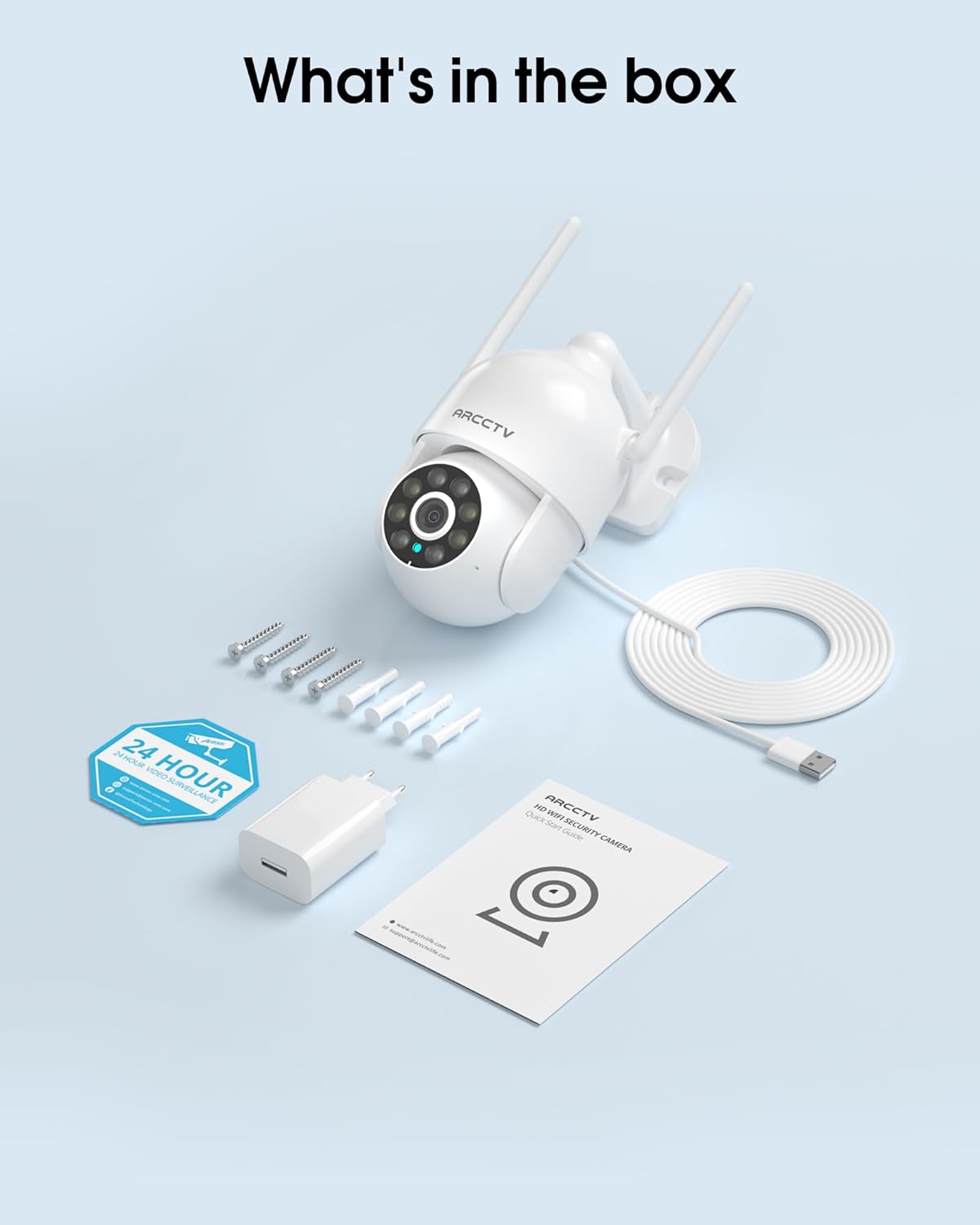
Image 2.1: All items included in the ARCCTV 2K Security Camera package.
3. 제품 특징
- 2K 울트라 HD 해상도: Provides clear 2304x1296p video.
- 풀 컬러 야간 투시경: Built-in spotlight enables vivid color monitoring in low light.
- 360° Pan-Tilt-Zoom (PTZ): Remotely control 355° horizontal and 90° vertical rotation.
- 자동 동작 추적: Smart AI automatically follows and records detected movement.
- 듀얼 밴드 WiFi: Supports both 2.4G and 5G WiFi for stable connectivity.
- 양방향 오디오 : 통신을 위한 마이크와 스피커가 내장되어 있습니다.
- IP66 방수: Durable design for outdoor use in various weather conditions (-4°F ~ 122°F).
- 유연한 스토리지: 로컬 microSD 카드 저장소(최대 128GB, 별도 구매)를 지원하며, 클라우드 저장소도 선택적으로 사용할 수 있습니다.
- 24시간 연중무휴 녹화: Continuous recording capability with stable power supply.
4. 설정
4.1 설치
- 위치를 선택하세요: 맑은 야외 장소를 선택하세요 view of the area you wish to monitor. Ensure it is within range of your Wi-Fi network and a power outlet.
- 카메라 장착: Use the provided screw positioning sticker to mark drill holes. Drill holes, insert wall anchors, and secure the camera body to the wall using the mounting screws.
- 전원 연결: Plug the 5V1A power adapter into the camera and then into a power outlet. The camera will power on and begin its startup sequence.
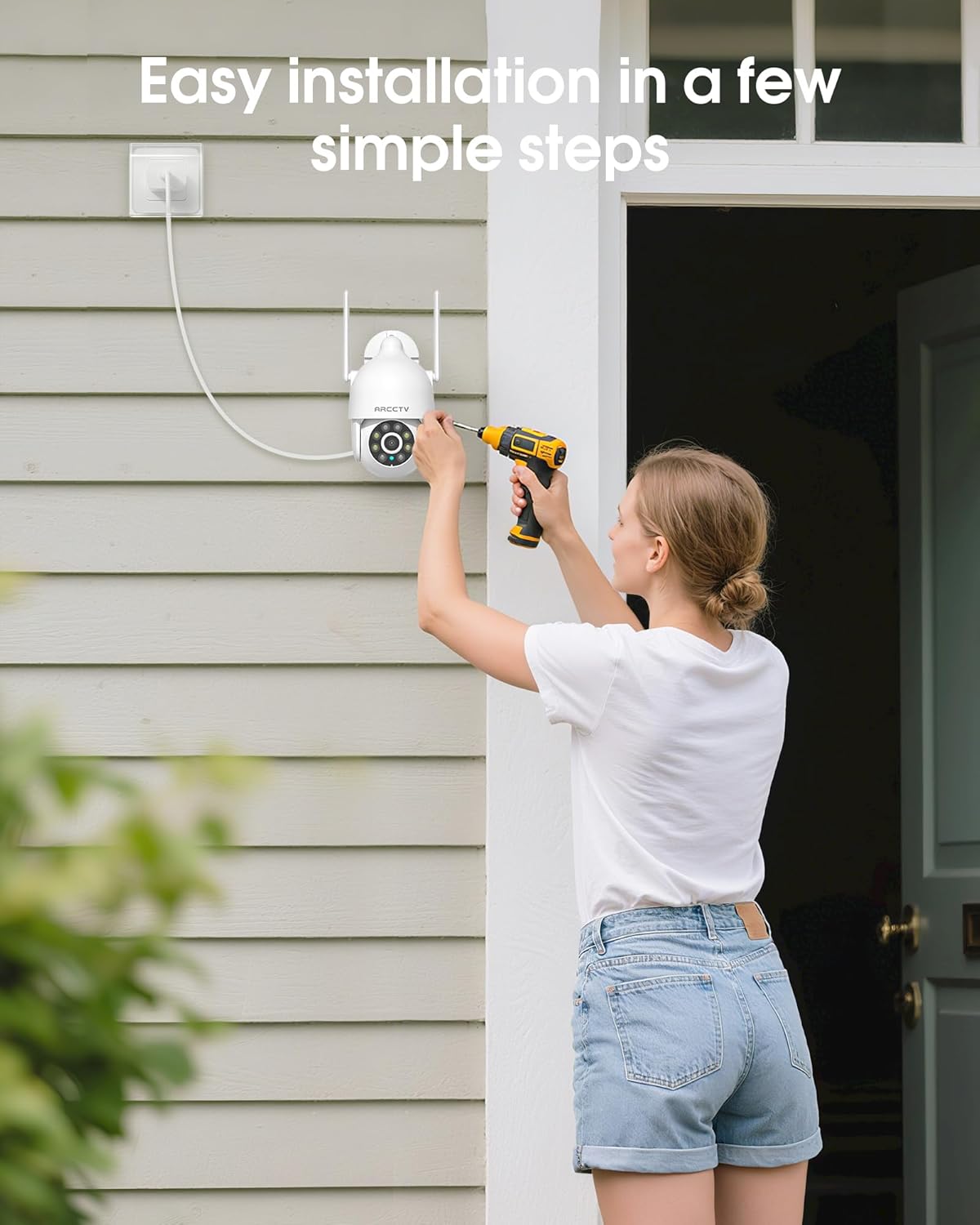
Image 4.1: Illustration of easy camera installation steps.
4.2 앱 다운로드 및 계정 생성
- Download the official ARCCTV app from your smartphone's app store (iOS or Android).
- 앱을 열고 화면의 지시에 따라 새 계정을 만들거나 이미 계정이 있는 경우 로그인하세요.
4.3 Wi-Fi 연결
- 앱에서 "기기 추가" 또는 "+" 아이콘을 탭하세요.
- Select your camera model and follow the prompts to connect it to your Wi-Fi network. The camera supports both 2.4GHz and 5GHz bands for stable connectivity.
- 설정 과정 동안 스마트폰이 동일한 Wi-Fi 네트워크에 연결되어 있는지 확인하십시오.
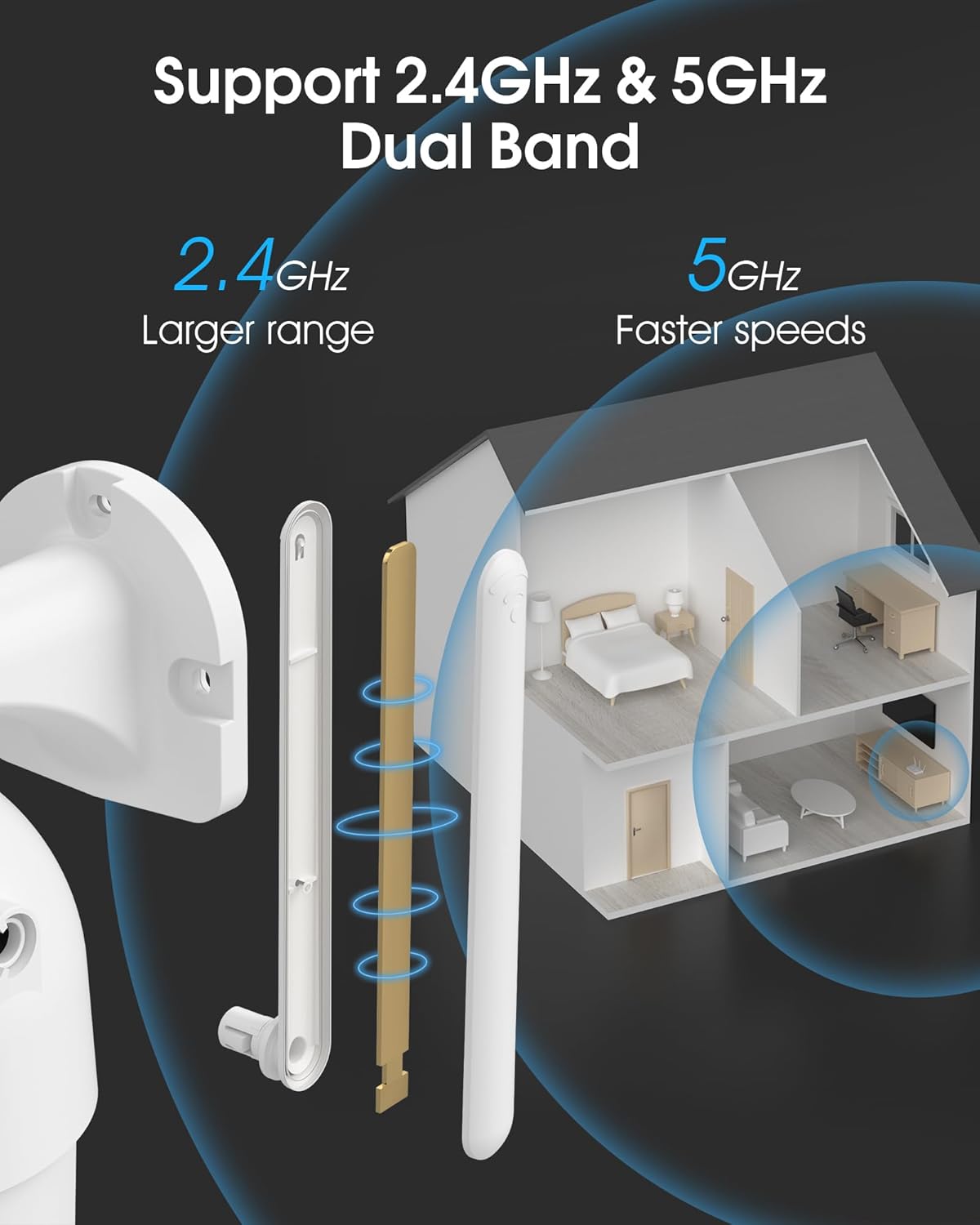
Image 4.2: The camera supports both 2.4GHz (larger range) and 5GHz (faster speeds) Wi-Fi bands.
4.4 MicroSD 카드 설치 (선택 사항)
For local storage, install a microSD card (up to 128GB, not included) into the designated slot on the camera. Ensure the camera is powered off before inserting or removing the card.
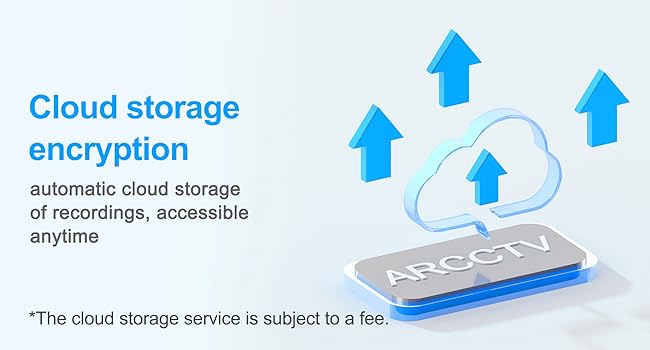
Image 4.3: Location of the microSD card slot on the camera.
5. 카메라 작동
5.1 라이브 View
Open the ARCCTV app and select your camera to view the live feed. You can monitor your property in real-time.
5.2 팬-틸트-줌(PTZ) 제어
라이브에서 view screen, use the directional controls to rotate the camera horizontally (Pan: 355°) and vertically (Tilt: 90°) to adjust the view각도를 조절할 수 있습니다. 빠른 탐색을 위해 미리 설정된 지점을 지정할 수도 있습니다.
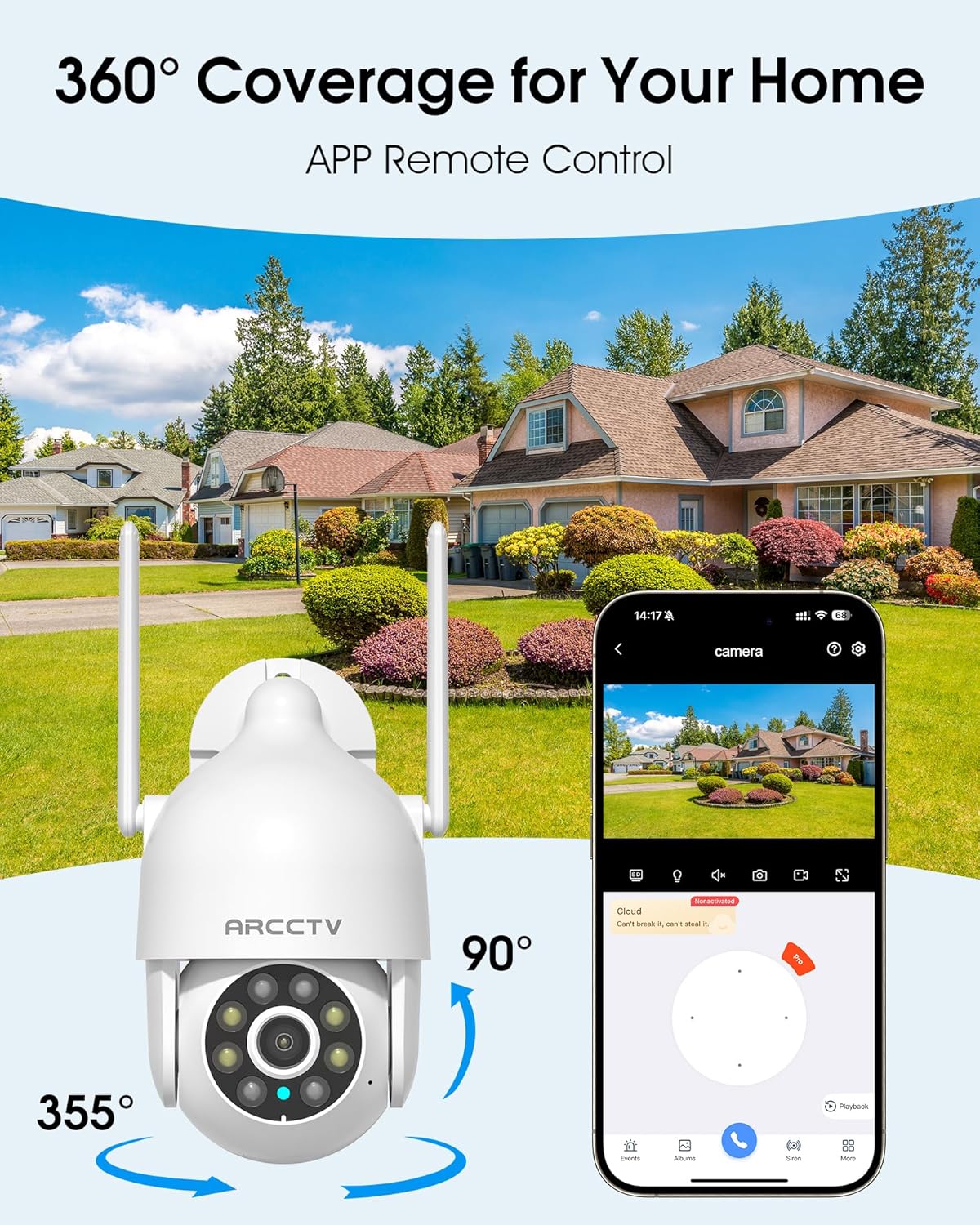
Image 5.1: The camera offers 360° coverage through remote pan and tilt controls.
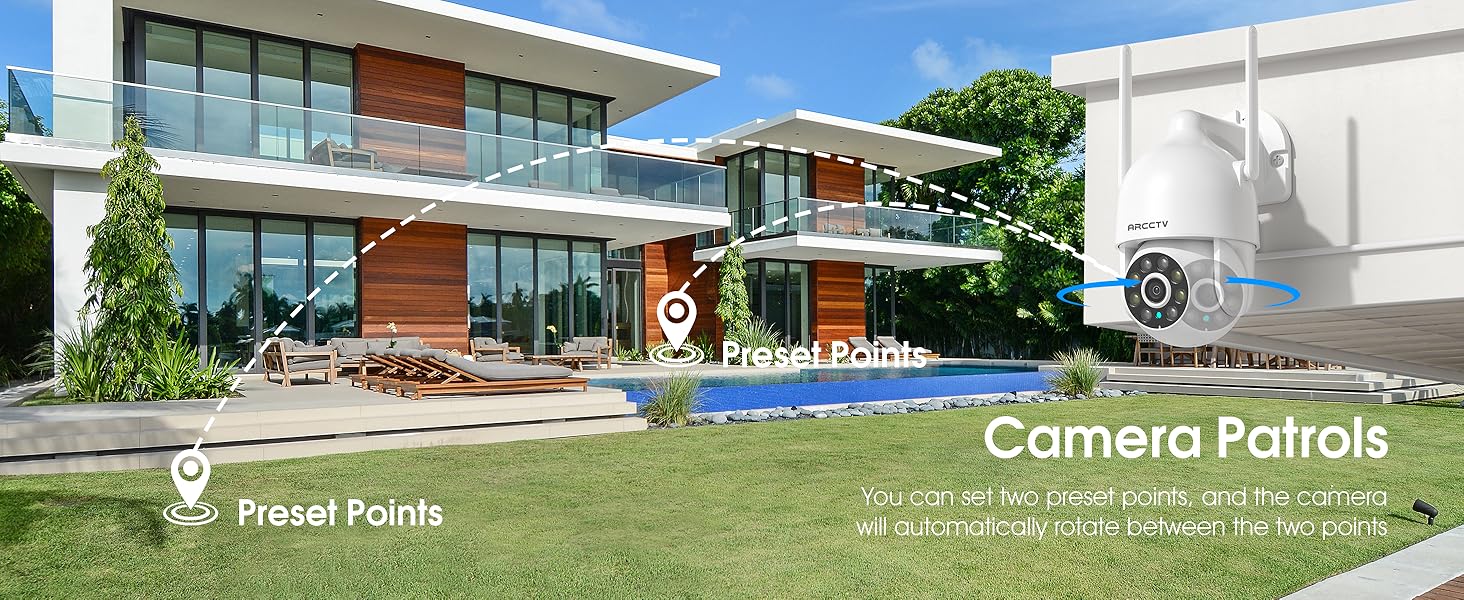
Image 5.2: Setting up camera patrol routes between preset points.
5.3 Motion Tracking and Alerts
The camera features smart AI motion tracking that automatically follows detected movement. You can customize alert zones and receive instant notifications on your smartphone when motion is detected.

Image 5.3: The camera's smart motion tracking feature in action.

Image 5.4: Instant alerts with customizable settings, including spotlight, siren, and two-way audio.
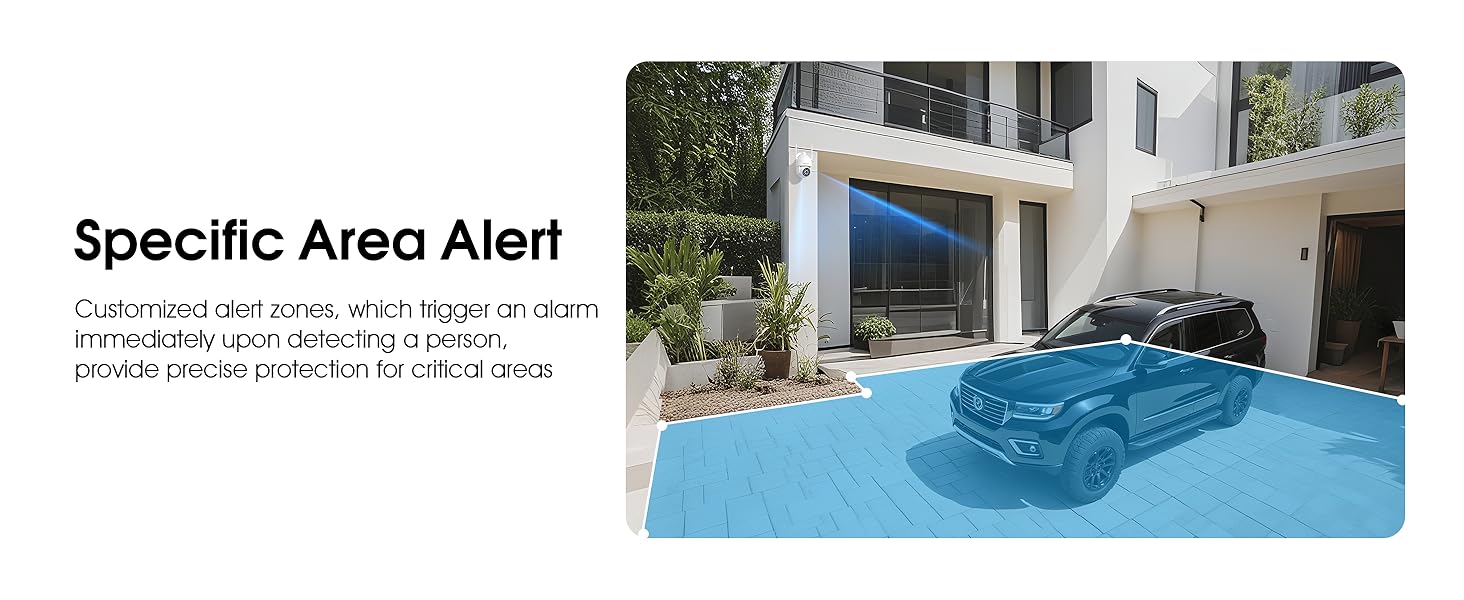
Image 5.5: Setting up specific area alerts for precise protection.
5.4 야간 투시 모드
The camera offers both full-color night vision (activated by the built-in spotlight) and infrared night vision for clear monitoring in various low-light conditions.

Image 5.6: Comparison of Color Night Vision and Infrared Night Vision.
5.5 양방향 오디오
Use the two-way audio feature to communicate with visitors or deter unwanted guests directly through the camera's built-in microphone and speaker.
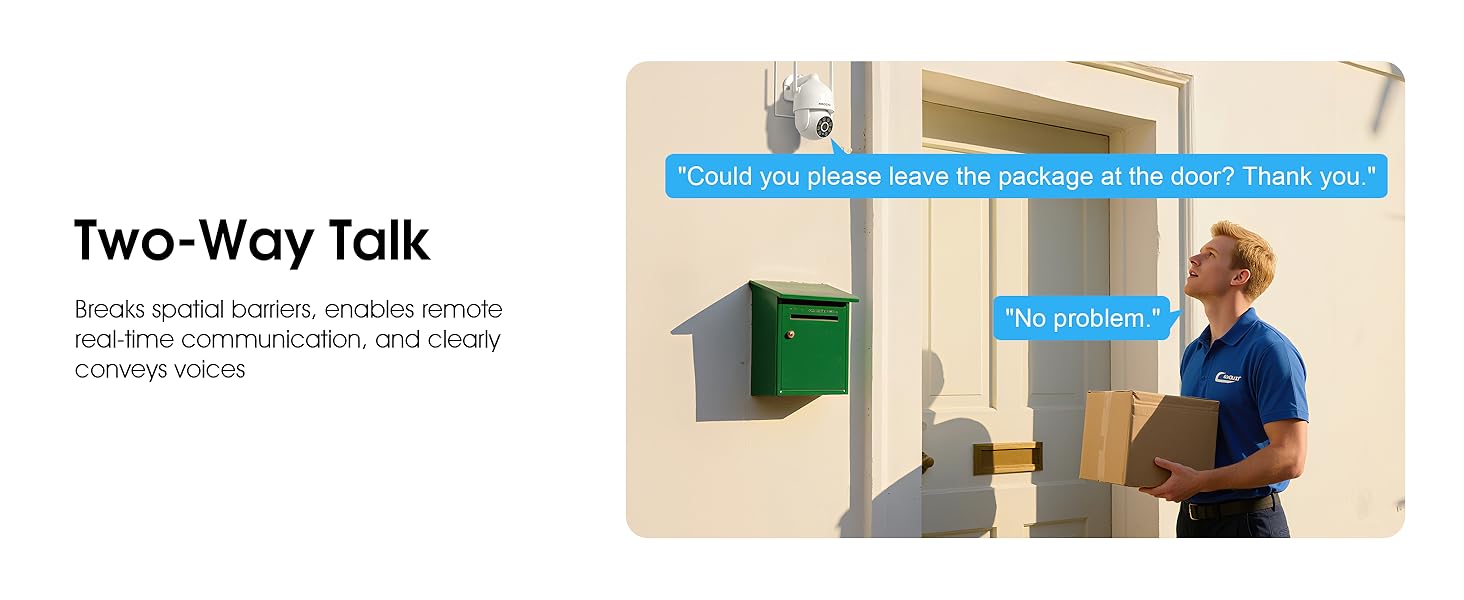
Image 5.7: Utilizing two-way talk for remote communication.
5.6 녹음 및 재생
이 카메라는 24시간 내내 연속 녹화를 지원합니다.tage can be saved to a local microSD card (up to 128GB) or to optional cloud storage. Access recorded videos through the app's playback function.

Image 5.8: The camera provides 24/7 recording capabilities.
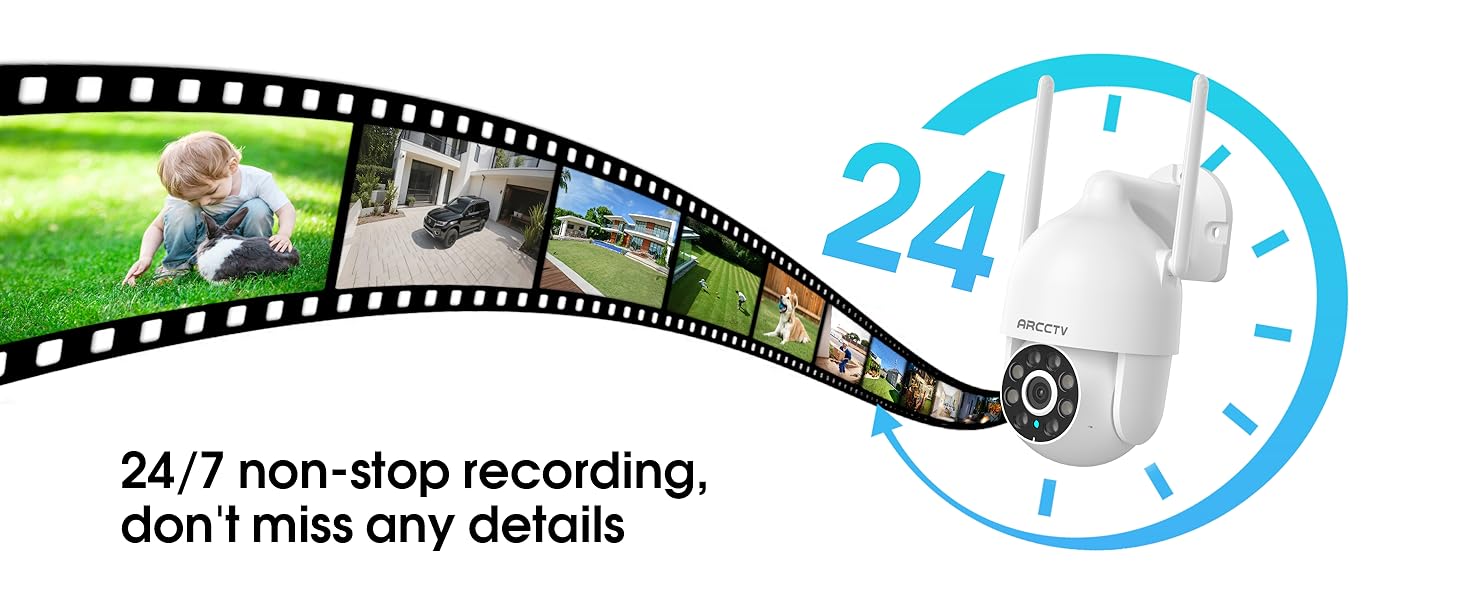
Image 5.9: Continuous 24/7 recording ensures no details are missed.
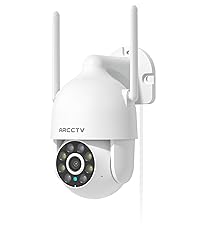
Image 5.10: Cloud storage encryption for secure and accessible recordings (subscription may apply).
5.7 가족 공유
The app supports multi-member sharing, allowing family members to view the camera feed and collaborate on security monitoring.
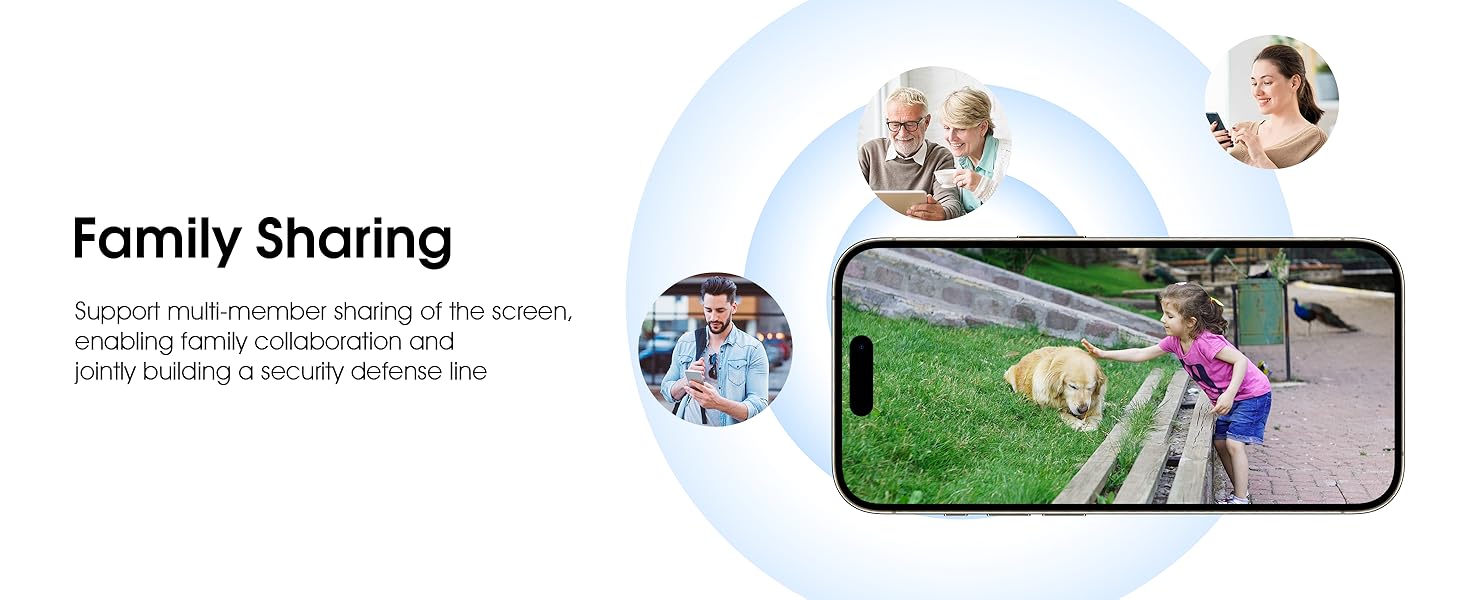
Image 5.11: The family sharing feature allows multiple users to access the camera feed.
5.8 Alexa 호환성
The camera is compatible with Alexa, allowing you to check the monitoring screen using voice commands.
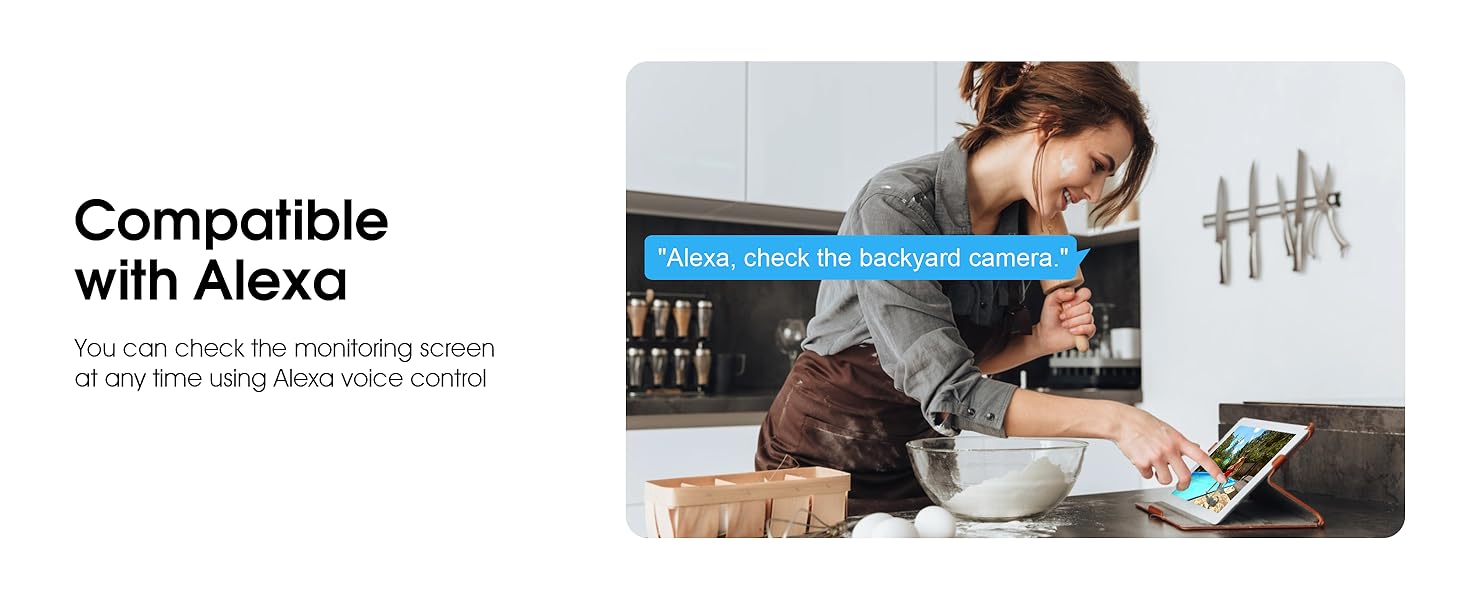
Image 5.12: Voice control via Alexa for convenient monitoring.
6. 유지관리
6.1 카메라 청소
카메라 렌즈와 하우징을 부드러운 천으로 주기적으로 청소하십시오.amp 천으로 먼지와 이물질을 제거하세요. 강한 화학 물질이나 연마성 세제는 사용하지 마세요.
6.2 펌웨어 업데이트
Ensure your camera's firmware is up to date for optimal performance and security. Check for updates within the ARCCTV app and follow the instructions to install them.
6.3 스토리지 관리
If using a microSD card, regularly check its status in the app. Format the card periodically to maintain performance. For cloud storage, manage your subscription and storage space through the app.
7. 문제 해결
- 카메라가 Wi-Fi에 연결되지 않음:
- Ensure your Wi-Fi network is 2.4GHz or 5GHz and has a strong signal at the camera's location.
- 와이파이 비밀번호가 올바르게 입력되었는지 확인하세요.
- 라우터와 카메라를 다시 시작하세요.
- 이미지 품질이 좋지 않음:
- 카메라 렌즈를 청소하세요.
- 최적의 야간 시야 성능을 위해 충분한 조명을 확보하십시오.
- 인터넷 연결 속도를 확인하세요.
- 동작 감지가 작동하지 않음:
- 앱 설정에서 동작 감지가 활성화되어 있는지 확인하세요.
- 감도 설정을 조정합니다.
- 카메라 시야에 방해물이 없는지 확인하십시오. view.
- MicroSD 카드에 녹화되지 않음:
- Ensure a microSD card is properly inserted and formatted in the app.
- Check if the card is full; consider formatting or replacing it.
- 앱에서 녹화 설정을 확인하세요.
8. 사양
| 특징 | 사양 |
|---|---|
| 모델명 | P2 |
| 실내/실외 사용 | 집 밖의 |
| 비디오 캡처 해상도 | 2K(2304x1296p) |
| 연결 기술 | 무선(Wi-Fi) |
| 무선 통신 기술 | 와이파이 (2.4G/5G 듀얼 밴드) |
| View잉 각도 | 360도 회전 (좌우 회전 355°, 상하 회전 90°) |
| 나이트 비전 범위 | 50 피트 |
| 방수 레벨 | IP66 방수 |
| 전원 | 5V1A 전원 어댑터 |
| 플래시 메모리 지원 크기 최대 | 128GB(마이크로SD) |
| 시청각 녹화 기능 | 비디오 및 오디오 |
| 특징 | 2-Way Audio, Motion Tracking, Full Color Night Vision |
| 품목 치수 L x W x H | 7.8 x 6.6 x 5.3 인치 |
| 품목 무게 | 1.39파운드 |
9. 보증 및 지원
보증 정보 및 기술 지원에 대해서는 ARCCTV 공식 웹사이트를 참조하십시오. website or contact their customer service directly. Contact details are typically provided on the product packaging or within the mobile application.
Ask a question about this manual
Ask about setup, troubleshooting, compatibility, parts, safety, or missing instructions. Manuals+ will review the question and use this page’s manual context to help answer it.