
소개
The Skullcandy Crusher Evo Wireless Bluetooth Headphones deliver a powerful audio experience with patented Multi-Sensory Crusher Bass technology. Designed for comfort and extended use, these headphones feature up to 40 hours of battery life, Rapid Charge, and personalized sound tuning through the Skullcandy App. This manual provides essential information for setting up, operating, maintaining, and troubleshooting your Crusher Evo headphones.
상자 안에 무엇이 들어있나요?
Upon opening your Skullcandy Crusher Evo package, you should find the following items:
- 크러셔® 에보 무선 헤드폰
- USB-C 충전 케이블
- 보조 오디오 케이블
- 보호 케이스
- 빠른 시작 및 사용자 가이드

Image: The Skullcandy Crusher Evo headphones, USB-C charging cable, auxiliary cable, protective case, and user guide are neatly arranged, illustrating the complete package contents.
설정
1. 헤드폰 충전하기
Before initial use, fully charge your Crusher Evo headphones. Connect the provided USB-C charging cable to the headphone's charging port and a compatible USB power source. A full charge provides up to 40 hours of listening time. The Rapid Charge feature allows for 4 hours of listening with just a 10-minute charge.
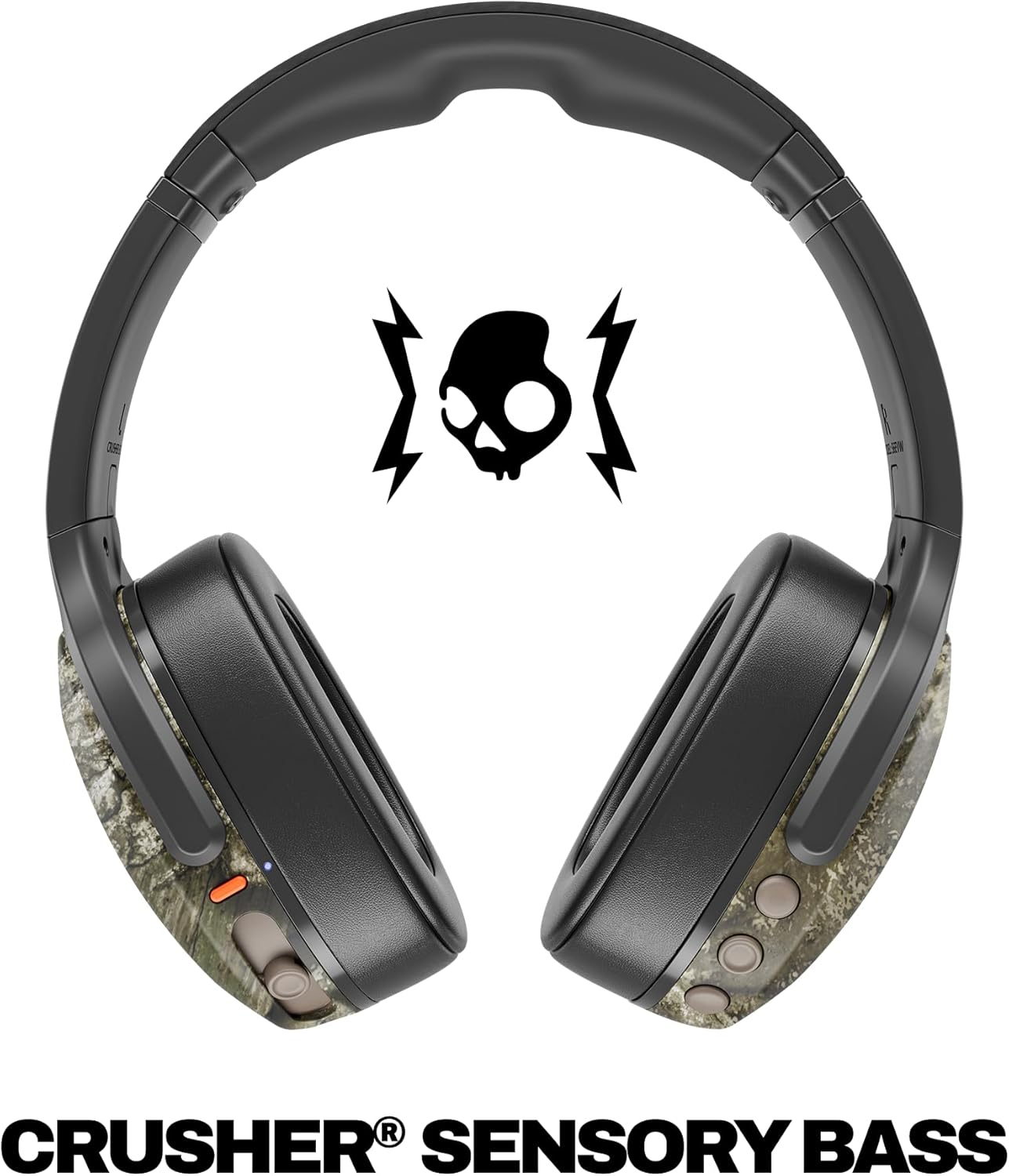
Image: A close-up of the Skullcandy Crusher Evo headphones showing the USB-C charging port and cable connected, indicating the charging process.
2. 블루투스 페어링
- 헤드폰의 전원이 꺼져 있는지 확인하세요.
- Press and hold the main power button for 3-5 seconds until the LED indicator flashes blue and red, indicating pairing mode.
- 기기(스마트폰, 태블릿, 컴퓨터)에서 Bluetooth를 활성화하고 사용 가능한 기기를 검색하세요.
- Select "Crusher Evo" from the list of available devices.
- Once connected, the LED indicator will flash blue periodically.
3. Personal Sound Tuning (Skullcandy App)
Enhance your listening experience by downloading the Skullcandy App. The app features a Personal Sound analysis that customizes audio levels to your unique hearing profile, ensuring optimal sound quality.

Image: A woman wearing the headphones, illustrating the personalized sound feature. The accompanying text highlights the "Personal Sound tuned to you" capability via the Skullcandy app.
헤드폰 작동하기
1. 기본 제어
The Crusher Evo headphones feature intuitive button controls located on the earcups:
- 전원 켜기/끄기: 메인 전원 버튼을 길게 누르세요.
- 재생/일시 중지: Single press the main power button.
- 볼륨 높이기/낮추기: 전용 볼륨 버튼을 사용하세요.
- 트랙 건너뛰기: 다음 트랙을 두 번 누르면 이전 트랙을 세 번 누릅니다.
- 전화 받기/종료: Single press the main power button during a call.
- Voice Assistant 활성화 : 메인 전원 버튼을 2초간 길게 누르세요.
2. Multi-Sensory Crusher Bass
Experience deep, adjustable bass that you can feel. Use the slider on the earcup to increase or decrease the intensity of the Crusher Bass. This feature provides a tactile feedback that enhances your audio experience.
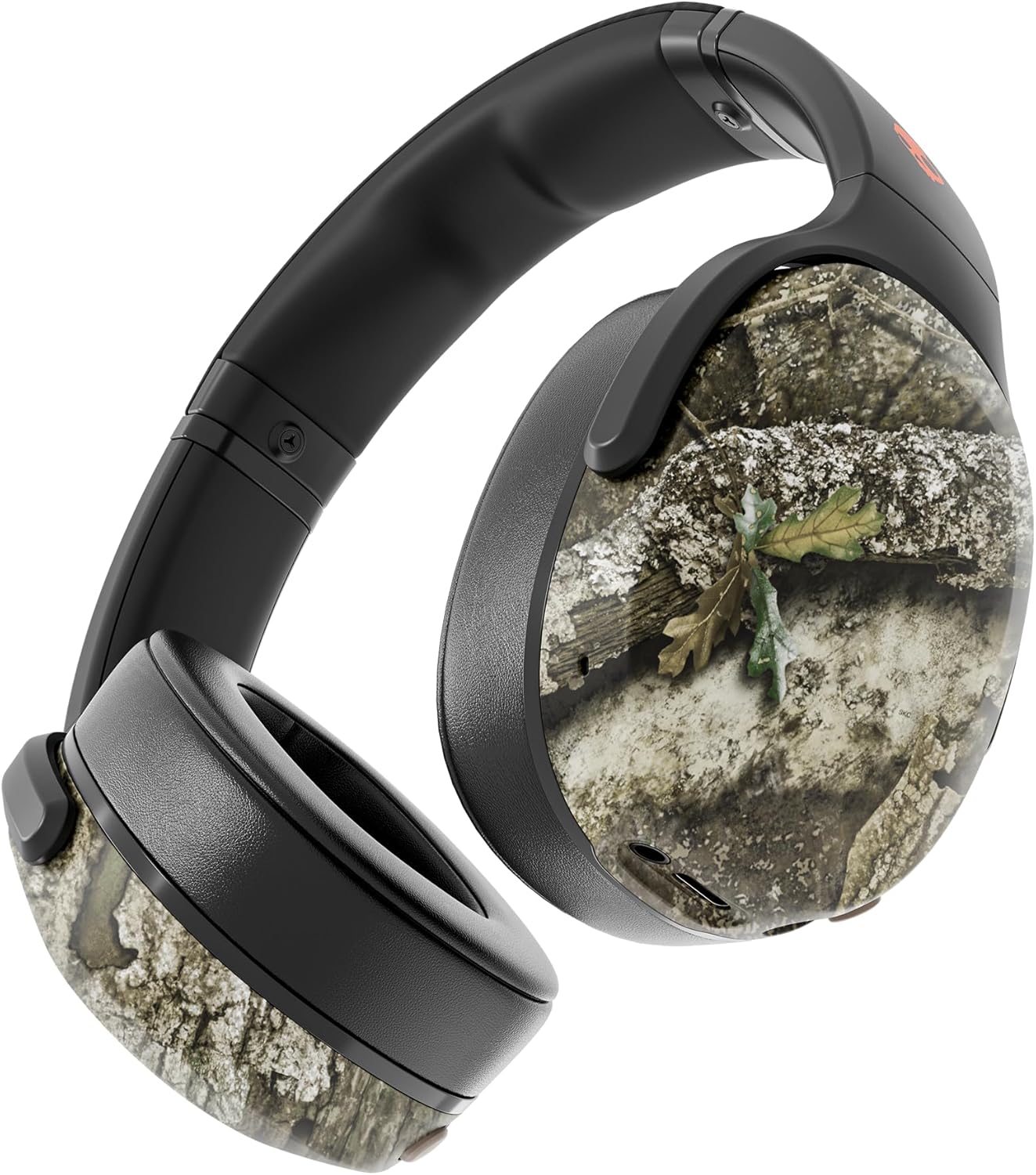
Image: The Skullcandy Crusher Evo headphones, highlighting the "Crusher Sensory Bass" feature, which allows users to feel the bass.
Video: This video demonstrates the multi-sensory bass feature of the Crusher Evo headphones by showing its effect on water, creating ripples. This illustrates how the bass can be physically felt.
Video: This video captures various individuals reacting to the Crusher Bass, showcasing the immersive and impactful experience provided by the headphones' unique bass technology.
3. Flat-Folding and Collapsible Design
The headphones are designed to fold flat and collapse for easy storage and portability. This compact design makes them convenient for travel and daily commutes.
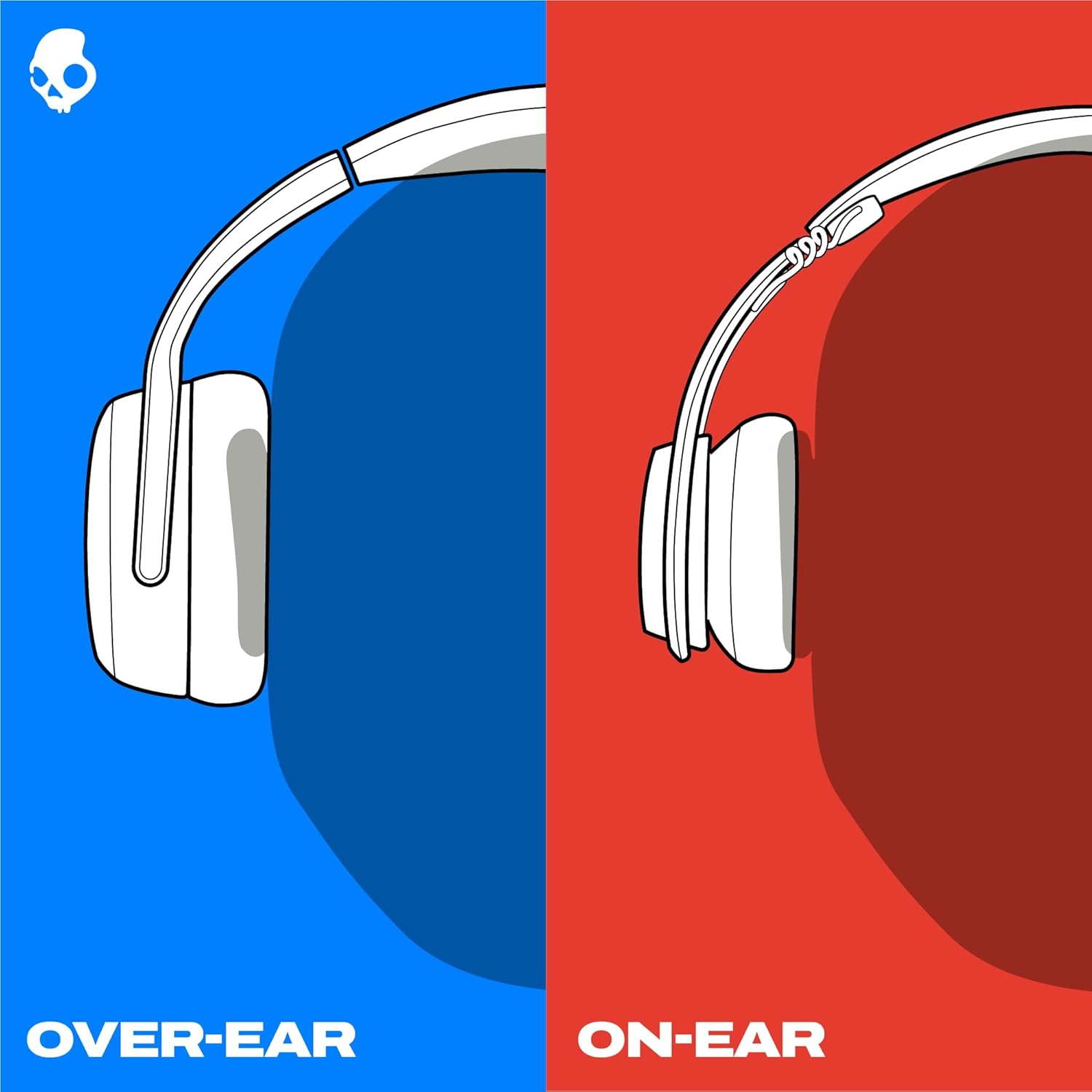
Image: The Skullcandy Crusher Evo headphones are shown folded flat, demonstrating their compact design for easy storage and travel.
유지
- 청소: 부드럽고 마른 천을 사용하여 헤드폰을 닦으세요. 강한 화학 물질이나 연마재는 사용하지 마세요.
- 저장: When not in use, store the headphones in their protective case to prevent damage. Keep them in a cool, dry place away from extreme temperatures.
- 배터리 관리 : 배터리 수명을 연장하려면 헤드폰을 자주 완전히 방전시키지 마세요. 장시간 사용하지 않더라도 정기적으로 충전하세요.
문제 해결
전원이 안 들어옴 / 충전 안 됨
- Ensure the USB-C charging cable is securely connected to both the headphones and a working power source.
- 다른 USB-C 케이블과 전원 어댑터를 사용해 보세요.
- 충전 포트에 이물질이나 손상이 있는지 확인하세요.
블루투스 연결 문제
- 헤드폰이 페어링 모드(파란색과 빨간색 LED가 깜박임)인지 확인하세요.
- 기기에서 Bluetooth가 활성화되어 있는지 확인하세요.
- Forget "Crusher Evo" from your device's Bluetooth settings and attempt to re-pair.
- Move the headphones closer to your device to ensure they are within range.
소리가 나지 않음 / 낮은 볼륨
- 헤드폰과 연결된 기기의 볼륨 레벨을 확인하세요.
- 헤드폰이 제대로 페어링되고 연결되었는지 확인하세요.
- If using the auxiliary cable, ensure it is fully plugged into both the headphones and the audio source.
- 다른 오디오 소스나 장치로 테스트해 보세요.
명세서
| 상표 | 스컬캔디 |
| 모델명 | 크러셔 에보 |
| 모델 번호 | S6EVW-T991 |
| 연결 기술 | 무선(블루투스 5.0) |
| 귀 위치 | 귀 위 |
| 배터리 수명 | 최대 40시간 |
| 급한 요금 | 10분 충전으로 4시간 재생 가능 |
| 임피던스 | 32옴 |
| 주파수 응답 | 20Hz - 20,000Hz |
| 감광도 | 100데시벨 |
| 소음 제어 | 소리 차단 |
| 무게 | 0.01온스(약 0.28그램) |
보증 및 지원
The Skullcandy Crusher Evo headphones come with a 1년 미국 제한 보증이 보증은 제조상의 결함을 보장하며, 제품이 정상적인 사용 환경에서 의도한 대로 작동함을 보장합니다.
보증 청구, 기술 지원 또는 기타 문의 사항은 Skullcandy 공식 지원 페이지를 방문하십시오. web사이트를 방문하거나 고객 서비스에 문의하세요. 보증 확인을 위해 구매 증빙 자료를 보관하세요.